.svg)
A new approach to how Mamo registers, verifies, and onboards new users (businesses)
In order to ensure compliance with regulatory requirements and prevent fraud, every business that wants to use Mamo Business must go through a thorough KYB process.
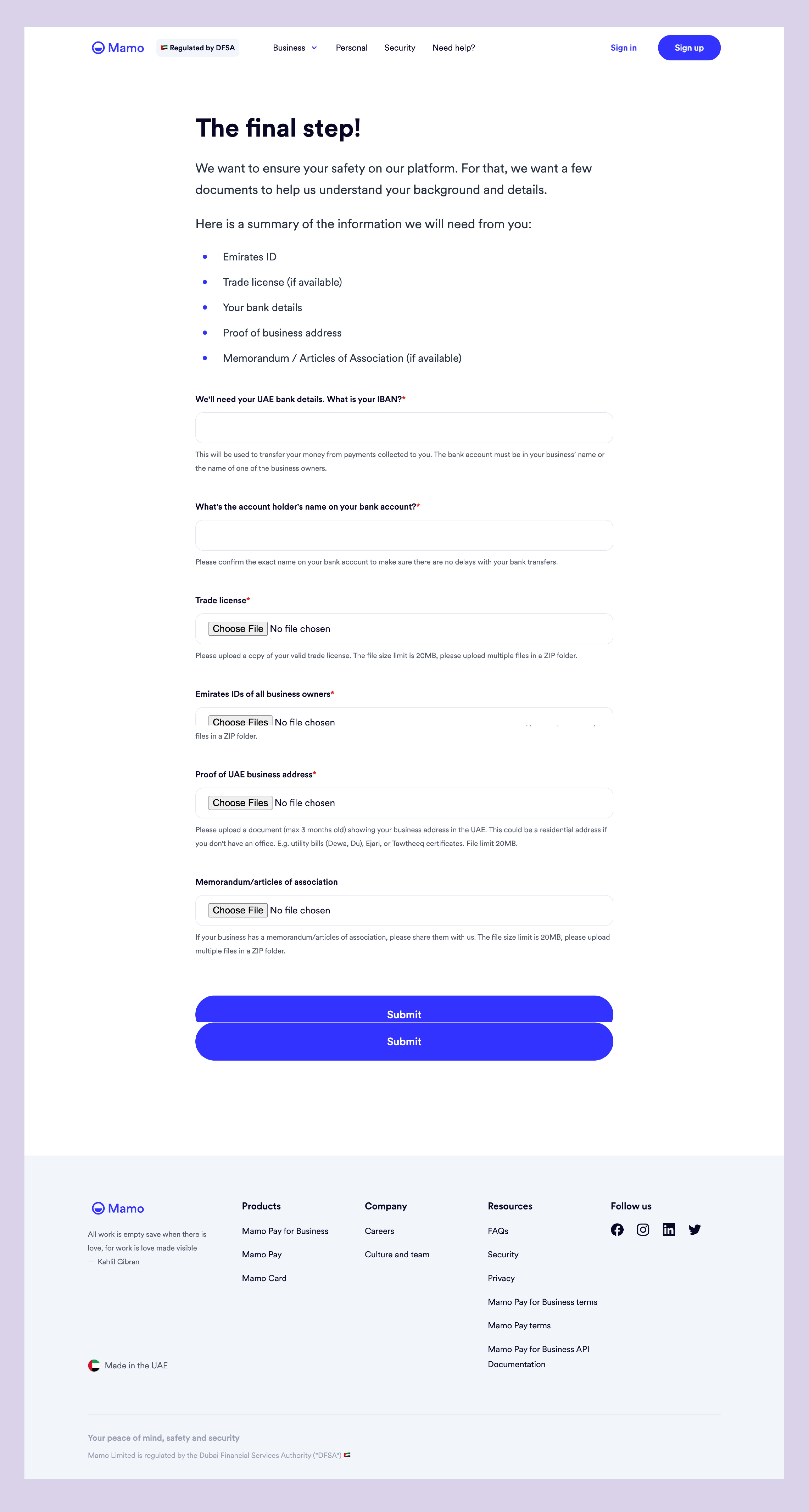
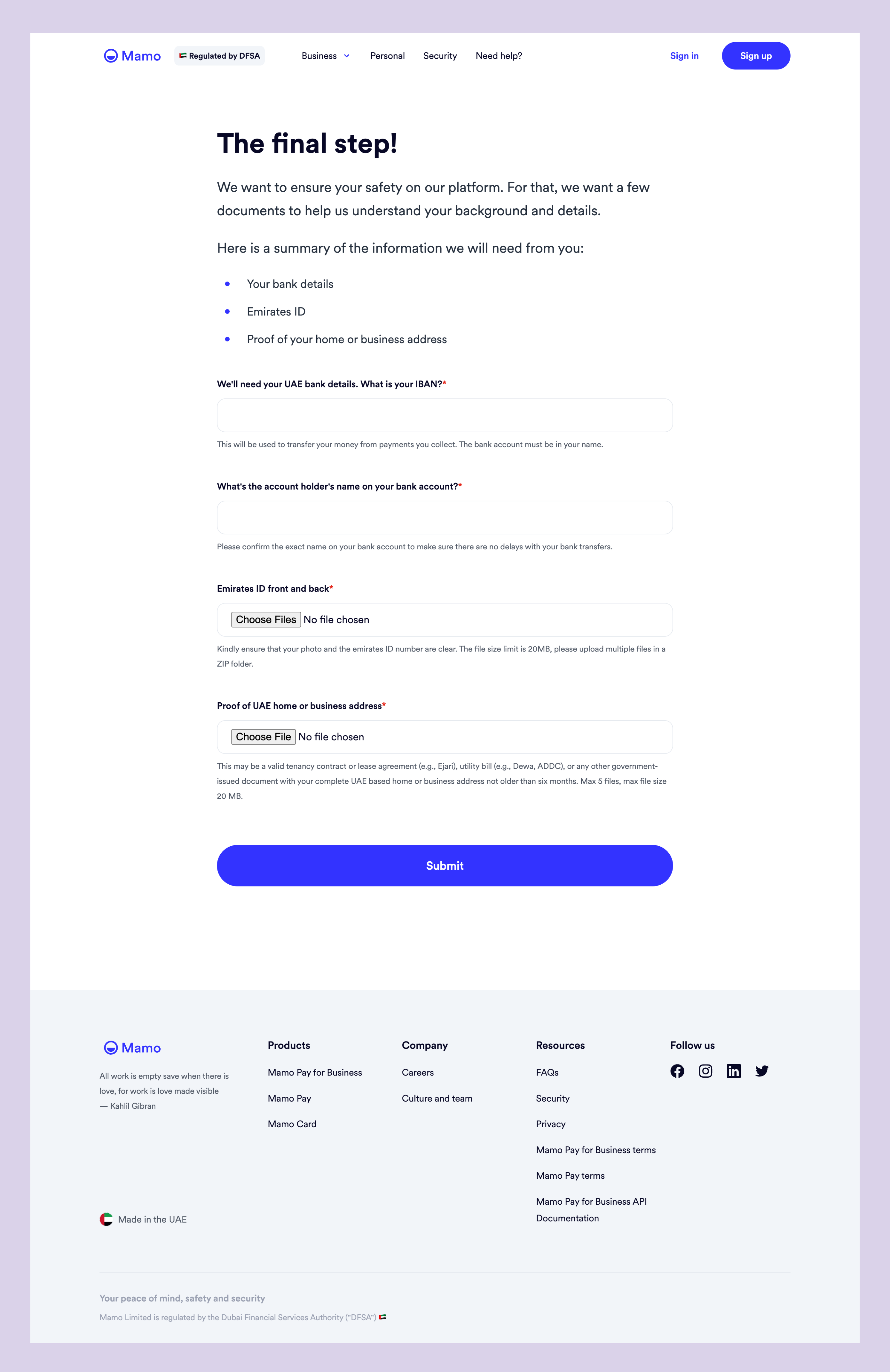
When I started to work on this project, the registration and business verification journey, hosted on Mamo website through Zoho form, was somewhat overwhelming for users.
While the form was broken down into three sections, these are the other reasons why using this process wasn’t the most ideal:
Overall, the registration and verification process needed improvement to become more user-friendly, efficient, and effective for all teams involved in converting potential users into actual users.
These improvements will help businesses complete the process with greater ease, allowing them to access Mamo's services as soon as possible.
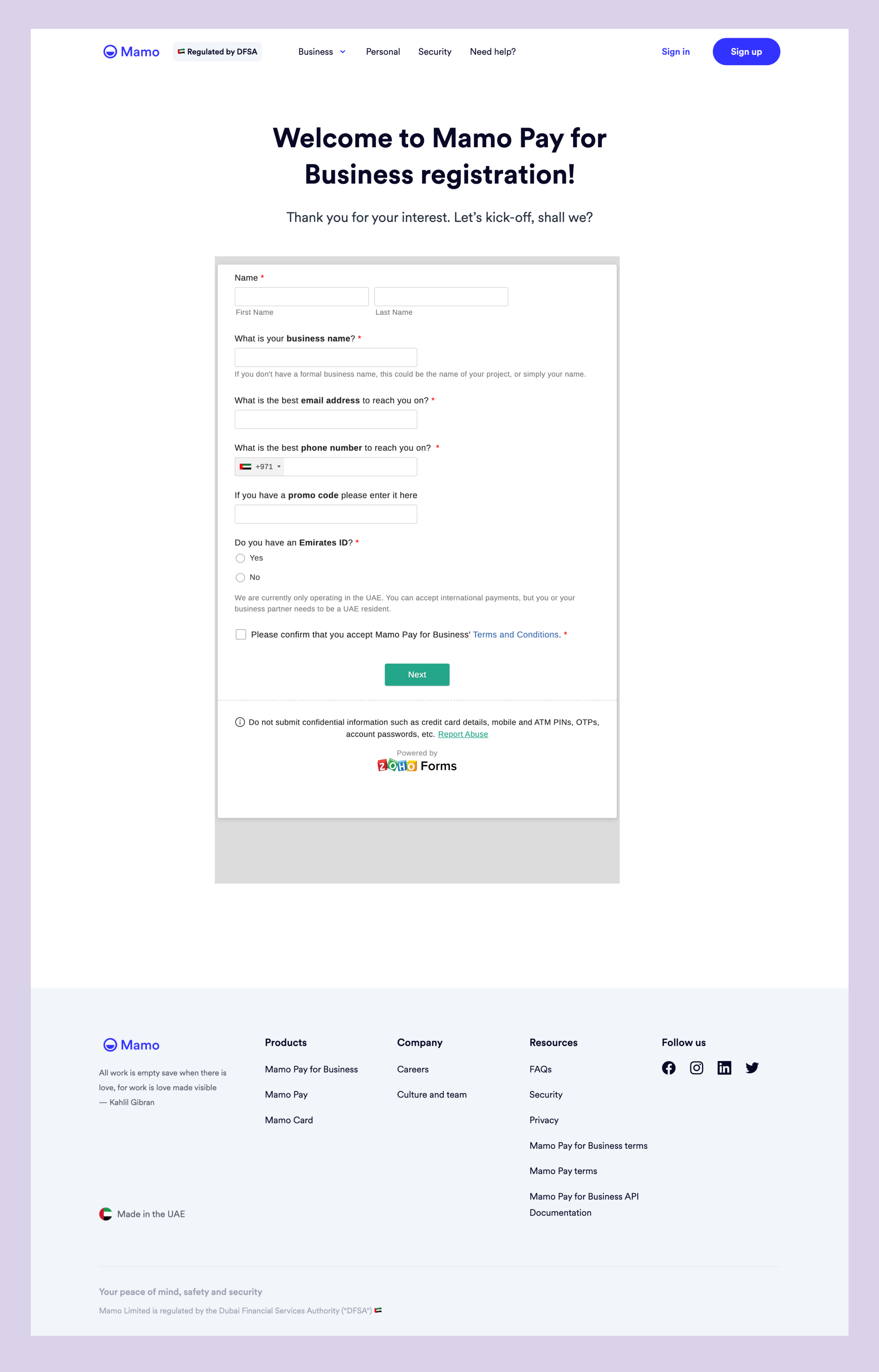
Page 1 and 2
The first page was captured after customization had been disabled on it, hence the way it looked like this
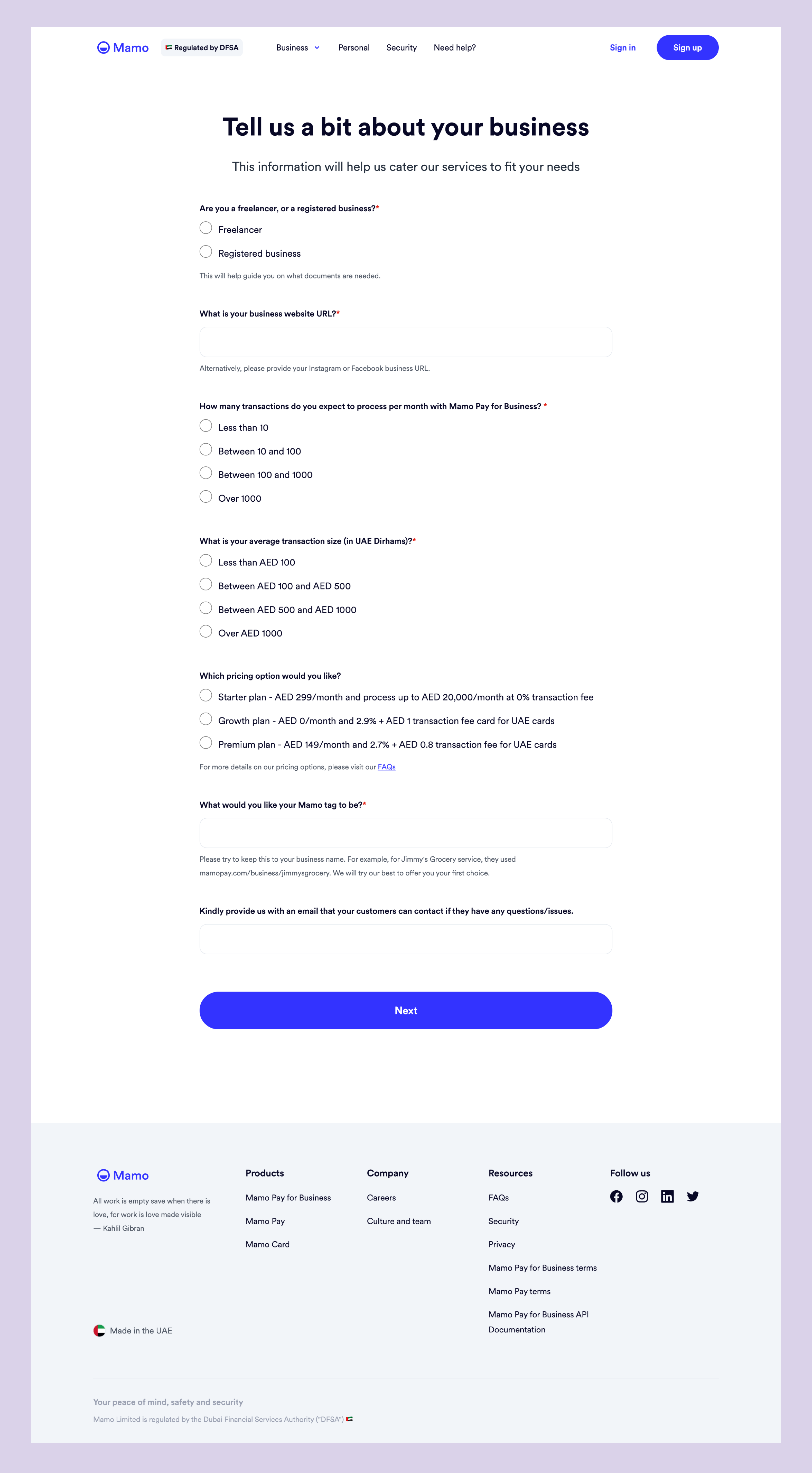
Mamo caters to both freelancers and registered businesses, but to verify them, there are different documents required. So it was important to know which type of business the user runs in the verification journey.
Hence, the first question on page 2 above.
The answer selected determines which page the user is shown.
Page 3 - Registered business flow
Page 4 - Freelancer
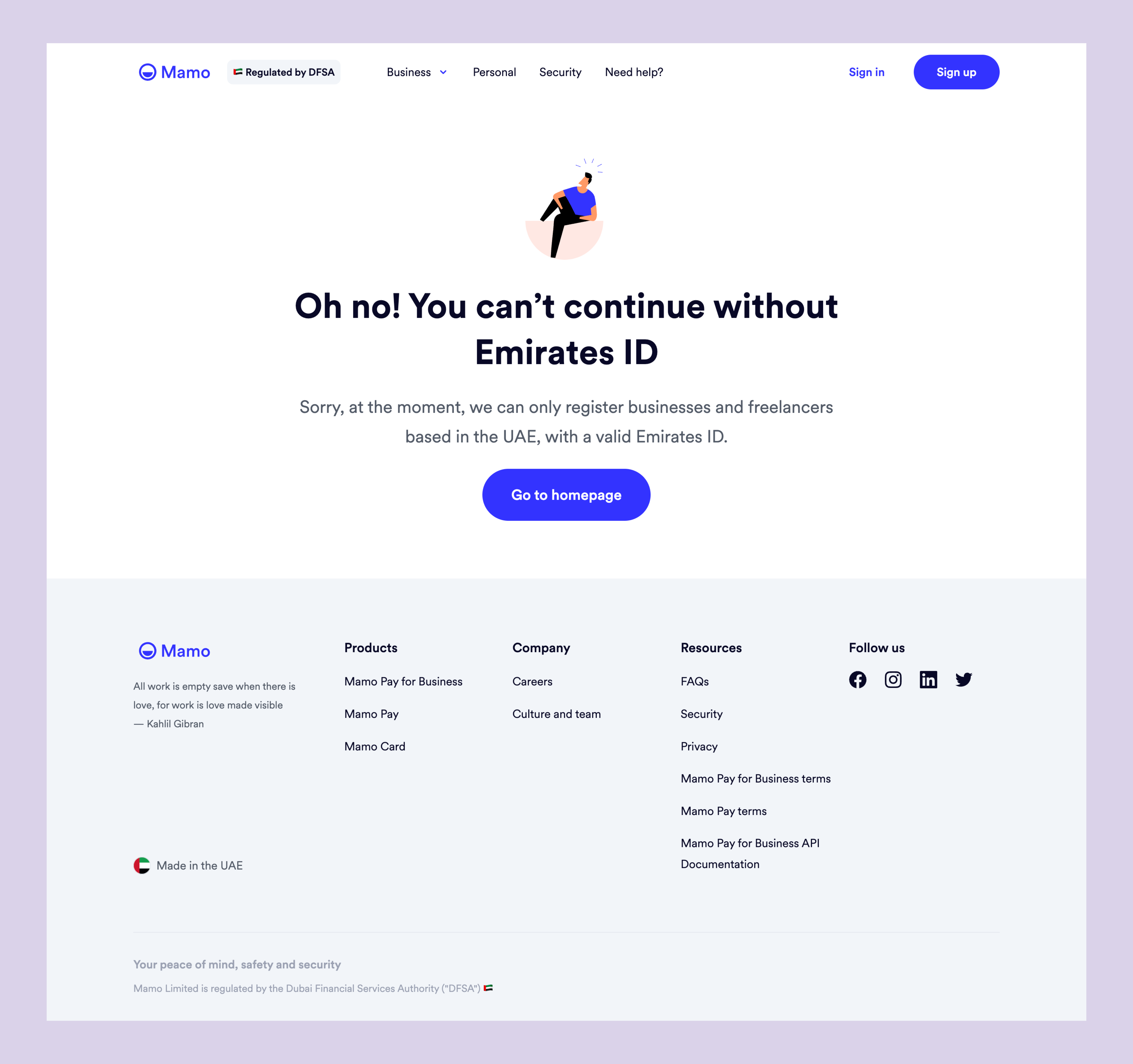
At the time of this project, Mamo operated only in the UAE. While businesses could receive international payments, the business owner is still required to be a legal resident of the UAE, therefore from the first page, if the user does not have an Emirates ID, the first screen below shows up.
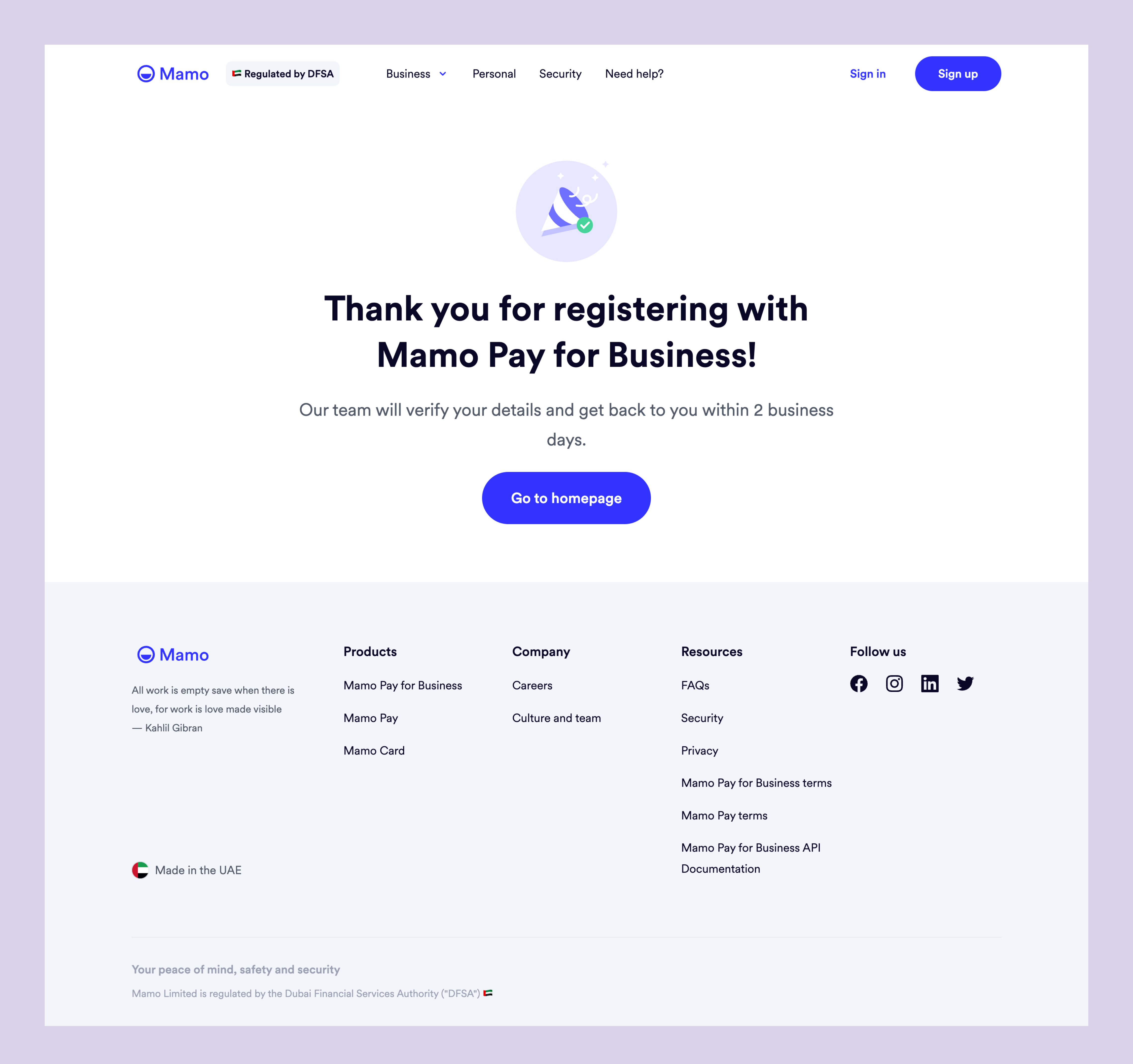
The second page is the success page when the verification is completed.
Having understood how the flow impacts potential user’s experience, I also needed to understand how our teams are affected.
I set up a meeting separately with the Sales team, the Compliance and Verification team, and lastly the Growth team to:
Essentially, the success of the registration and verification process involves multiple teams working together. The Sales team is responsible for obtaining leads and guiding them through the registration process to successful completion and activation. The Growth team manages communication with users to guide them step-by-step. The Verification team conducts thorough checks on the business owner and business to verify or reject the registration. The Sales team maintains contact with the user throughout the process until the account is activated, at which point it is handed over to the Customer Experience team for support.
After the conversations, here's my summarized discovery.

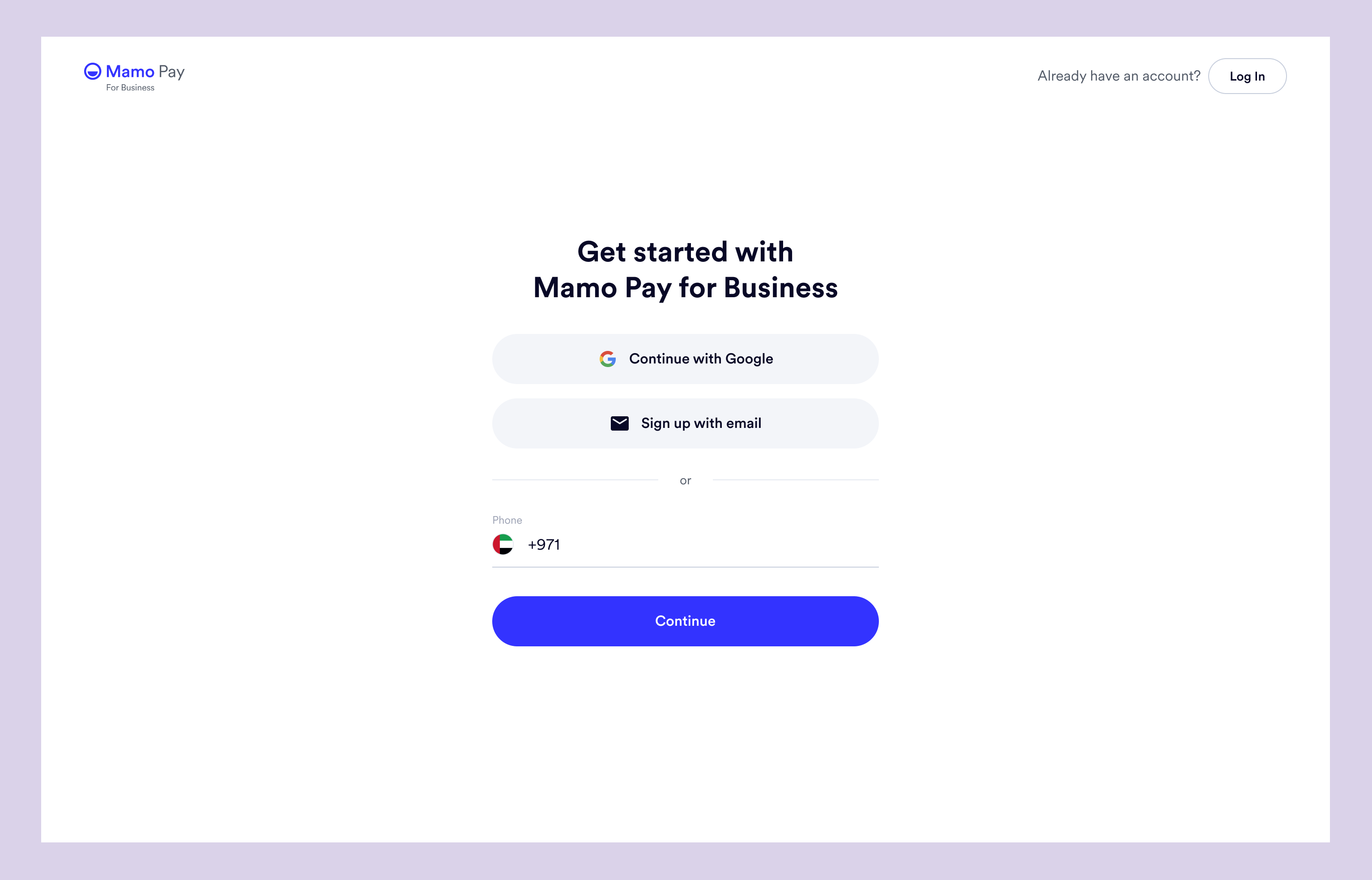
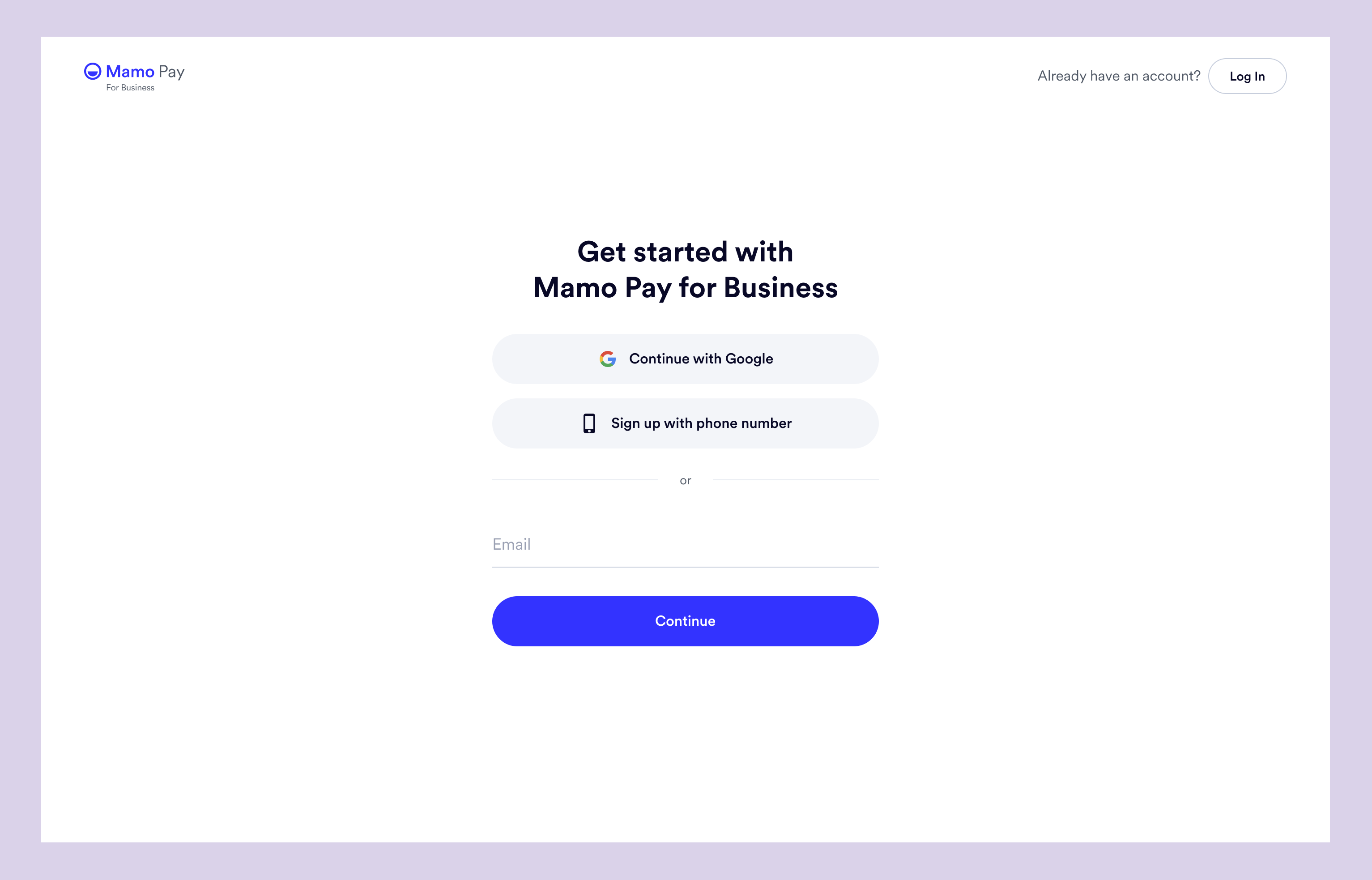
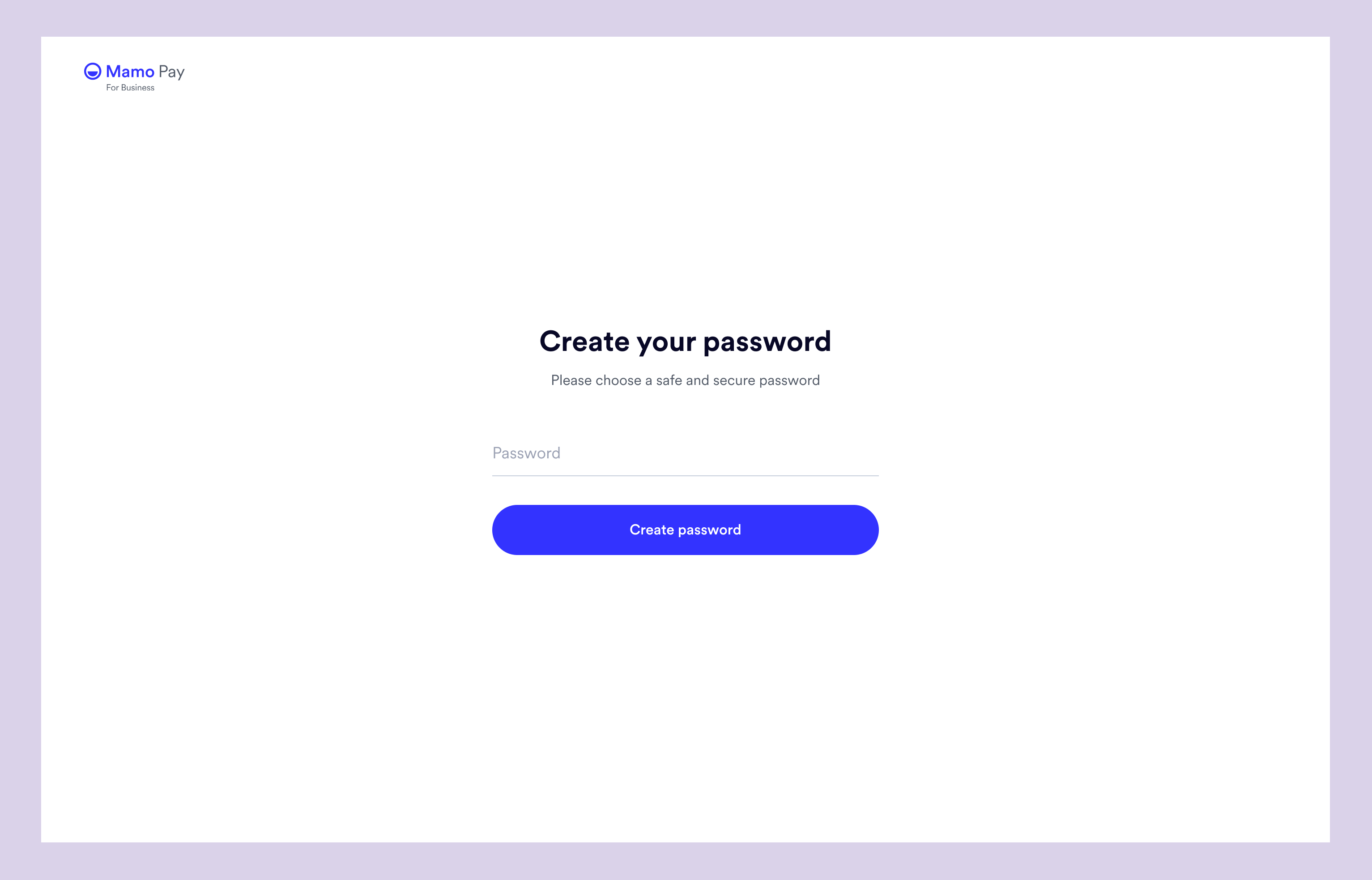
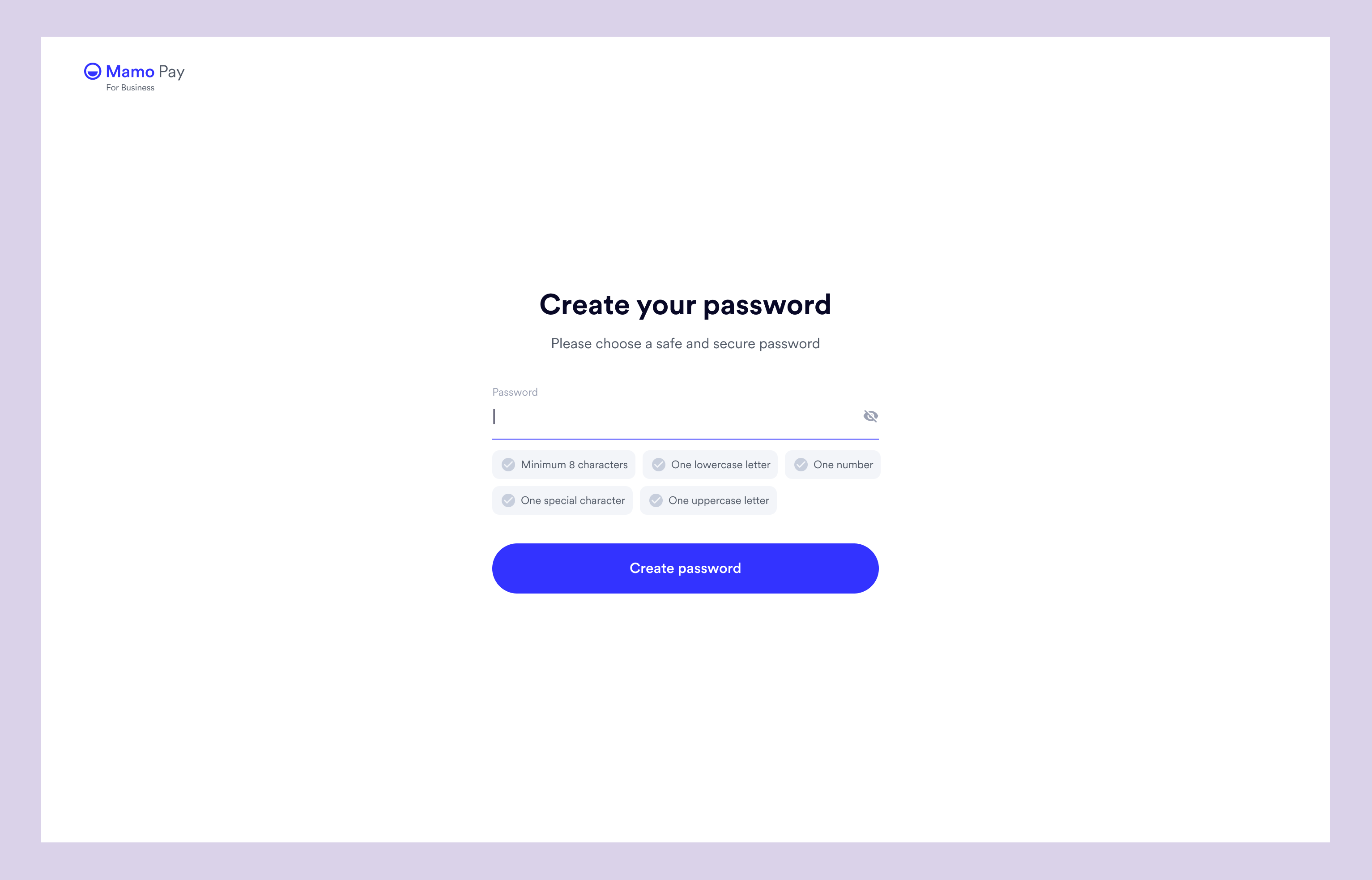
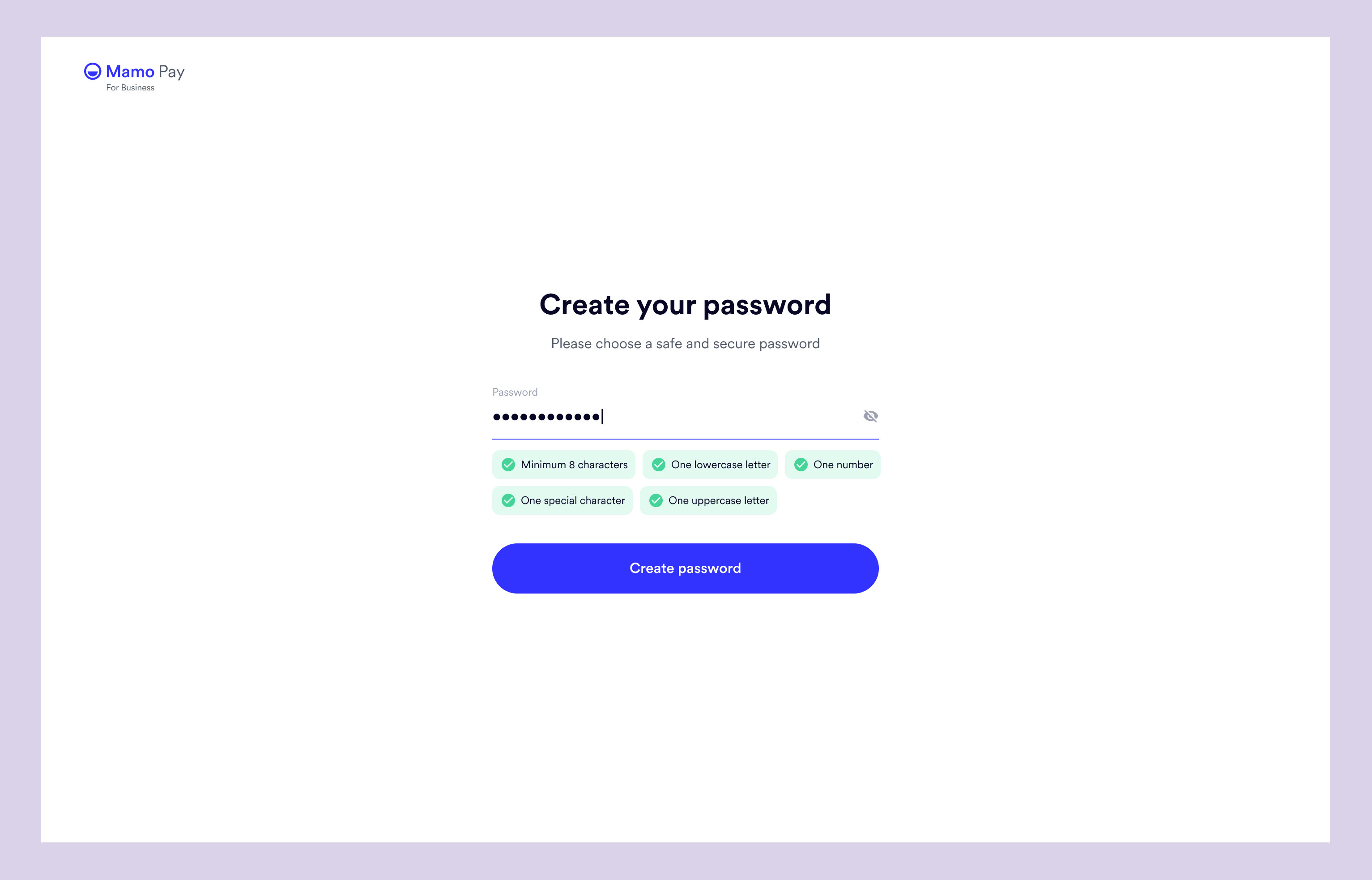
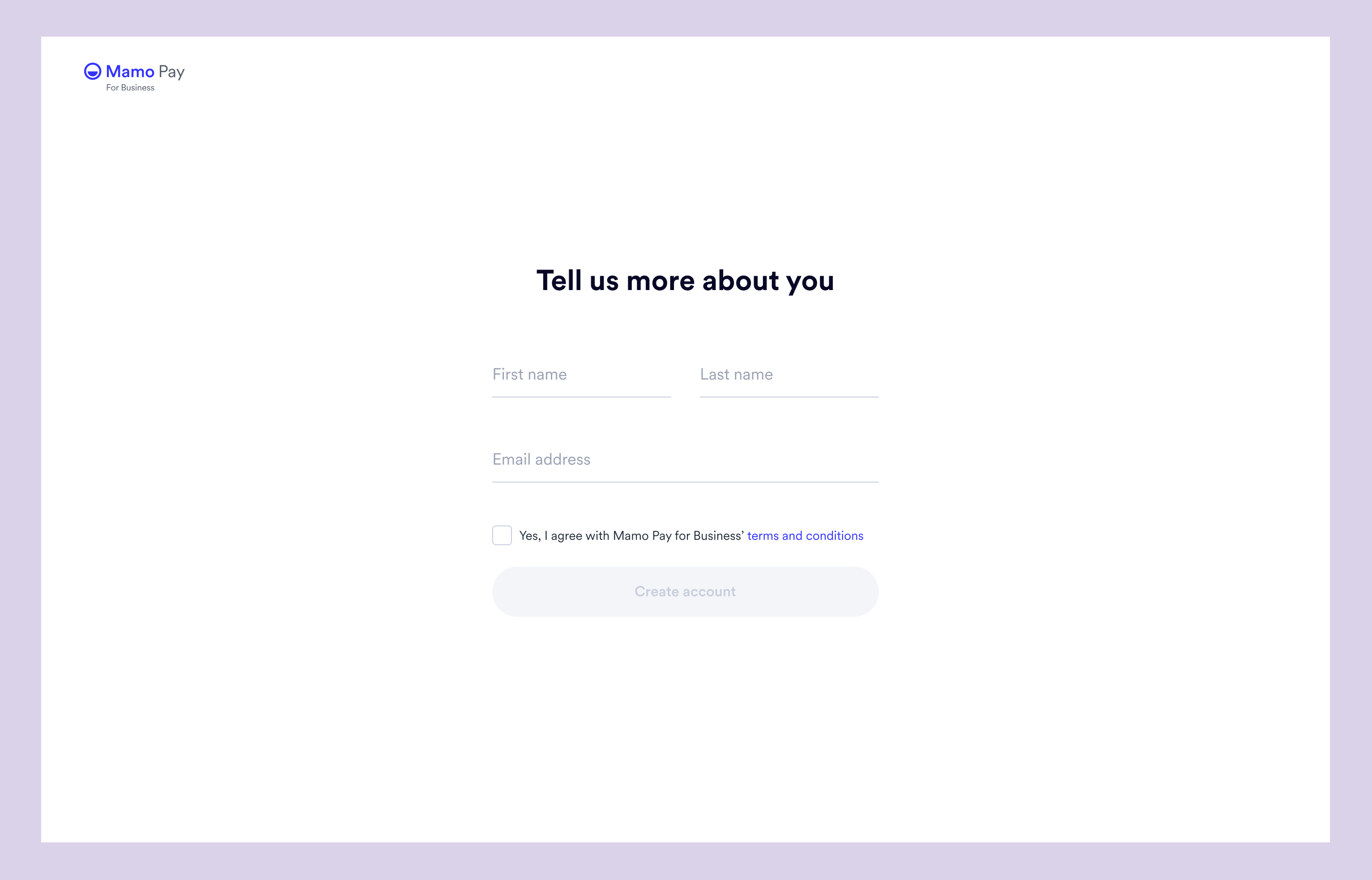
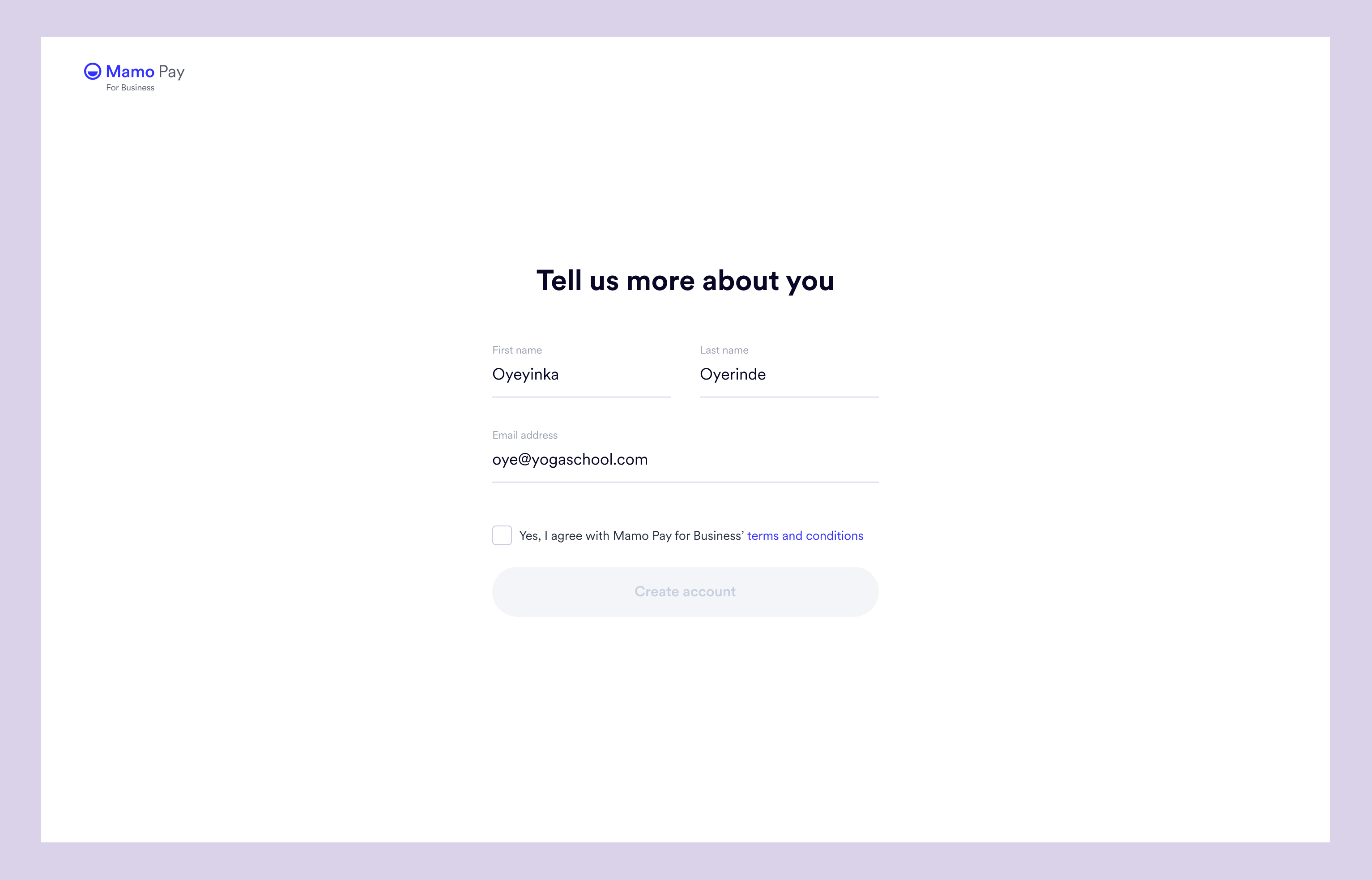
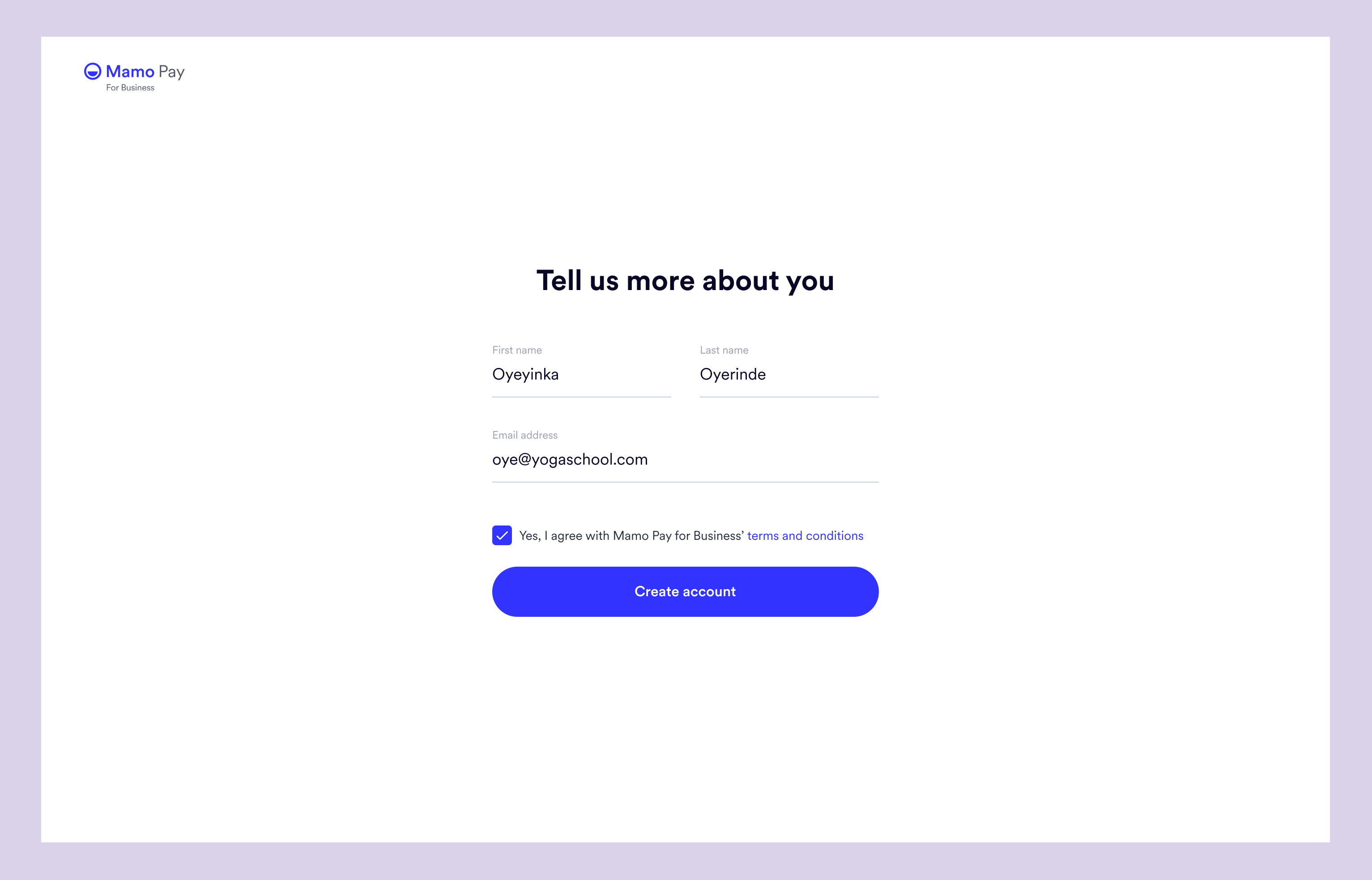
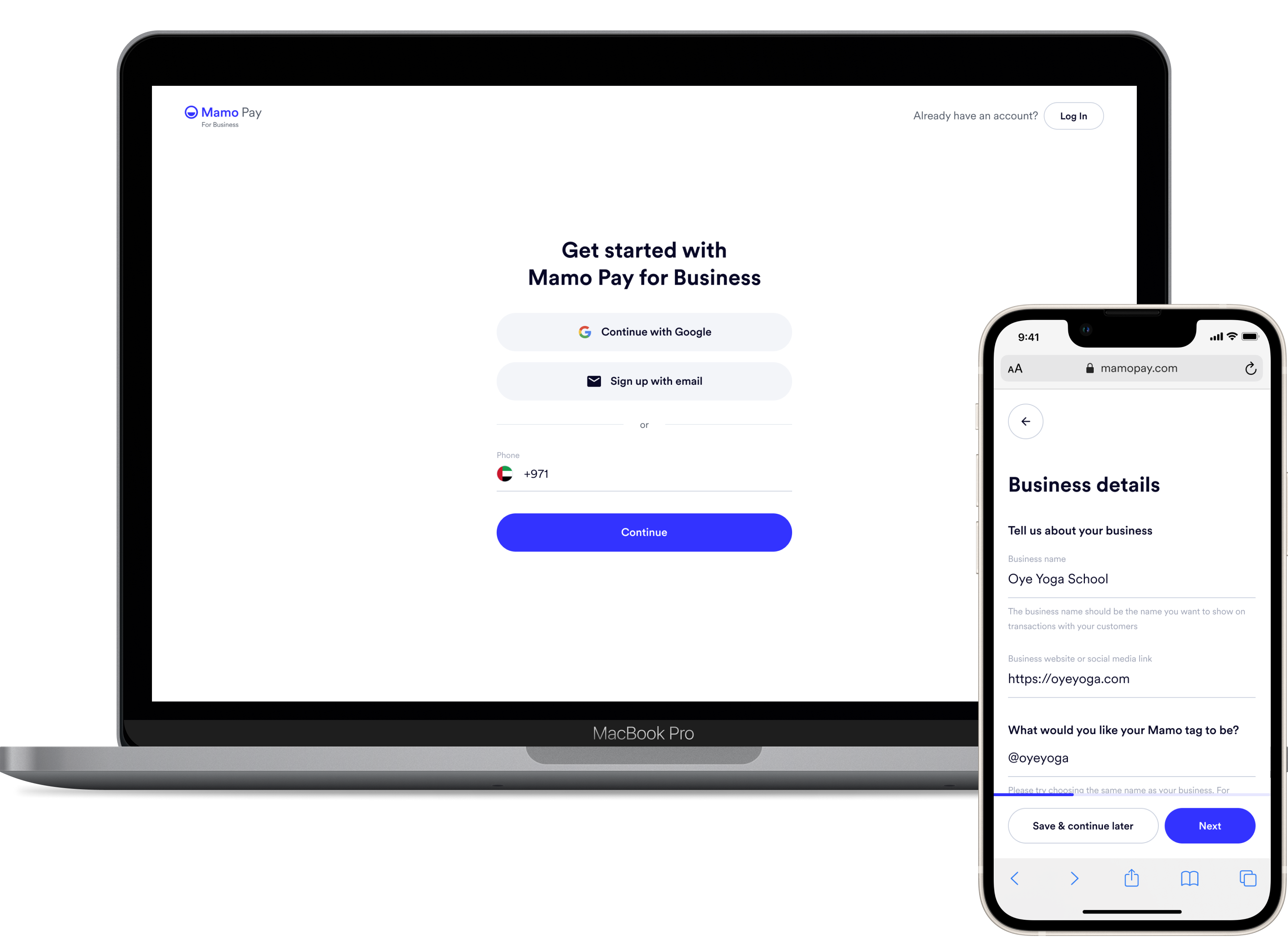
When users sign up using their Google account, the authentication will happen automatically. Instead of being directed to a password set page, they will be taken to the "more details" page. At this point, their first and last names will be auto-filled, so they only need to provide their phone number and confirm the terms and conditions.
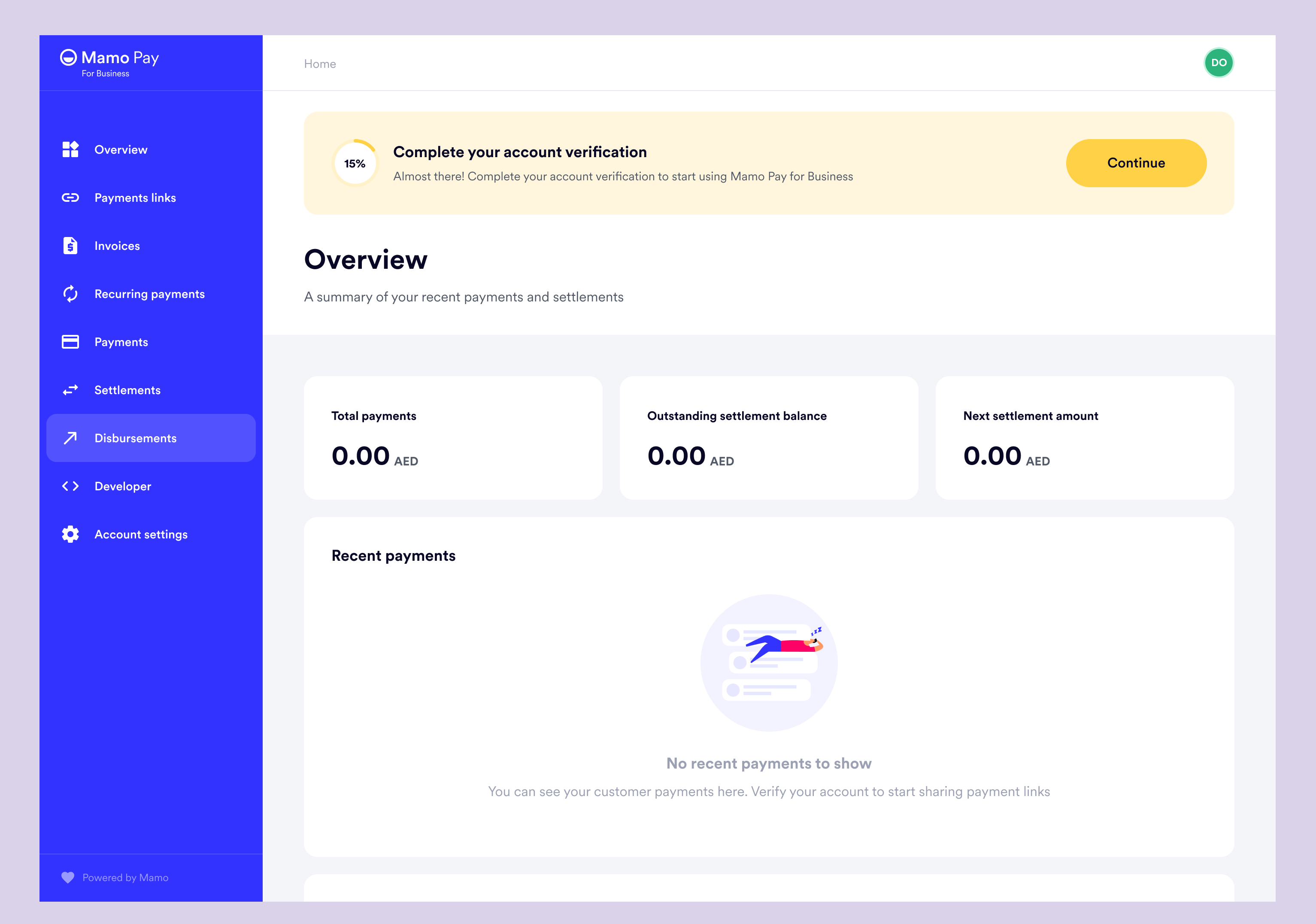
As mentioned, users will now have access to the dashboard. They could learn about all the features while verifying their account.
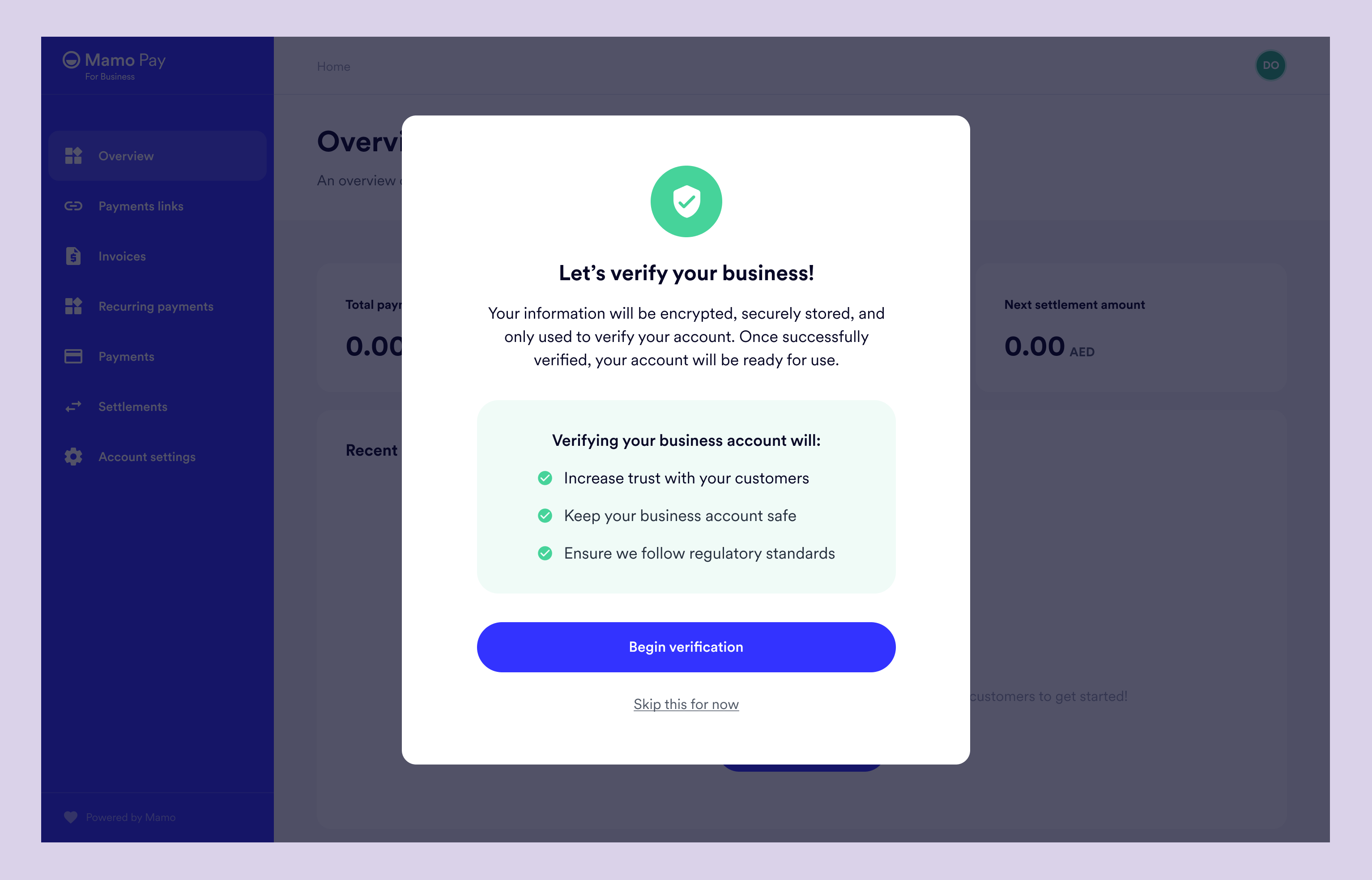
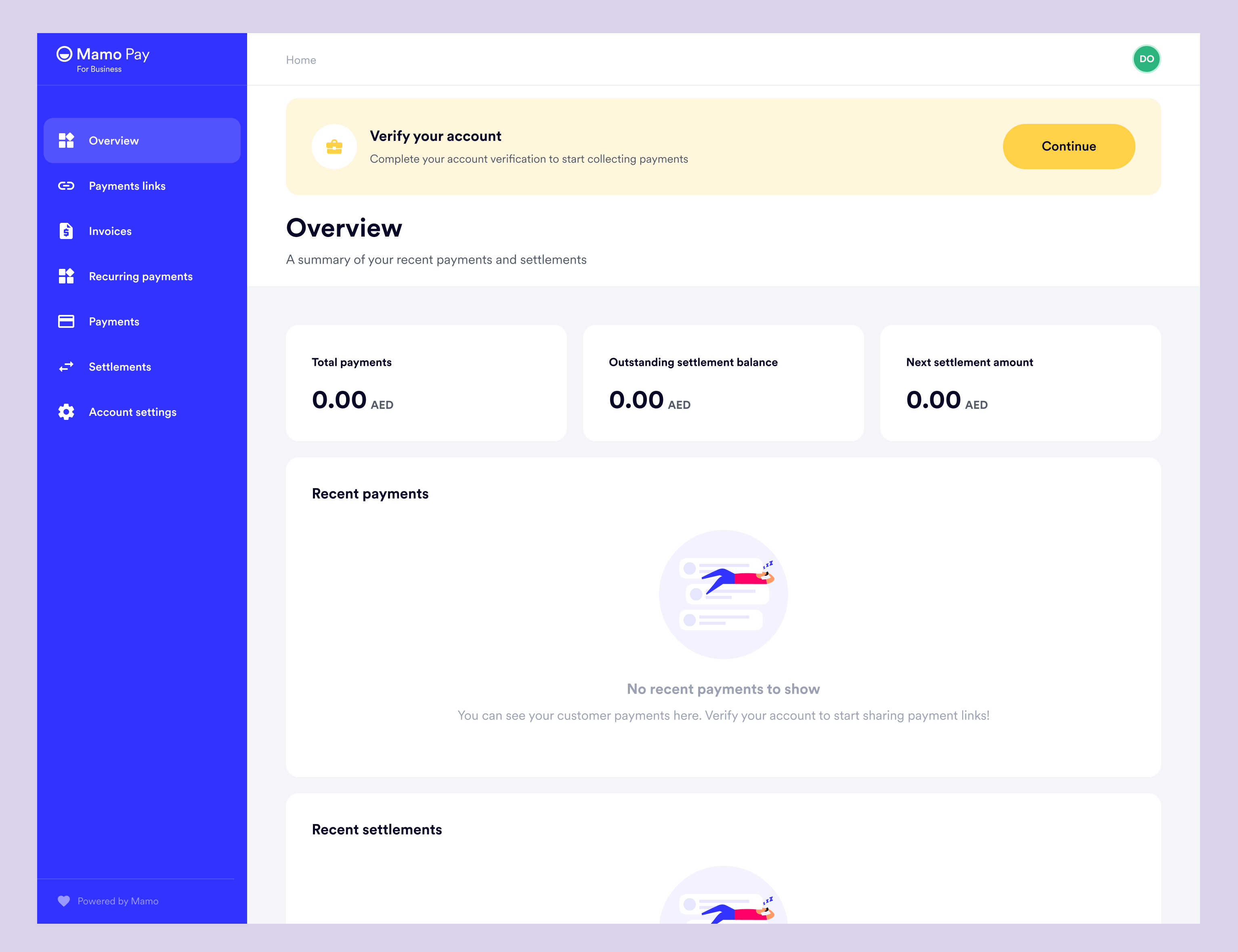
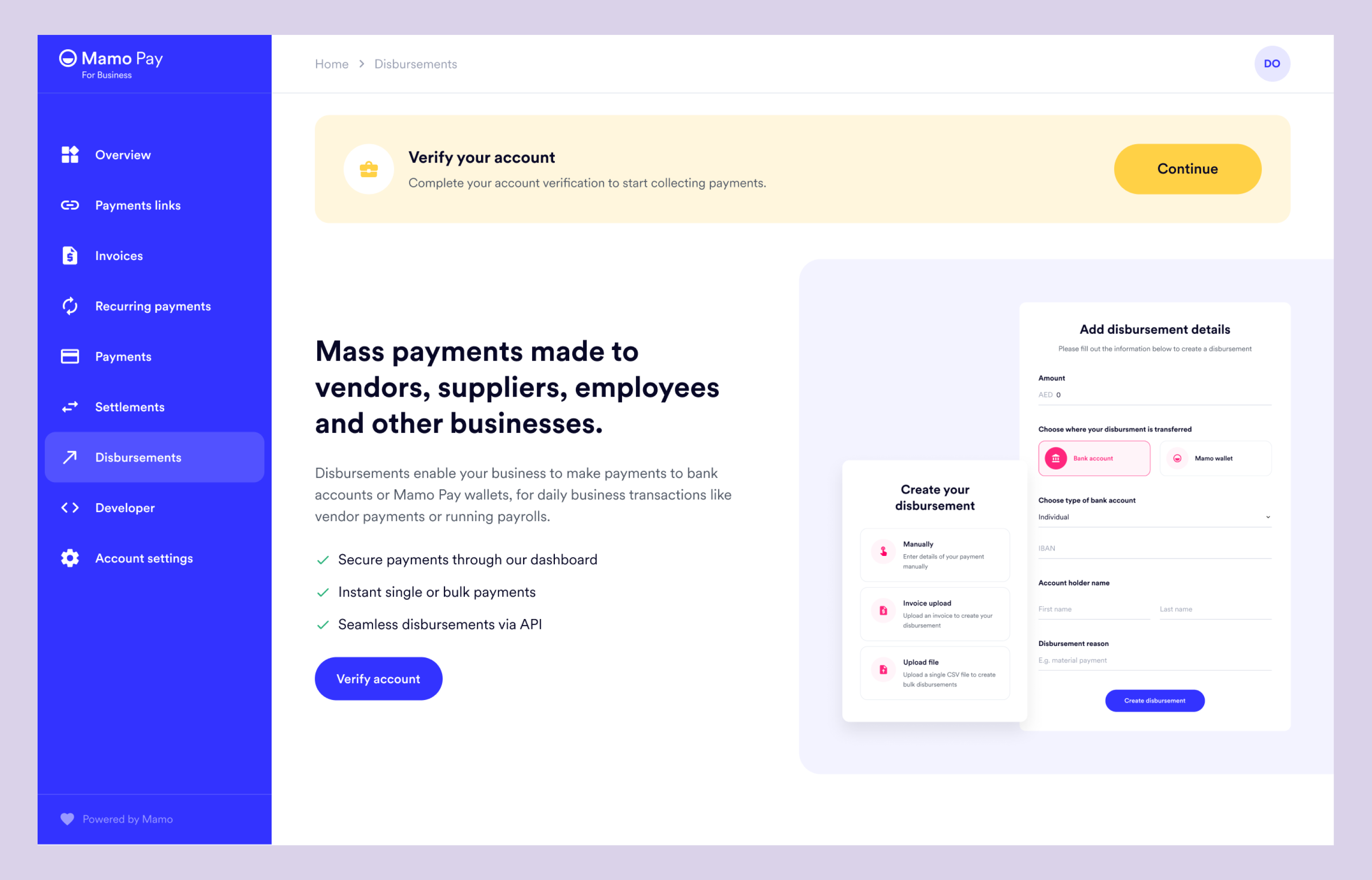
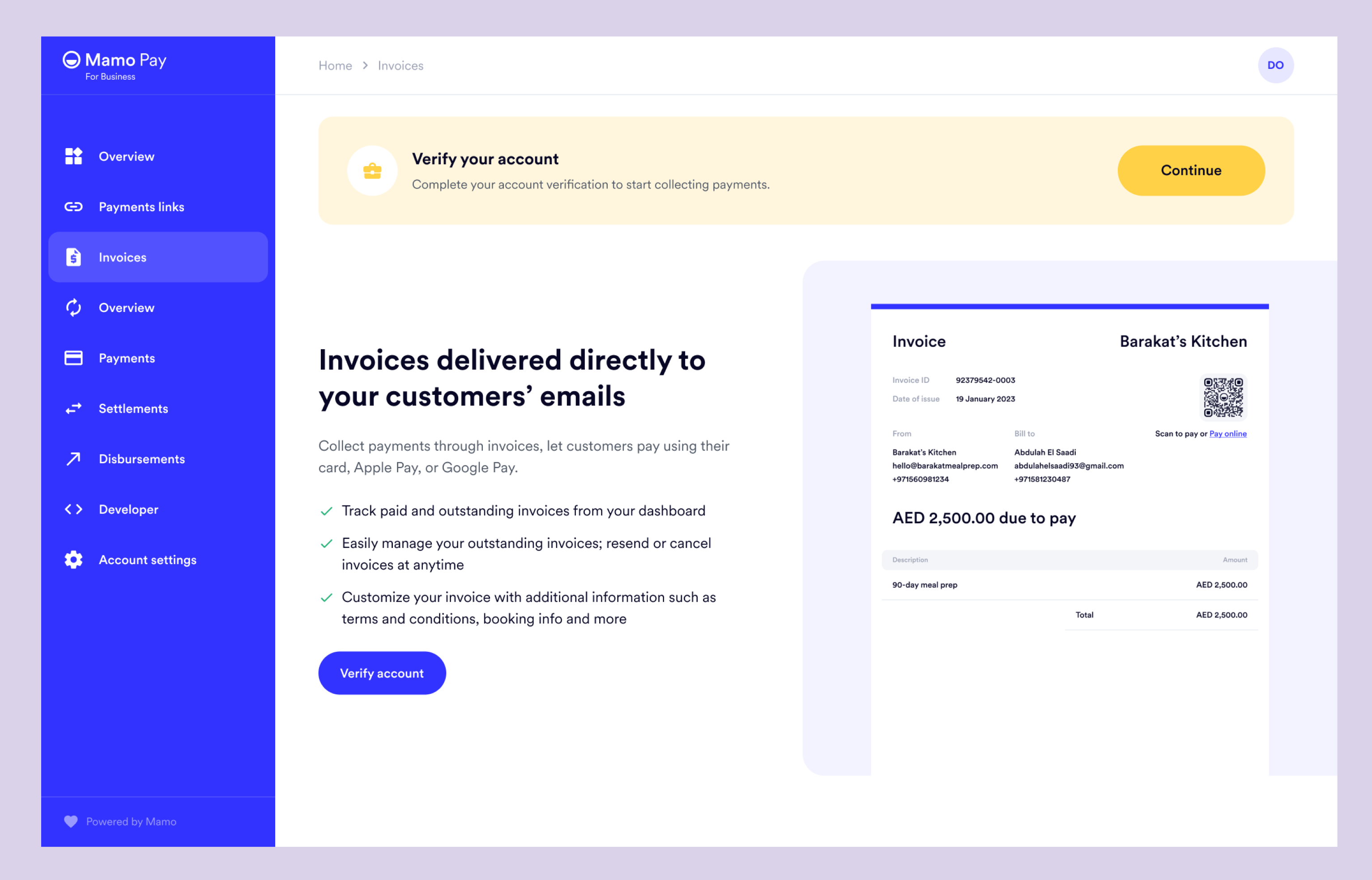
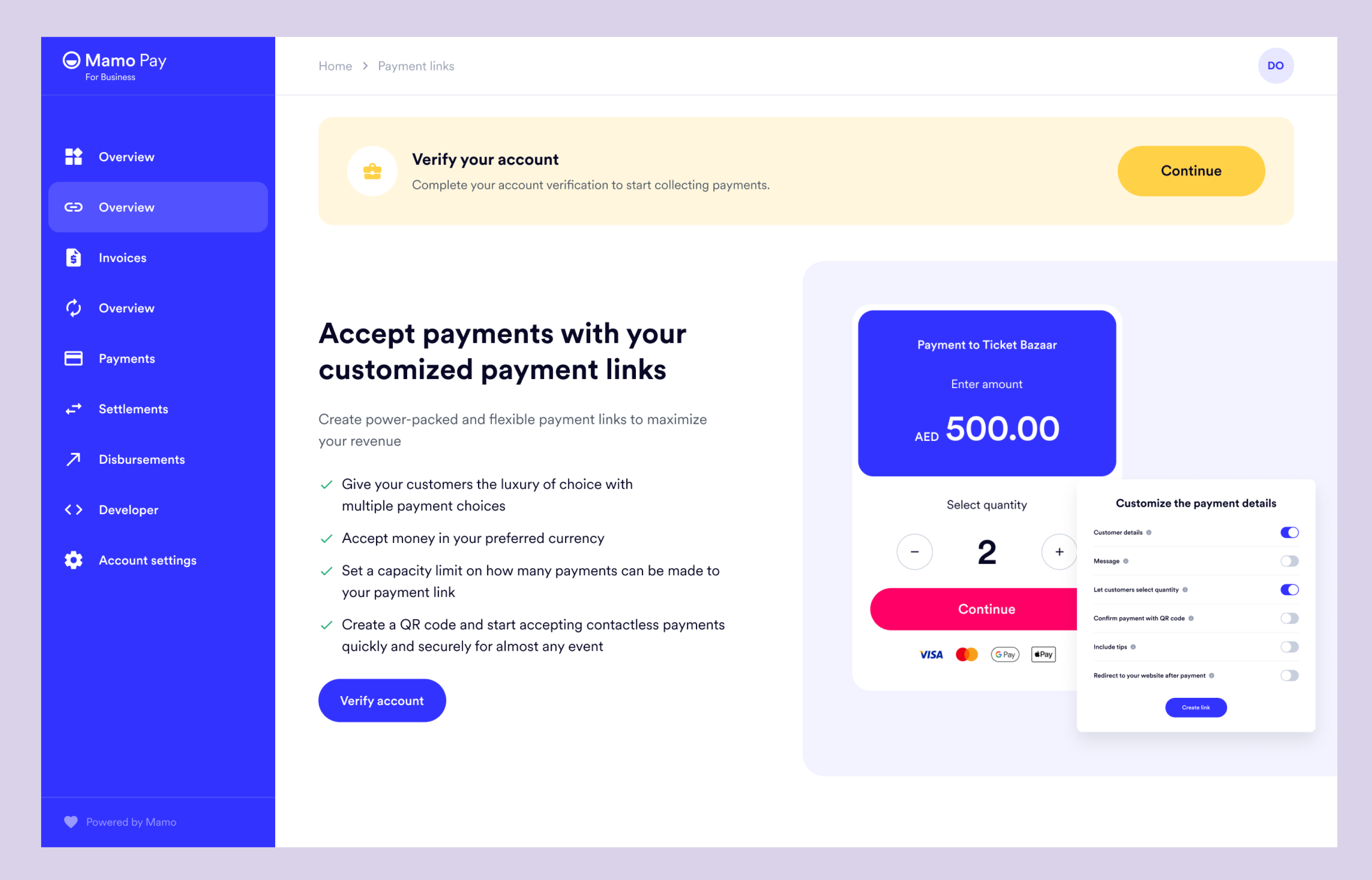
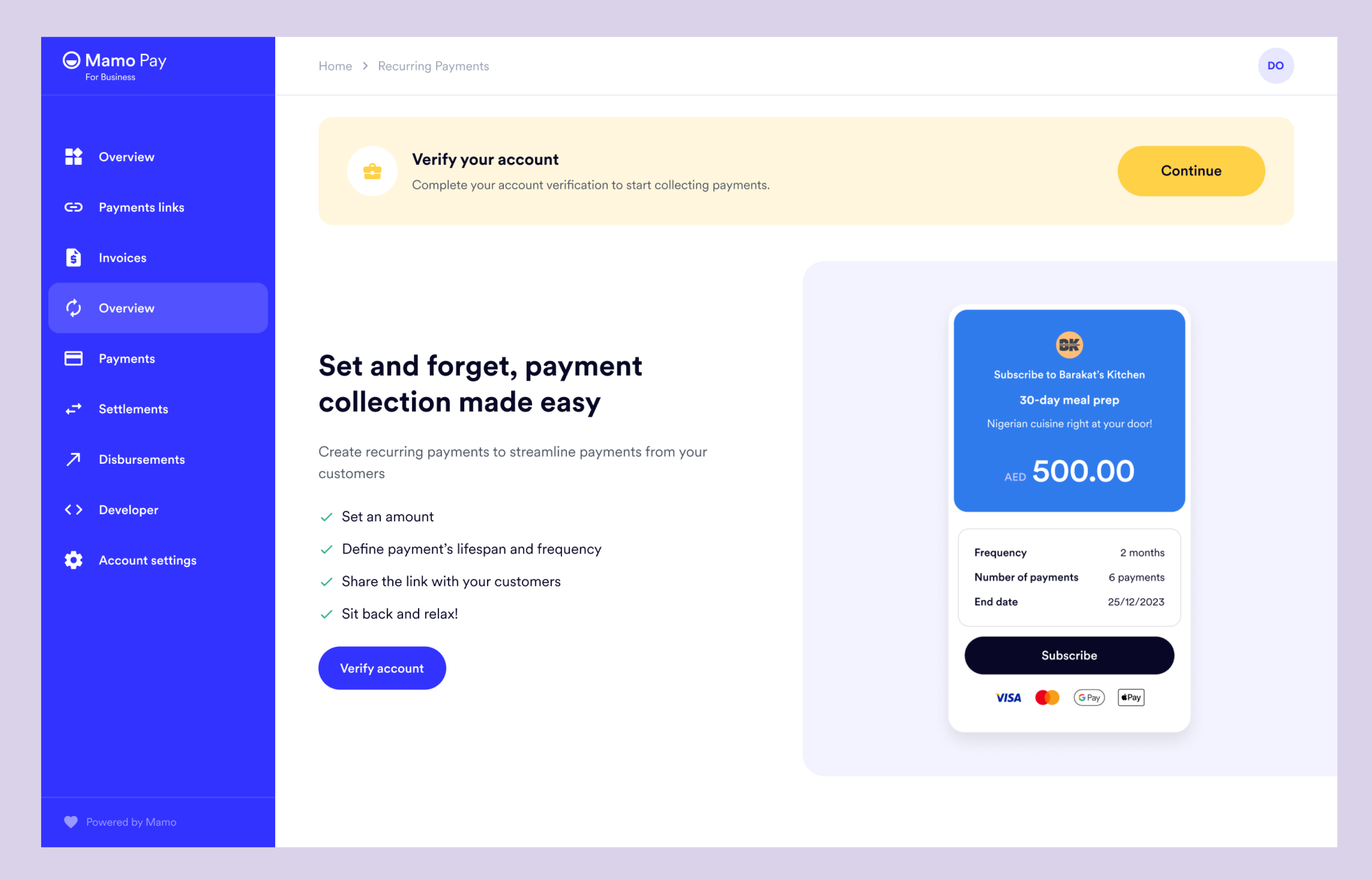
Once users begin the verification process, they will be directed to a page with two sections, each displaying all the steps required to complete the process. The second section will change based on the user's selection at the end of the first section.
We require proof of address and Emirates ID for registered businesses and freelancers, so these documents will be included in the default verification journey. However, if the user selects "registered business" at the point of choosing the type of business, the other required documents will be added to the list.
This approach simplifies the verification process for users by showing only the necessary steps required for their specific type of business, reducing confusion and streamlining the experience.
There's also a clearly defined progress bar that helps users understand how far into completion they are.
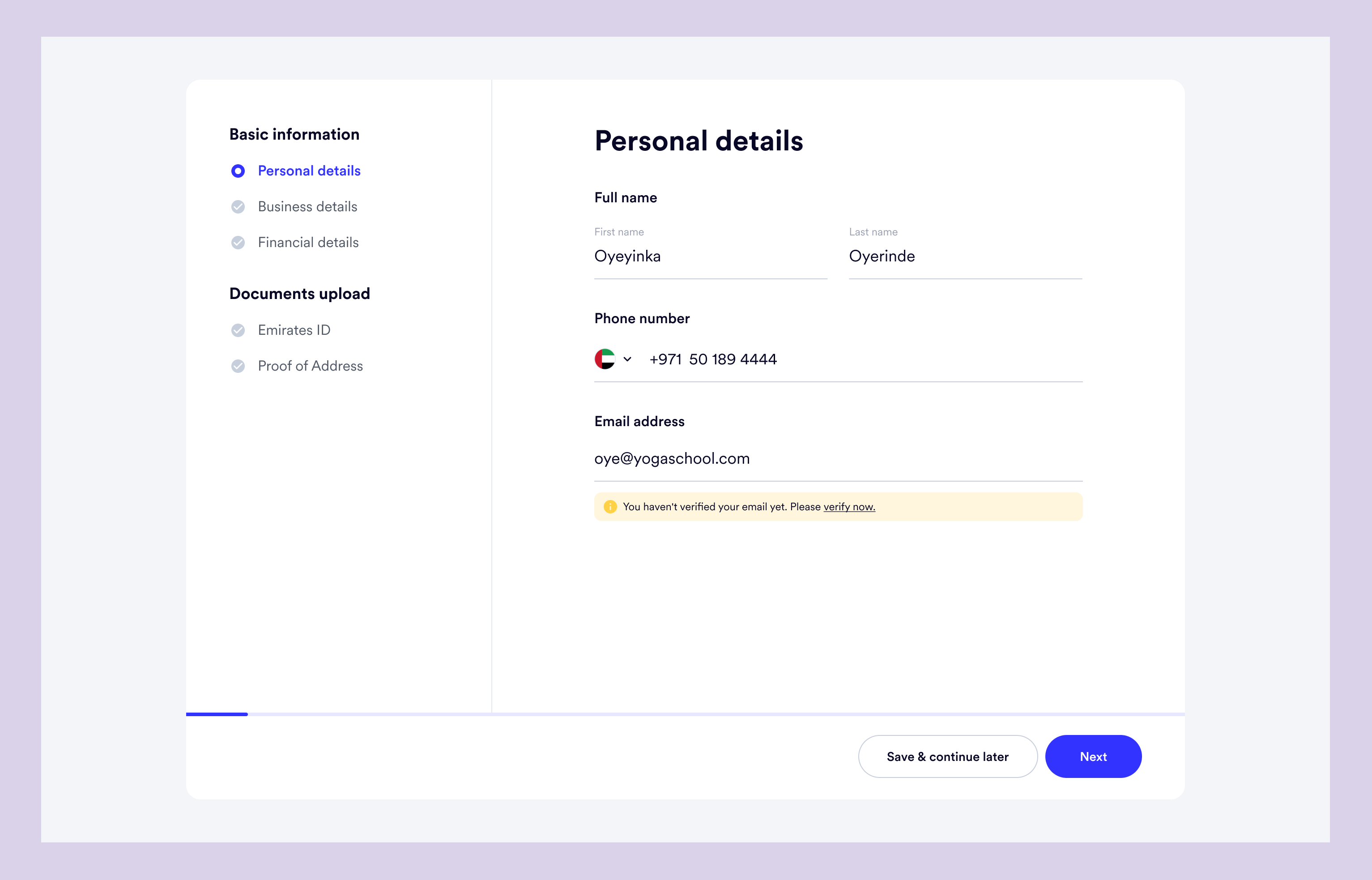
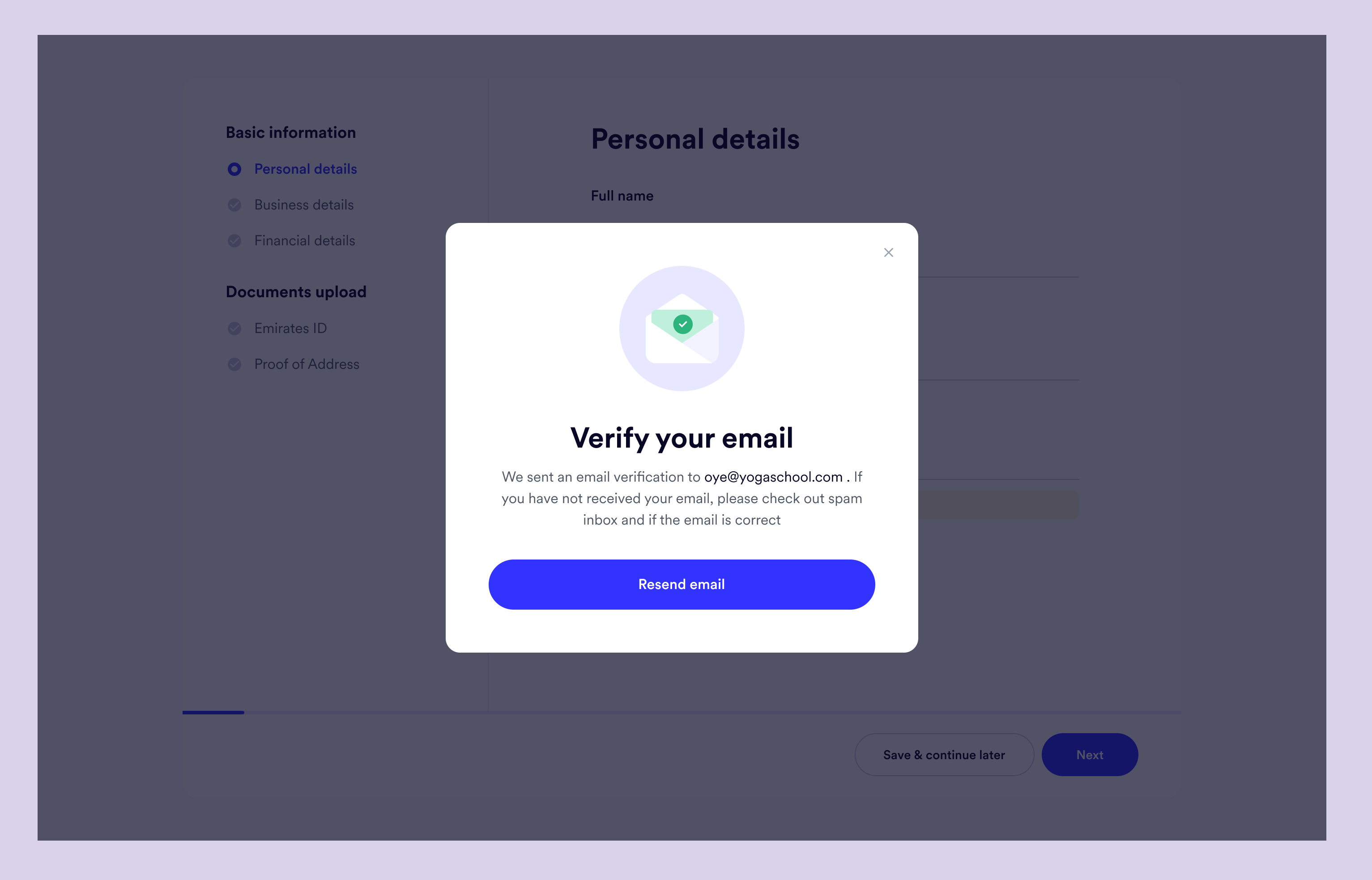
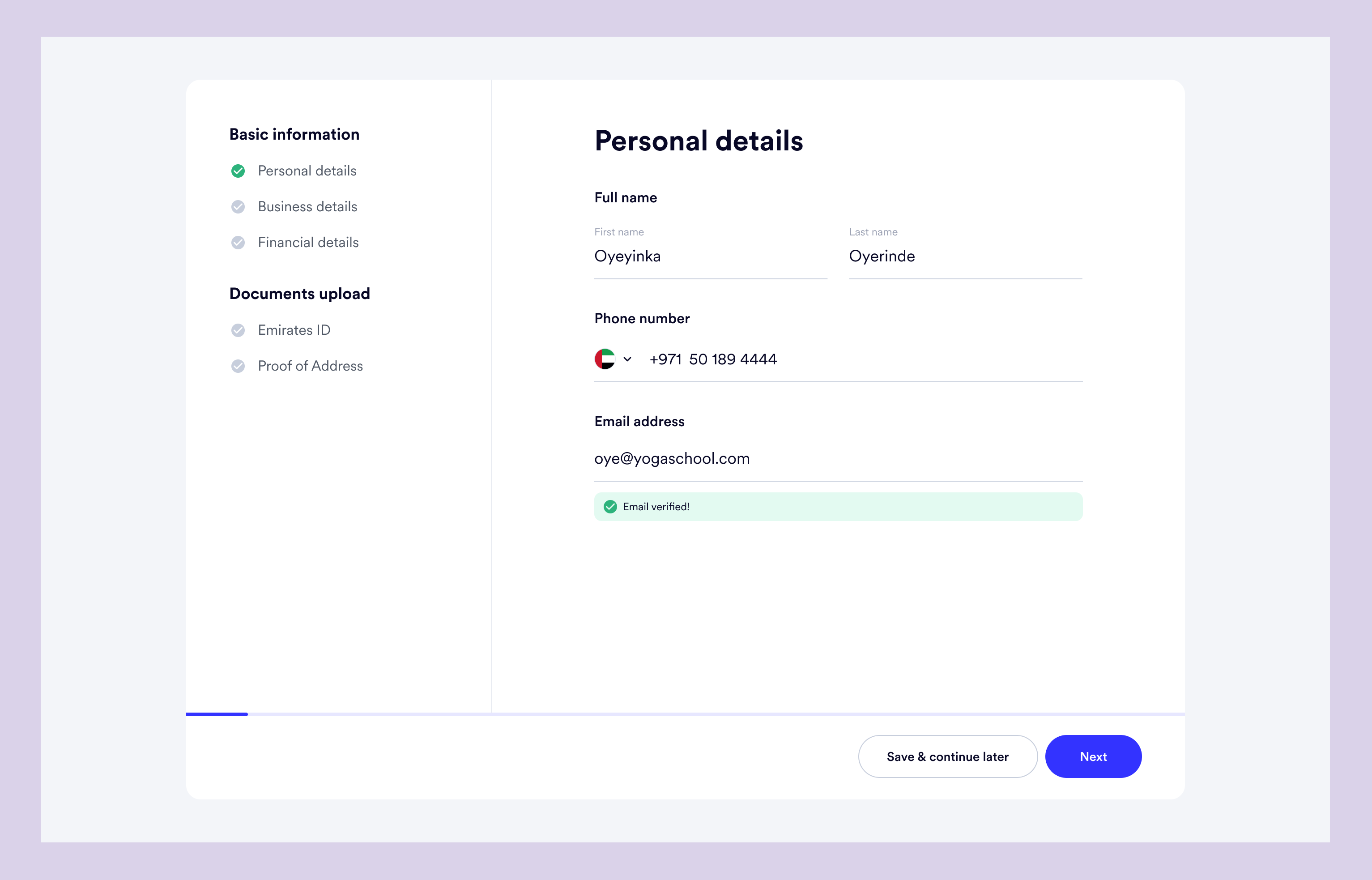
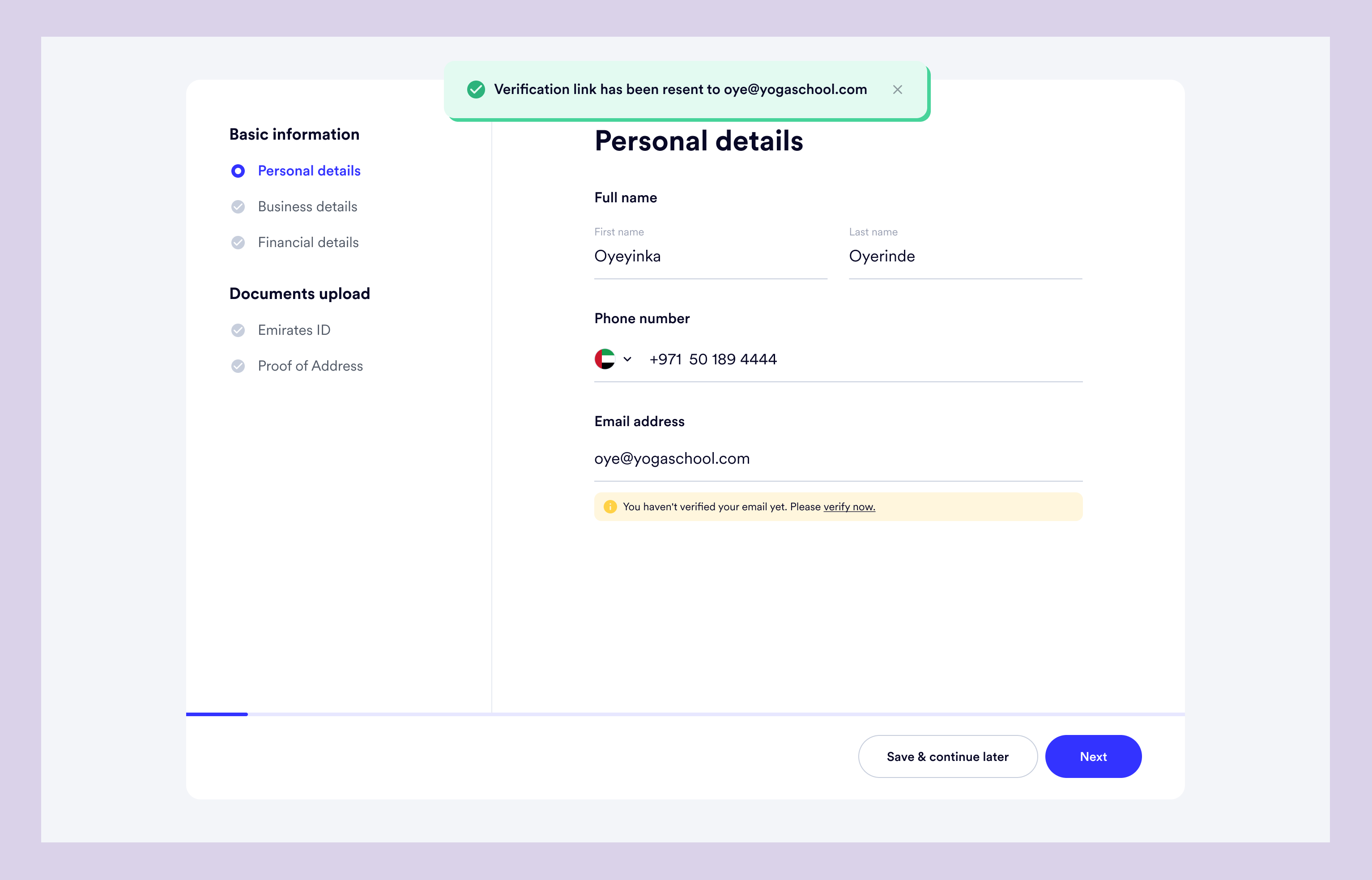
The personal details page will be populated by default with the information the user provided during the sign-up process.
Additionally, users will have the option to save and continue later for each page. If they choose to do so, they can return to the dashboard, where a banner will remain showing their progress in percentage.
This approach will make the verification process more user-friendly and flexible, allowing users to complete the process at their own pace and convenience. By providing a progress banner, users will be able to track their progress and feel more informed and in control of the process.
The verification journey includes a lot of screens therefore, from here, I’d only show the overview of each step.
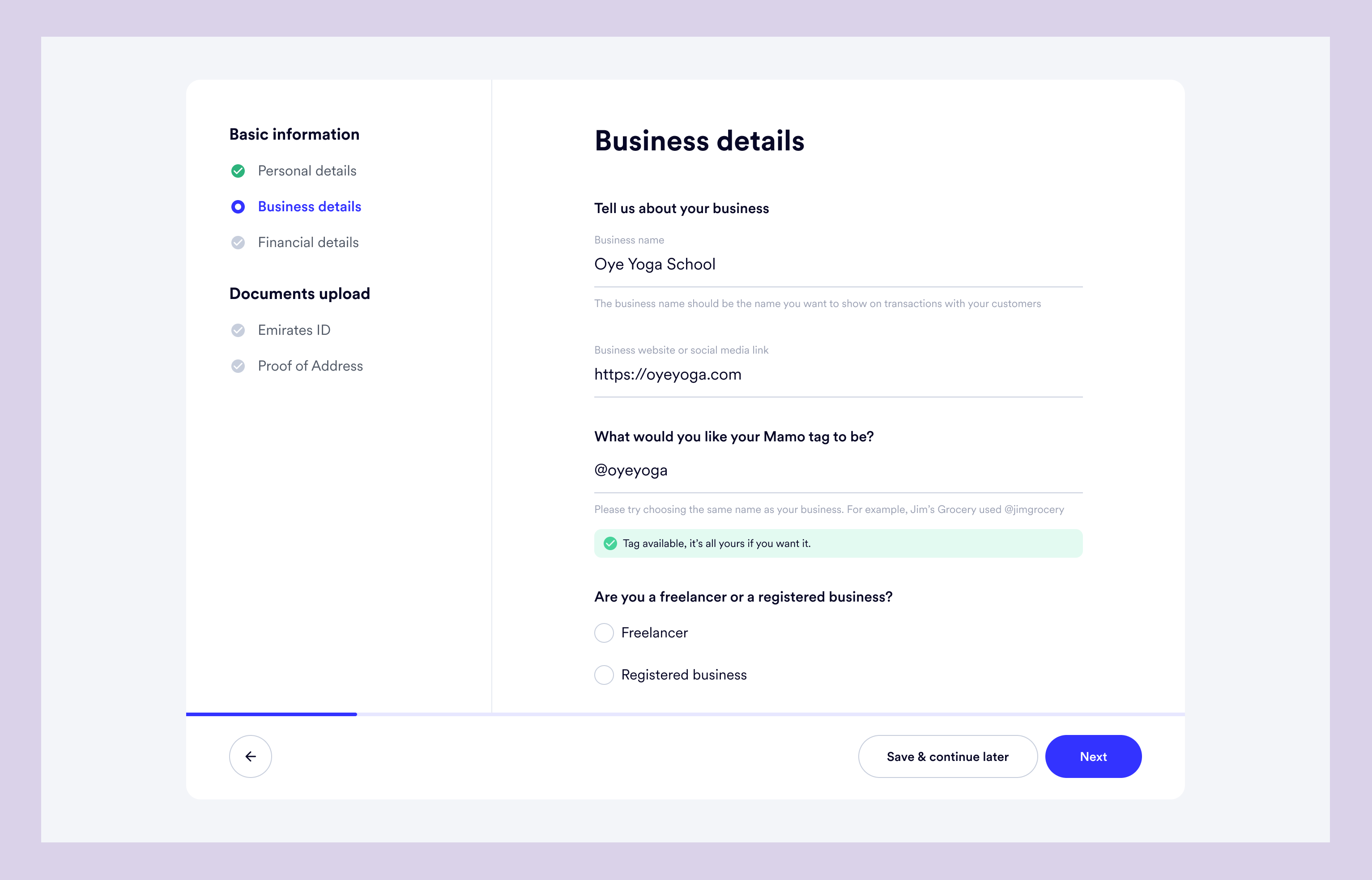
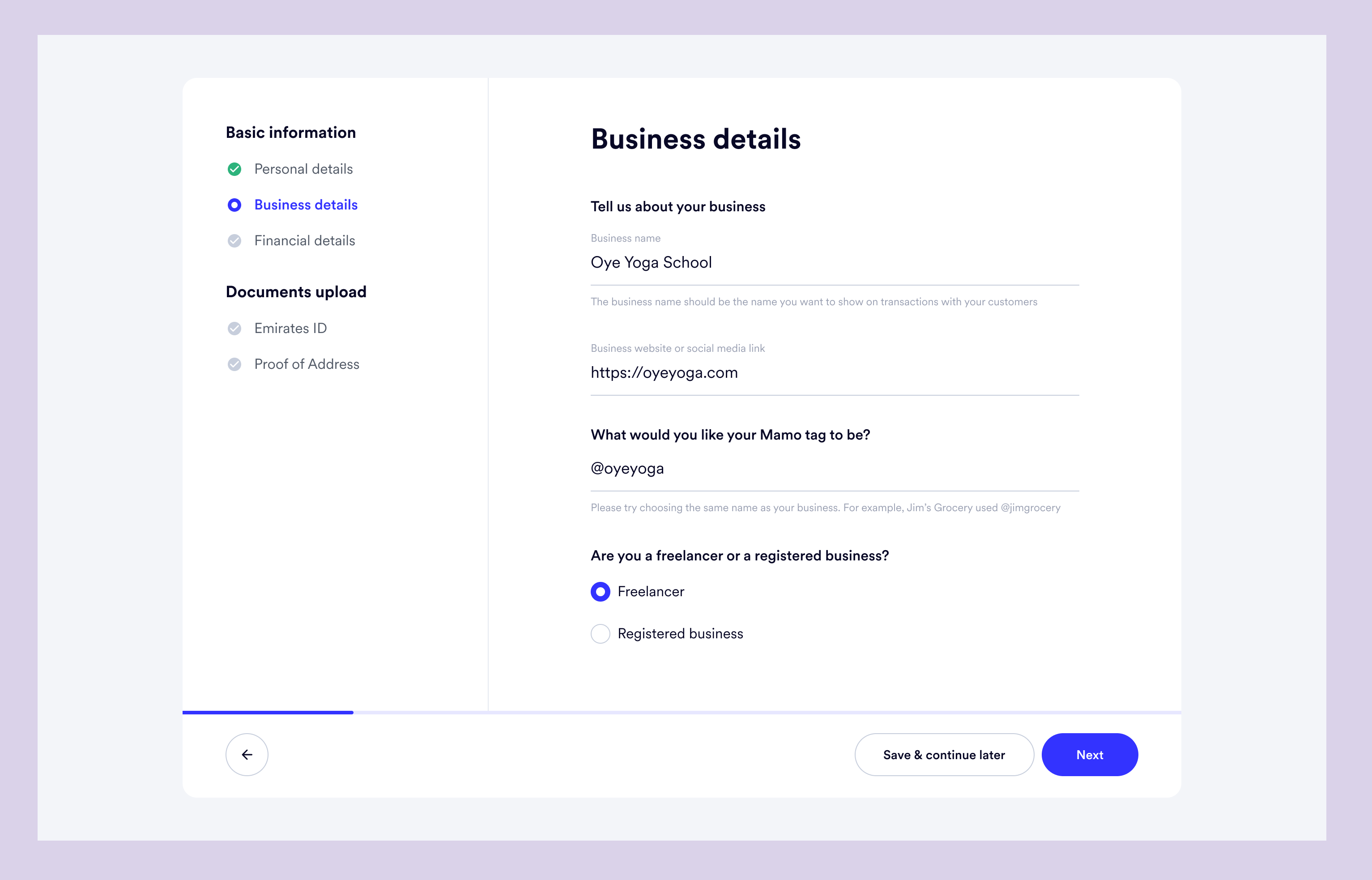
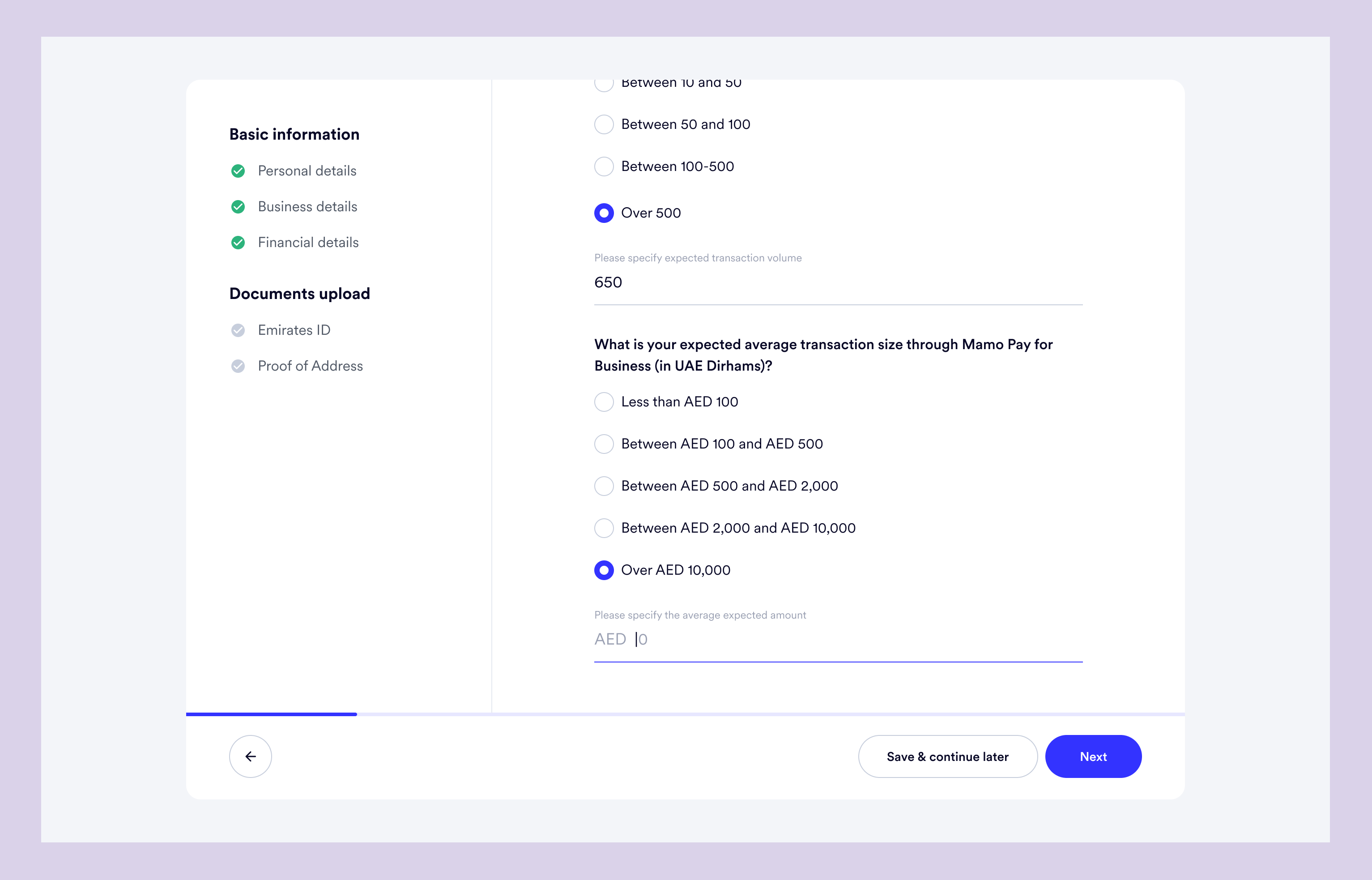
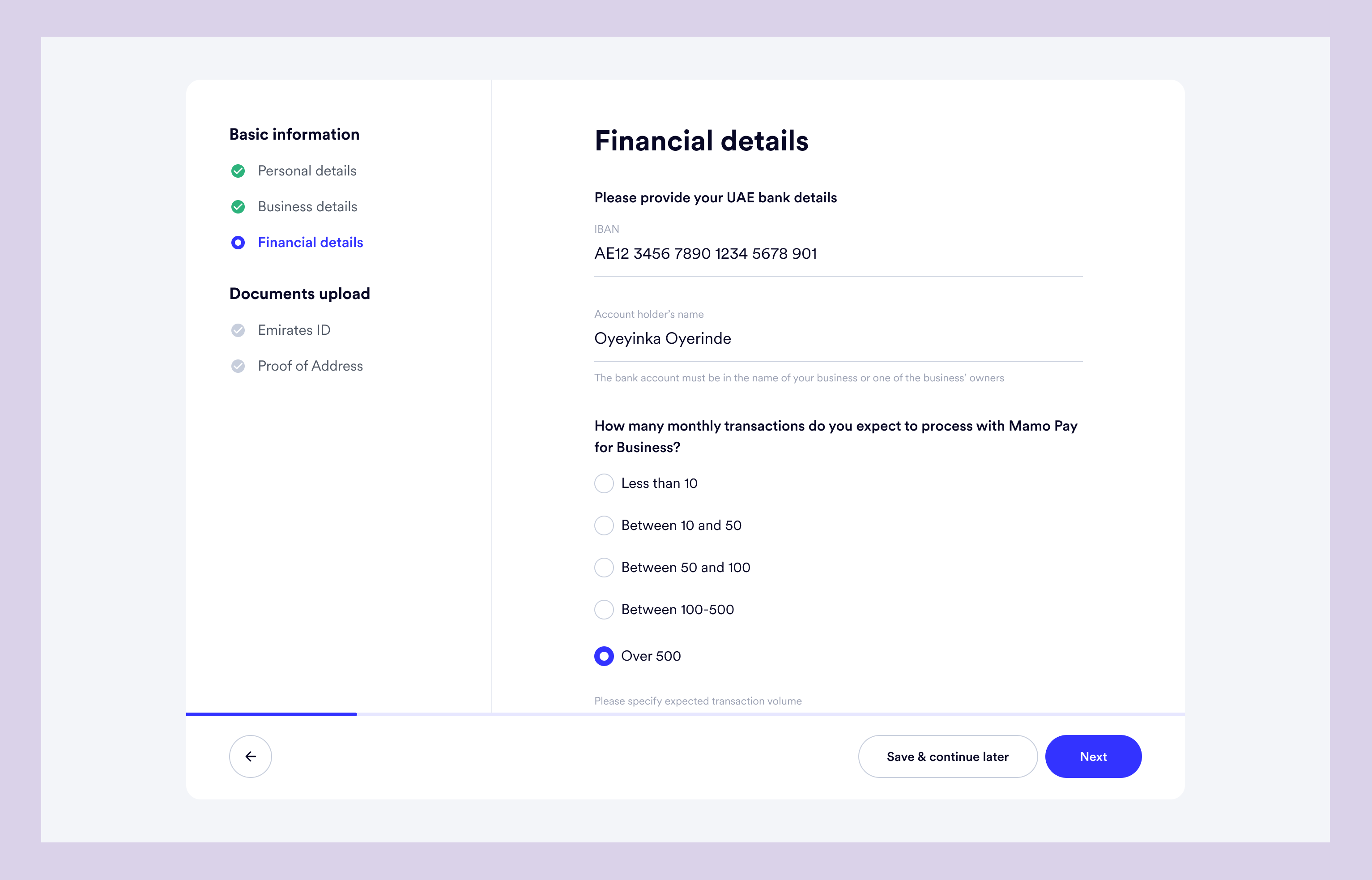
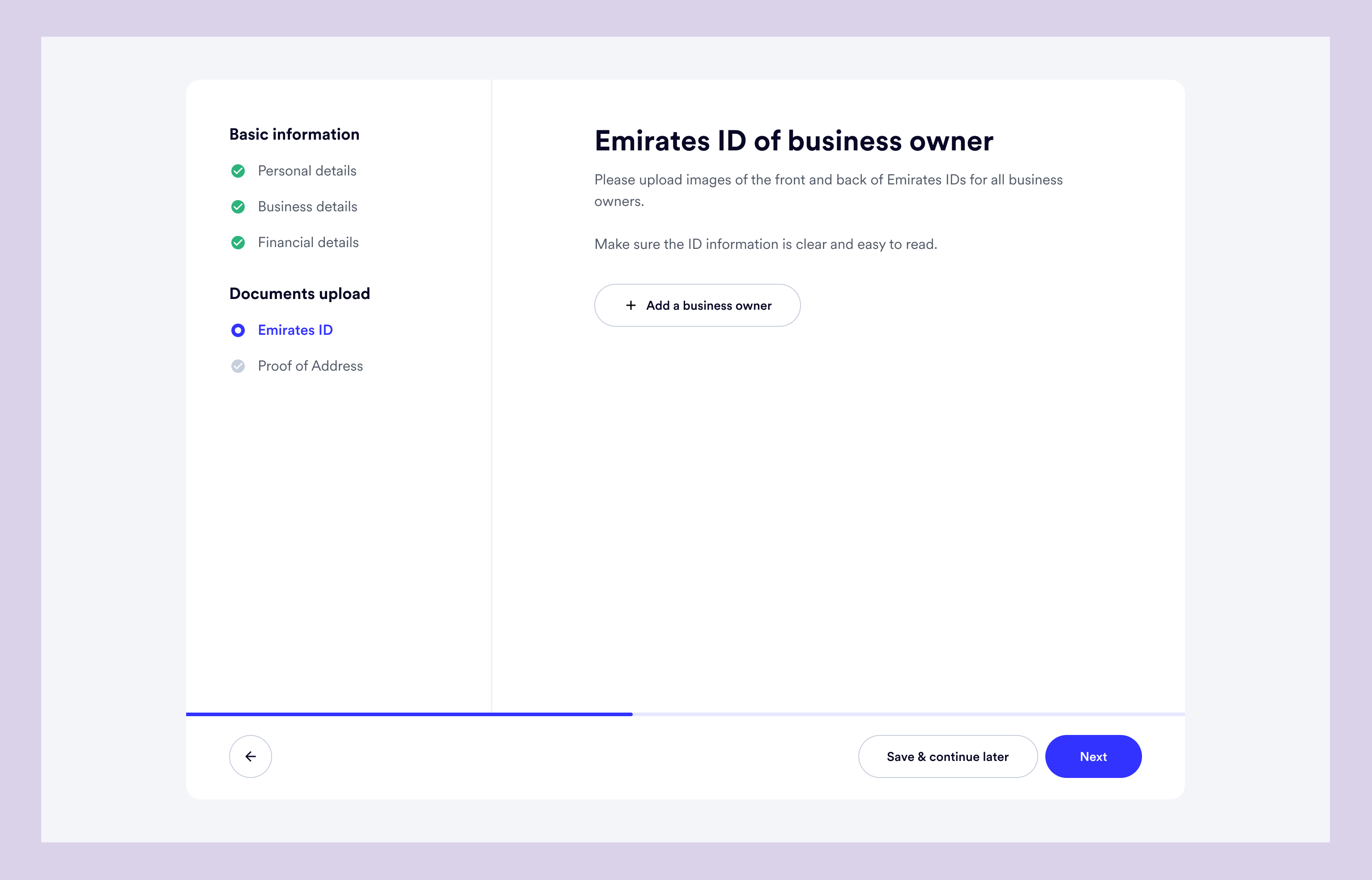
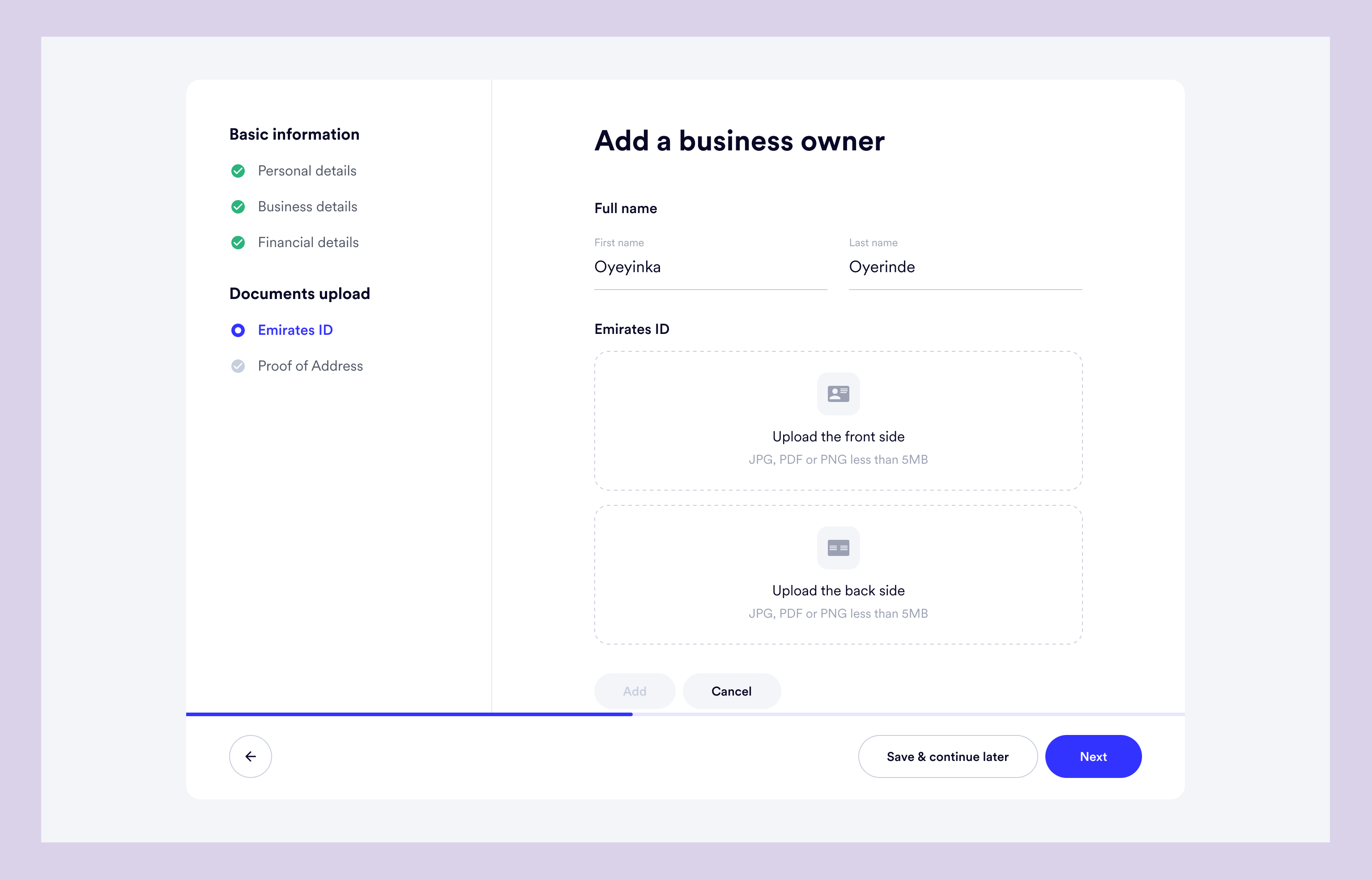
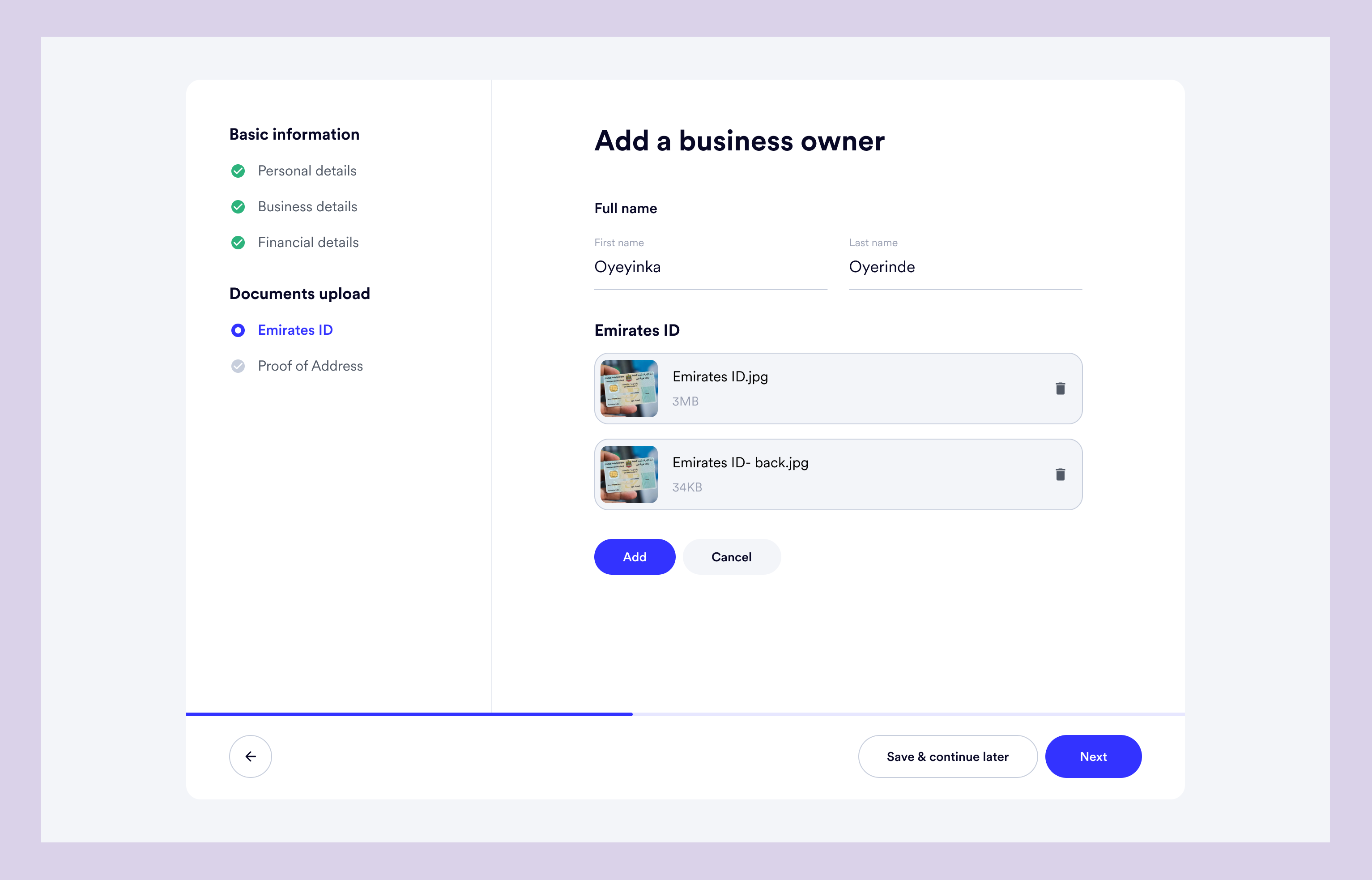
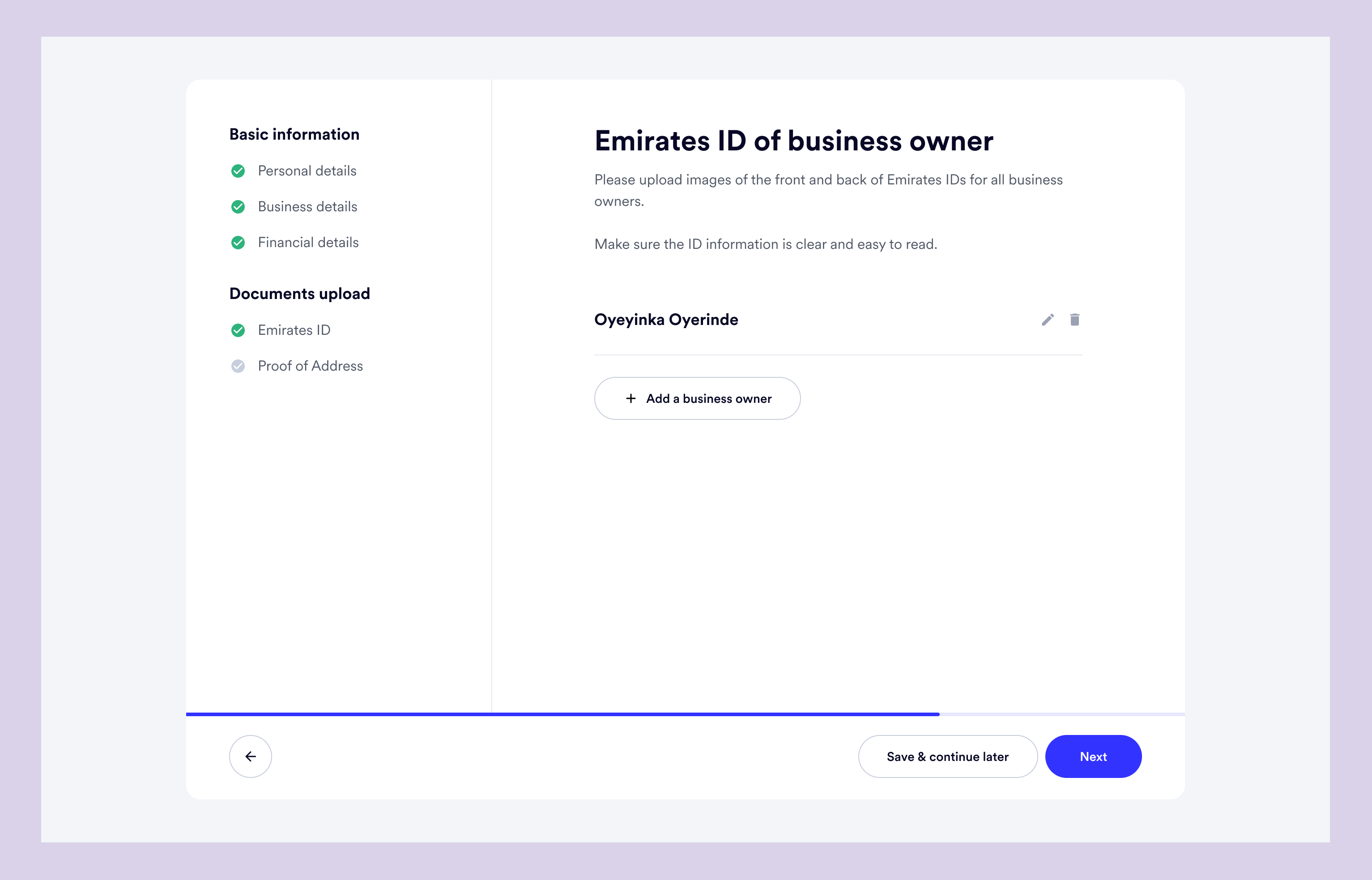
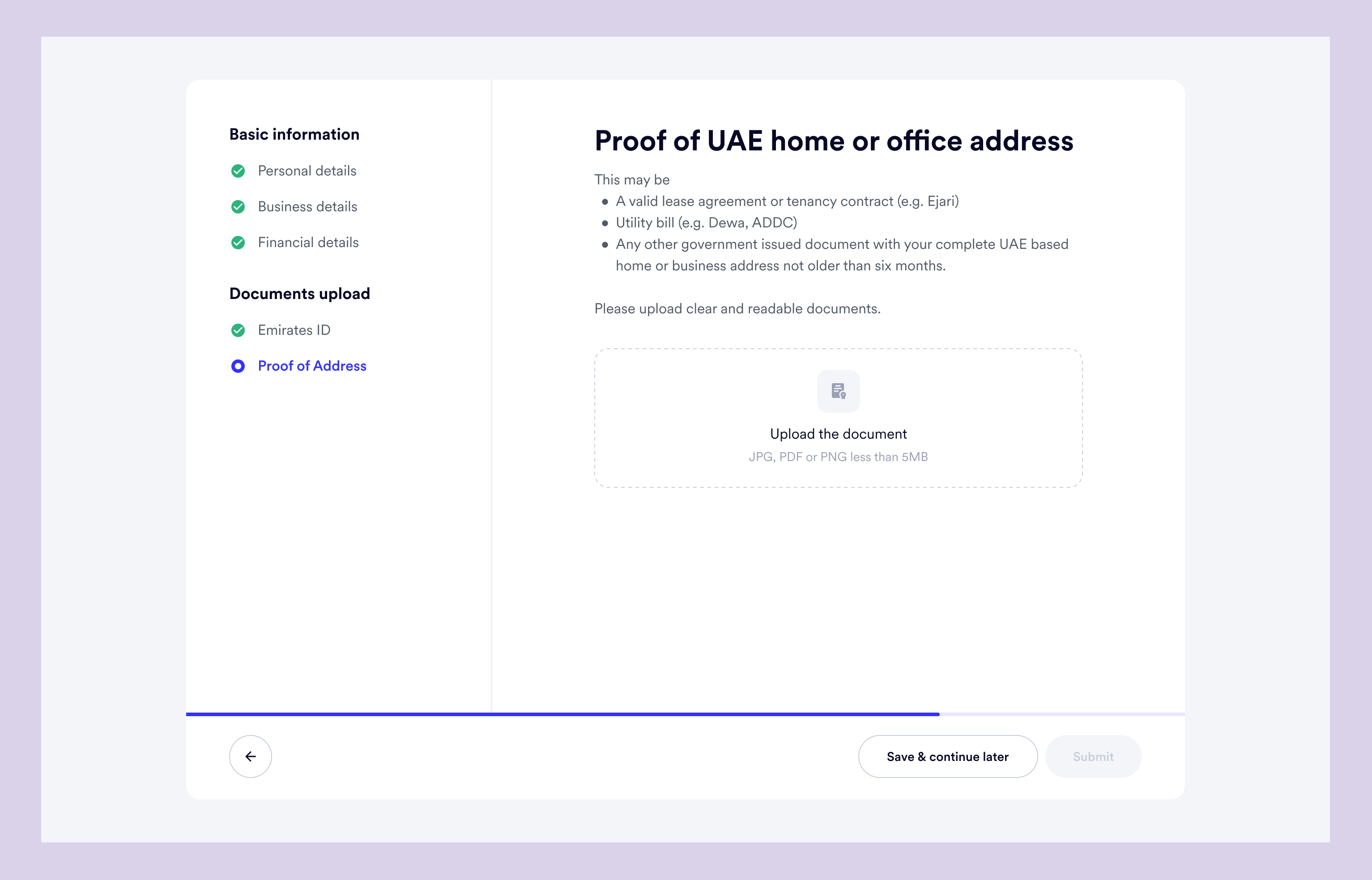
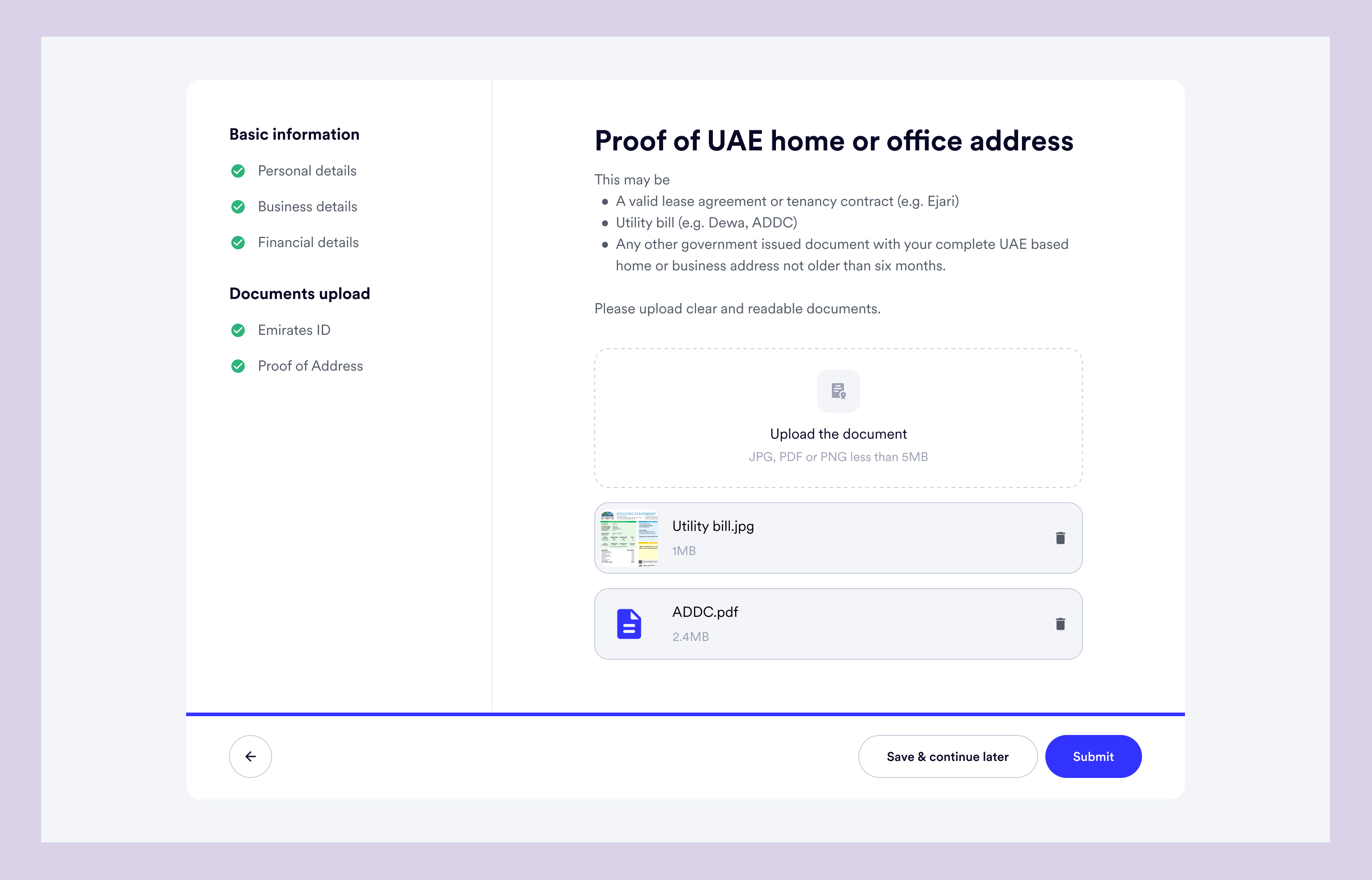
If the user had chosen "Registered business" in the Business details page, the rest of the documents required are automatically added.
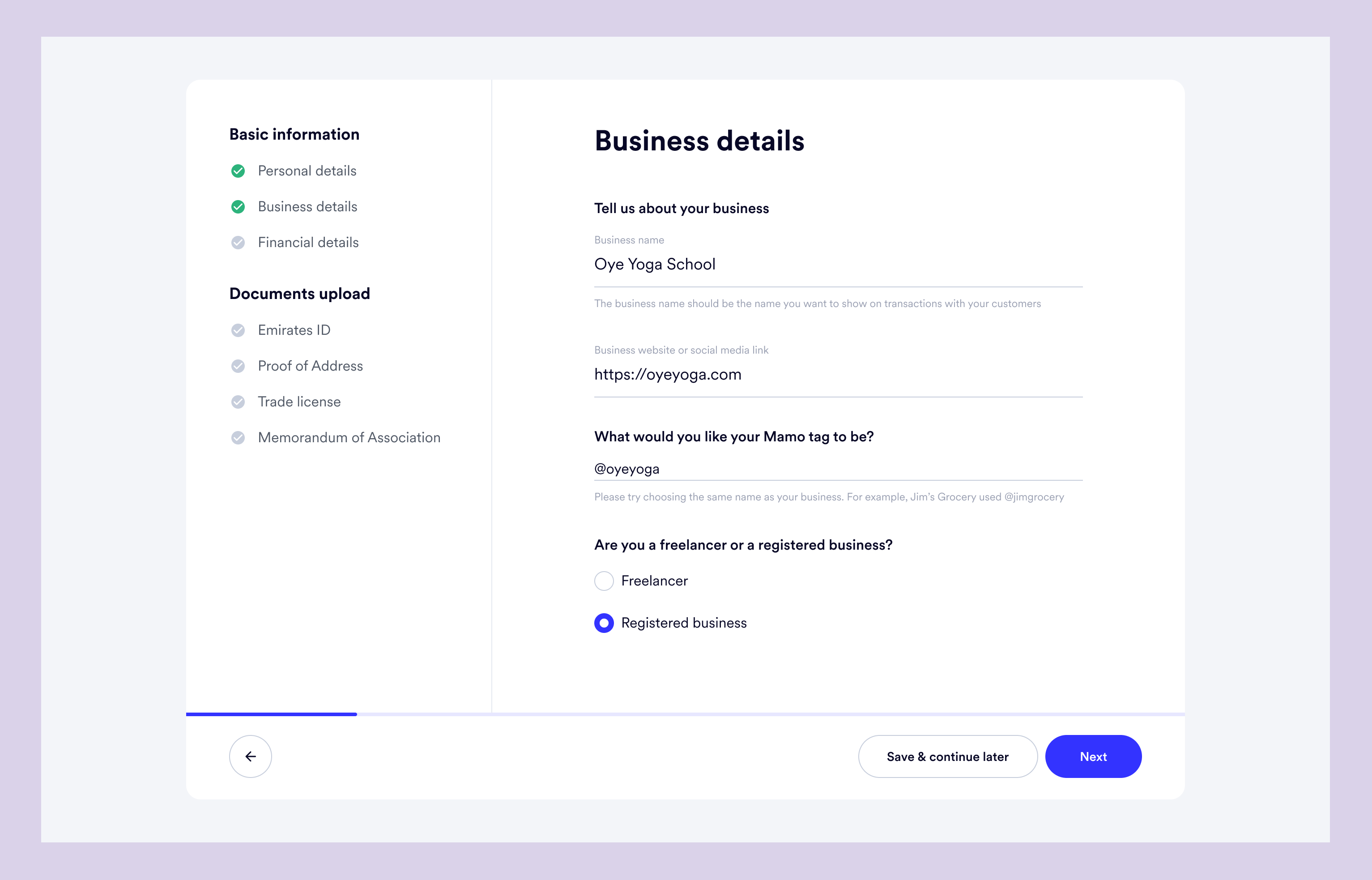
Then the documents upload journey goes thus
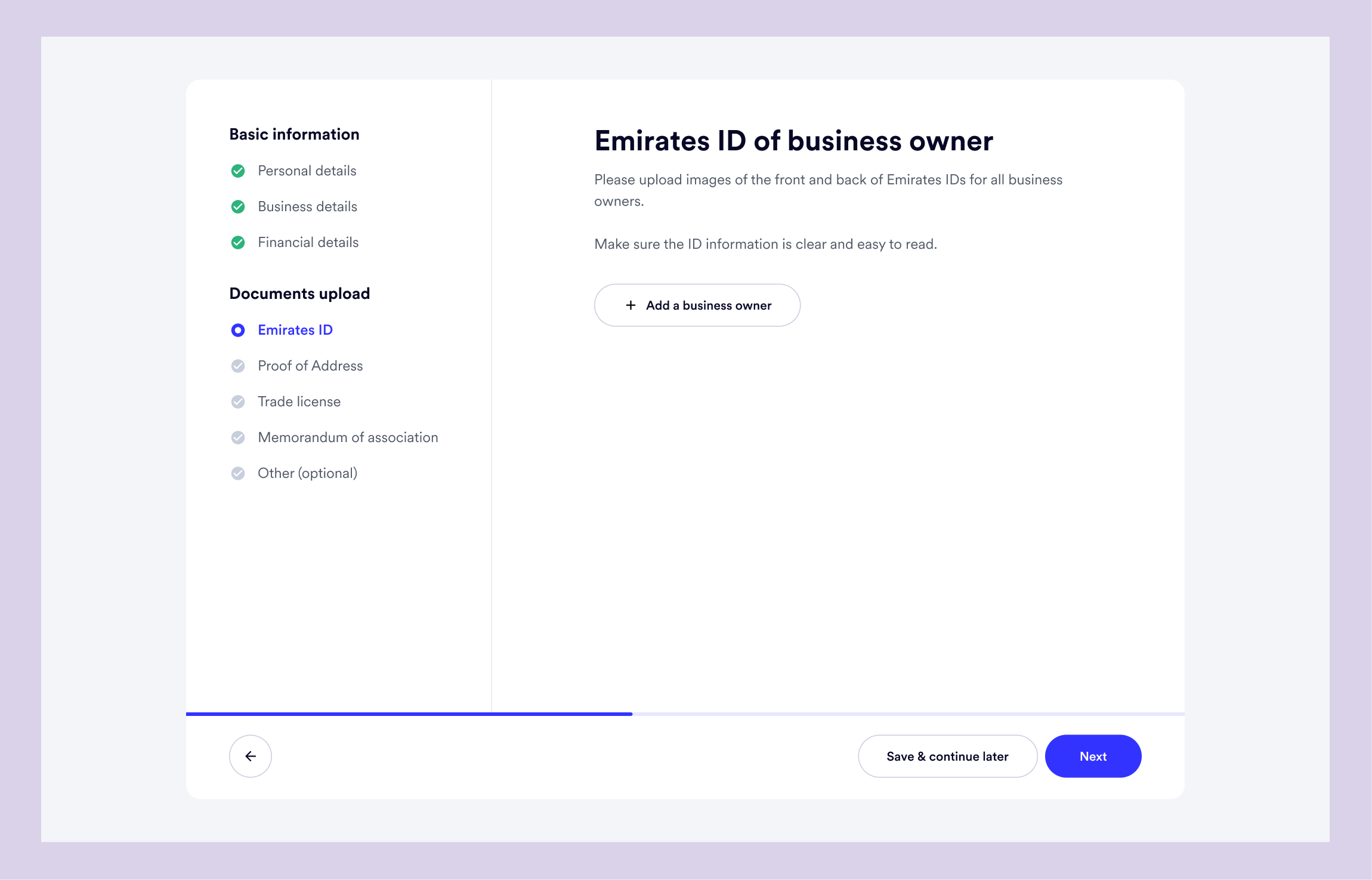
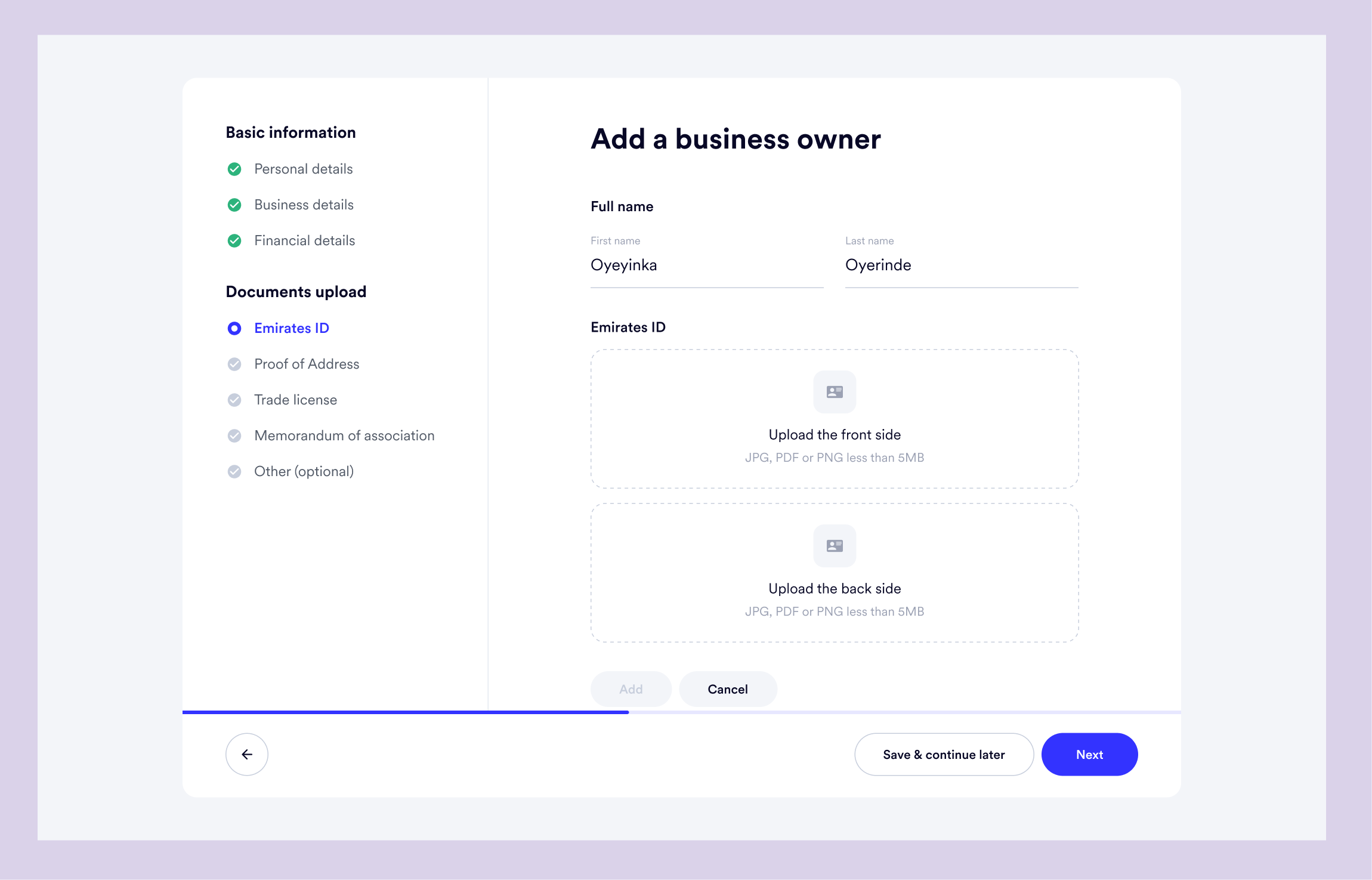
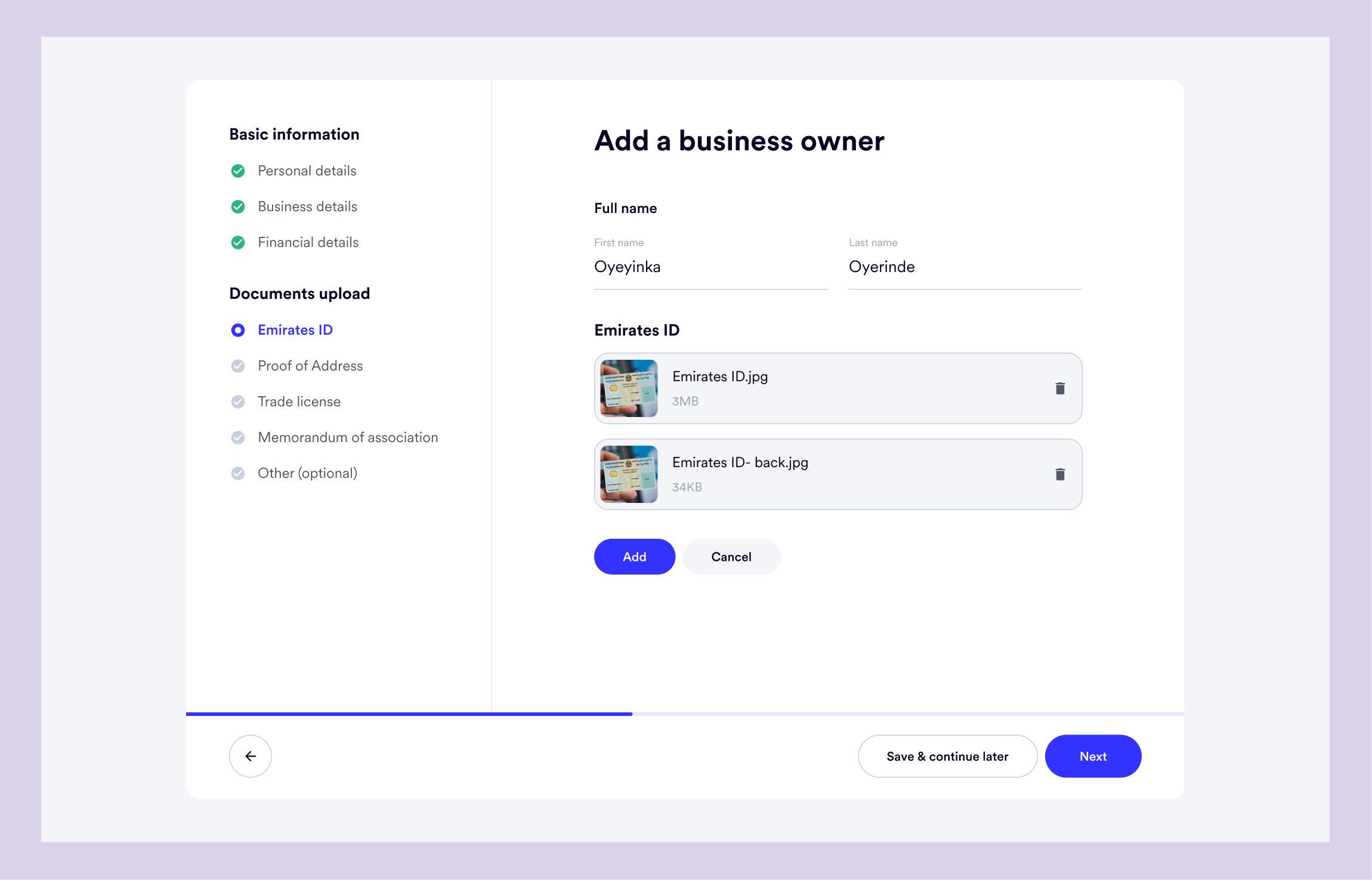
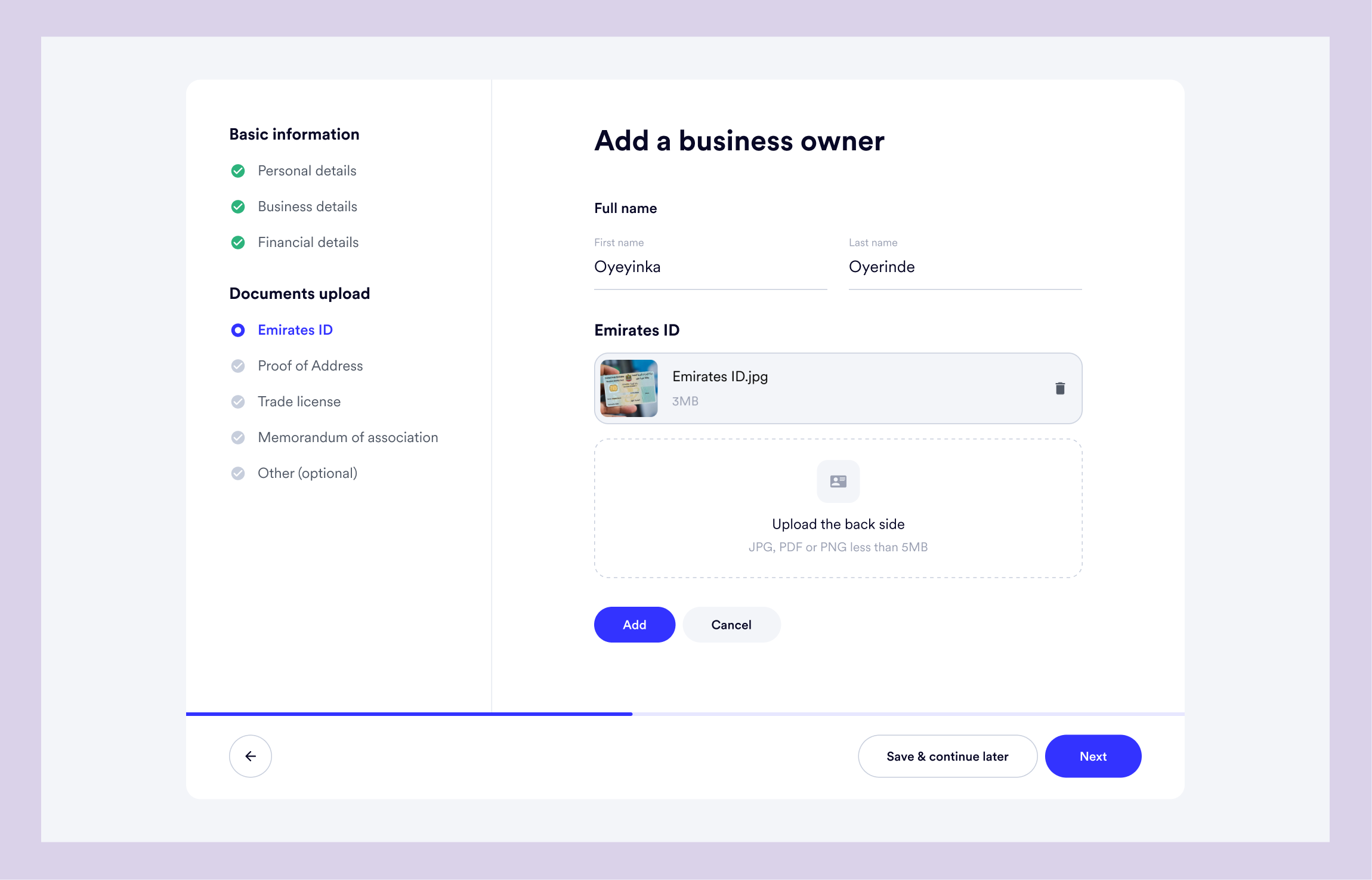
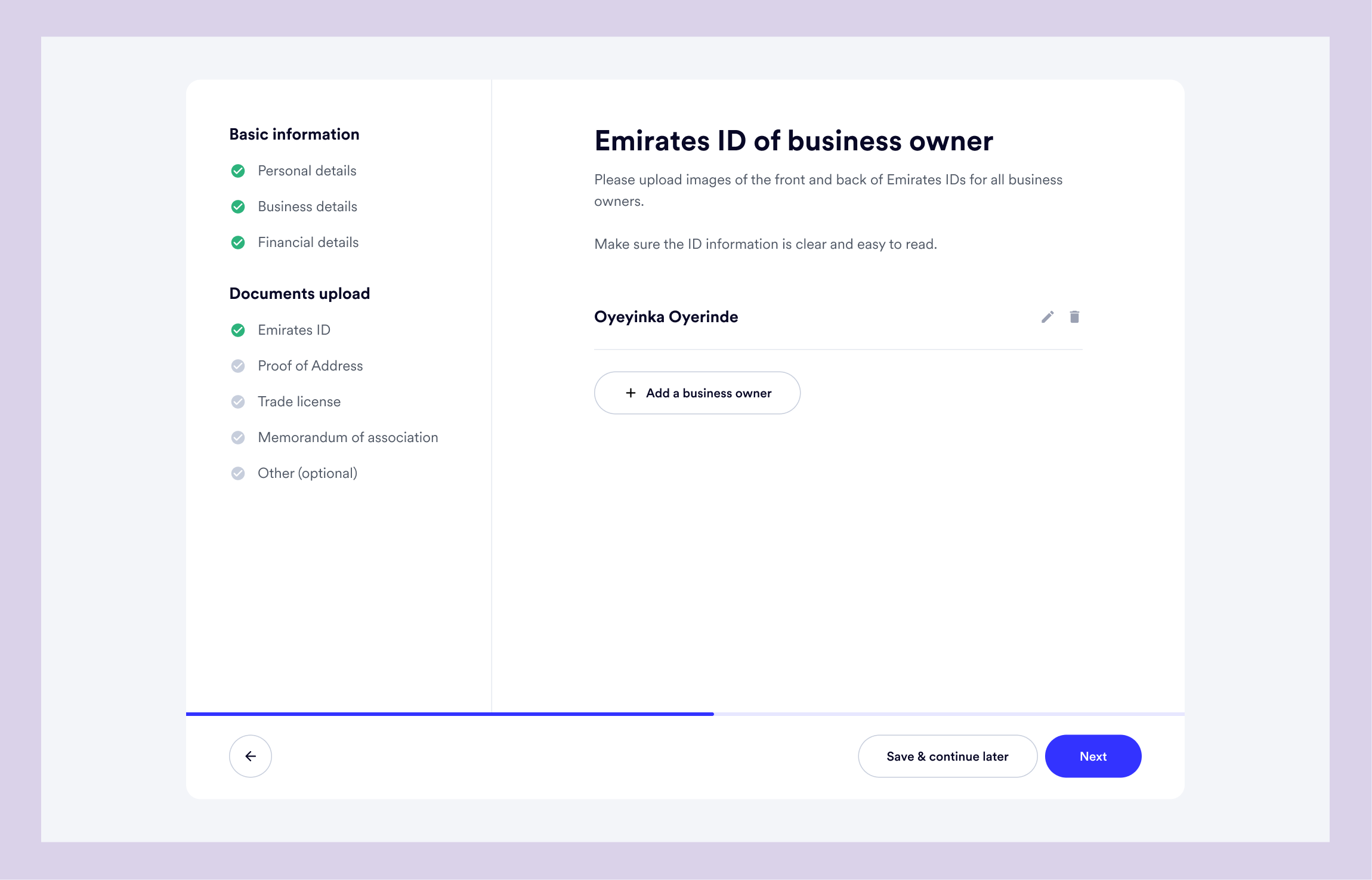
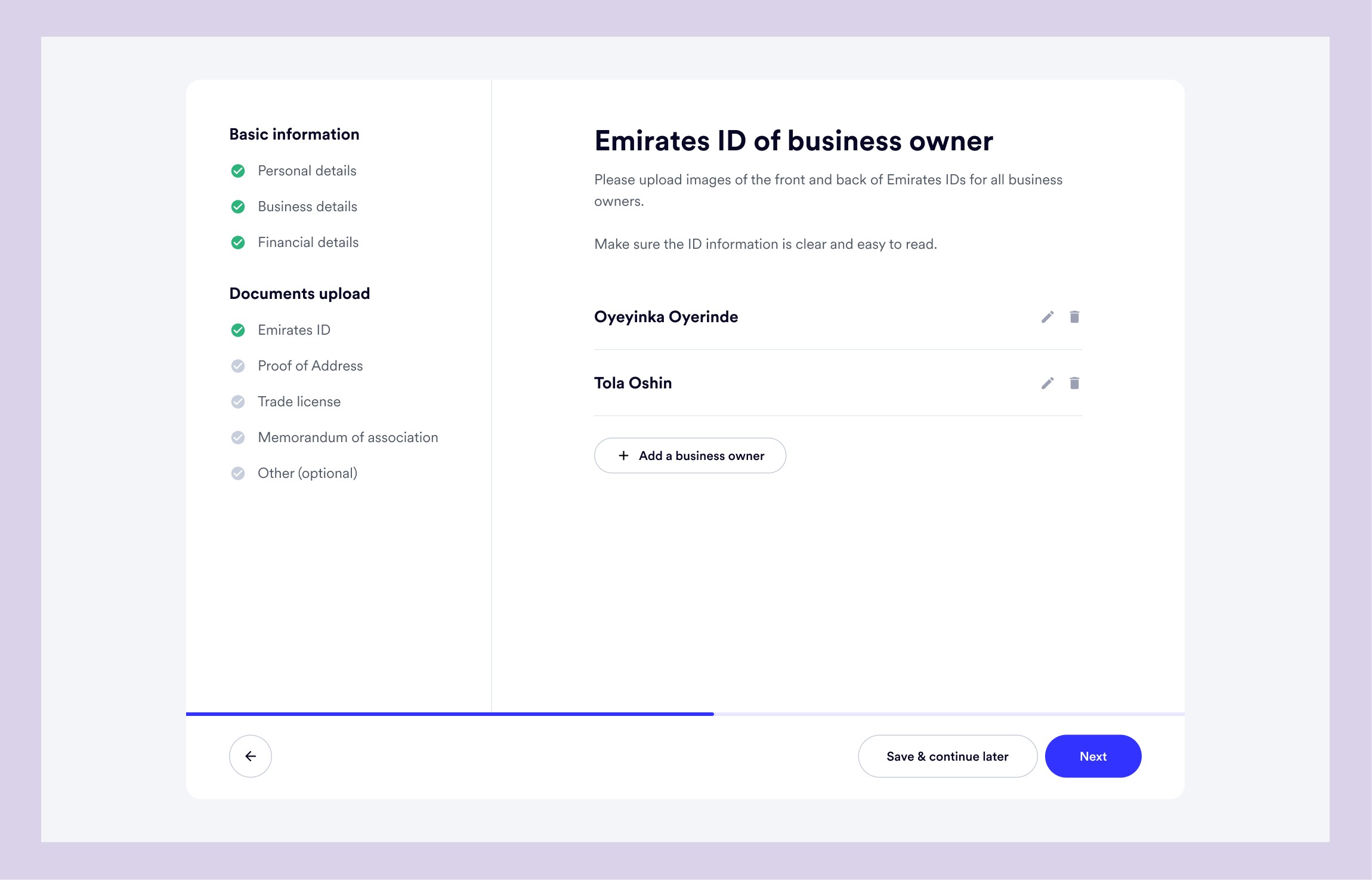
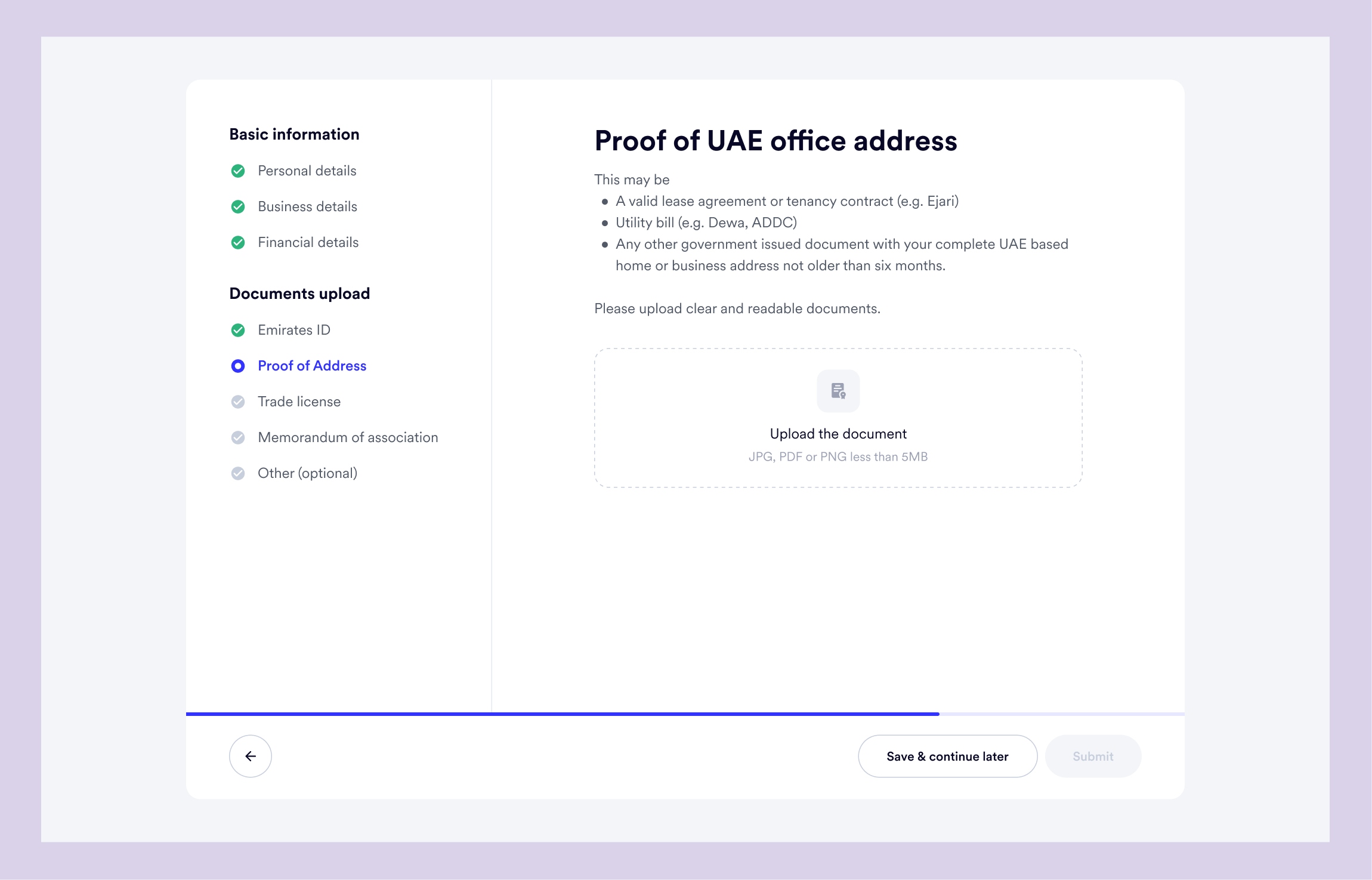
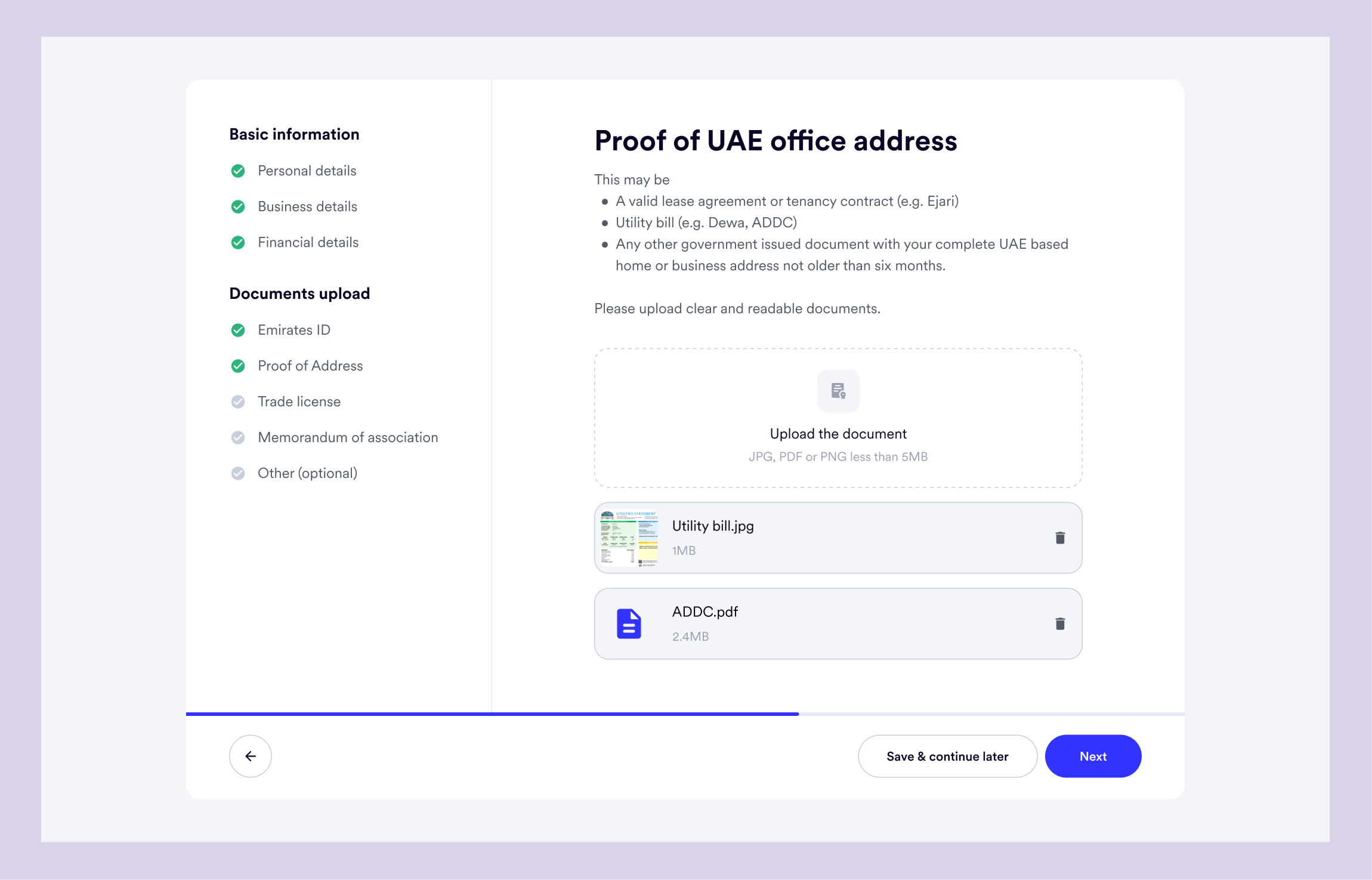
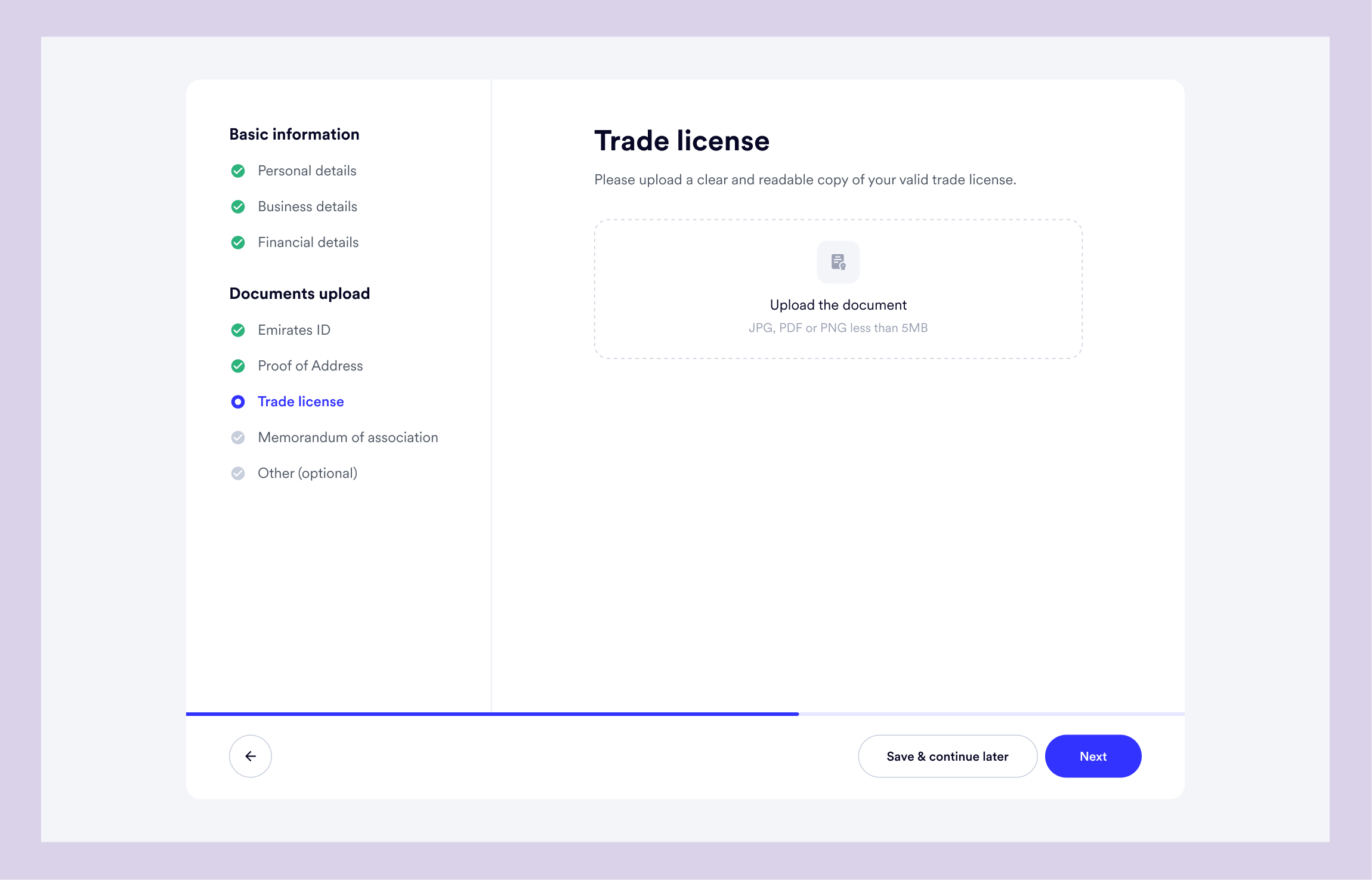
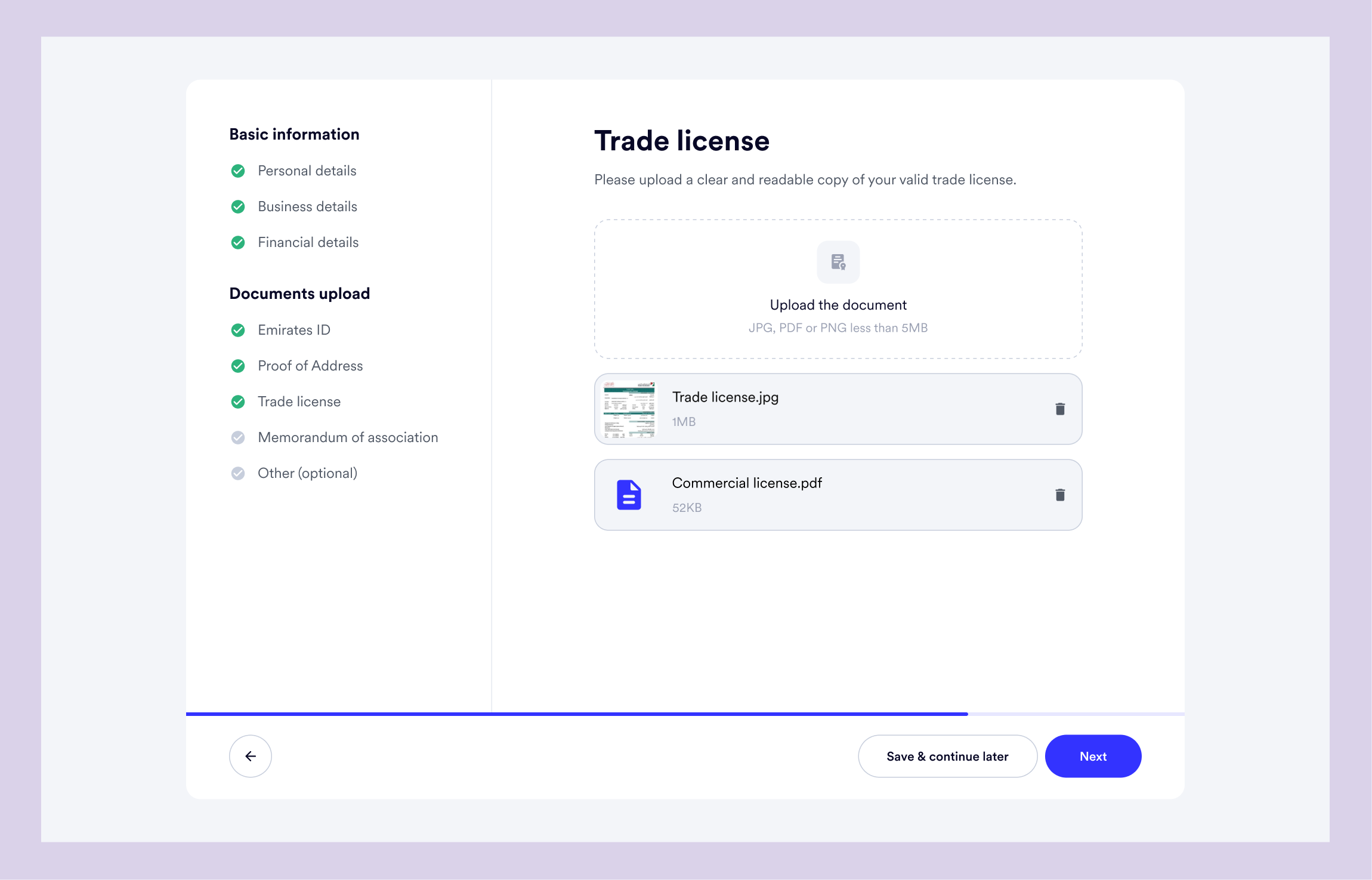
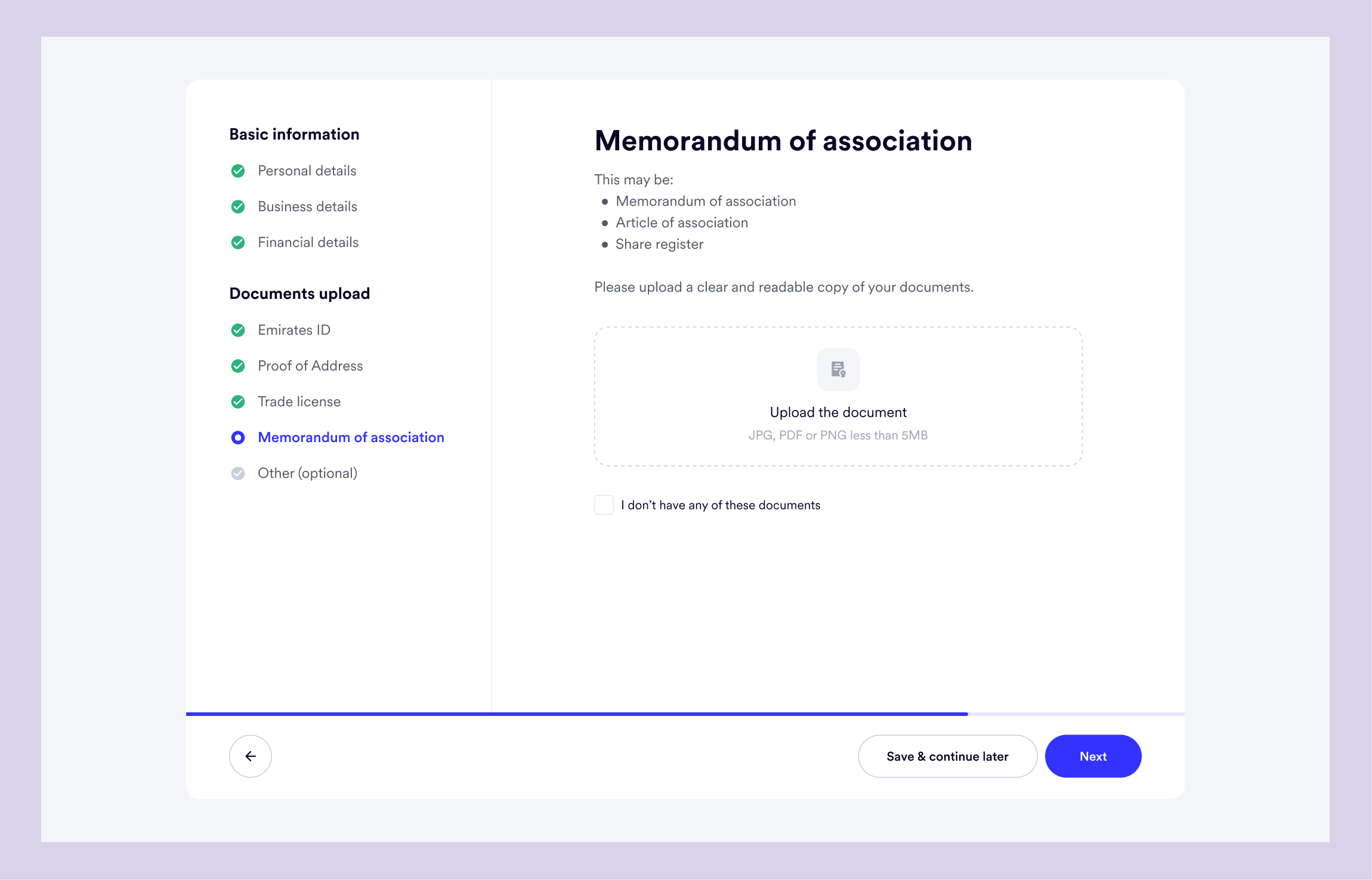
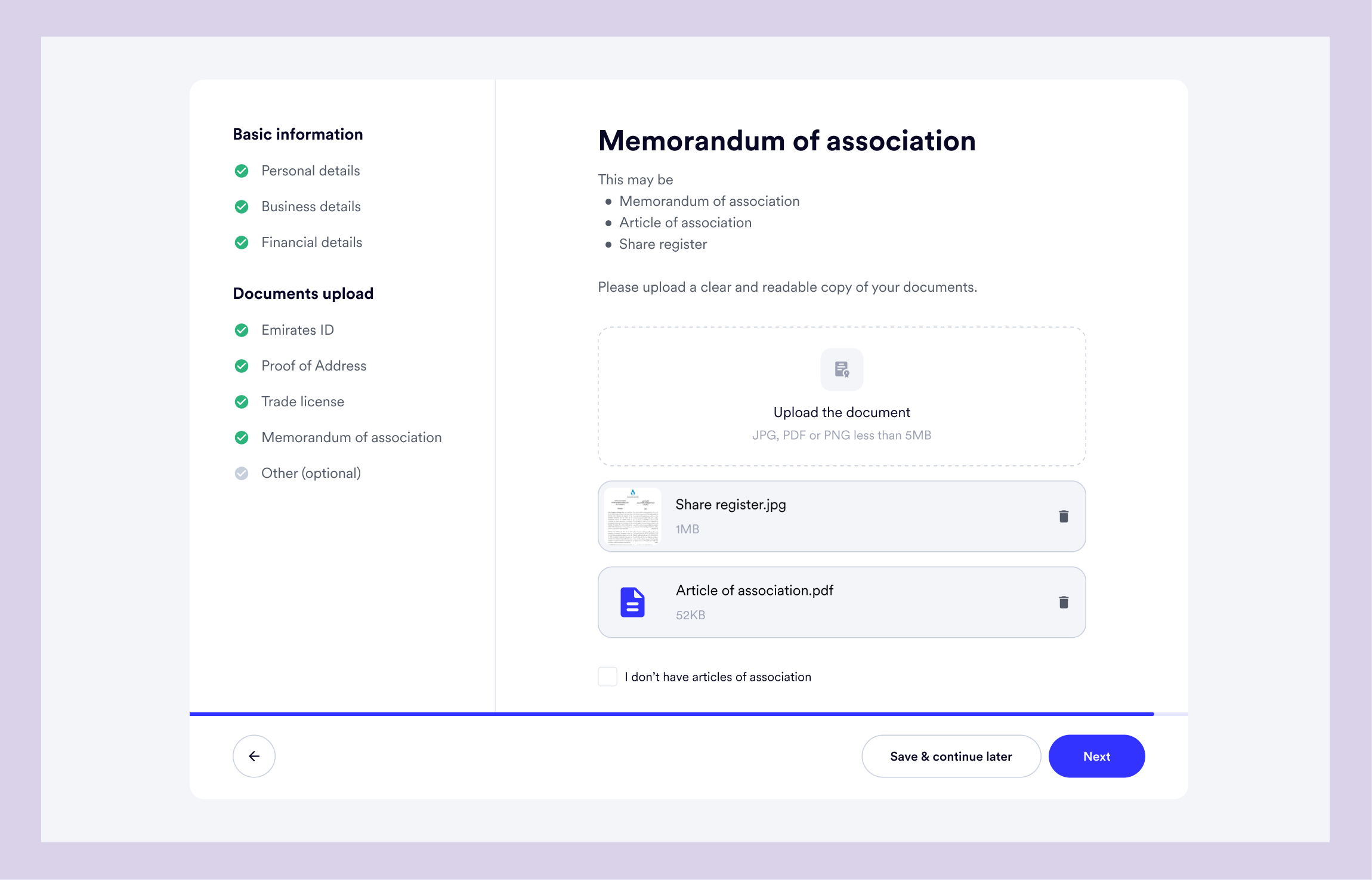
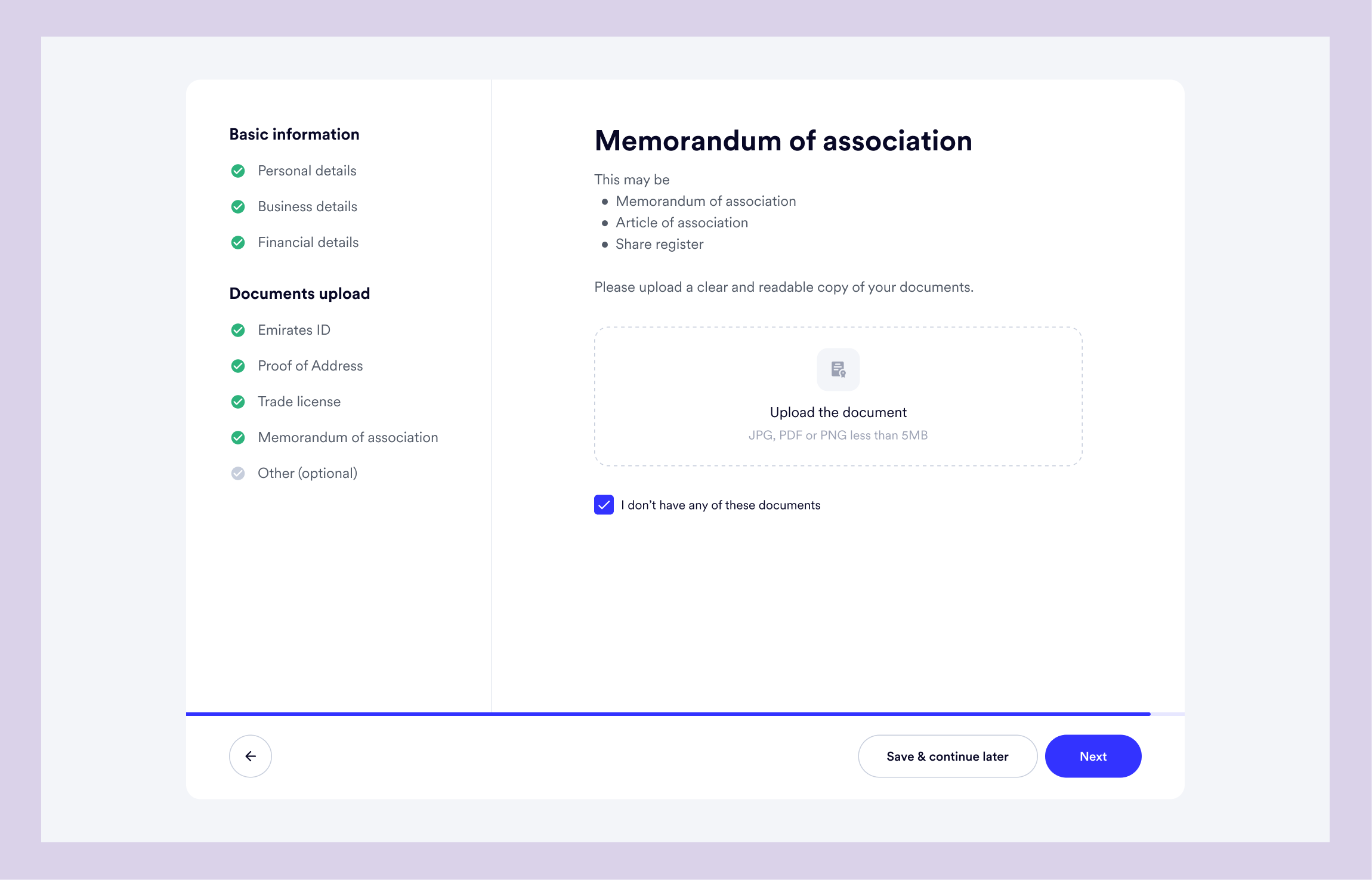
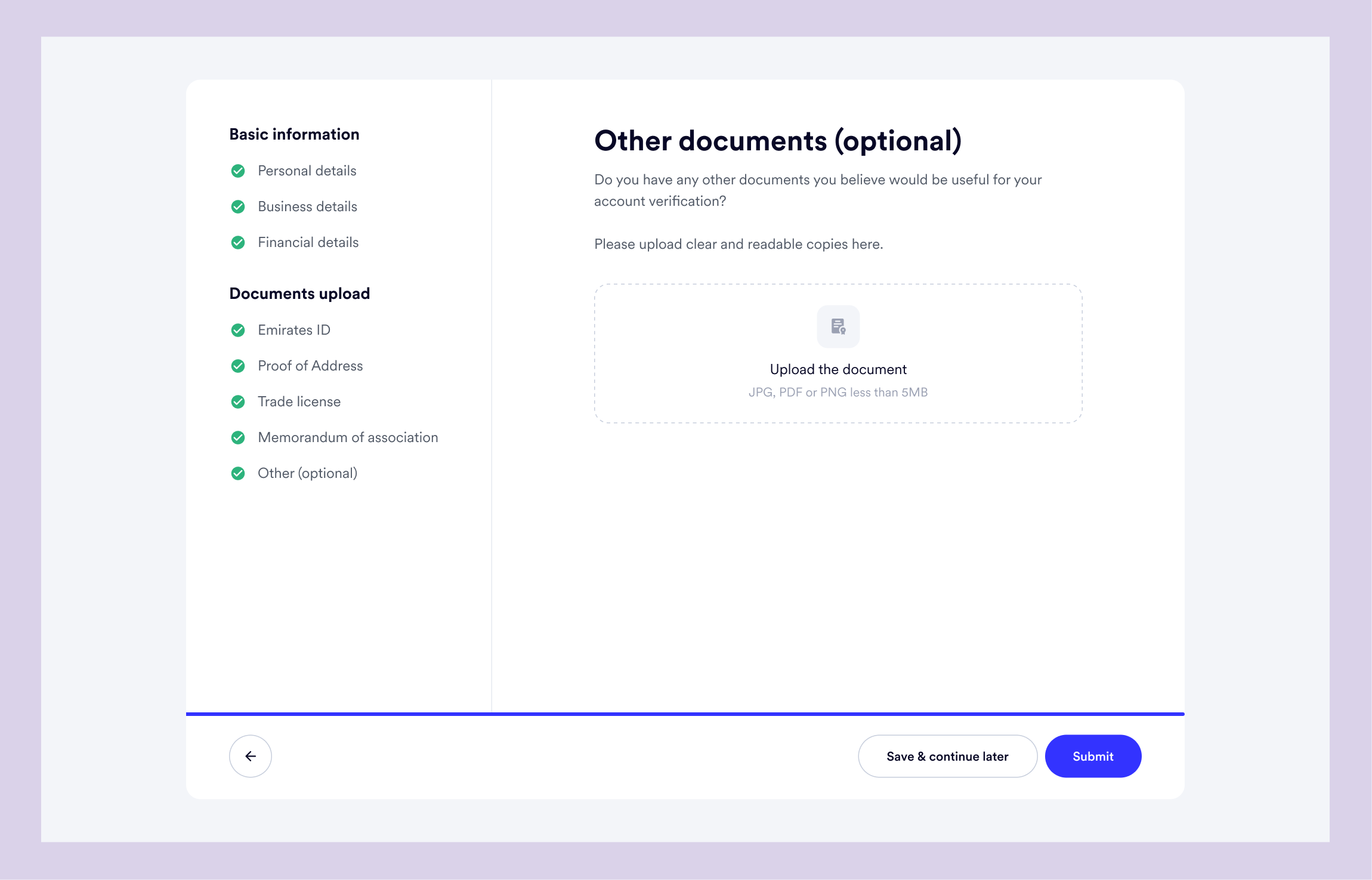
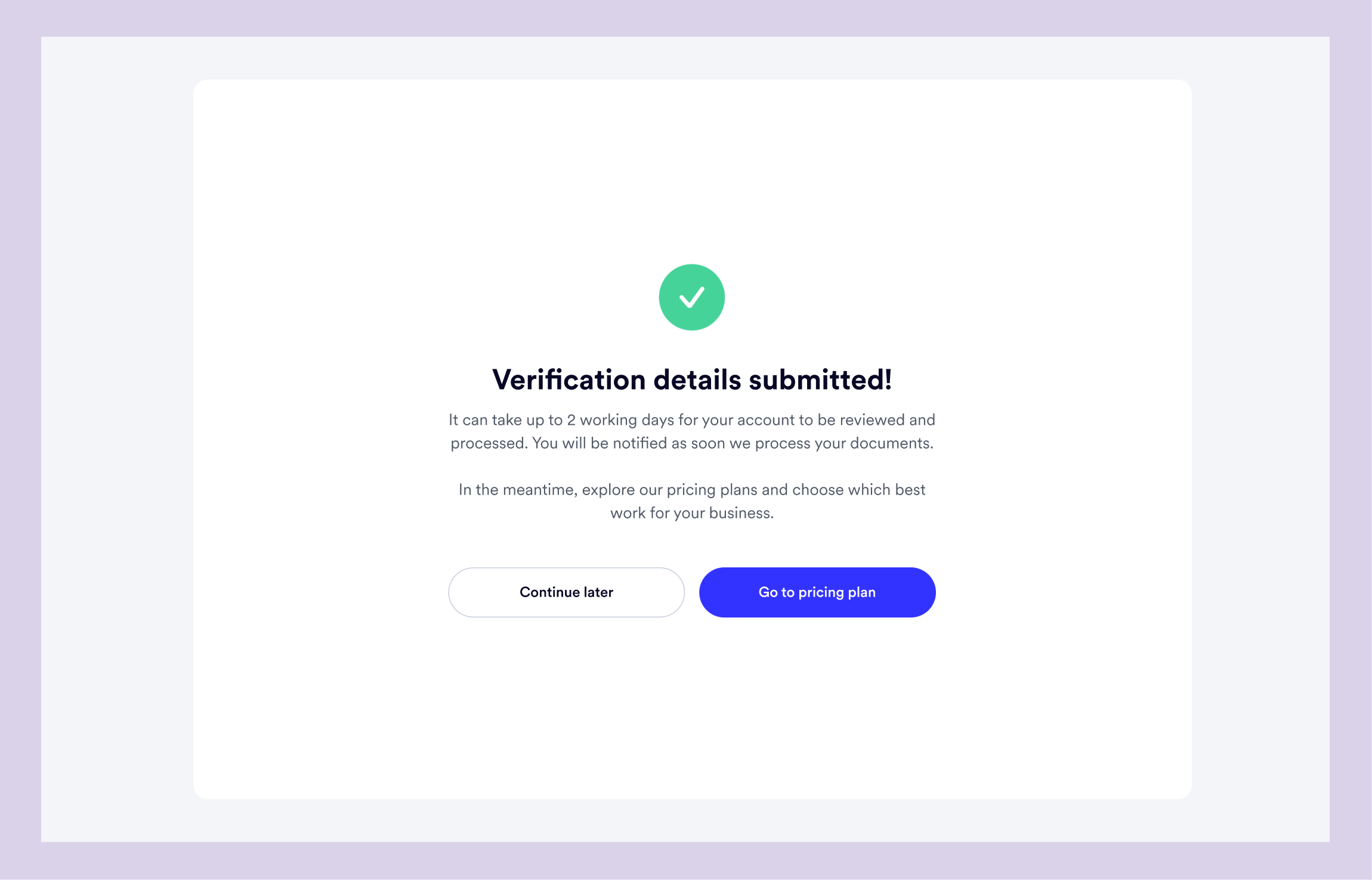
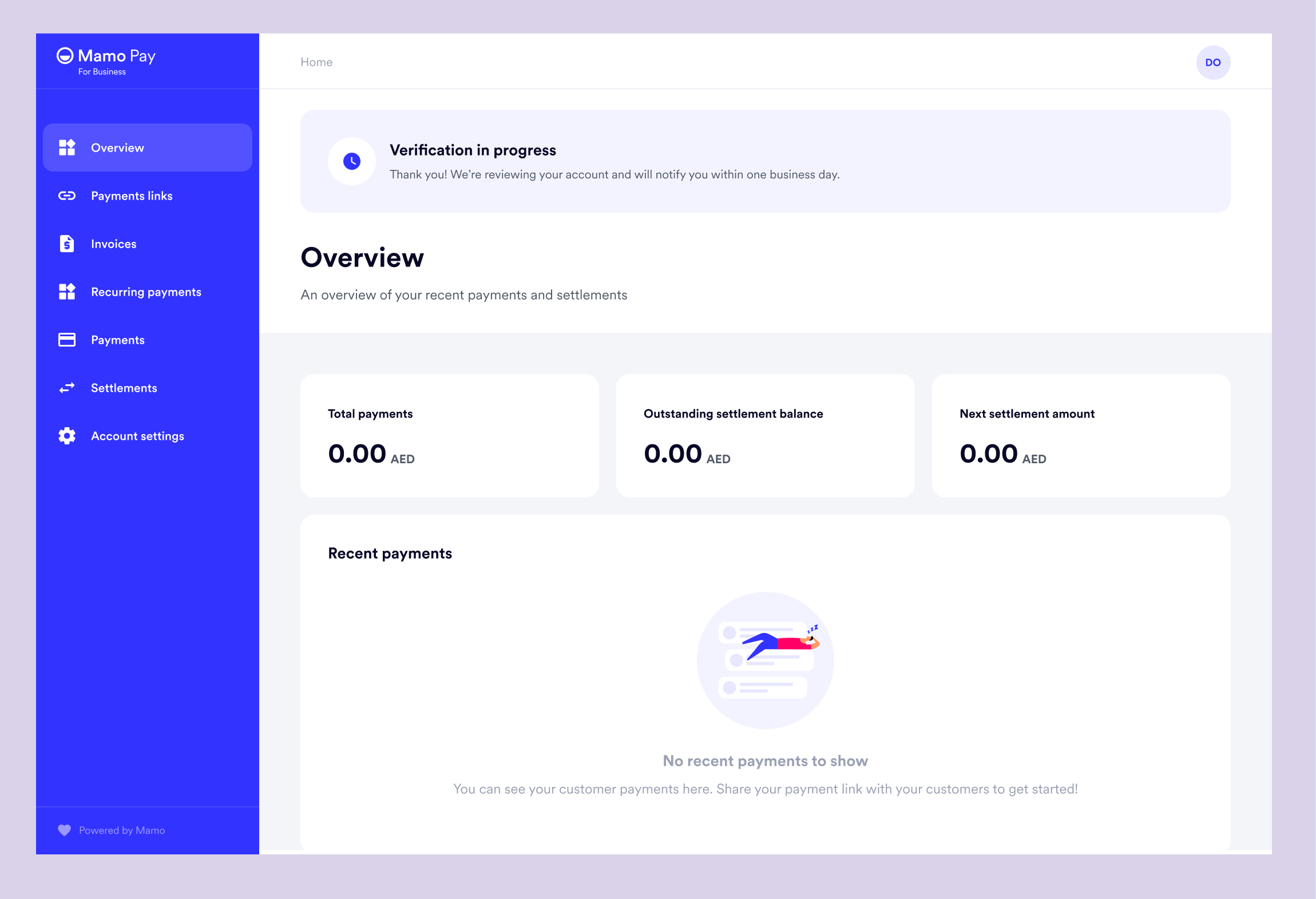
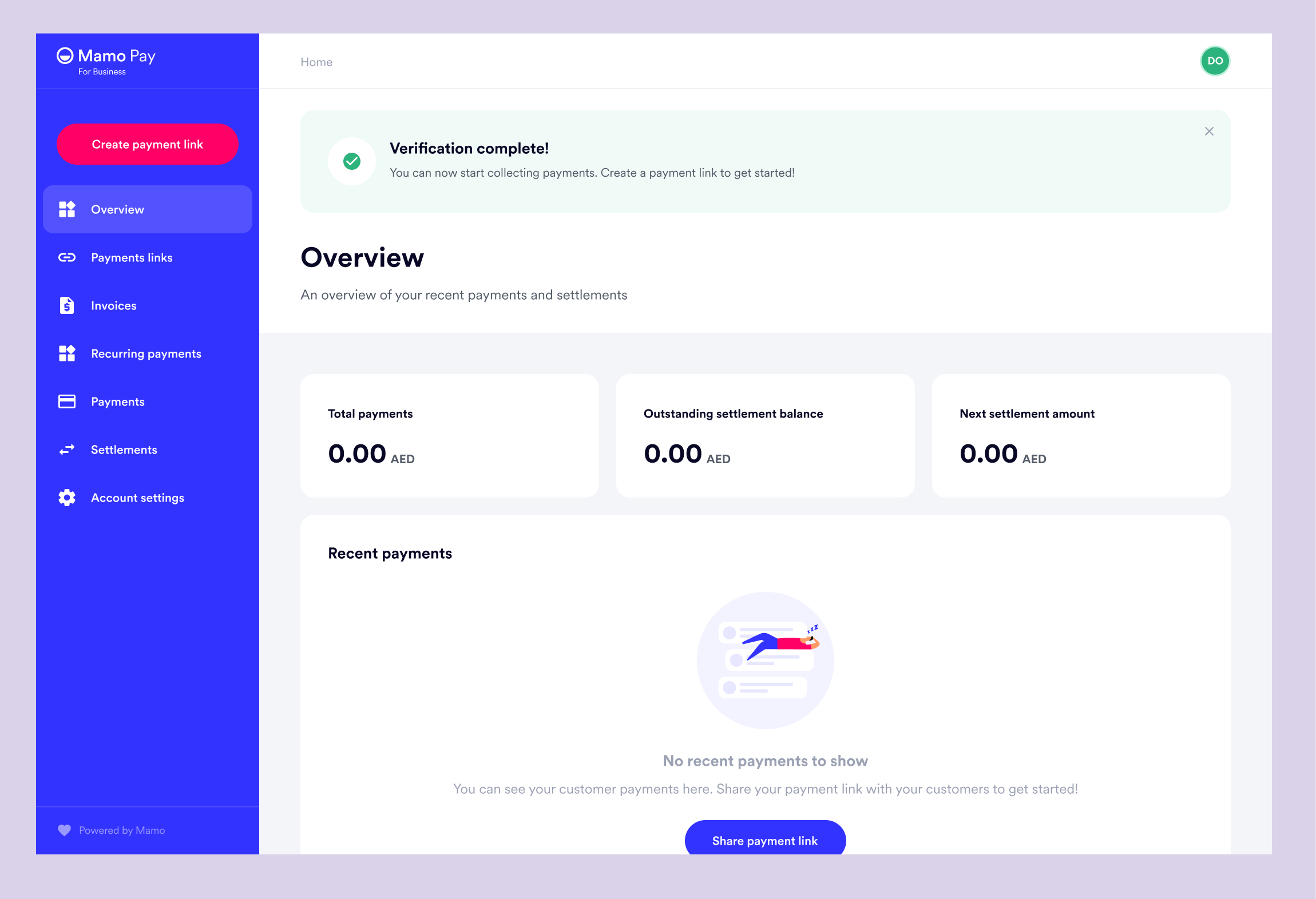
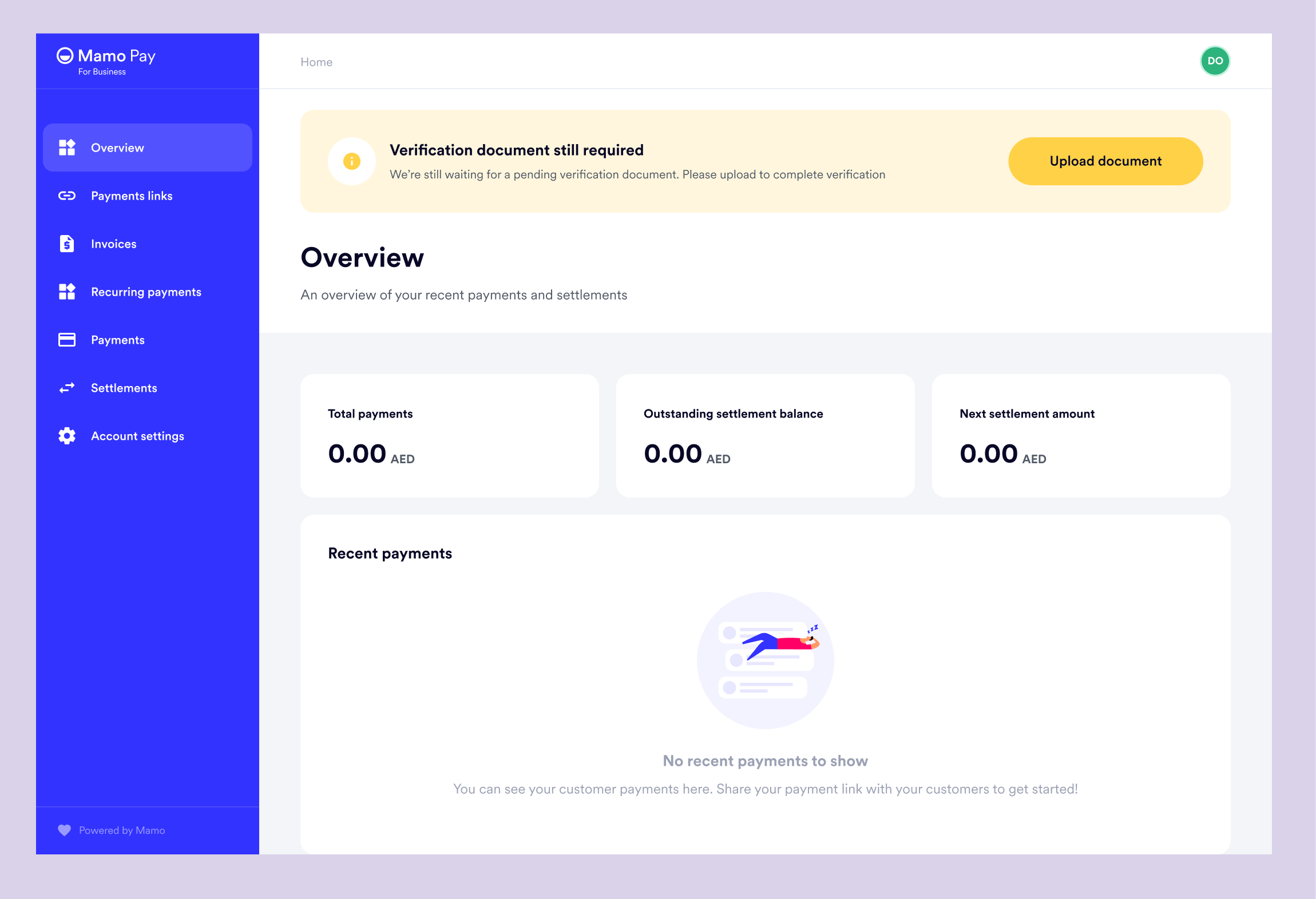
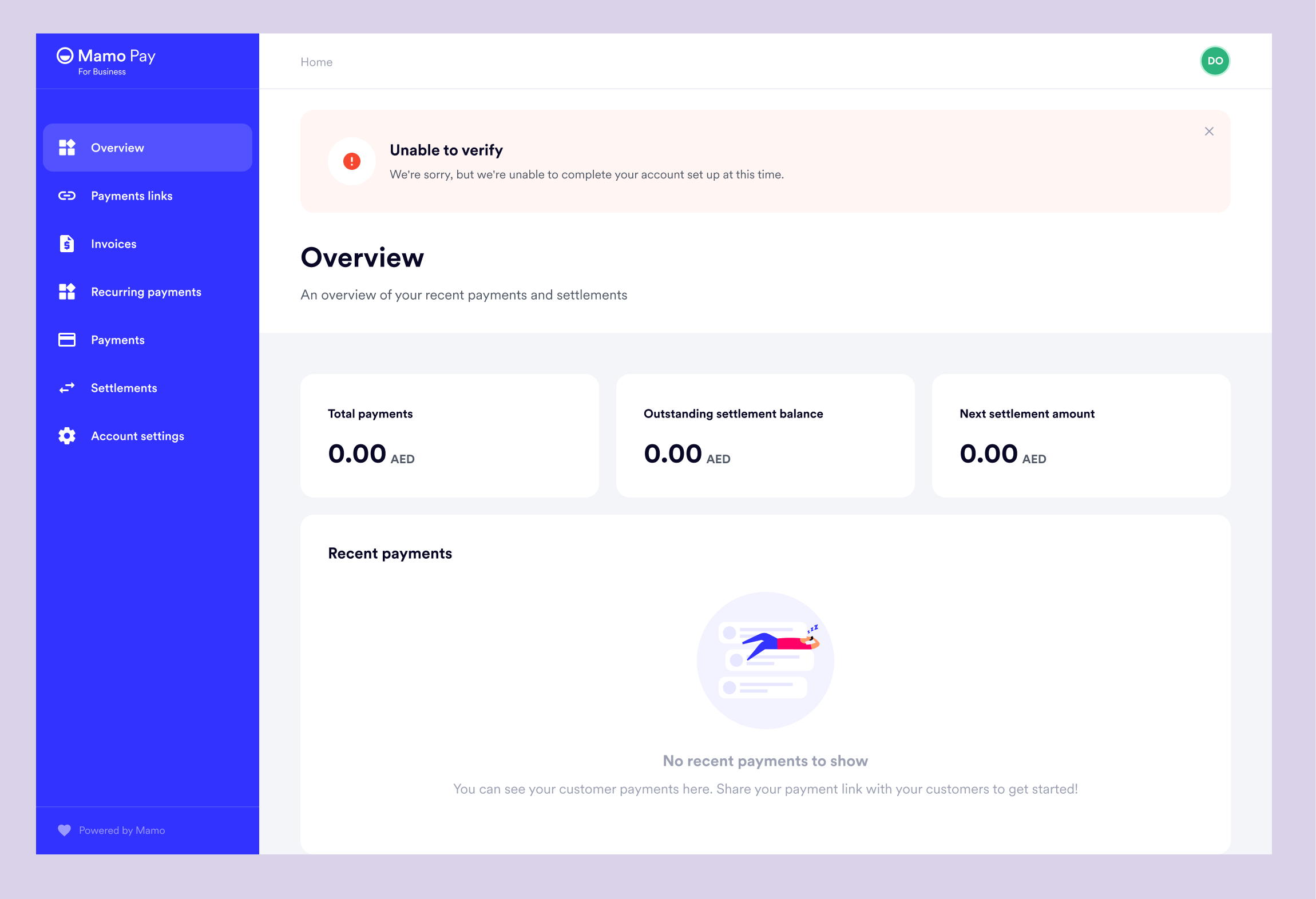
Once the user submits their documents, they will be reviewed by the Verification team. The status of the review process will be communicated clearly via the dashboard.
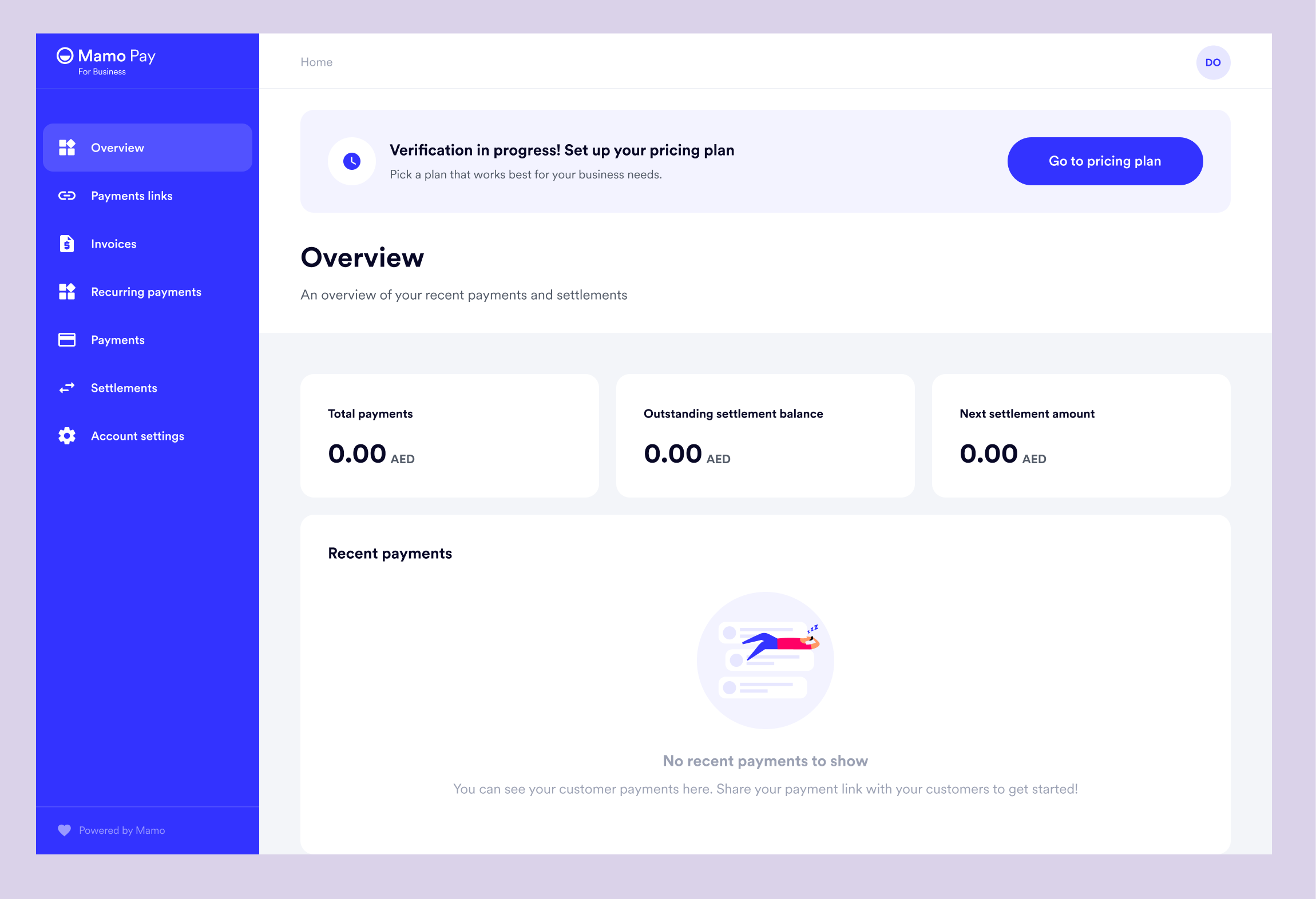
Before an account can be used to generate payments, it is important to understand which of our pricing plans the user prefers and the settlement period for which received payments will be settled to their account, as this influences the pricing. While awaiting the verification verdict, the user will be encouraged to set up their pricing plan, so that when their account is verified, they can start receiving payments without any delays.
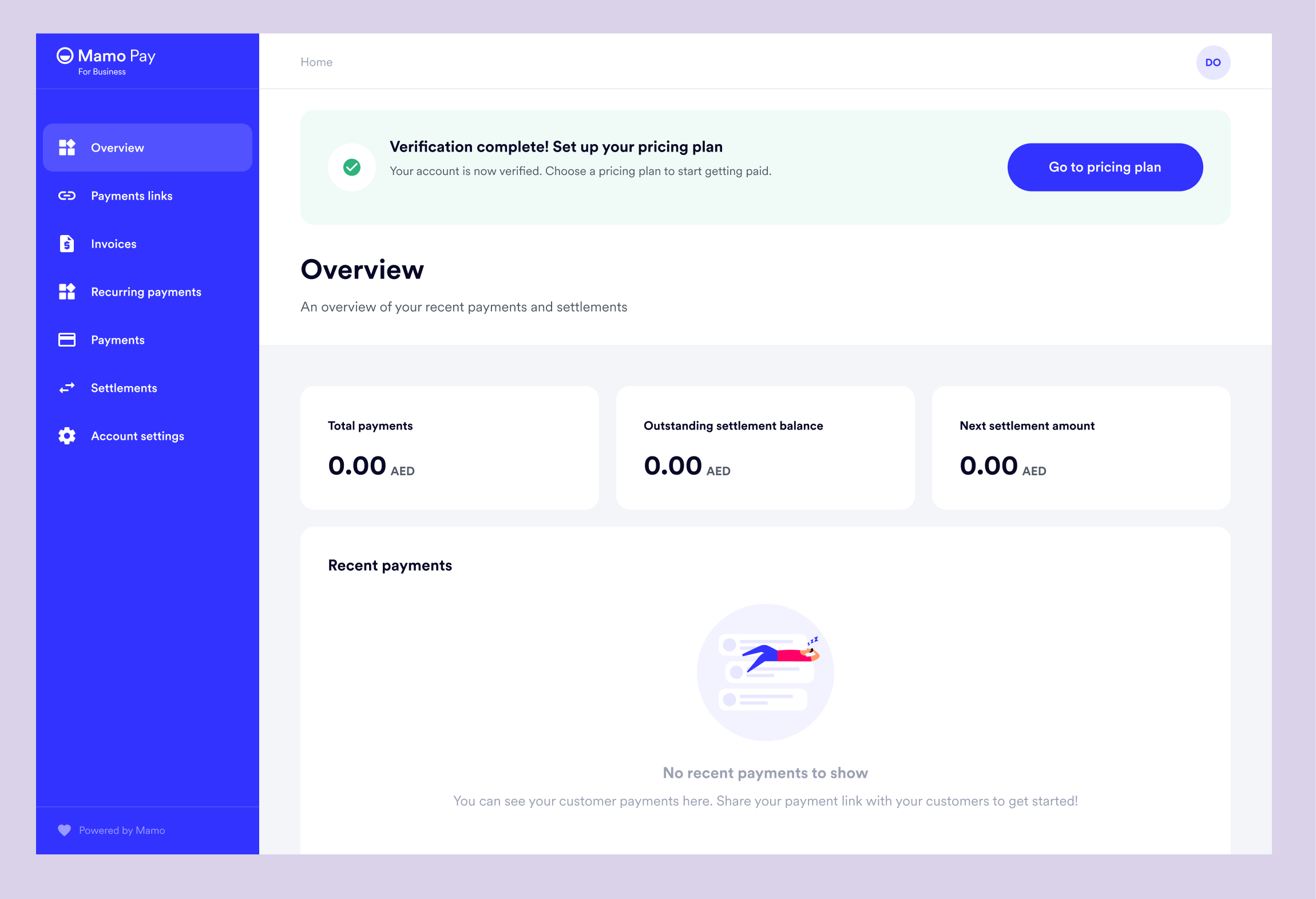
Depending on if the user has set pricing plan immediately or not, this is also reflected in the status on the dashboard.
There are currently three tiers - Starter, Growth and Premium.
So when the user click on Go to Pricing plan, the detailed pricing page shows.
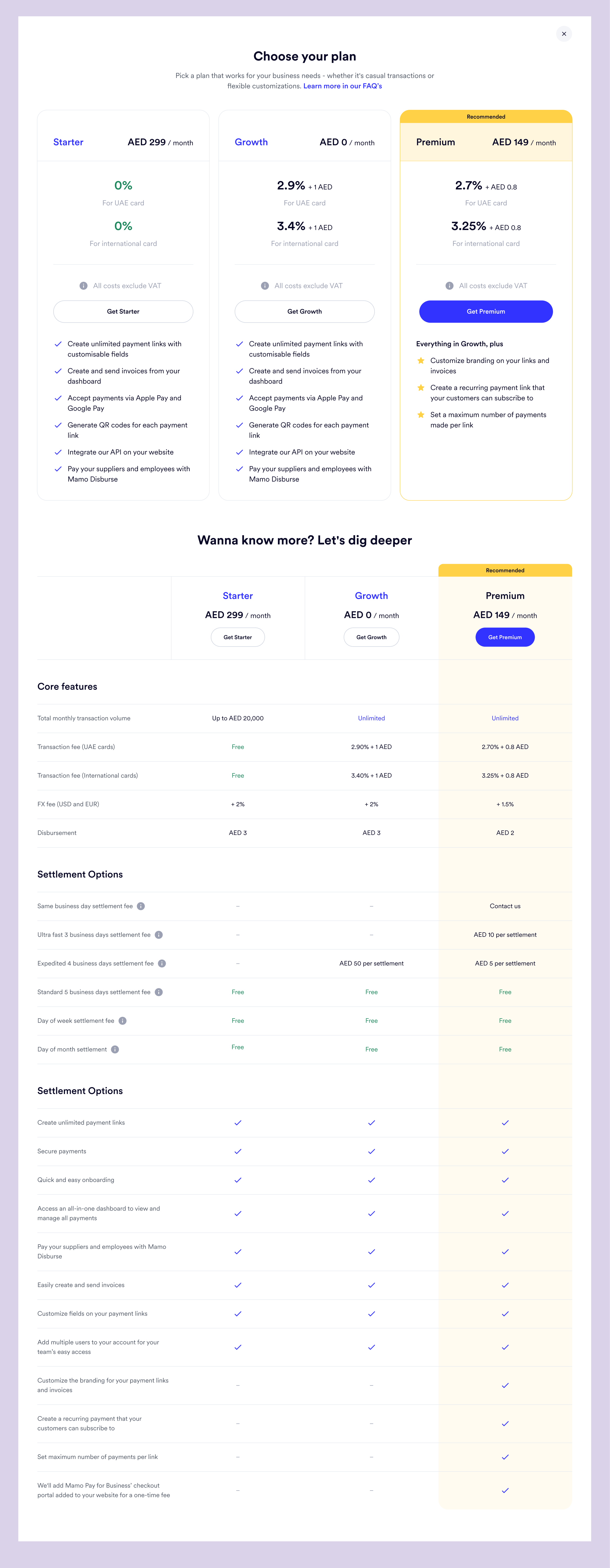
Also, it is important that the user understand how these fees apply and how they would be charged. So I went ahead and showed it below.
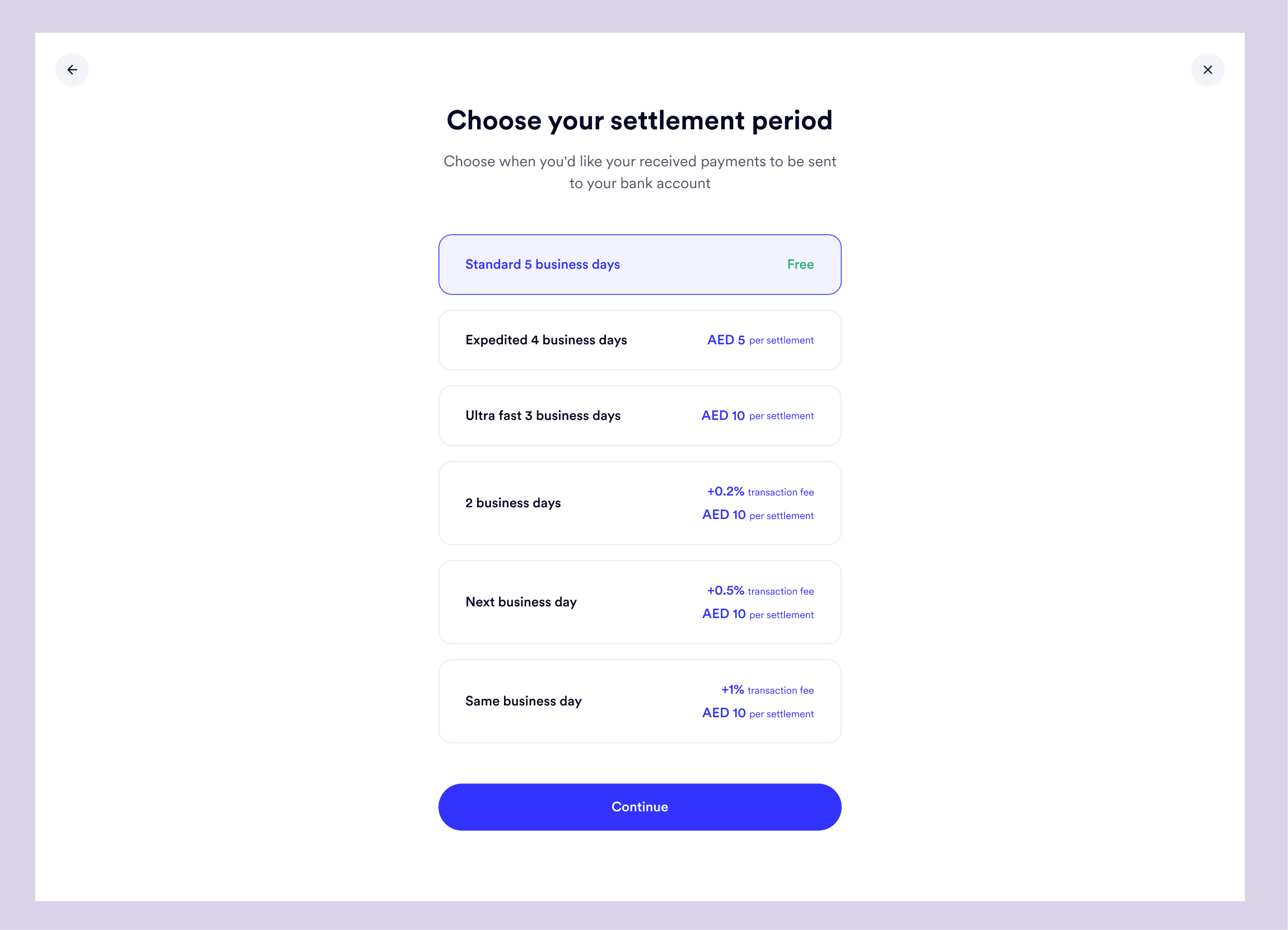
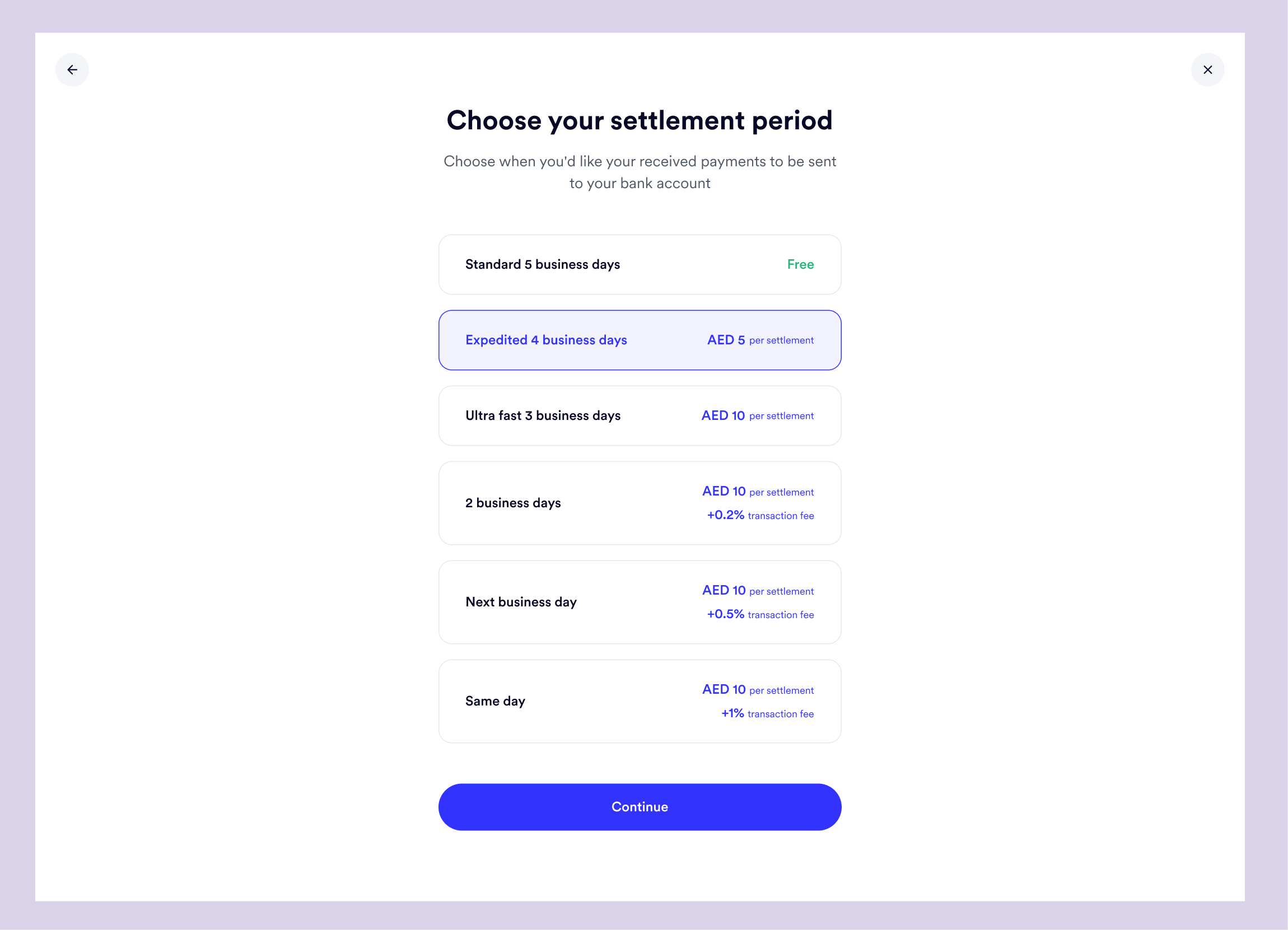
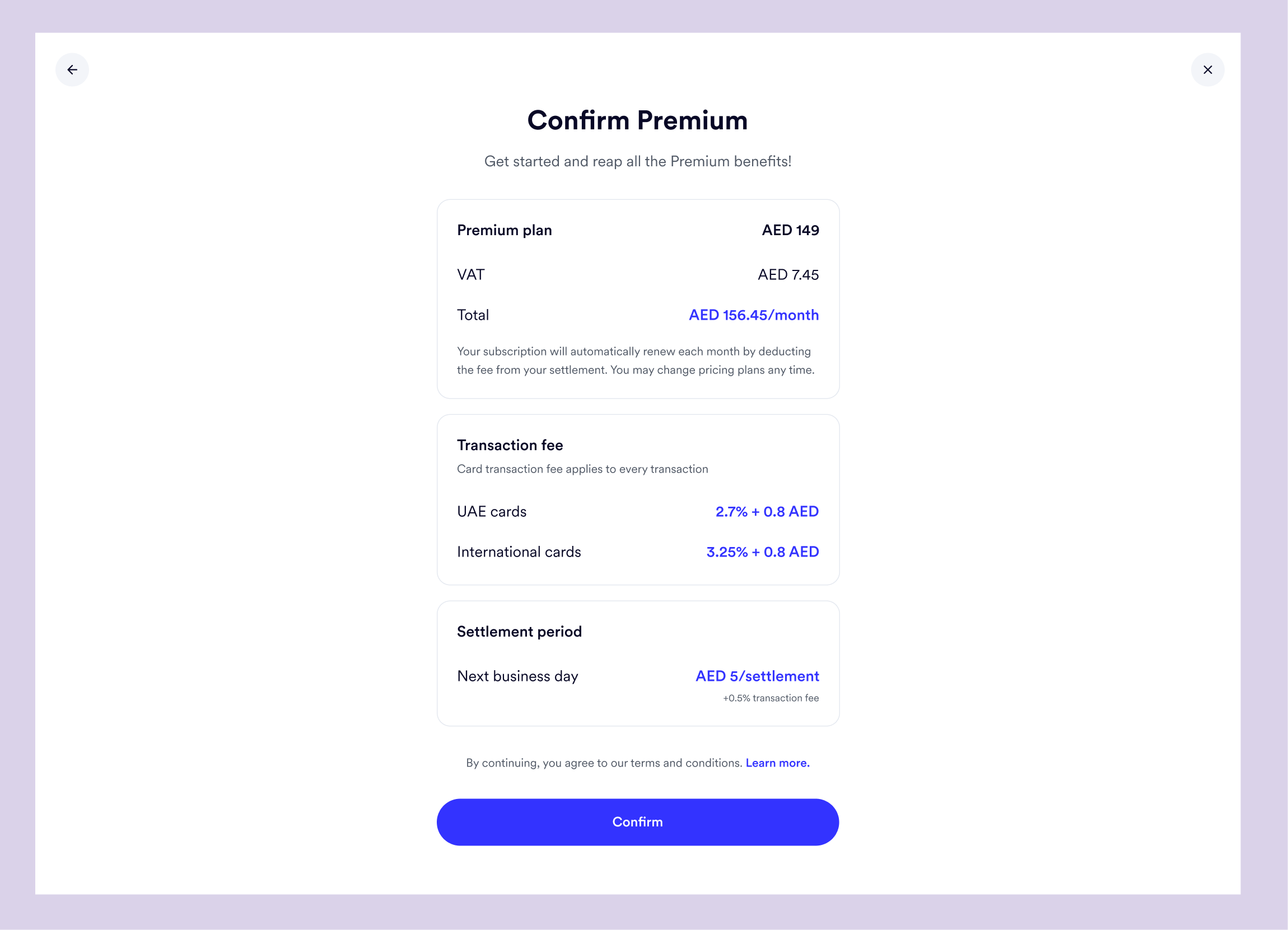
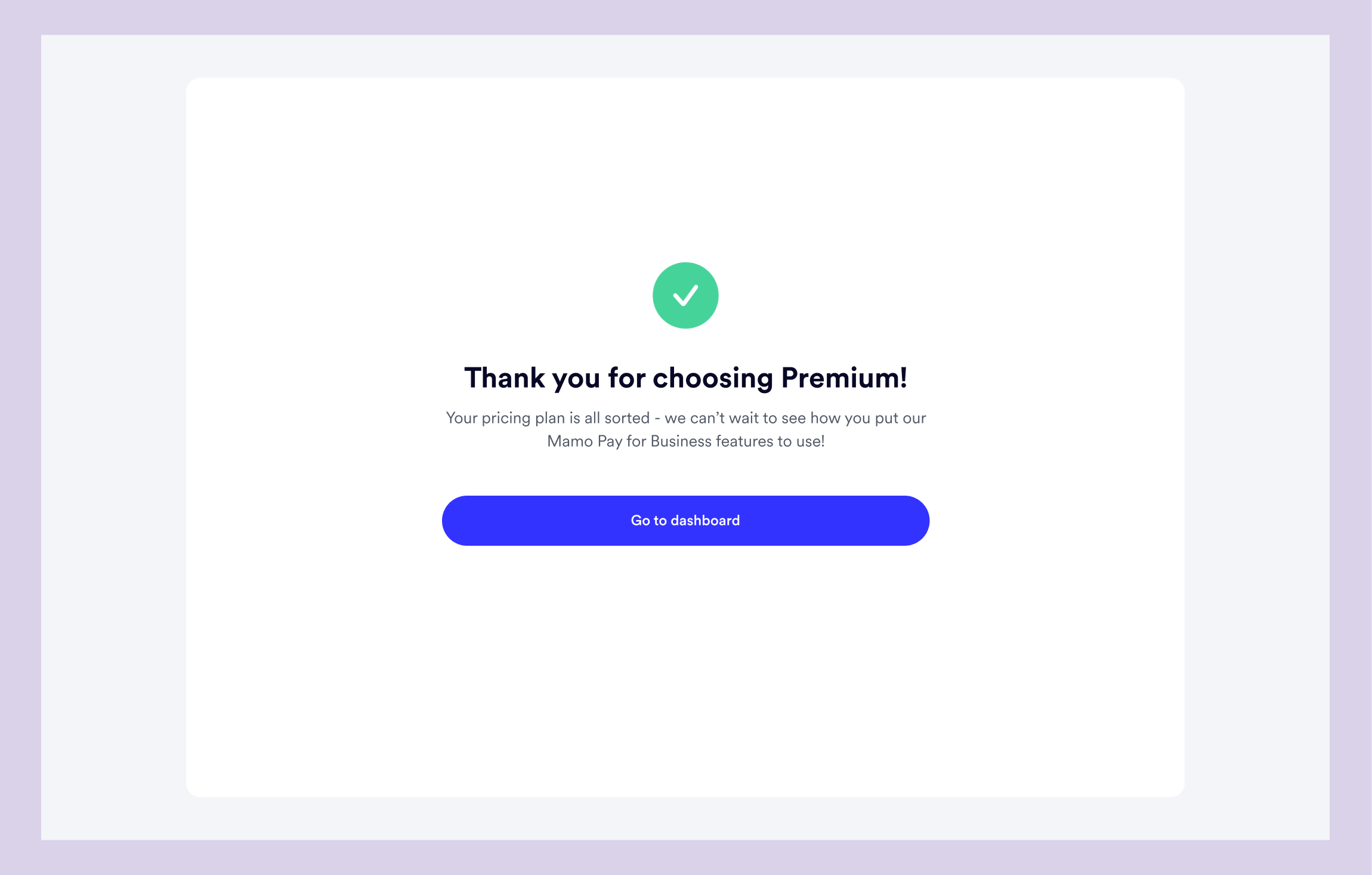
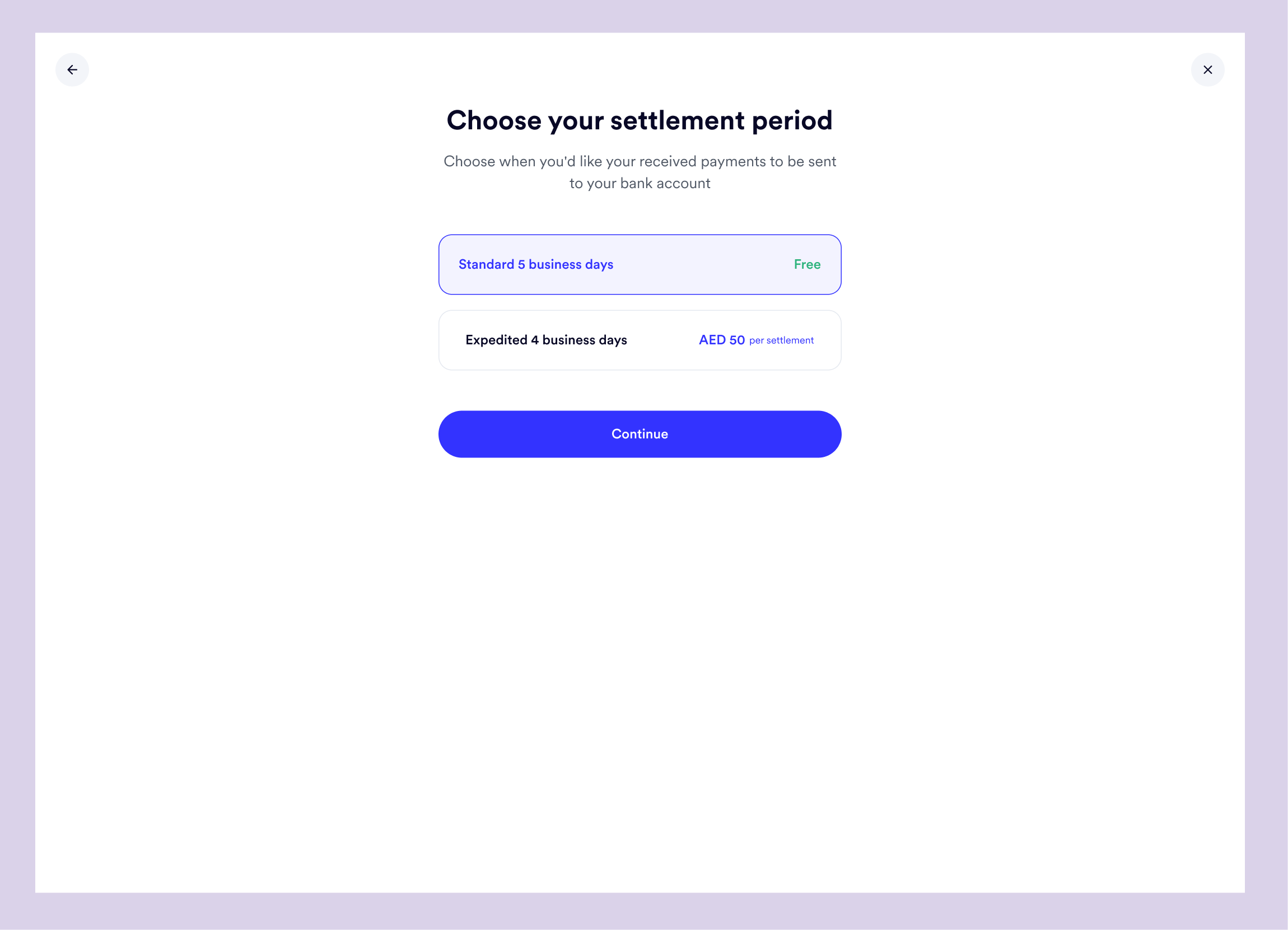
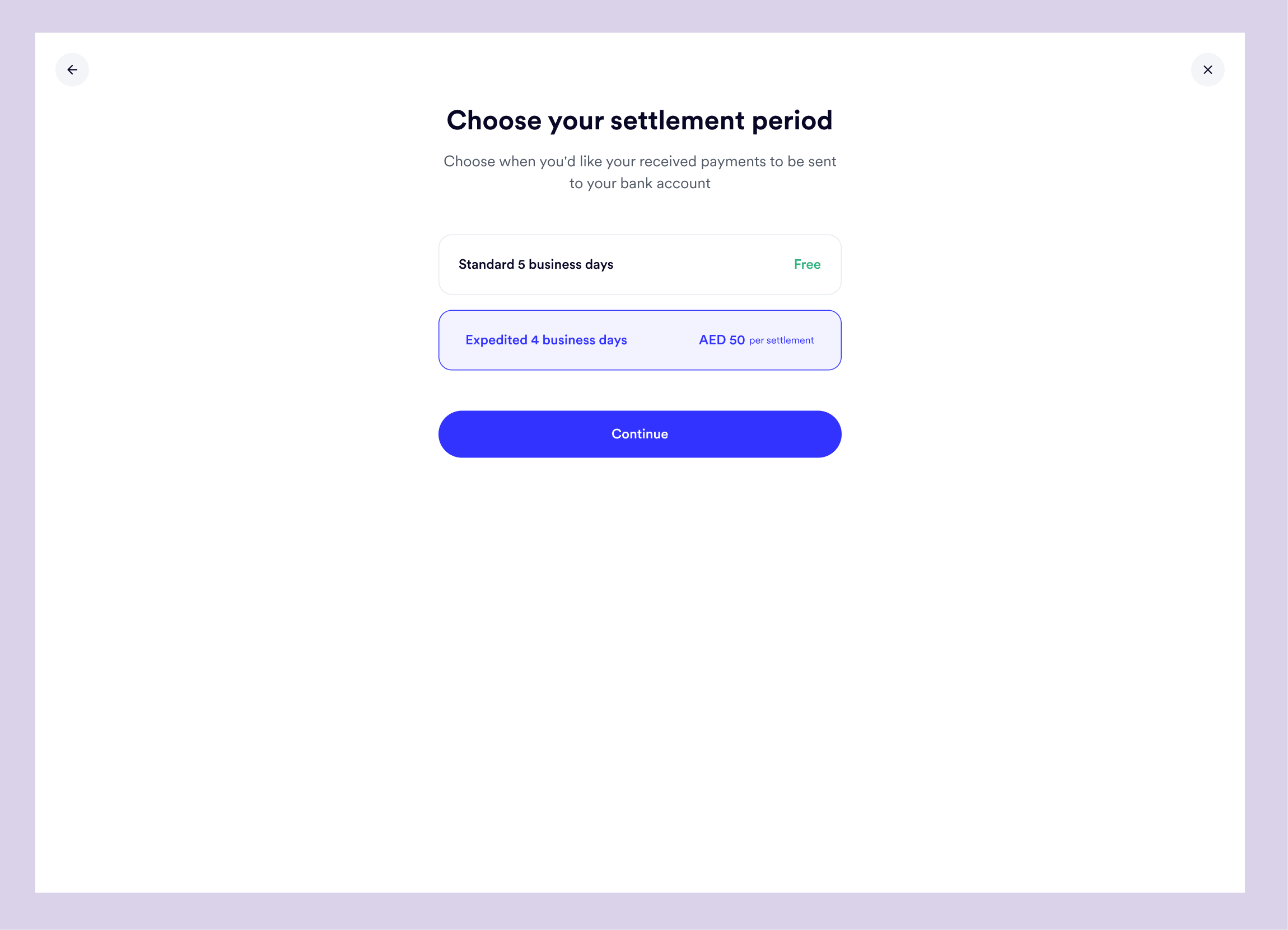
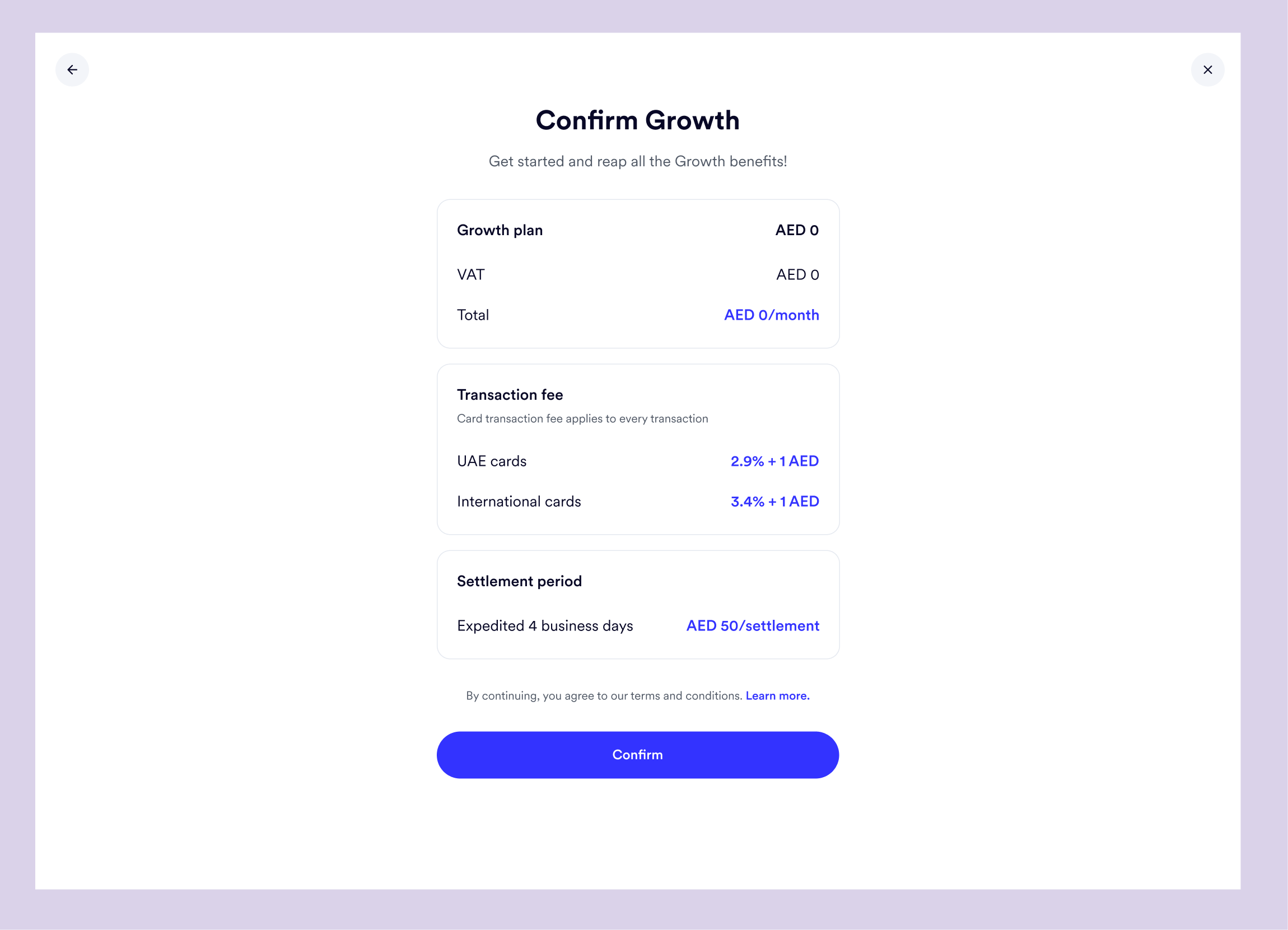
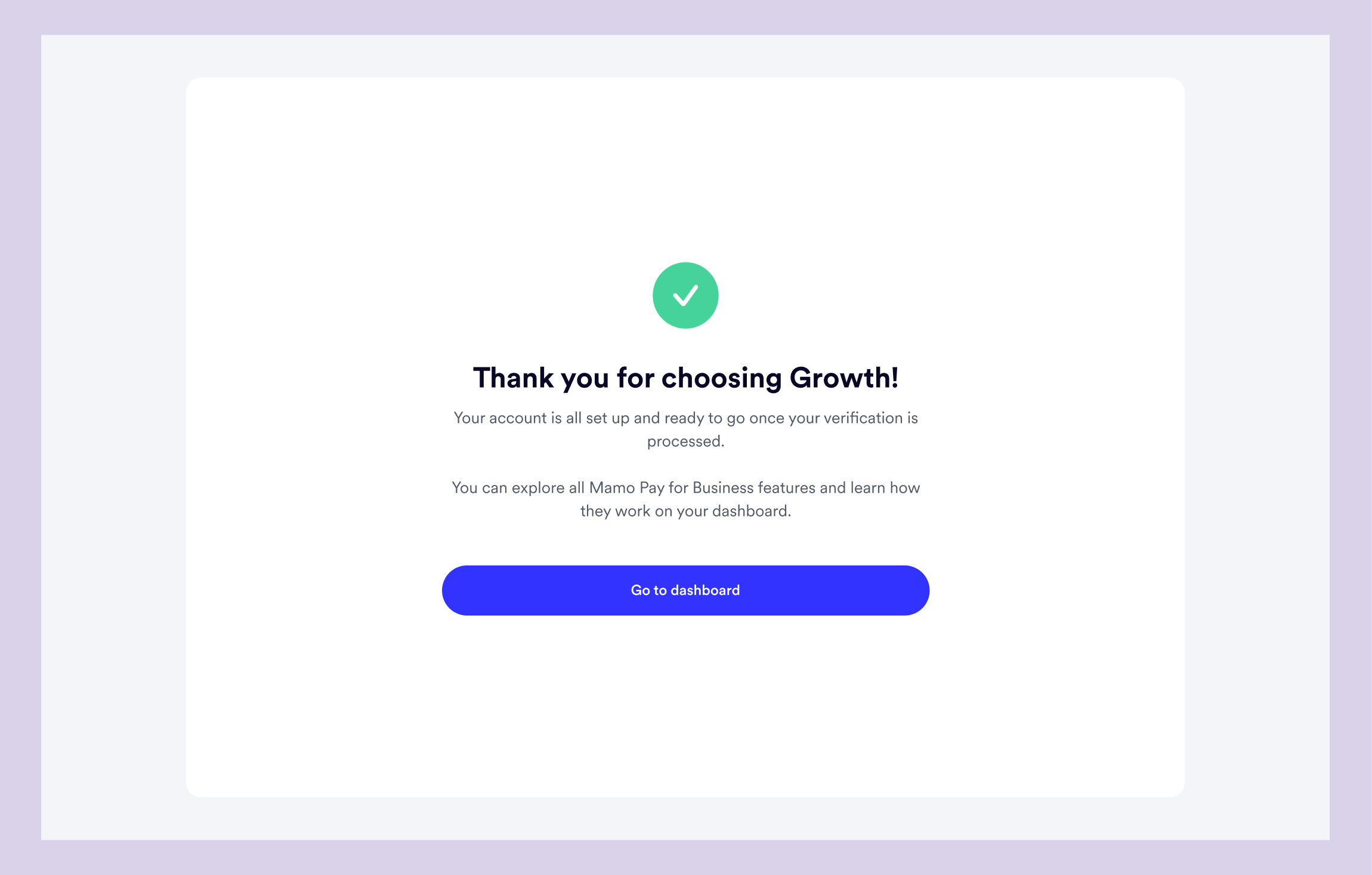
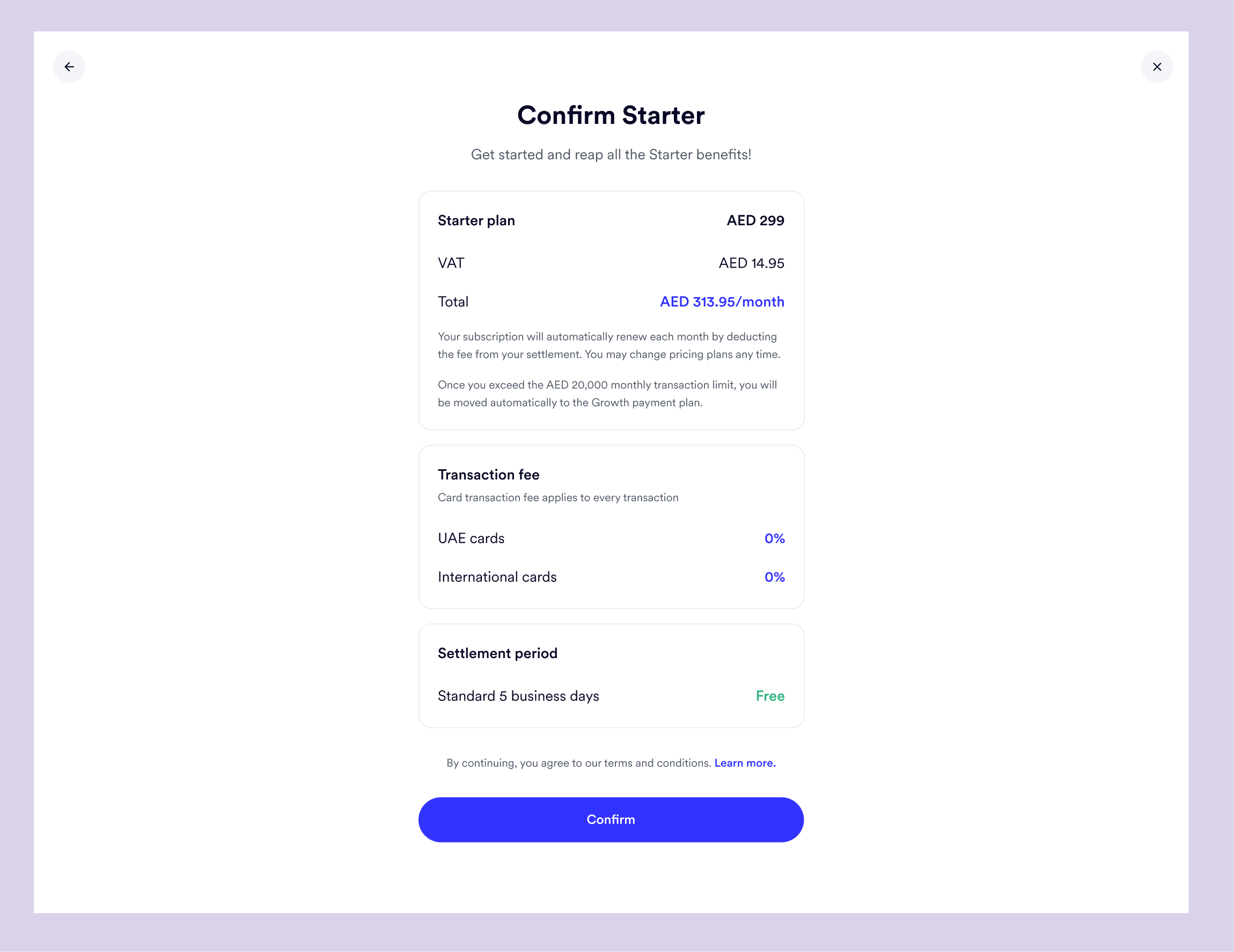
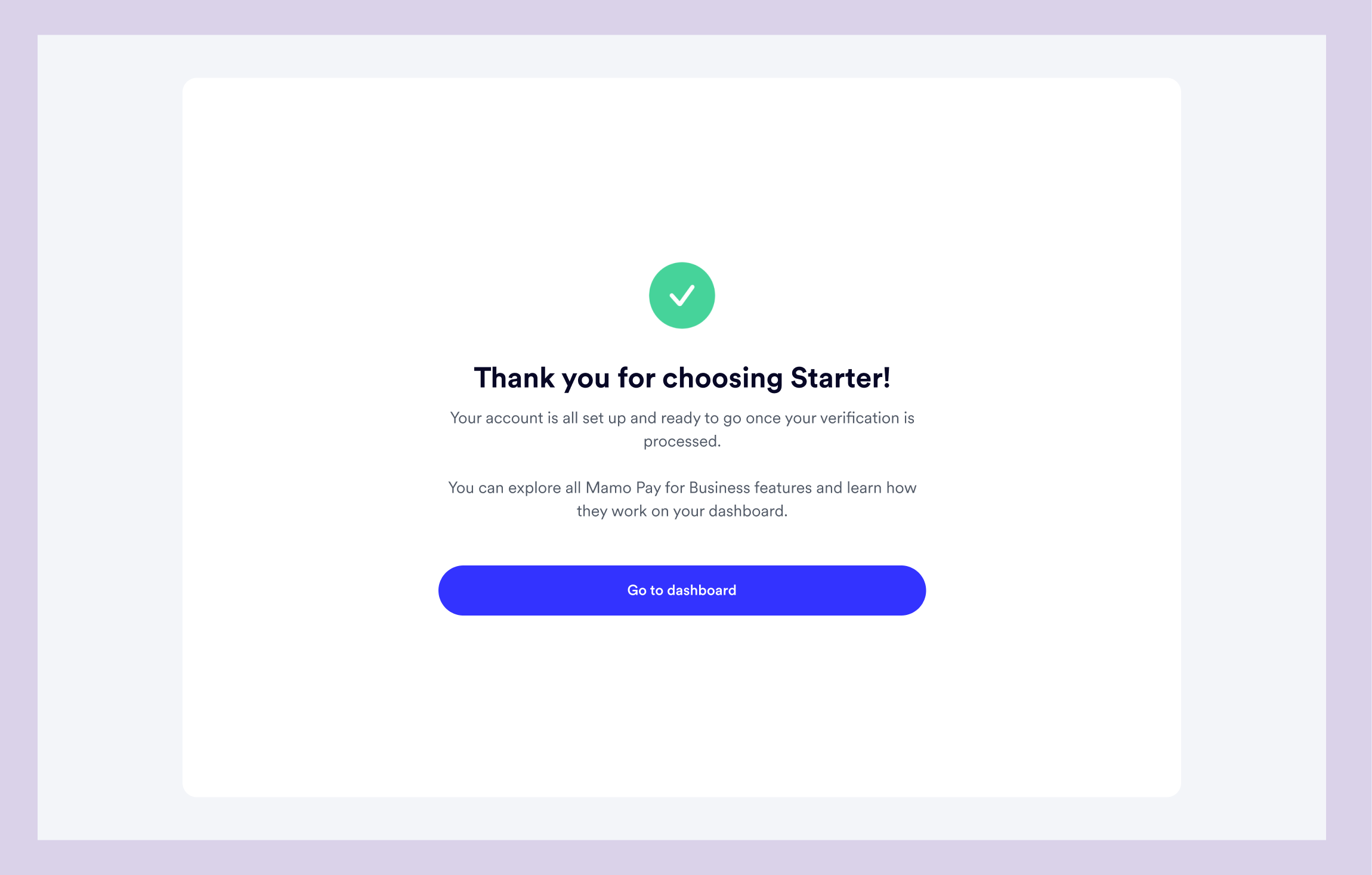
The Starter plan has no transaction fee and has a fixed settlement period. So for that, we have just the confirmation page.
The development of this new registration and verification flow was a significant undertaking, involving months of design, review, testing, feedback, and several iterations.
Finally, in January 2023, the new flow was launched, and the impact was immediately apparent.
The launch of the new registration and verification flow has had a tremendous impact on our business, improving the efficiency of our teams and onboarding new users onto our platform. We continually refine and improve the flow as we gather more feedback and insights.
Our focus remains on creating a seamless and user-friendly experience for our customers, improving the overall user experience, and driving growth for Mamo.