.svg)
The Recurring Payment feature allows businesses to receive automated payments from their customers at pre-determined dates.
Mamo is a Fintech company based in the UAE that offers products for both B2C and SaaS B2B markets. Currently, I work within the B2B squad, contributing to the development of a product that empowers businesses to accept payments and effectively manage their expenses.
Recurring payment was the first project I worked on after joining Mamo.
When I joined in May, the two payment features for businesses were Invoices and Payment links. Businesses can create payment links about their product or service from their dashboard, which can be shared with their customers. When the customer pays with the link, the business receives the revenue from Mamo on their selected settlement days.
Considering that some of the businesses that use Mamo are subscription-based, it was time to build a solution to improve their process of receiving automated customer payments.
I led an interview with my team with some of the subscription-based businesses in Dubai to understand how best to build this solution to serve their needs.
Here are the insights we gathered from the conversations:
From the gathered points, it was imperative that our recurring payment feature had to:
With this, I got to work.
I divided the journey into three flows:
I made wireframes to have a high-level overview and test before proceeding.
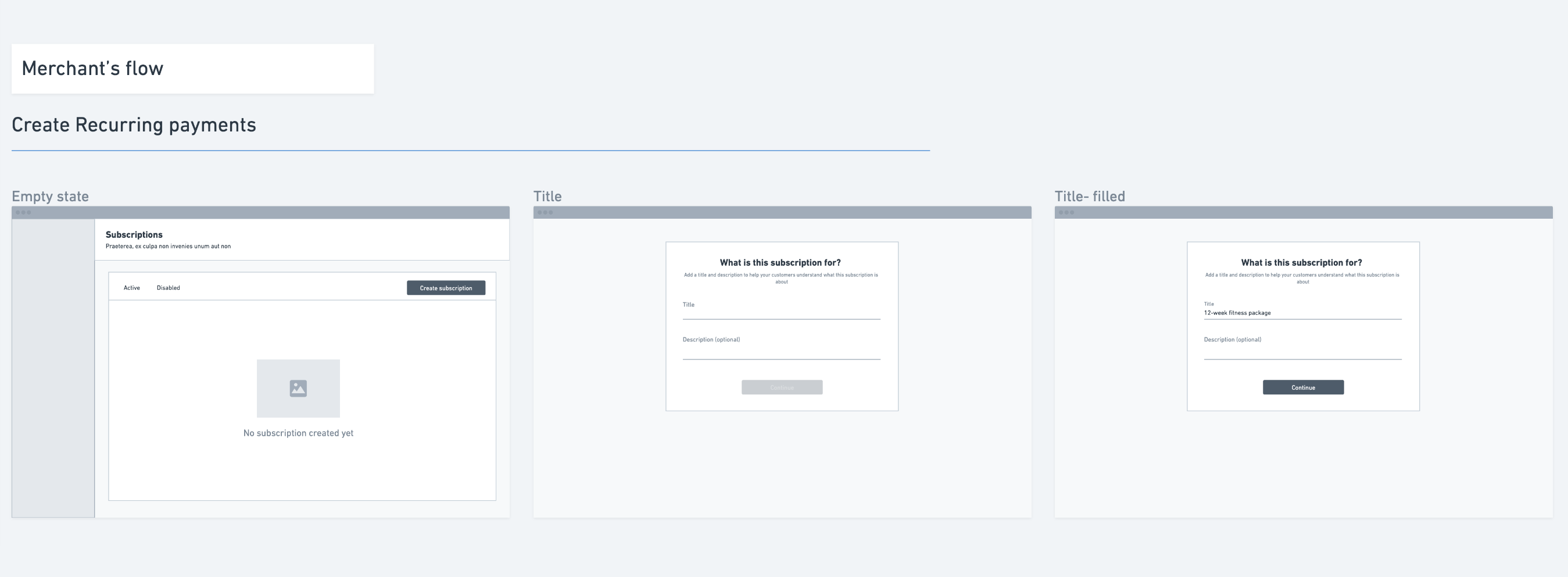
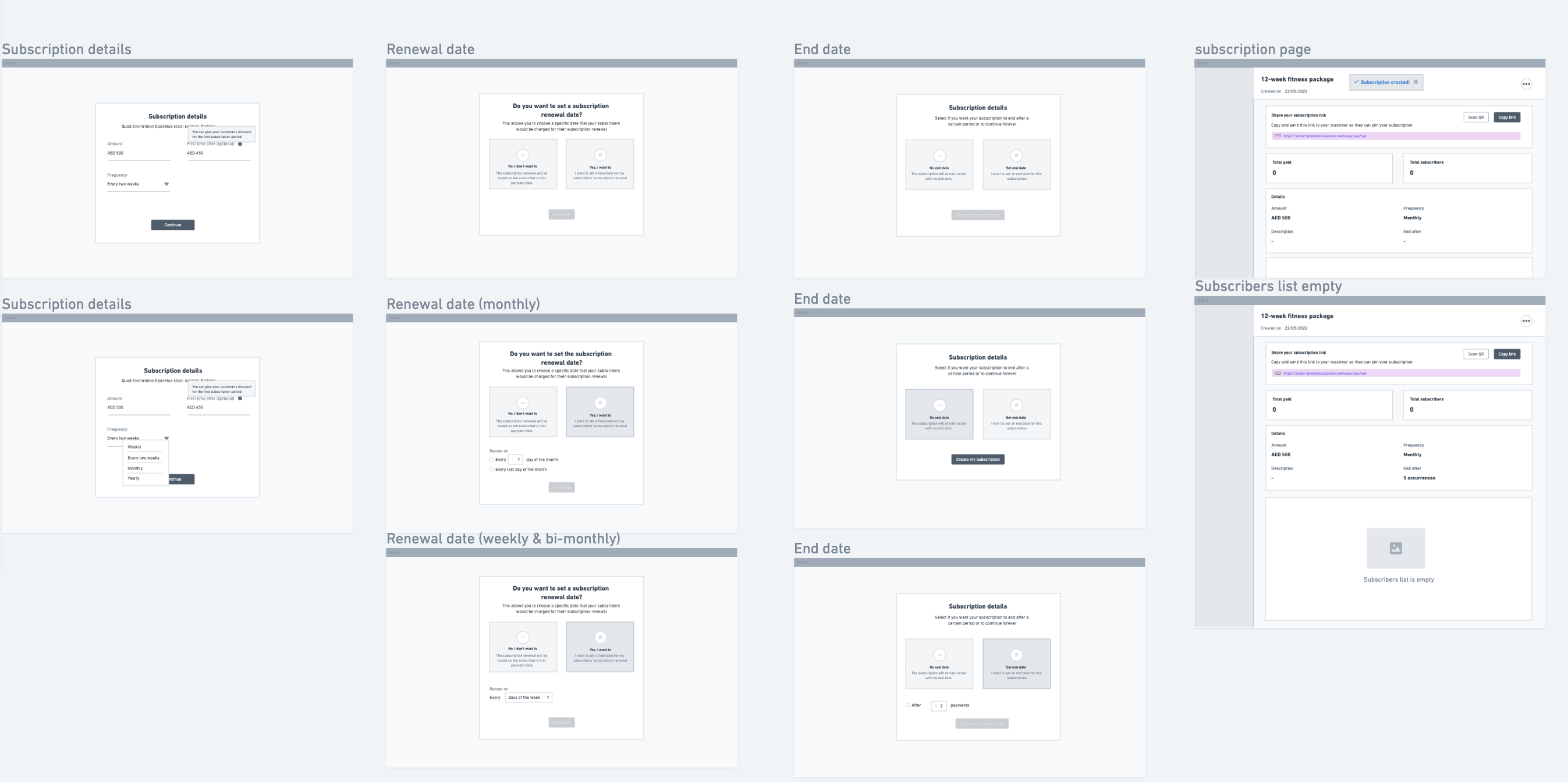
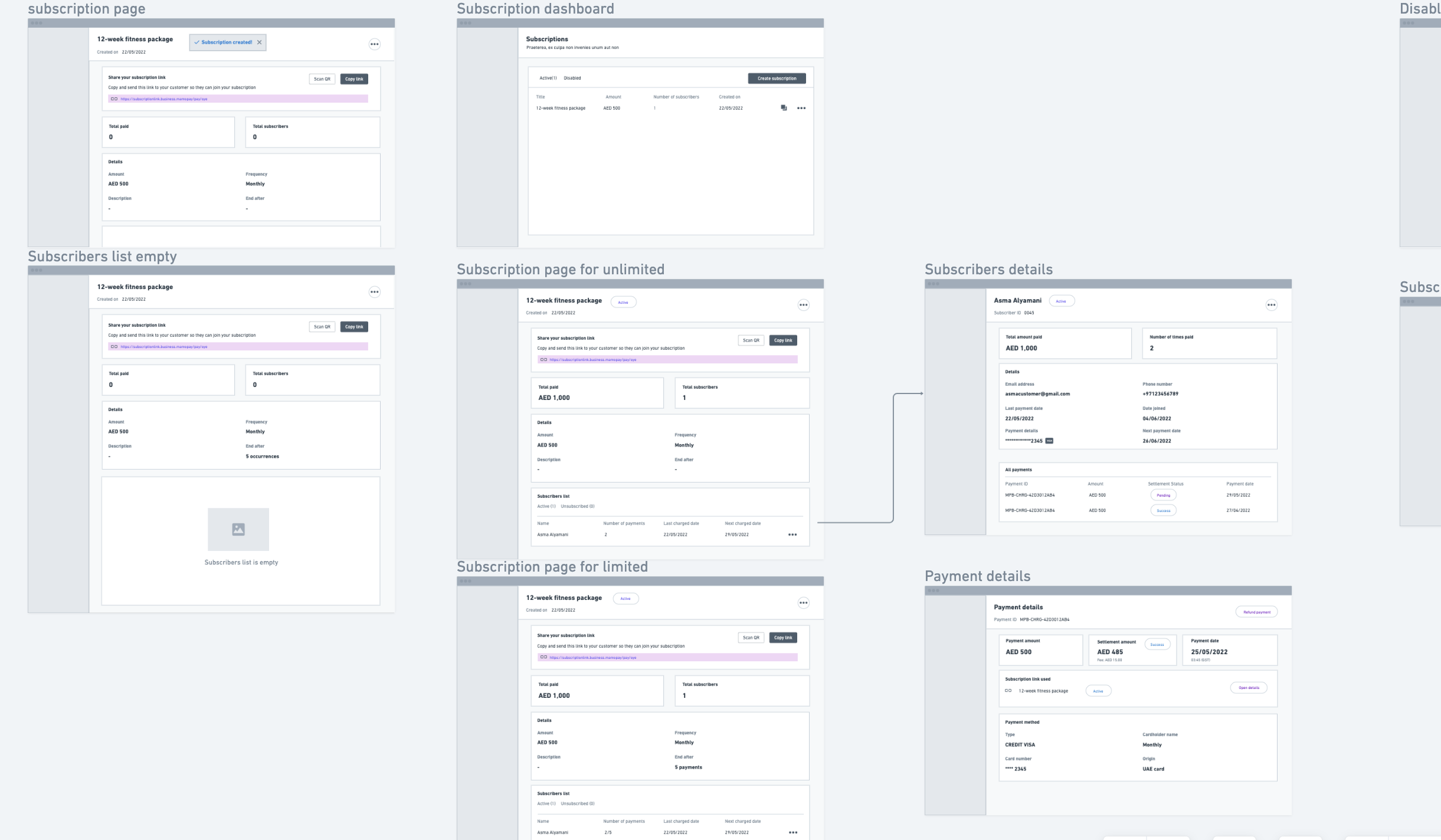
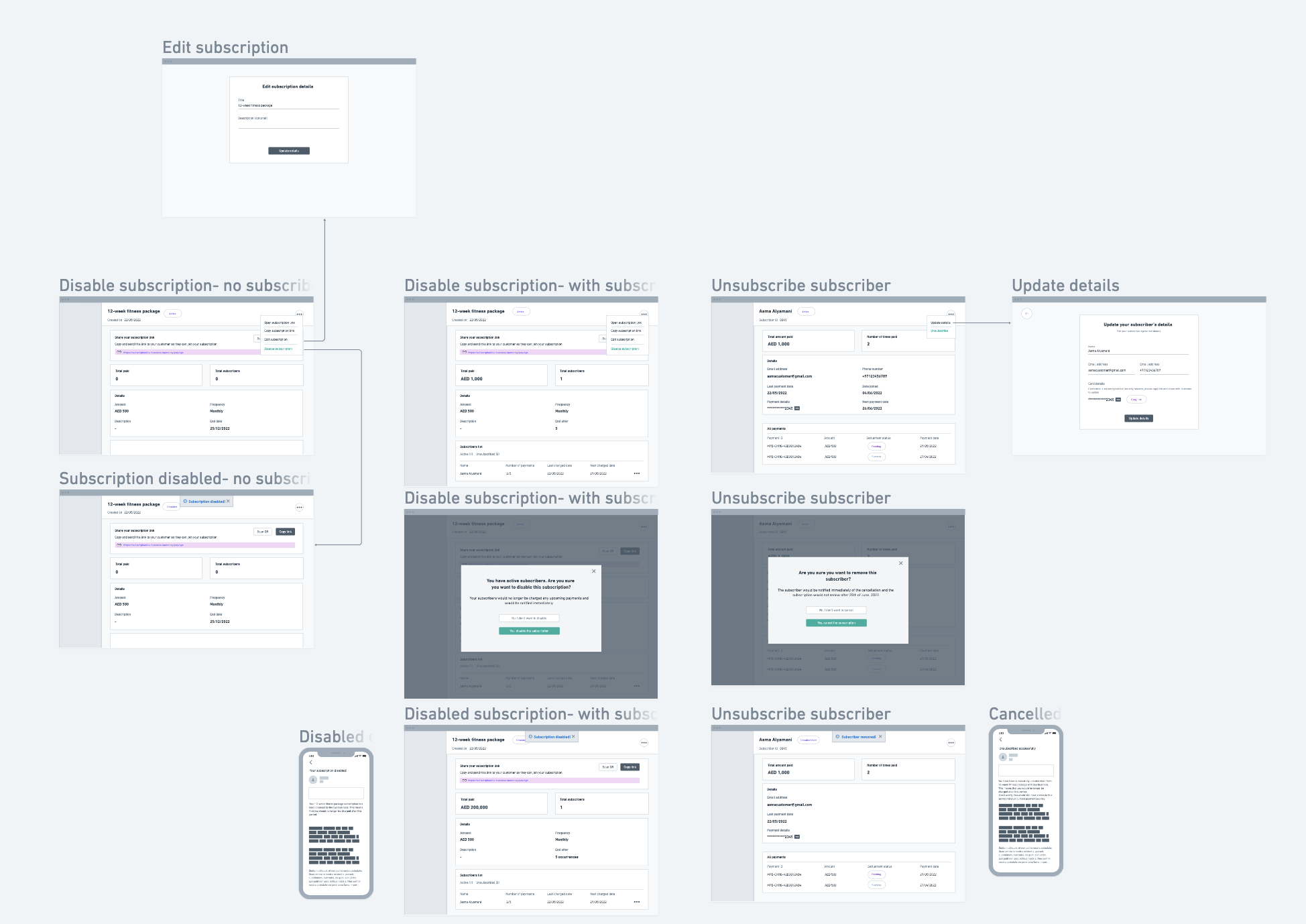
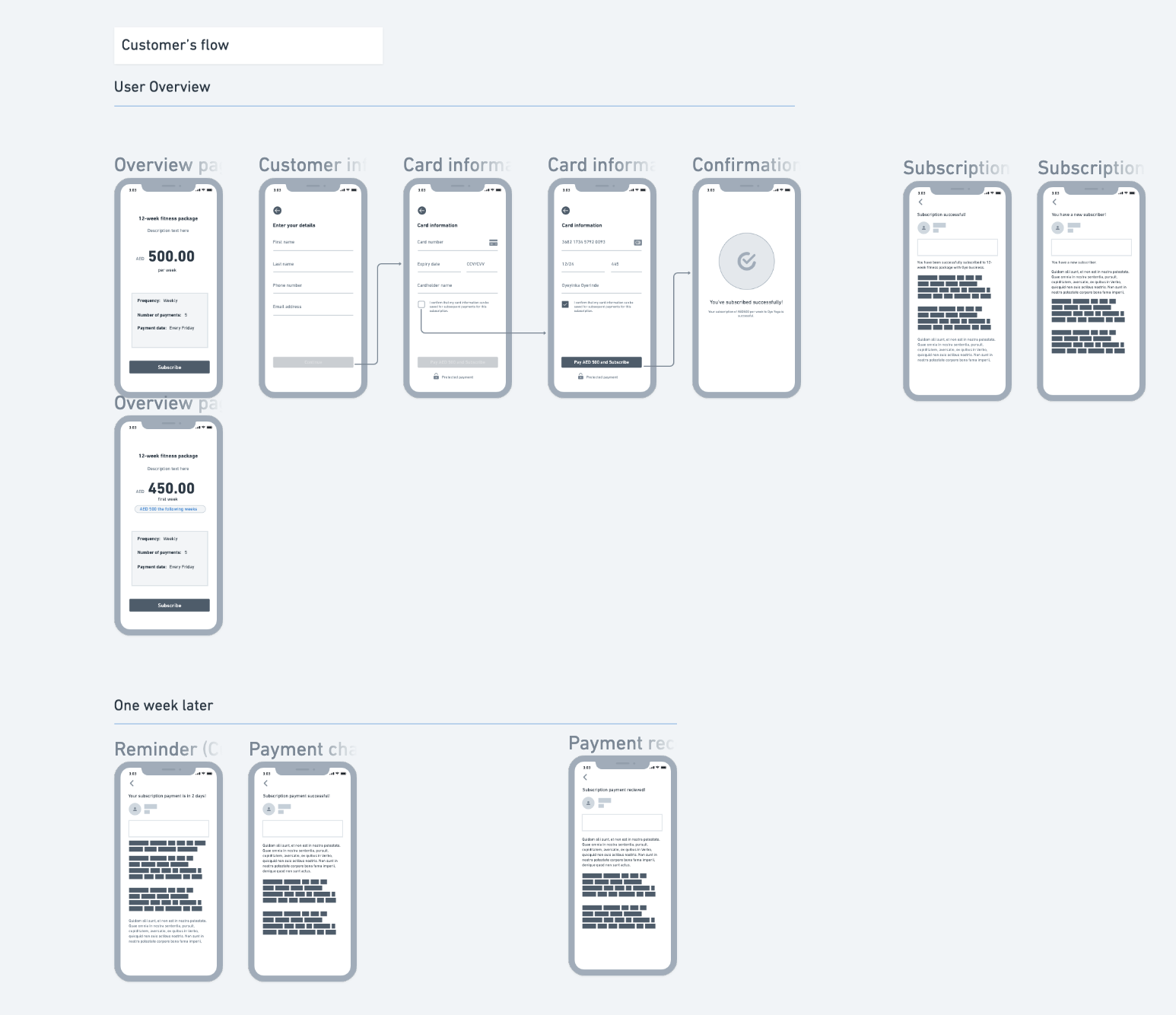
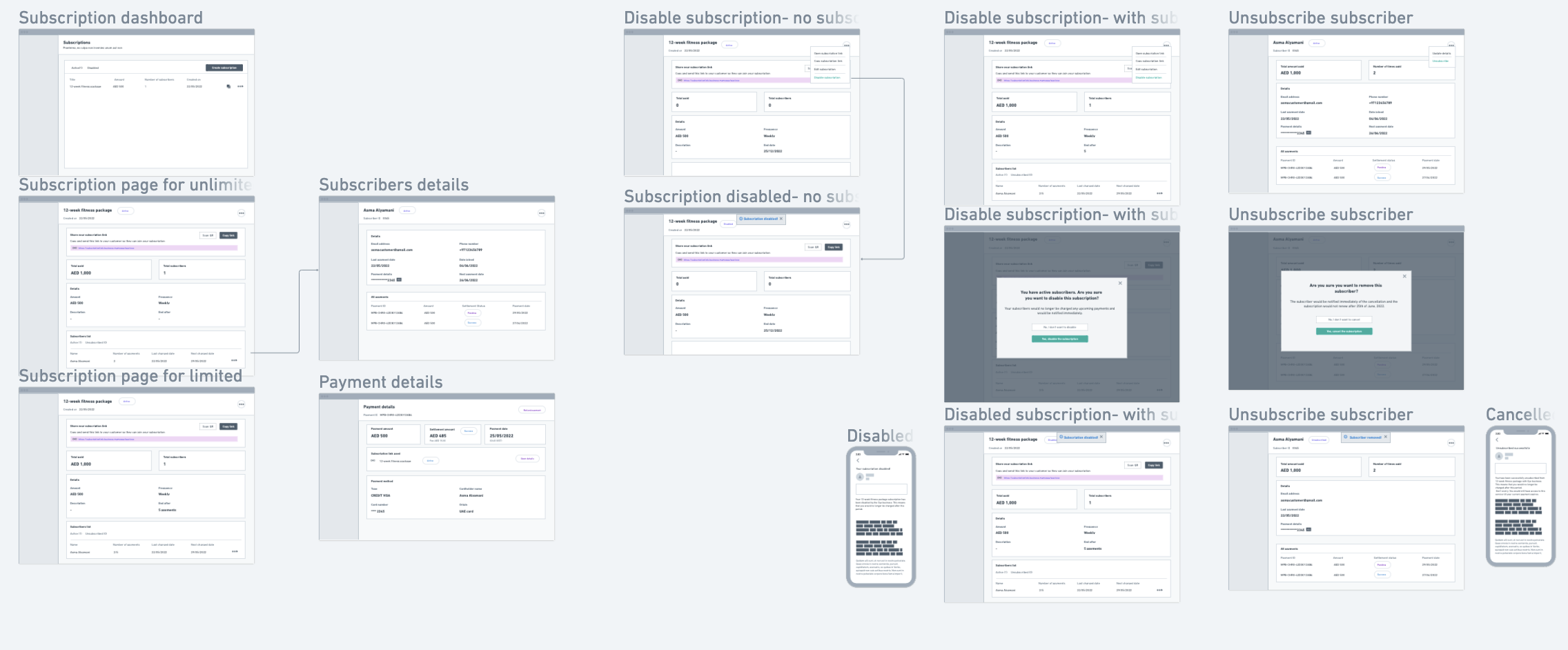
We organized a design review with the whole team to present the wireframes and got some feedback, which was used in the high-fi designs.
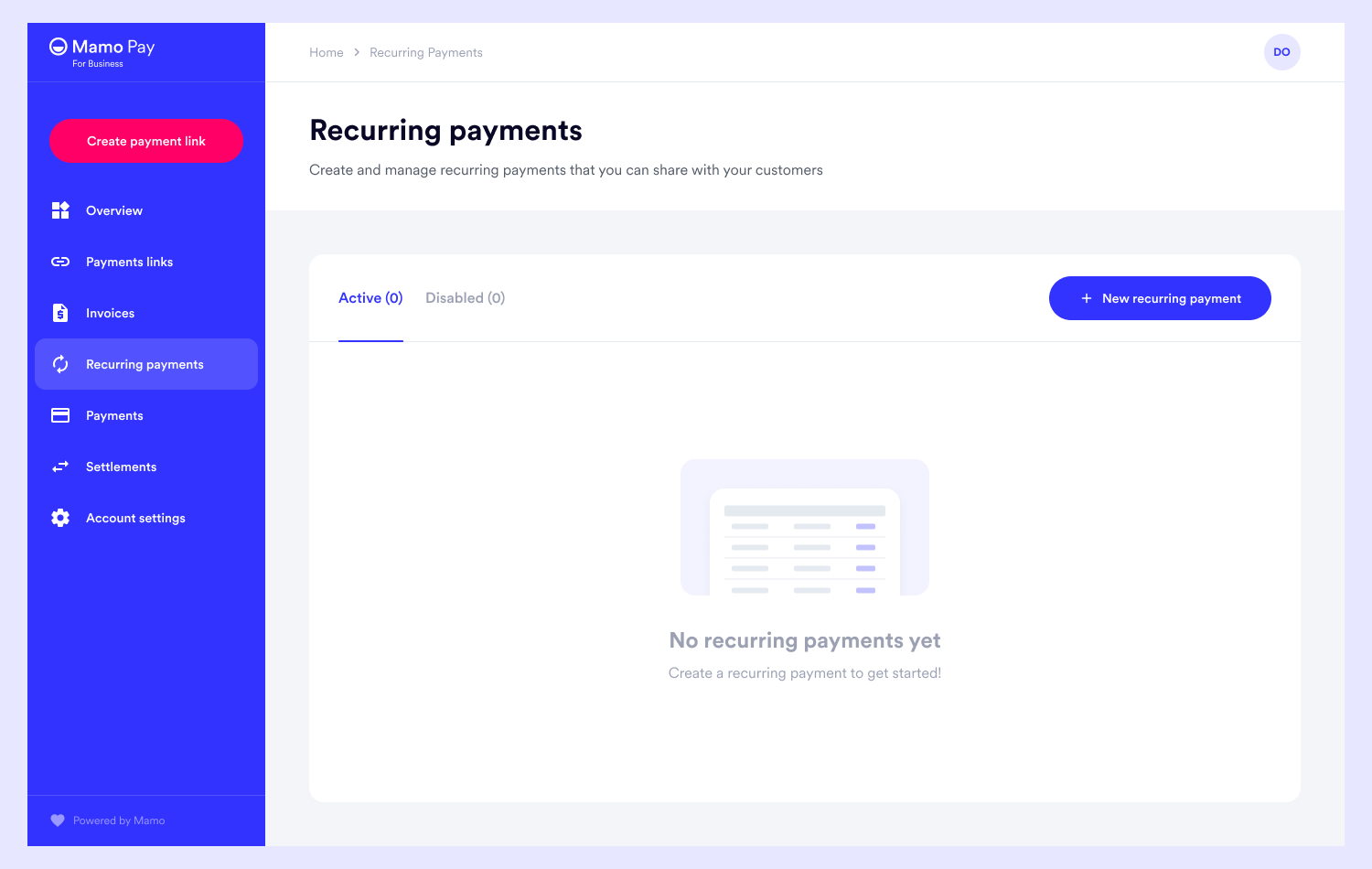
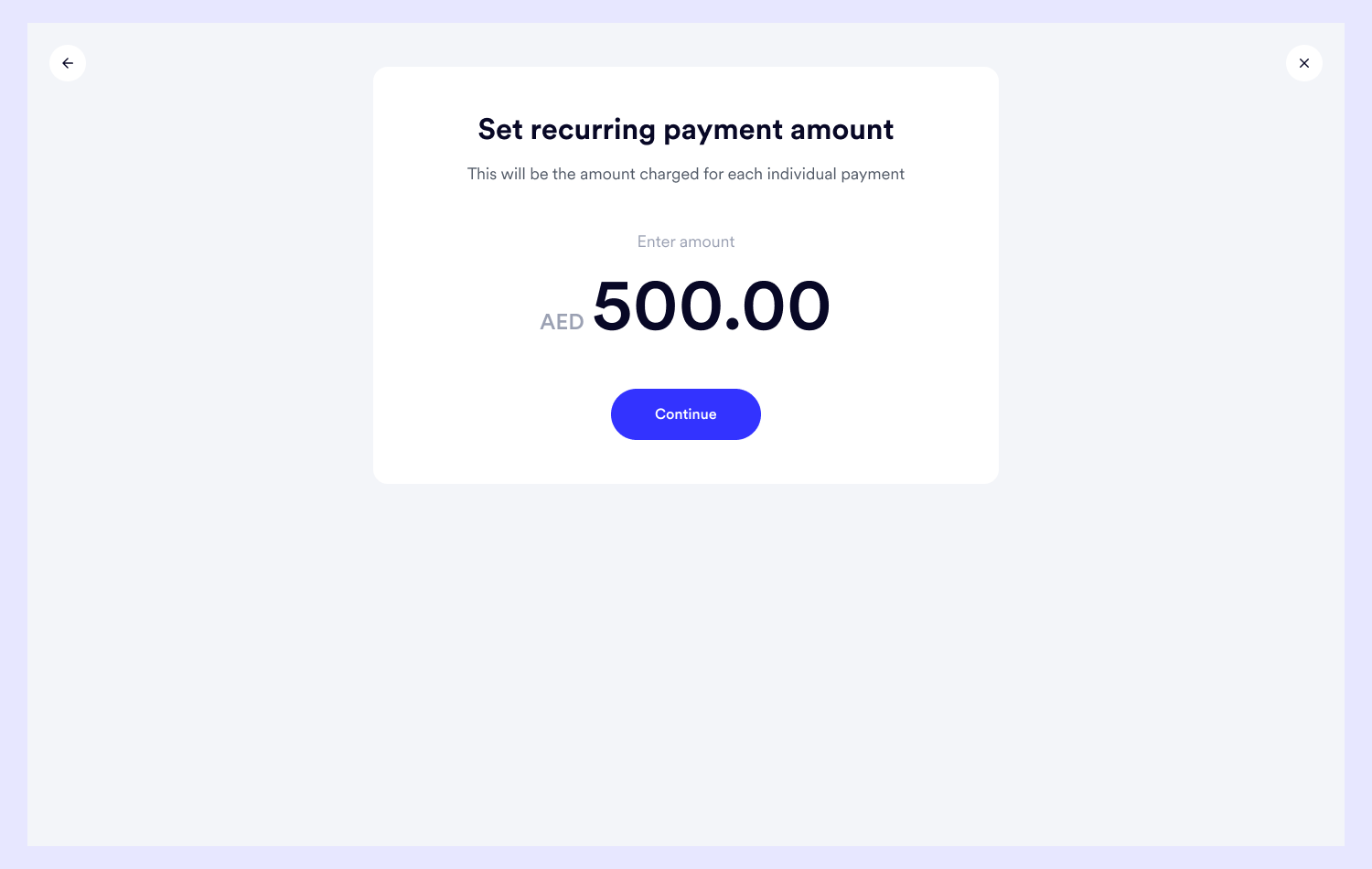
Here, I have the empty state, setting a title and description of the payment and amount.

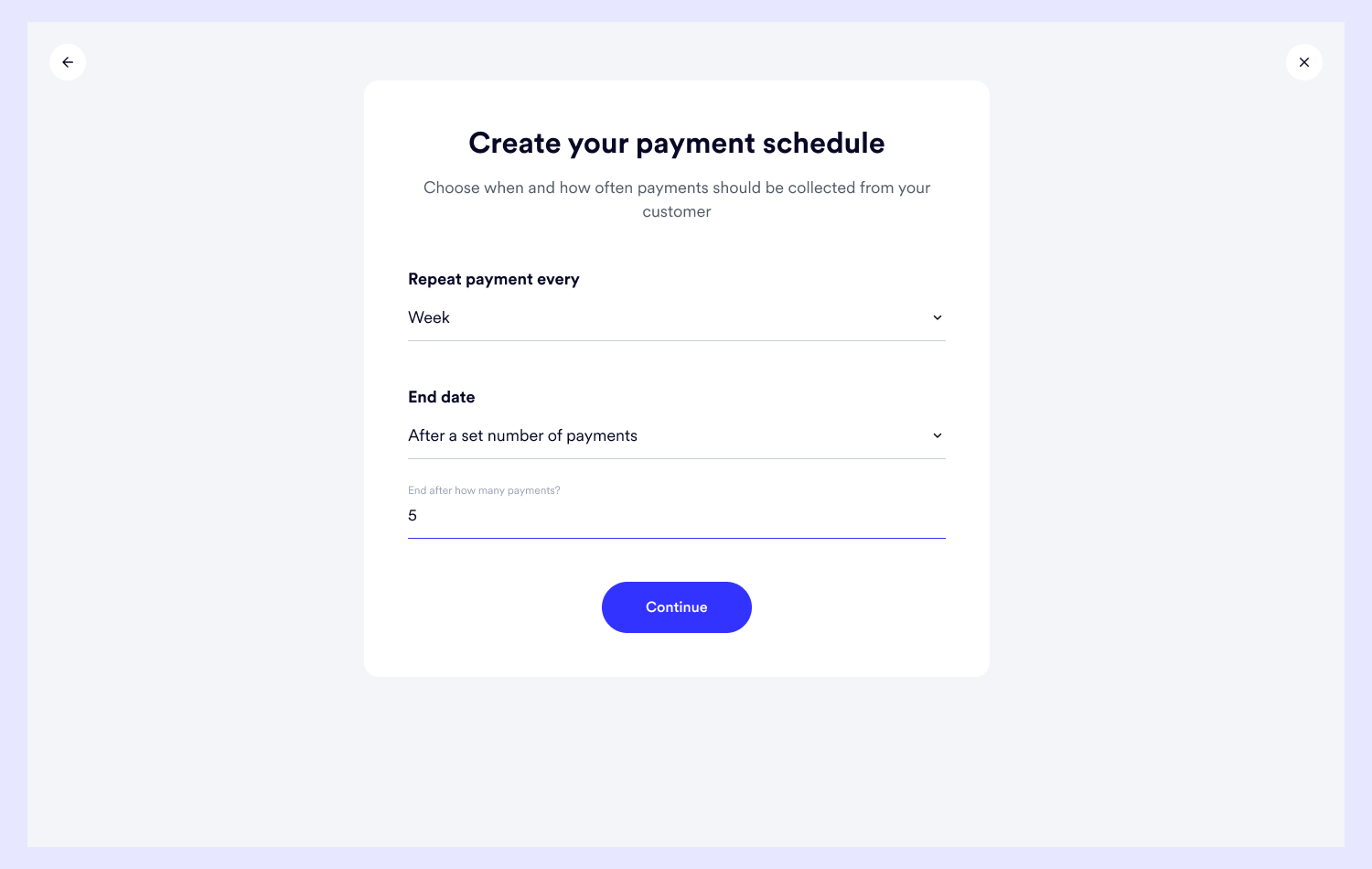
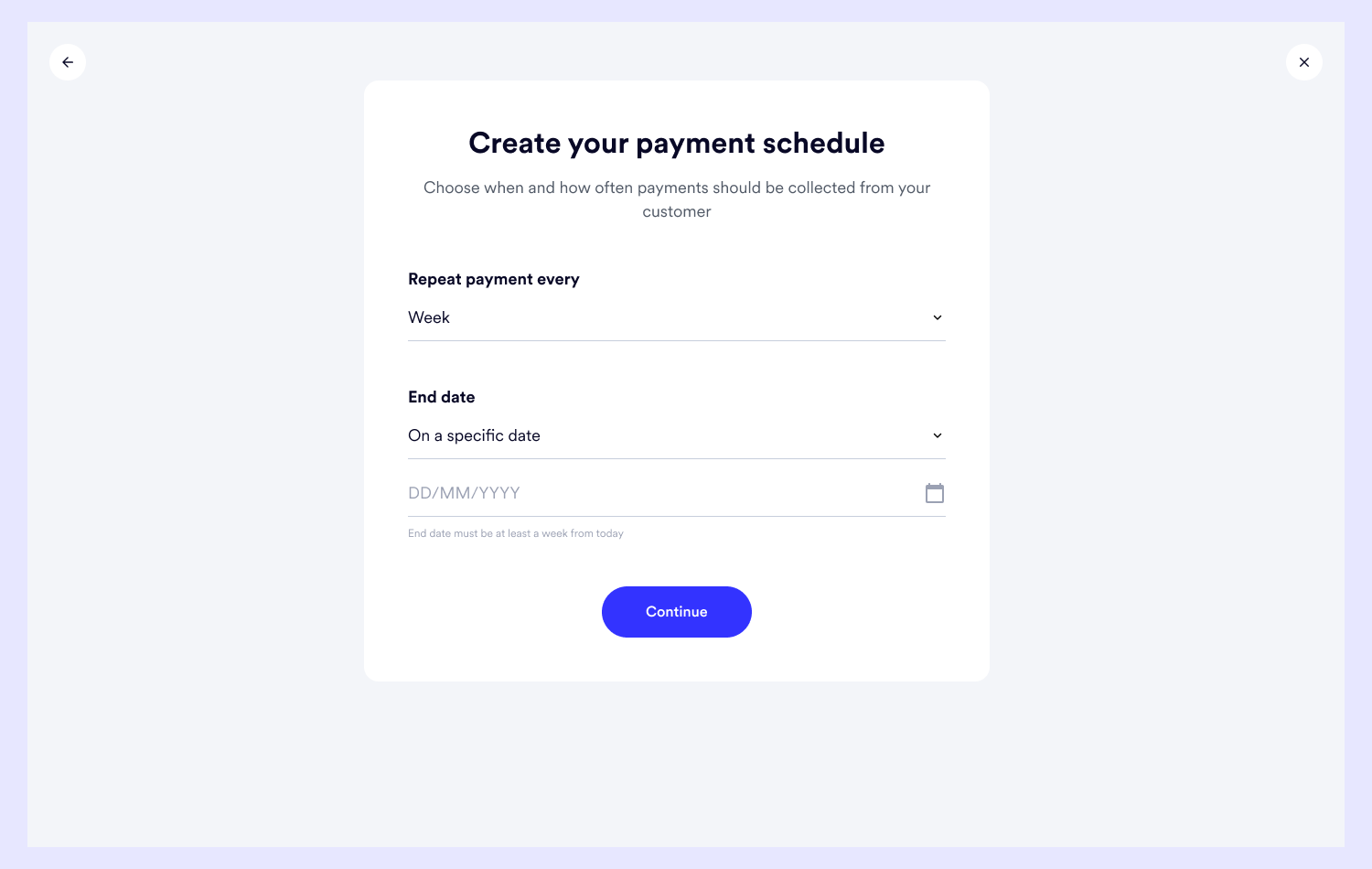
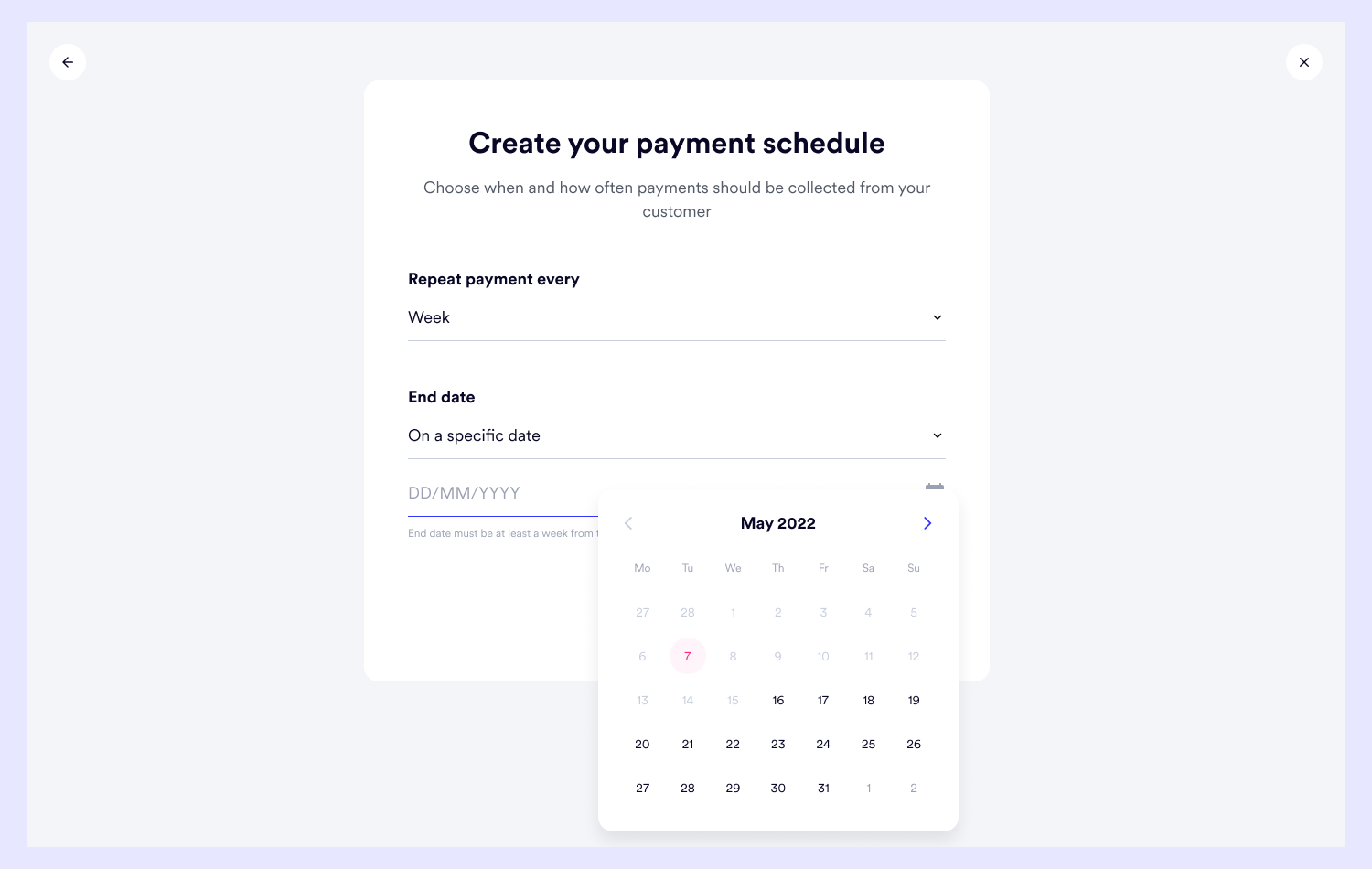
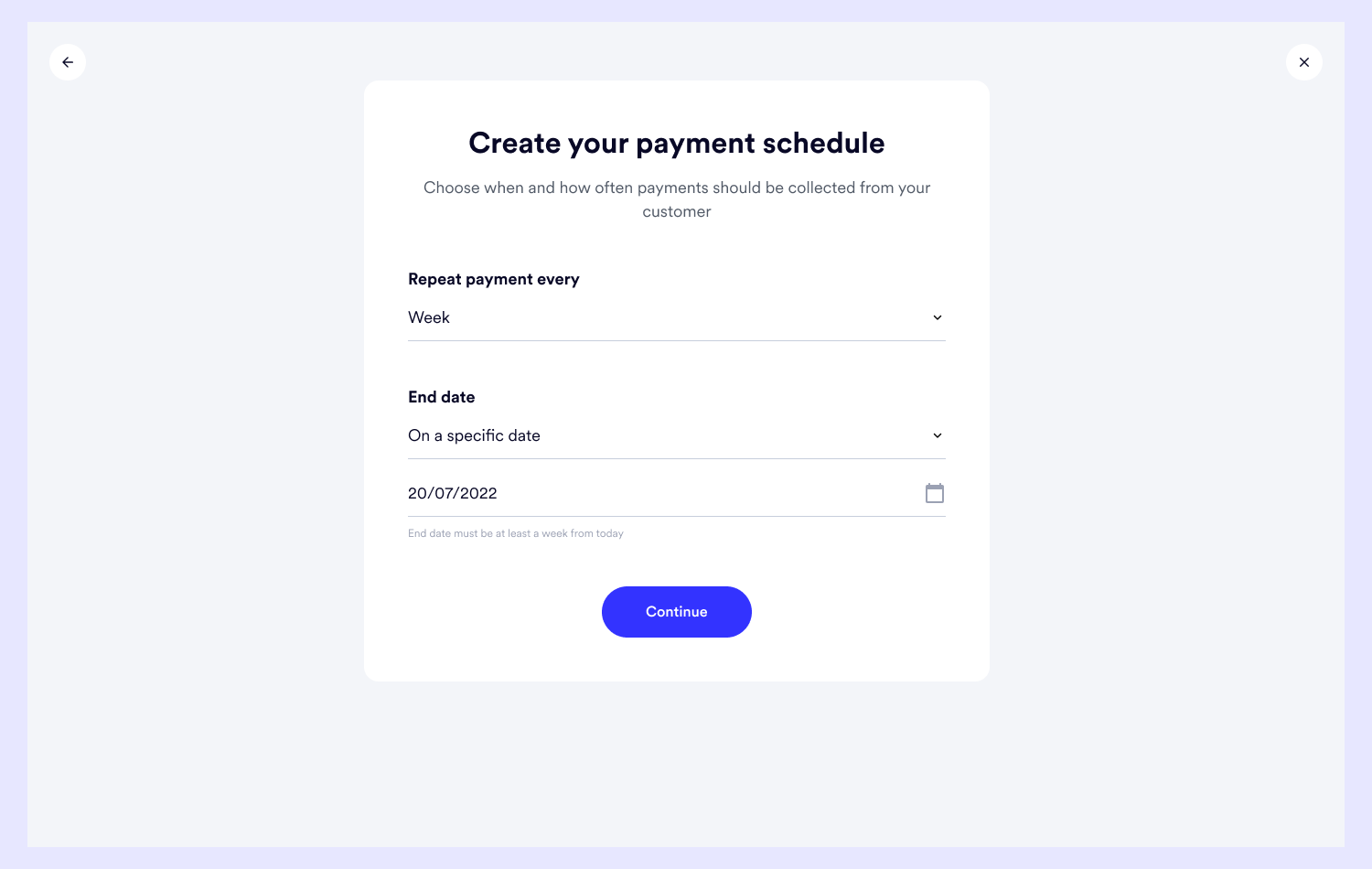
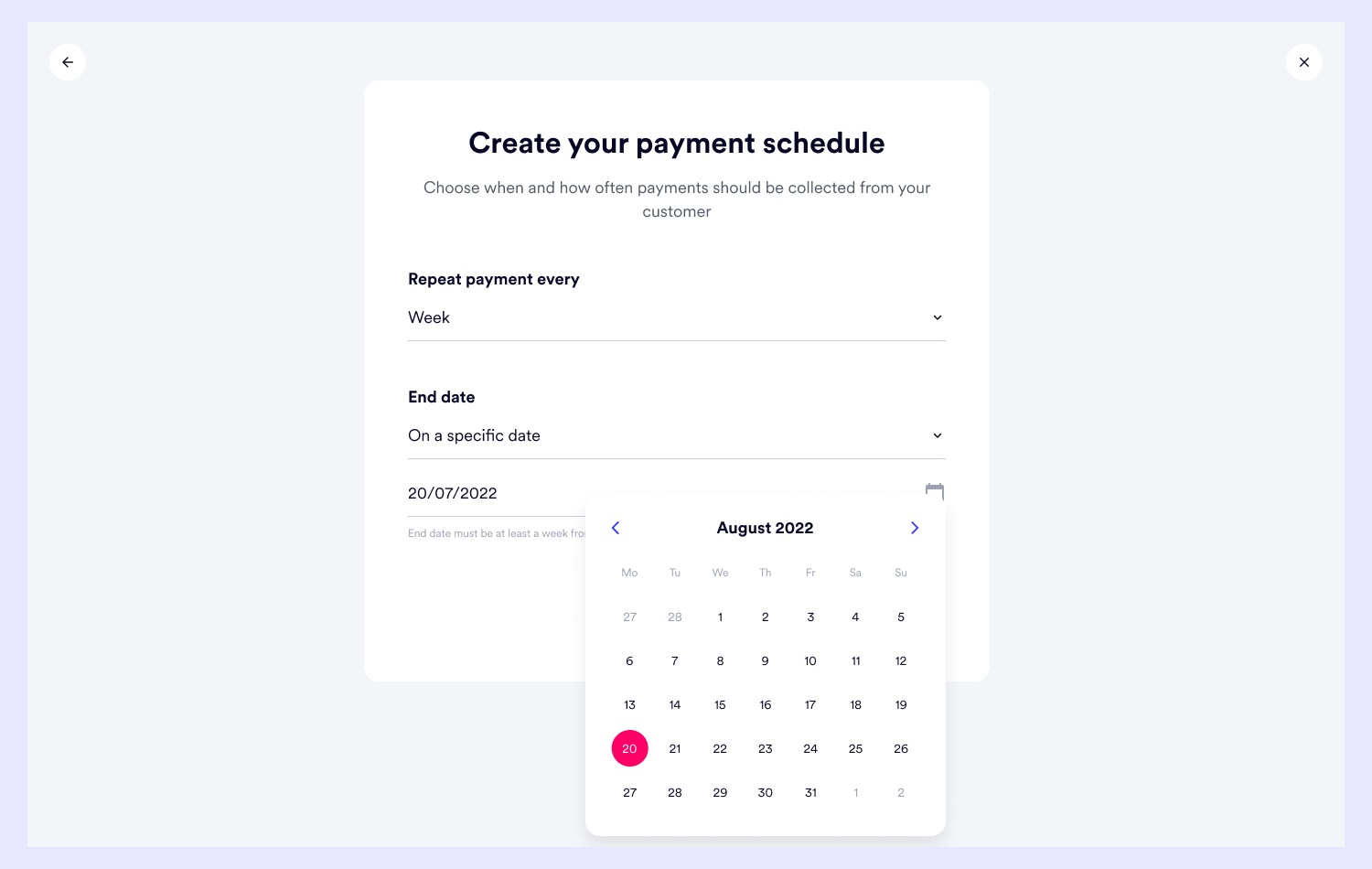
This is the defining part of the payment creation journey.
It involves the settings that make a payment recurring and it was essential to get it right.
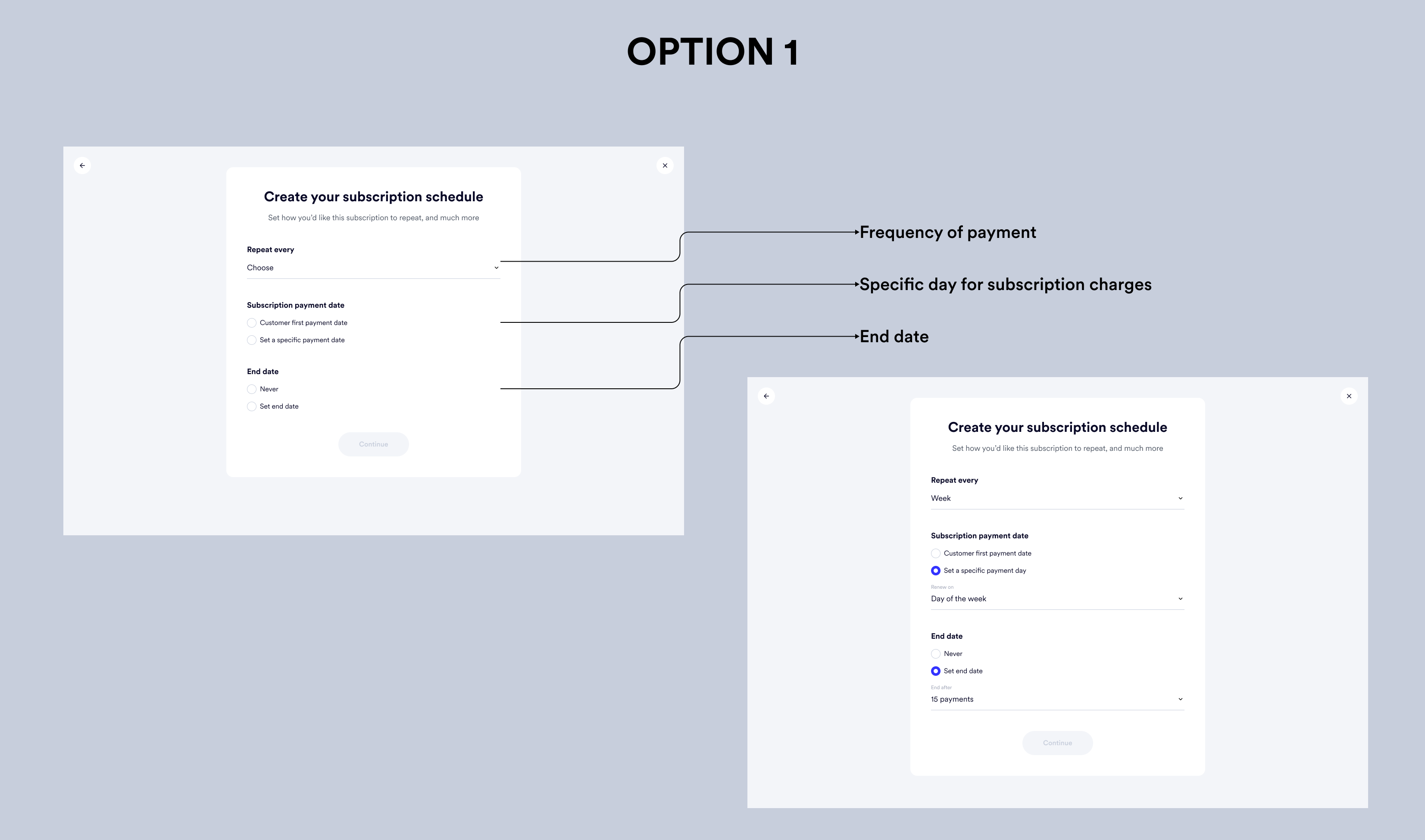
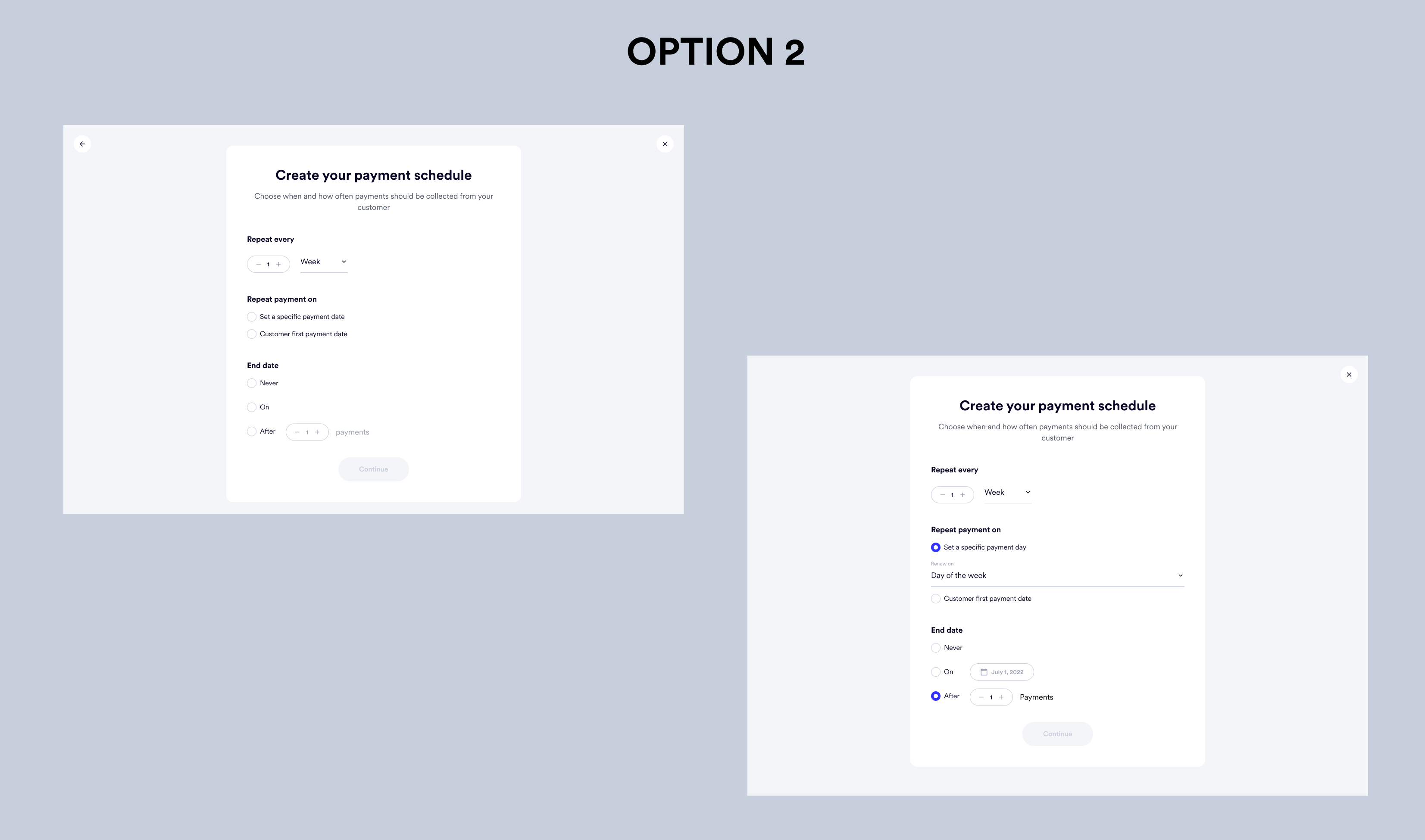
Both options have all the settings laid out, but the structure and choice of components made them look overwhelming.
And remembering Hick’s Law, the user ideal experience would be to simplify and reduce the number of choices users would have to make, at least at a glance.
So I grouped together related information and used a simpler form.
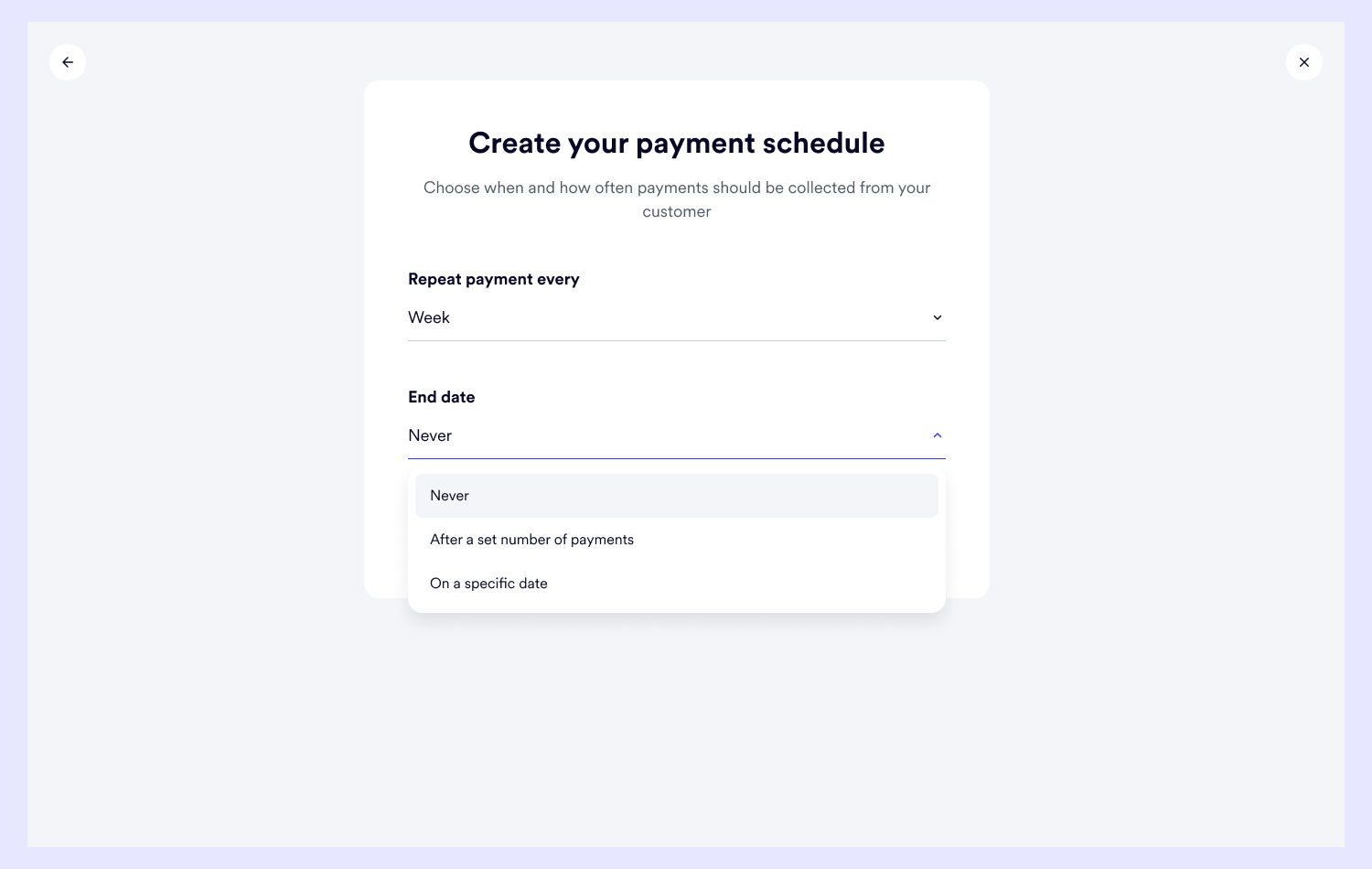
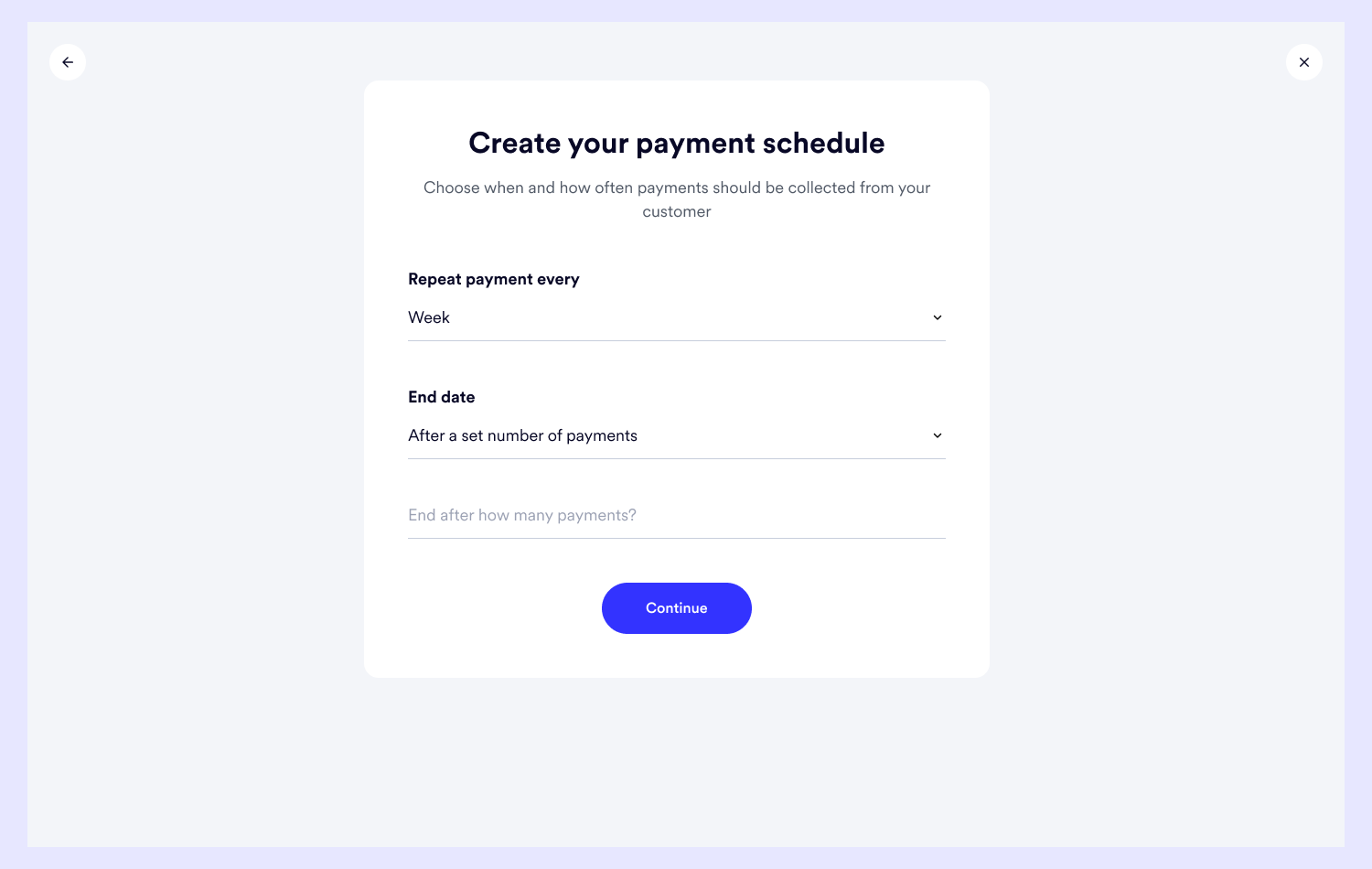
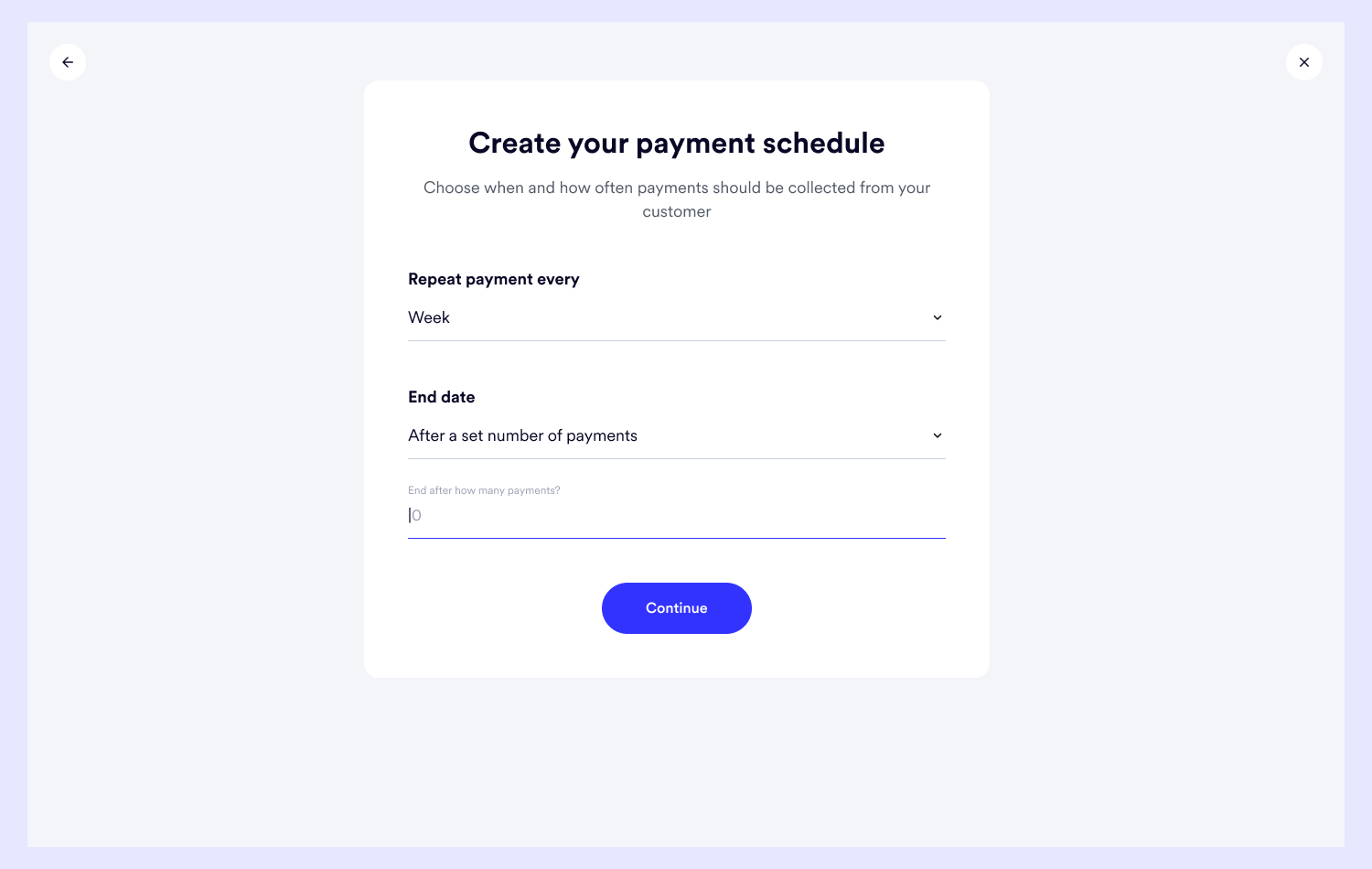
I divided the payment schedule settings into two:
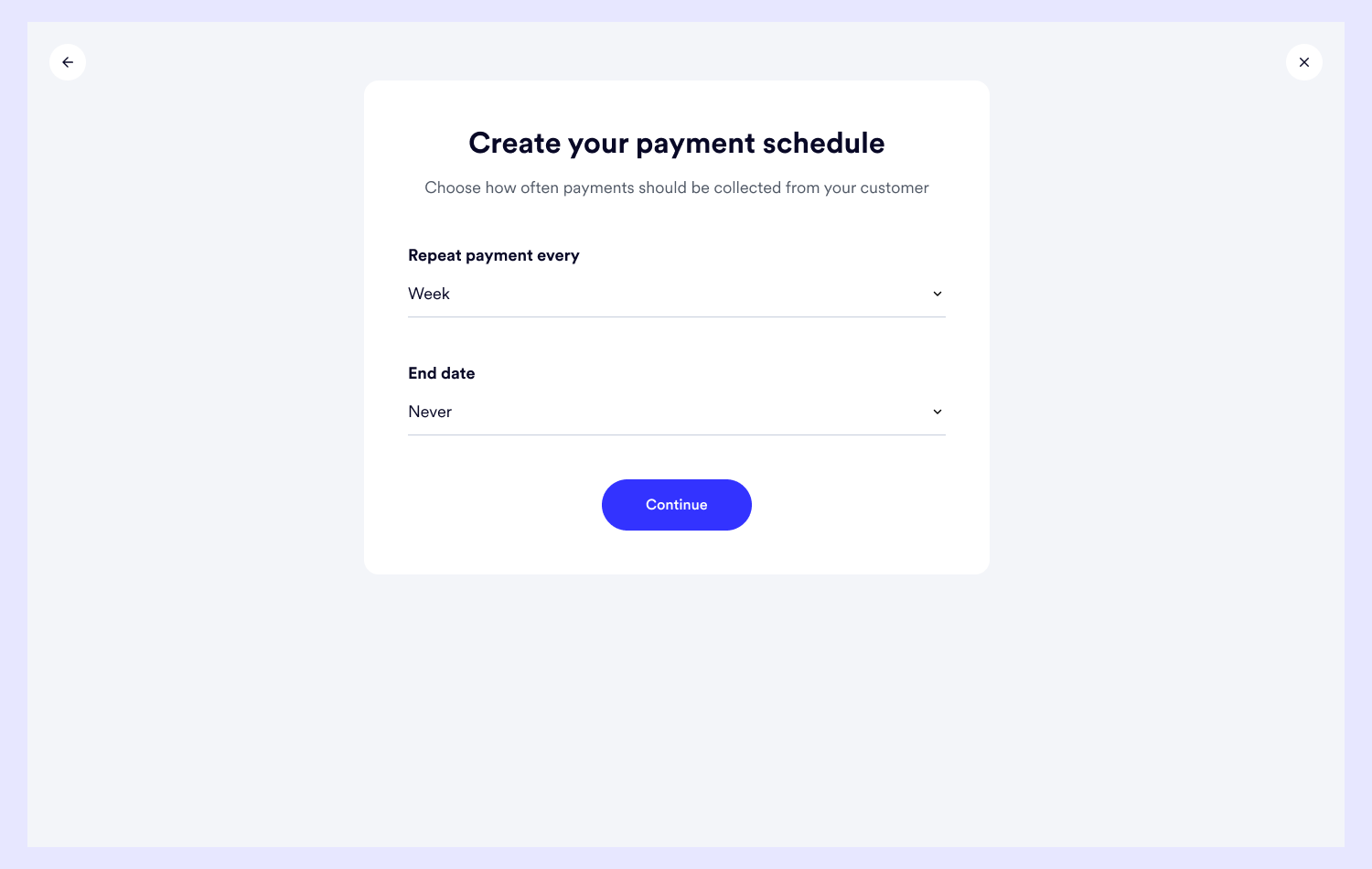
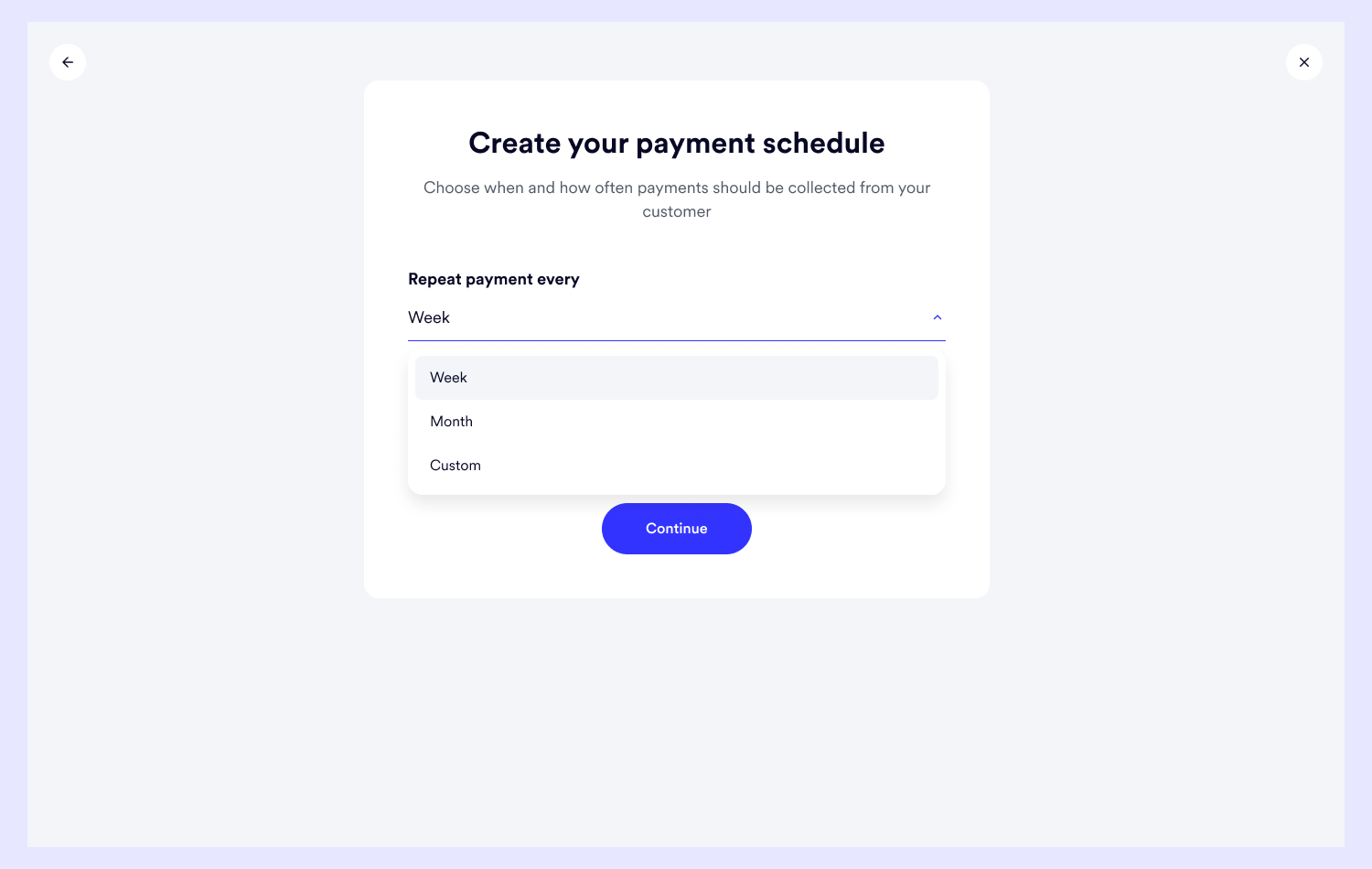
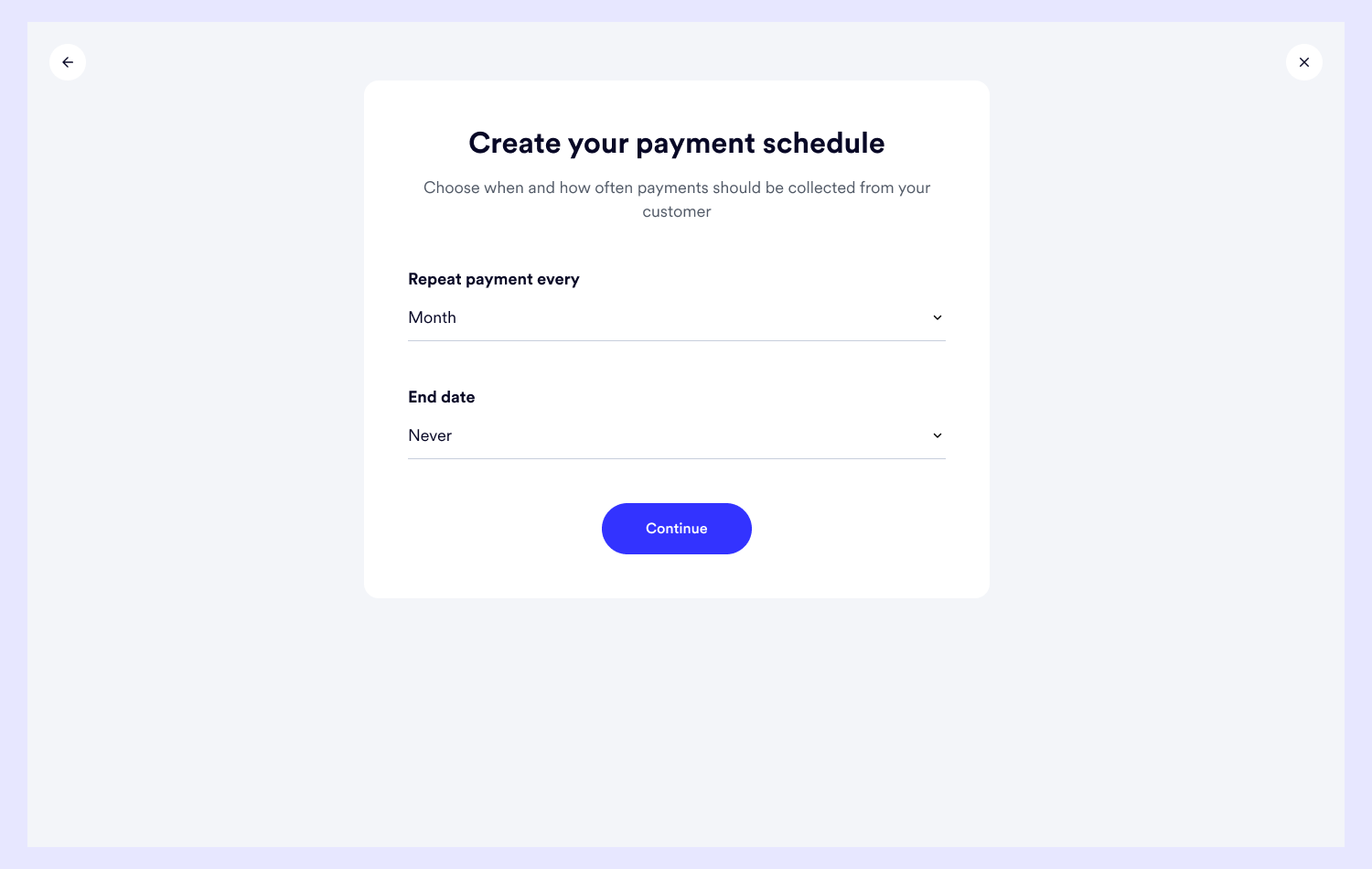
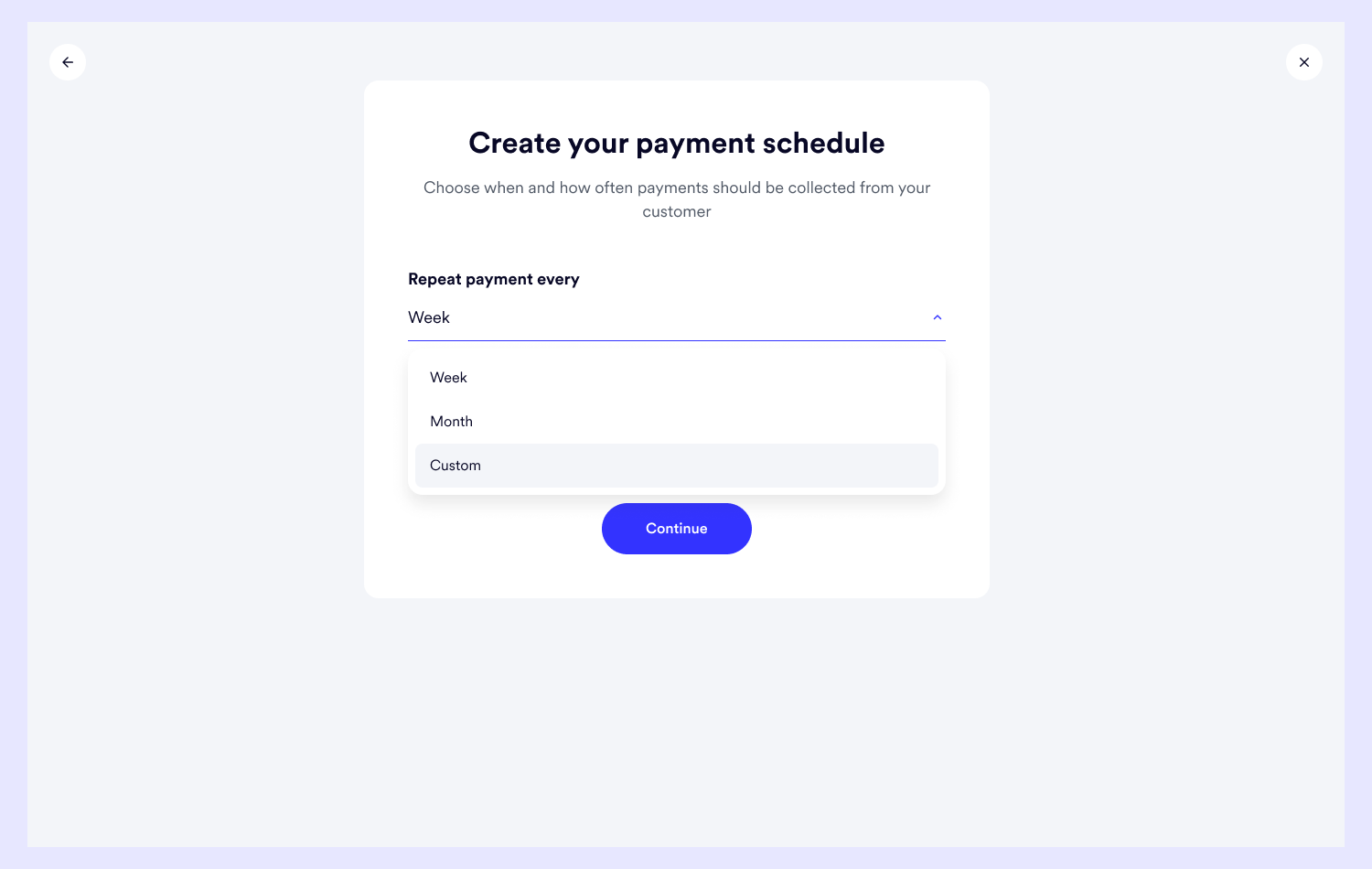
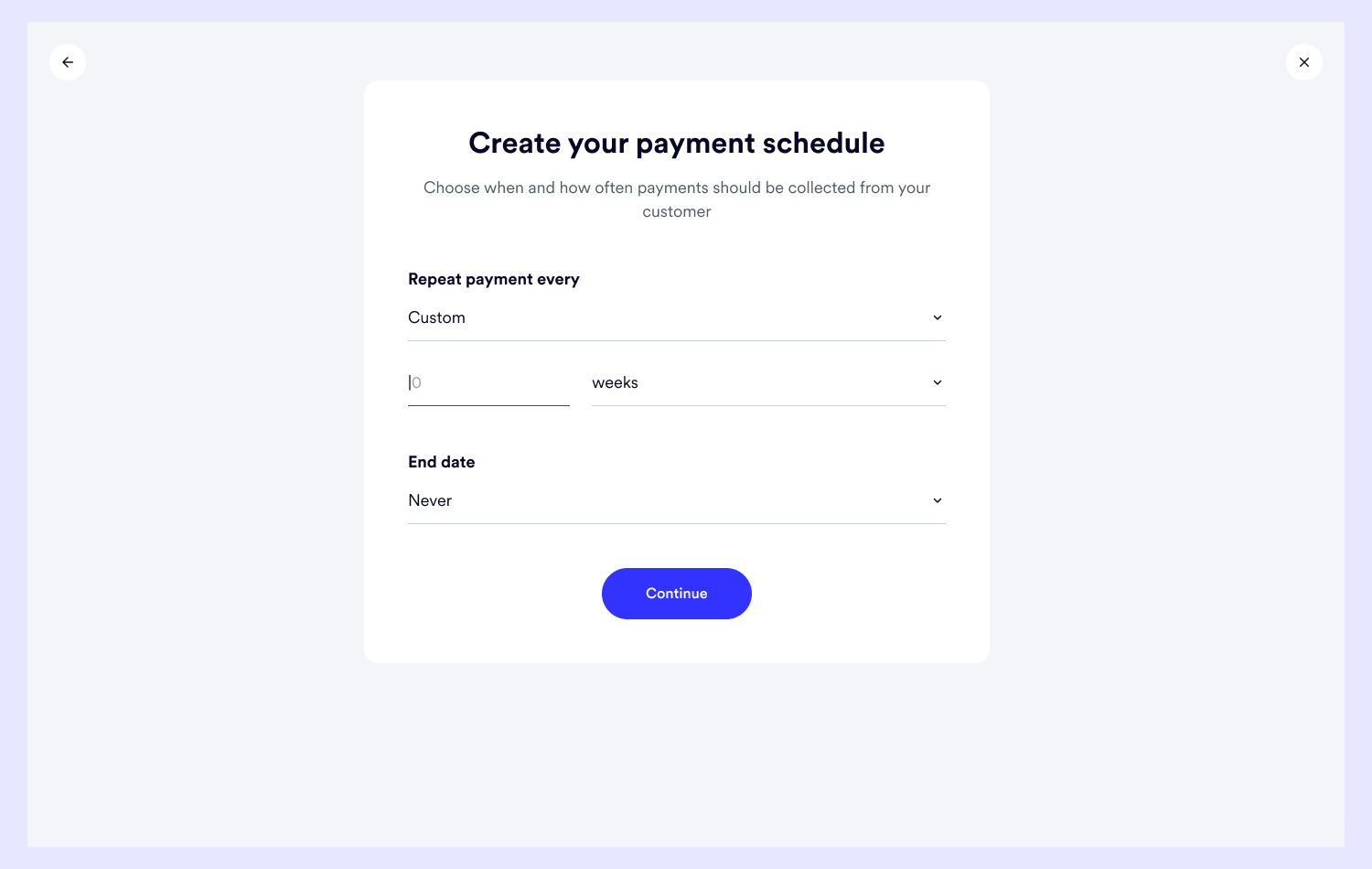
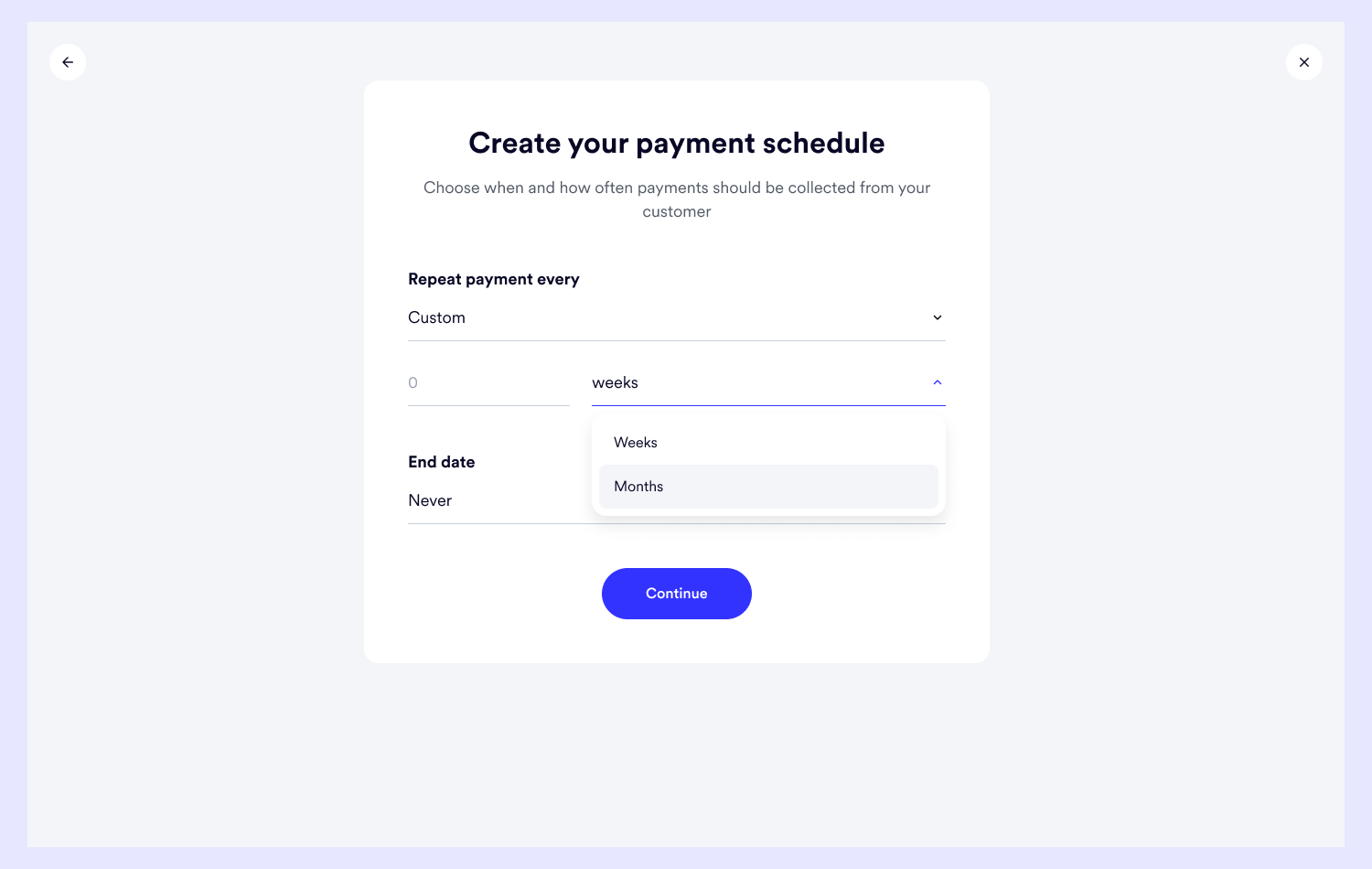
I made three options to give the businesses the flexibility to define the end date of a subscription in a way that fits the different services they provide.
Keeping the subscription active for as long as possible, setting a specific date for it to end, and setting a number of payments after which it’d end.
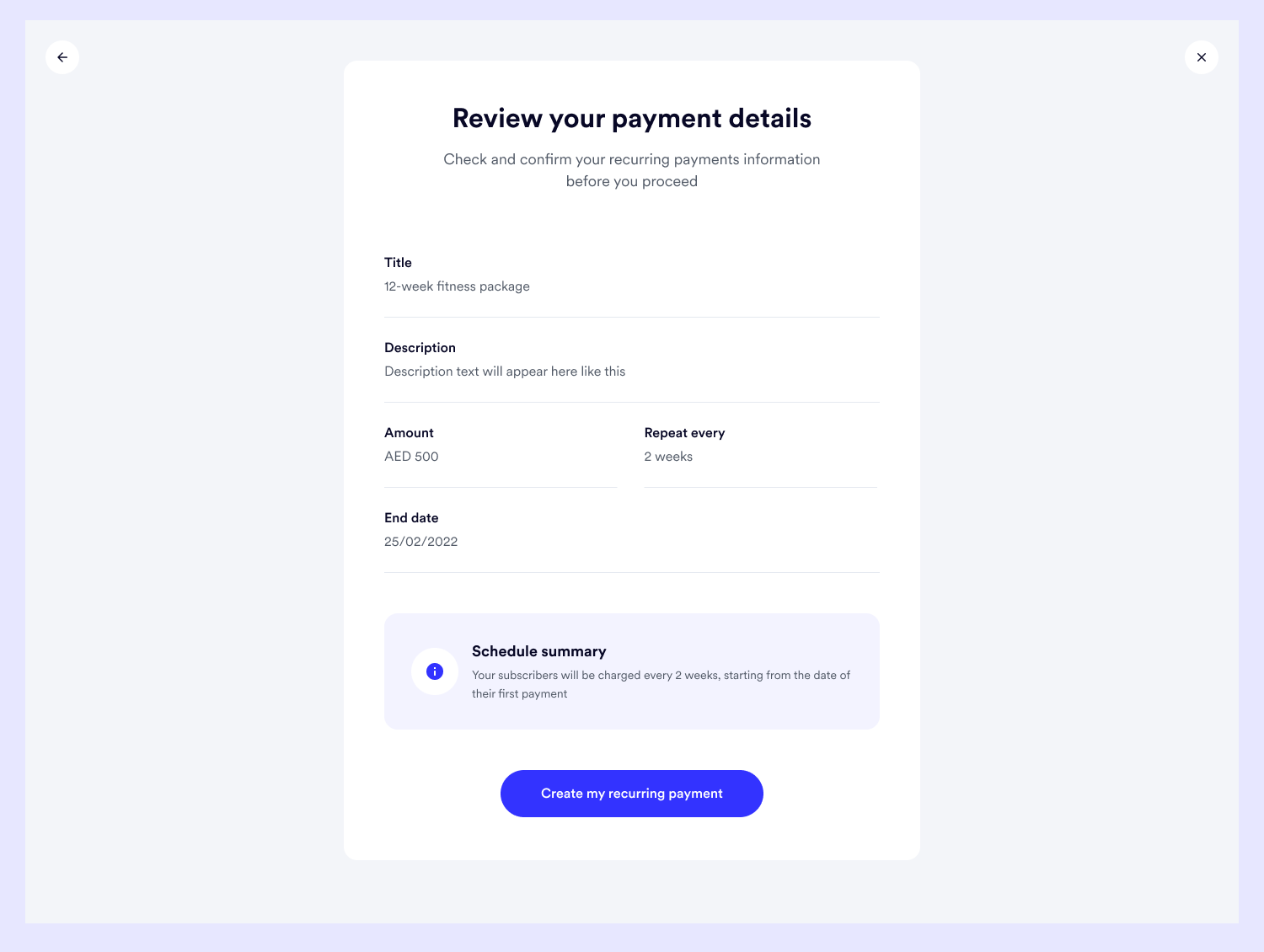
Here, business can review the details of the recurring payment before it's created
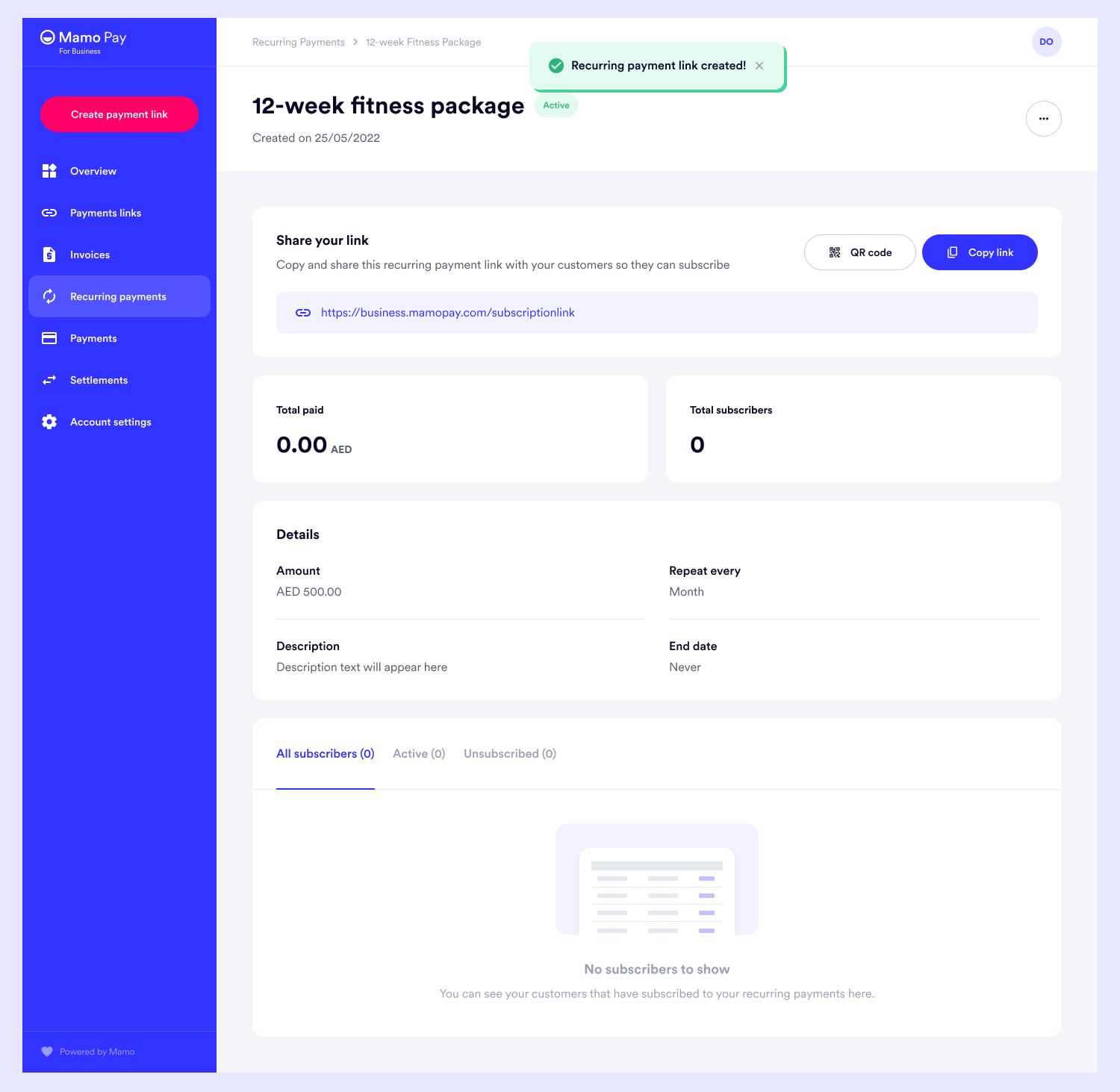
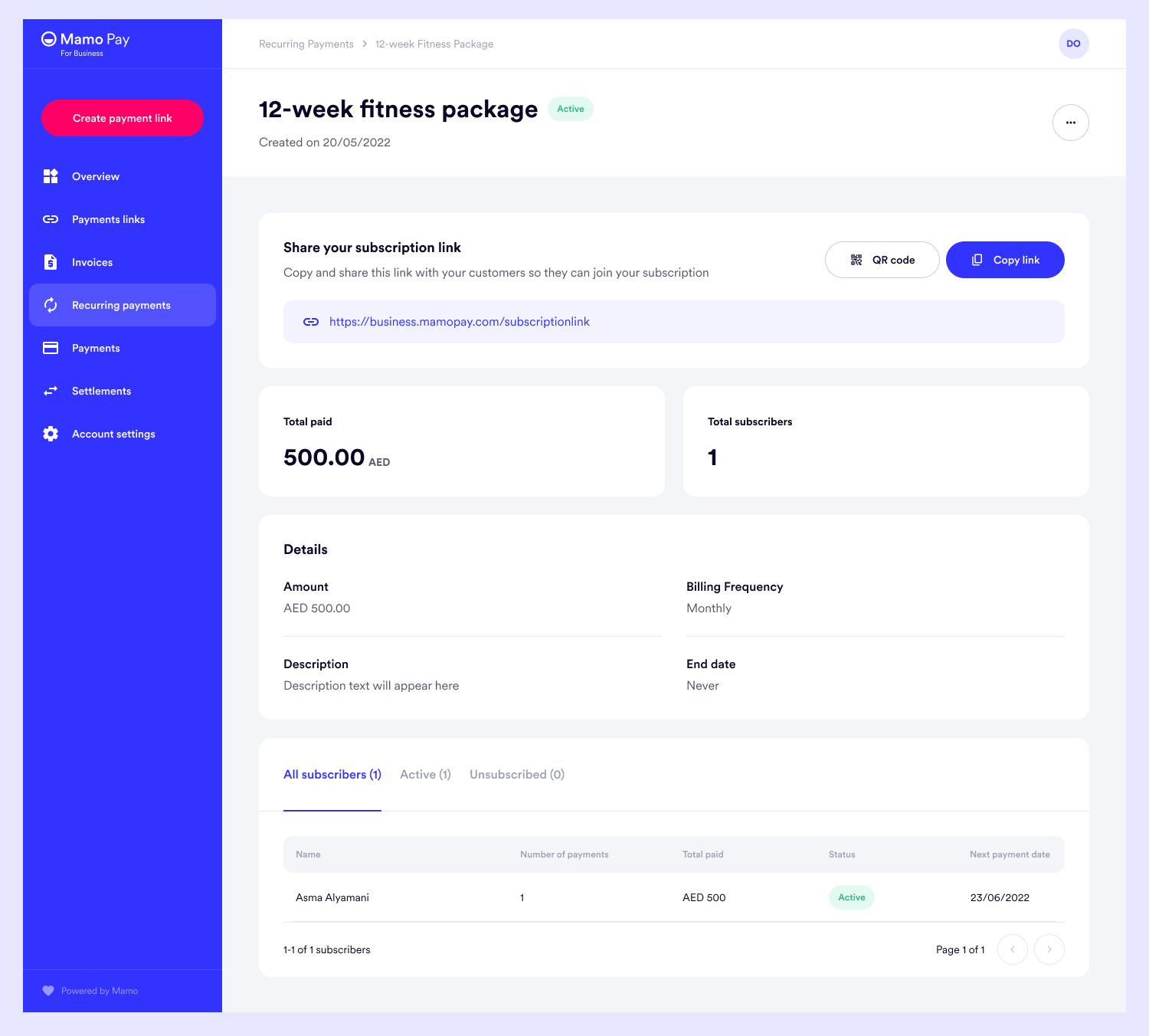
The screen below is the dashboard that contains the details of the recurring payment, the link to share this recurring payment with customers and also the table to show the customers that would later subscribe to this - which gives the business the ability to auto-charge subscribers based on the settings of the recurring payment, the ability to track the subscribers as well as manage them from a single place.
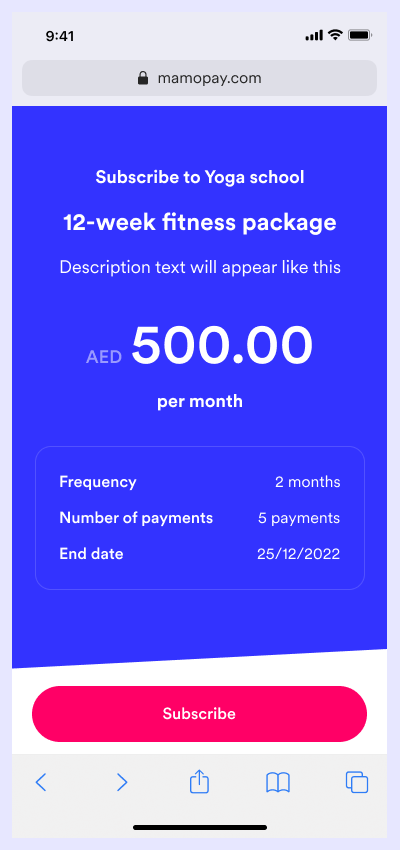
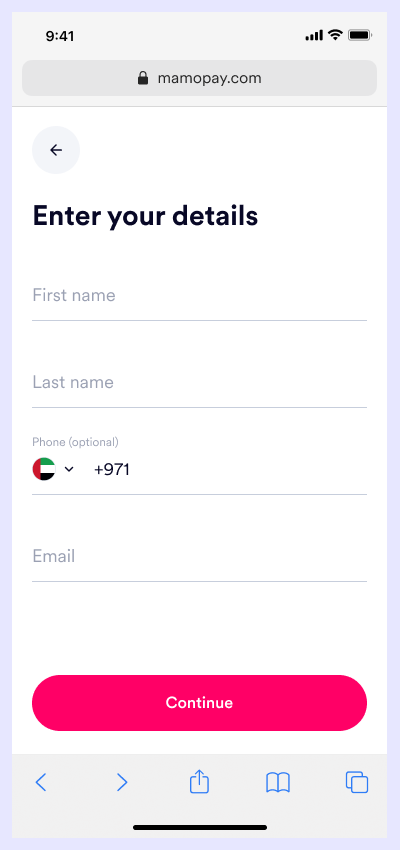
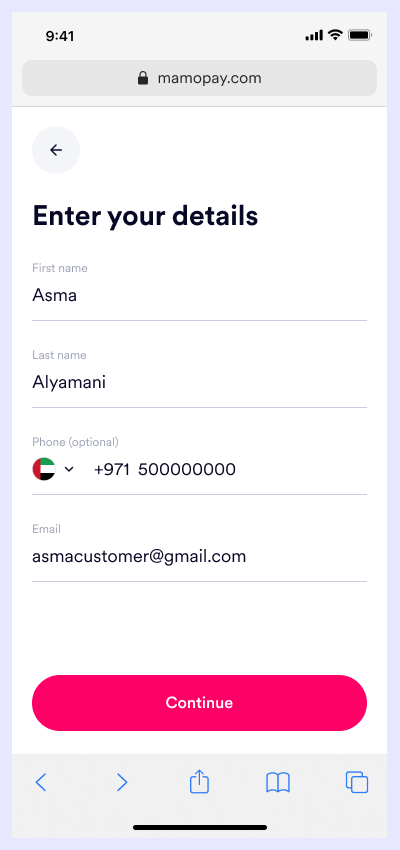
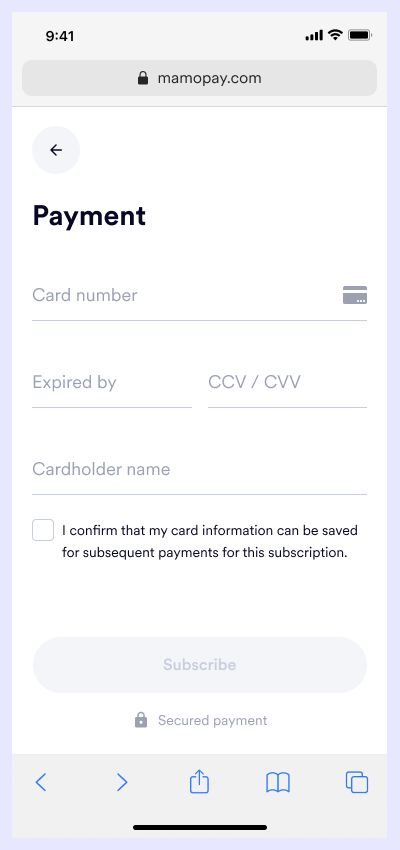
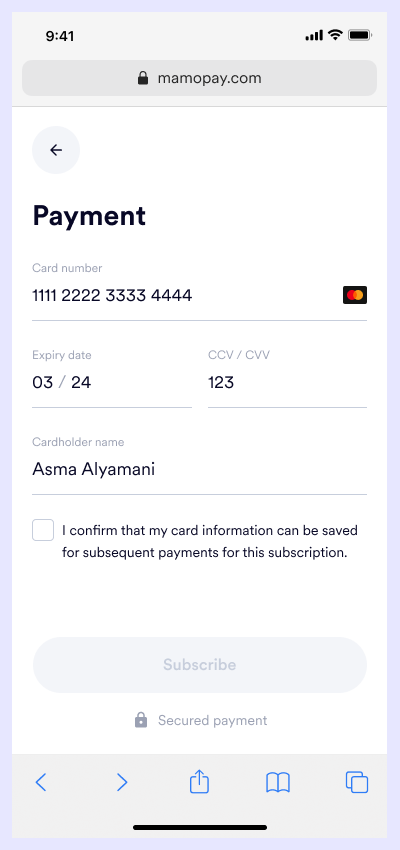
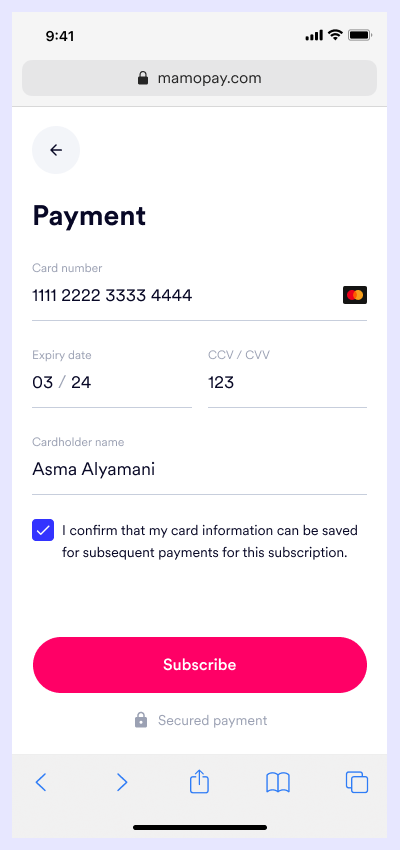
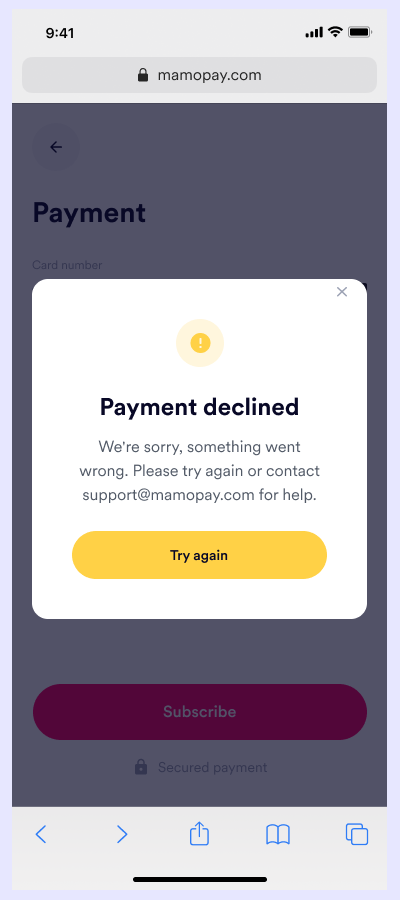
When a business copies the link from the dashboard and shares it with the customer to subscribe, this is how that goes.
The majority of the customer go through this journey on the app, so I'd be showing the mobile screens only.

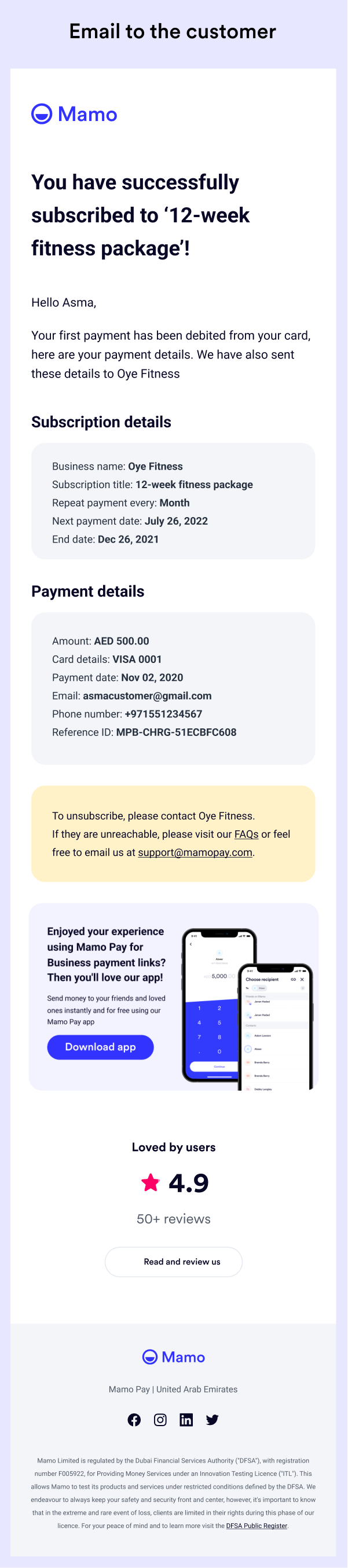
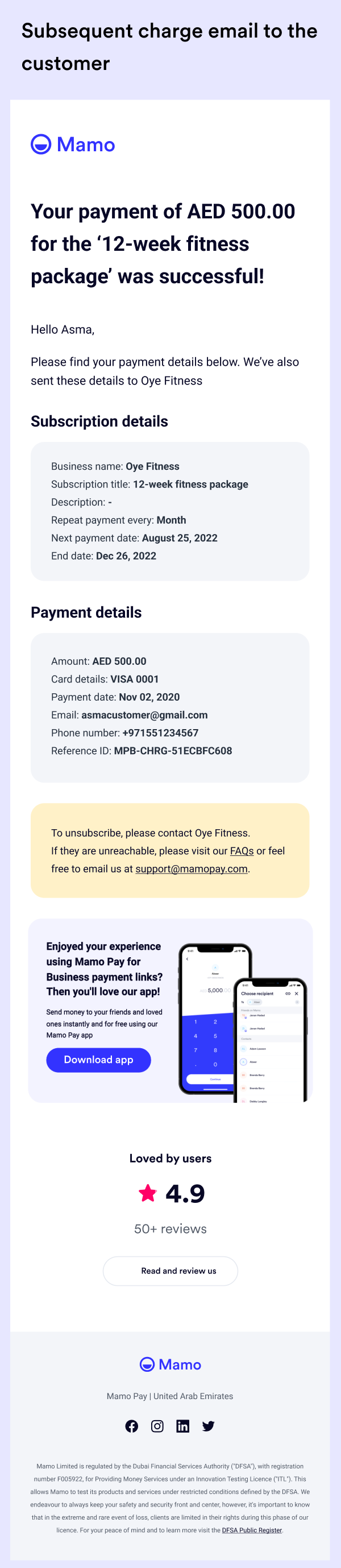
An email is sent to the customer notifying success of the first payment and subscription details.
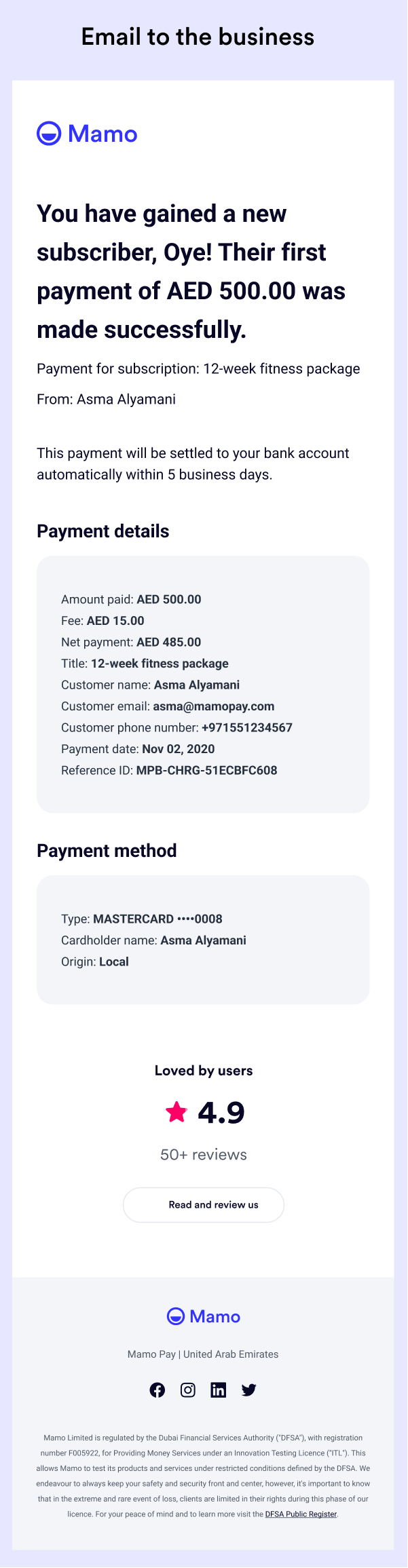
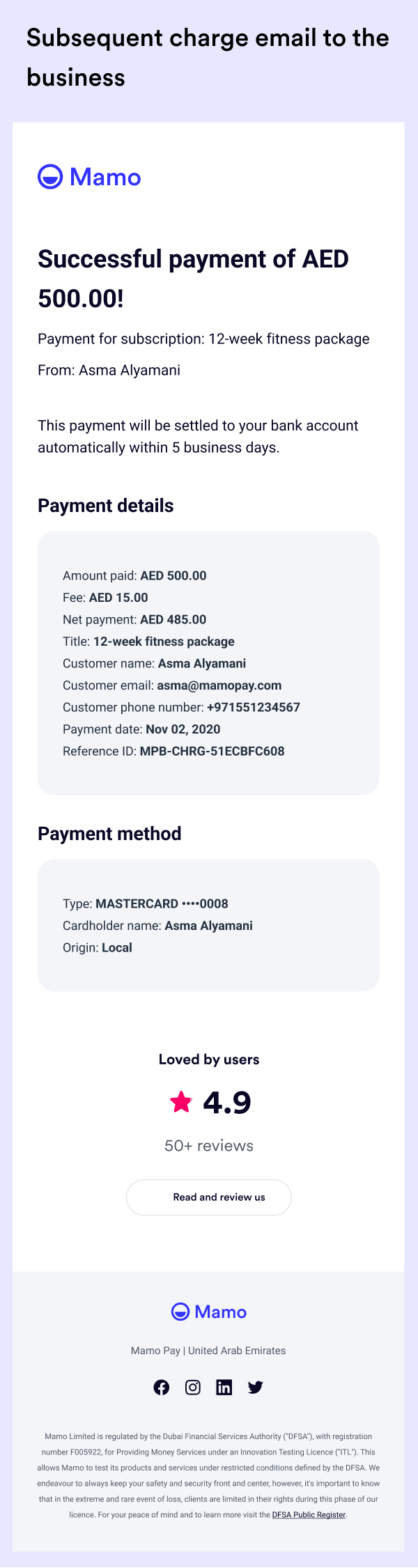
And an email is sent to the business to notify them about a new subscriber and how much has been paid.
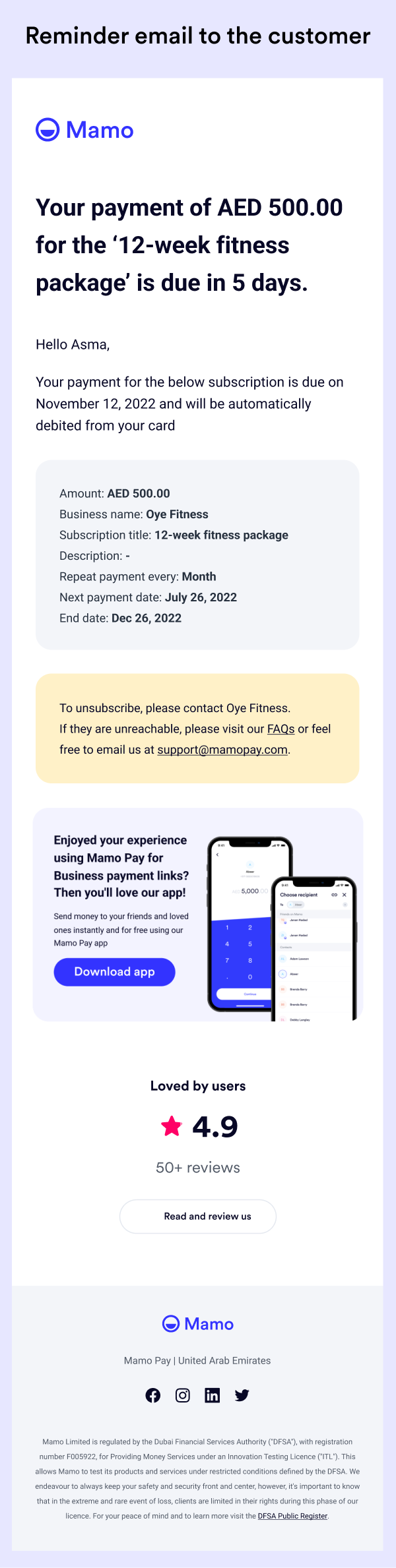
I also designed reminder emails that will be automatically sent to the customer when the next payment date is near.
This reduces the burden on the businesses to remind the customers by themselves.
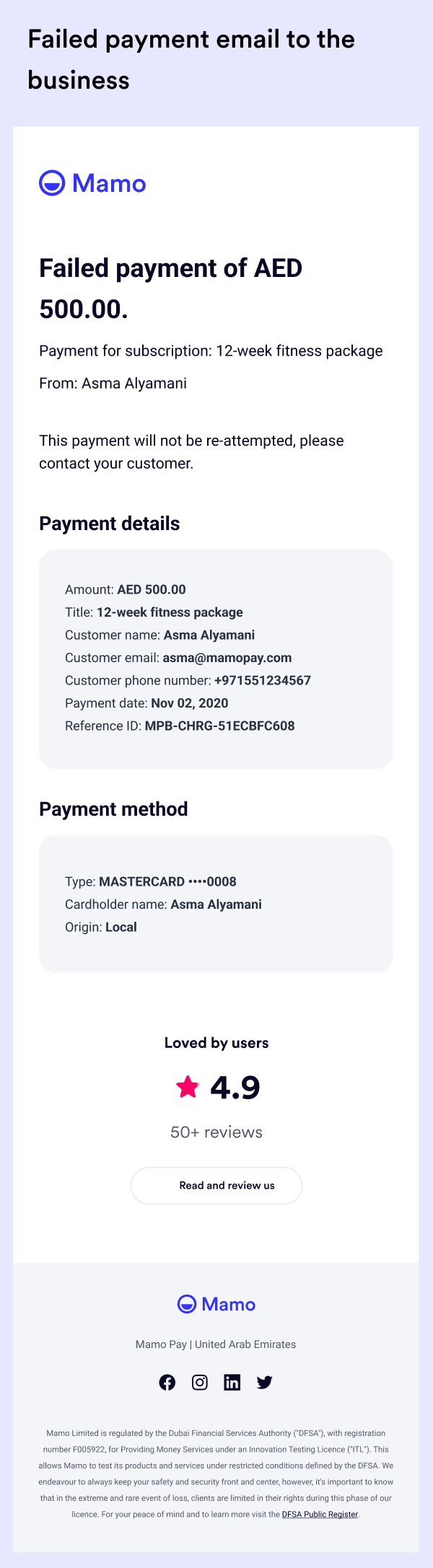
Provision was also made for instances when the charge was unsuccessful. The customer will be notified and so will the business.

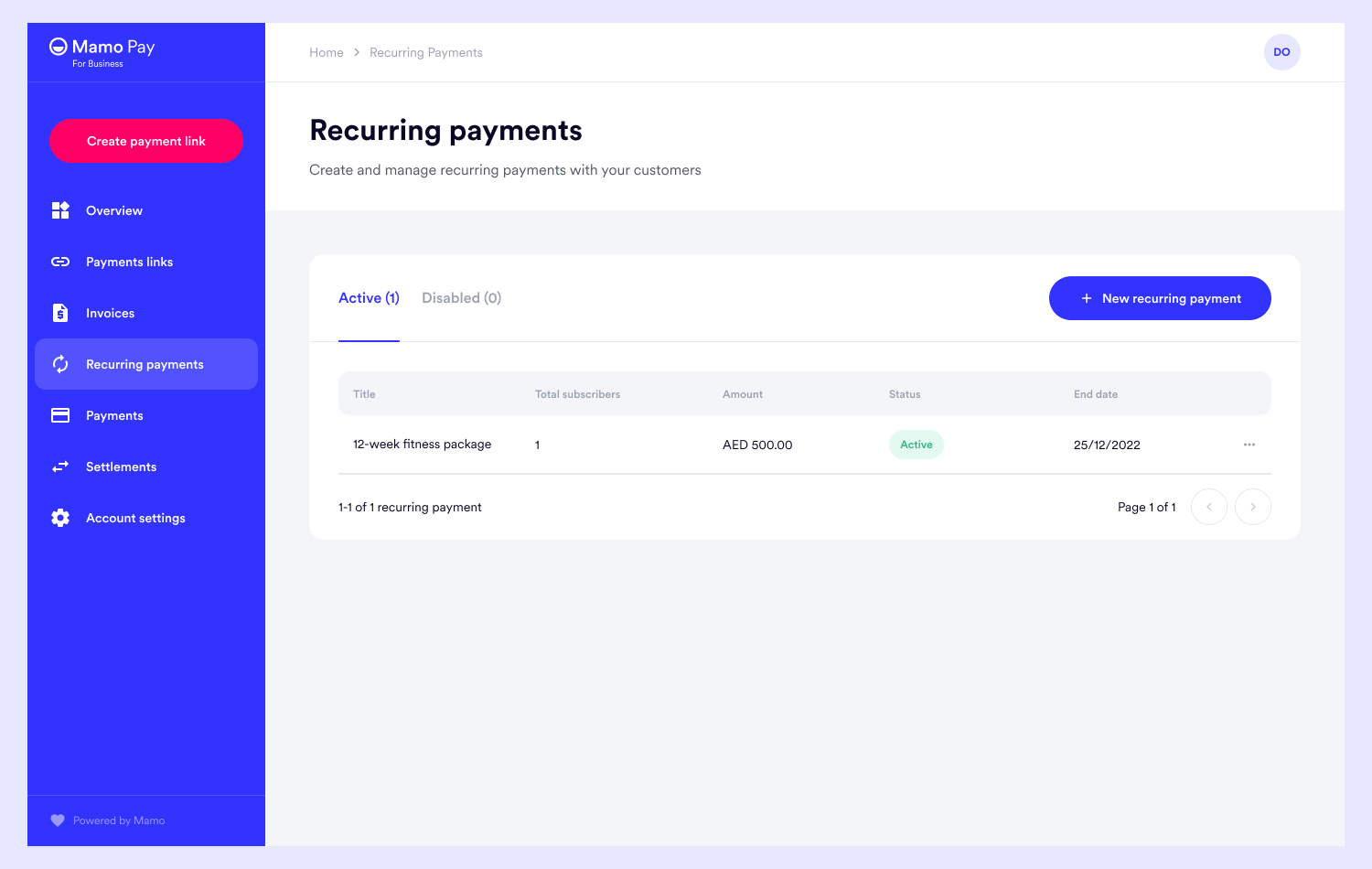
The business can create new recurring payments from the recurring payment dashboard and see the record of all recurring payments.
By clicking on any recurring payments, the business can see the details of that particular subscription, the list of subscribers, and the total amount the subscription has earned.
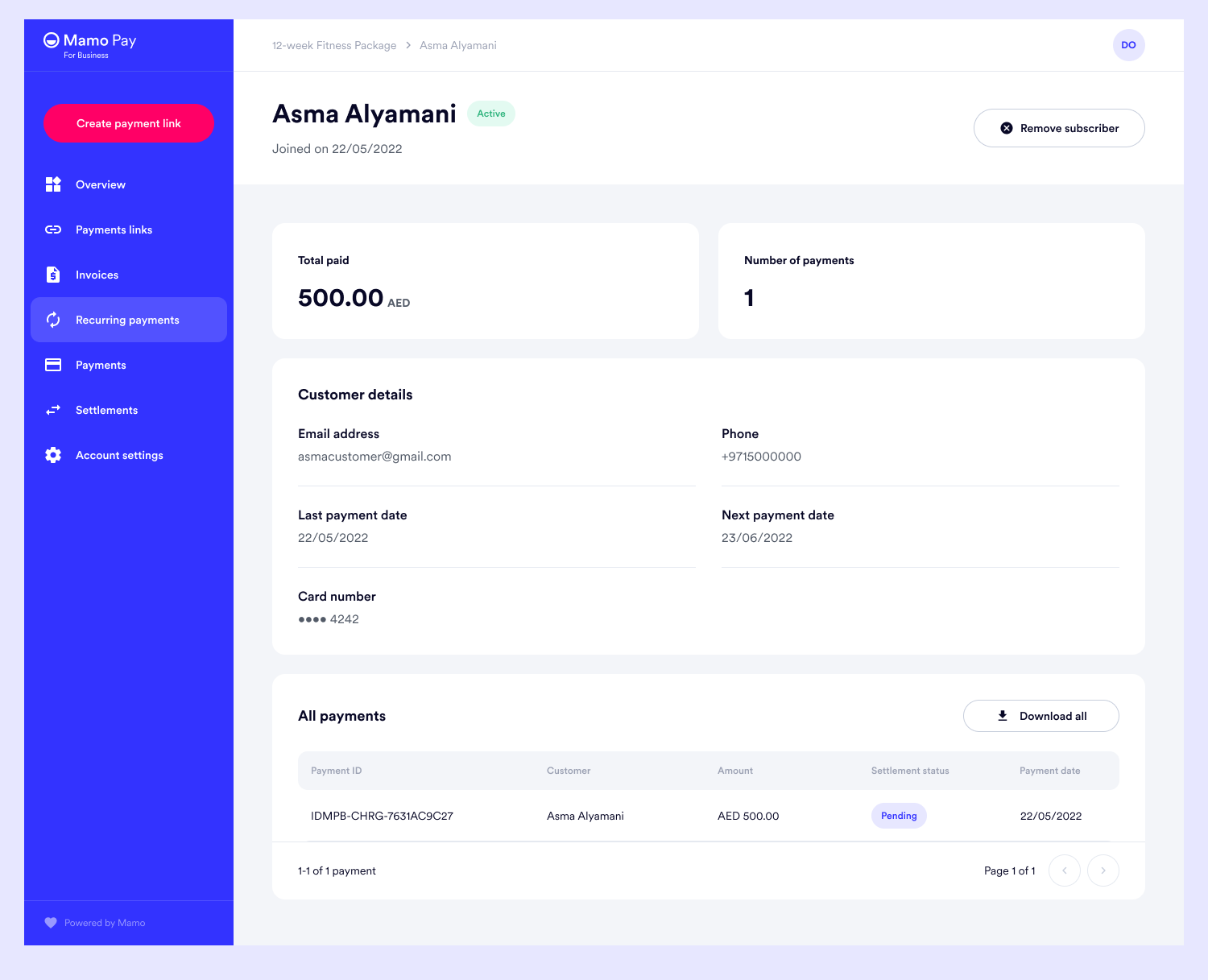
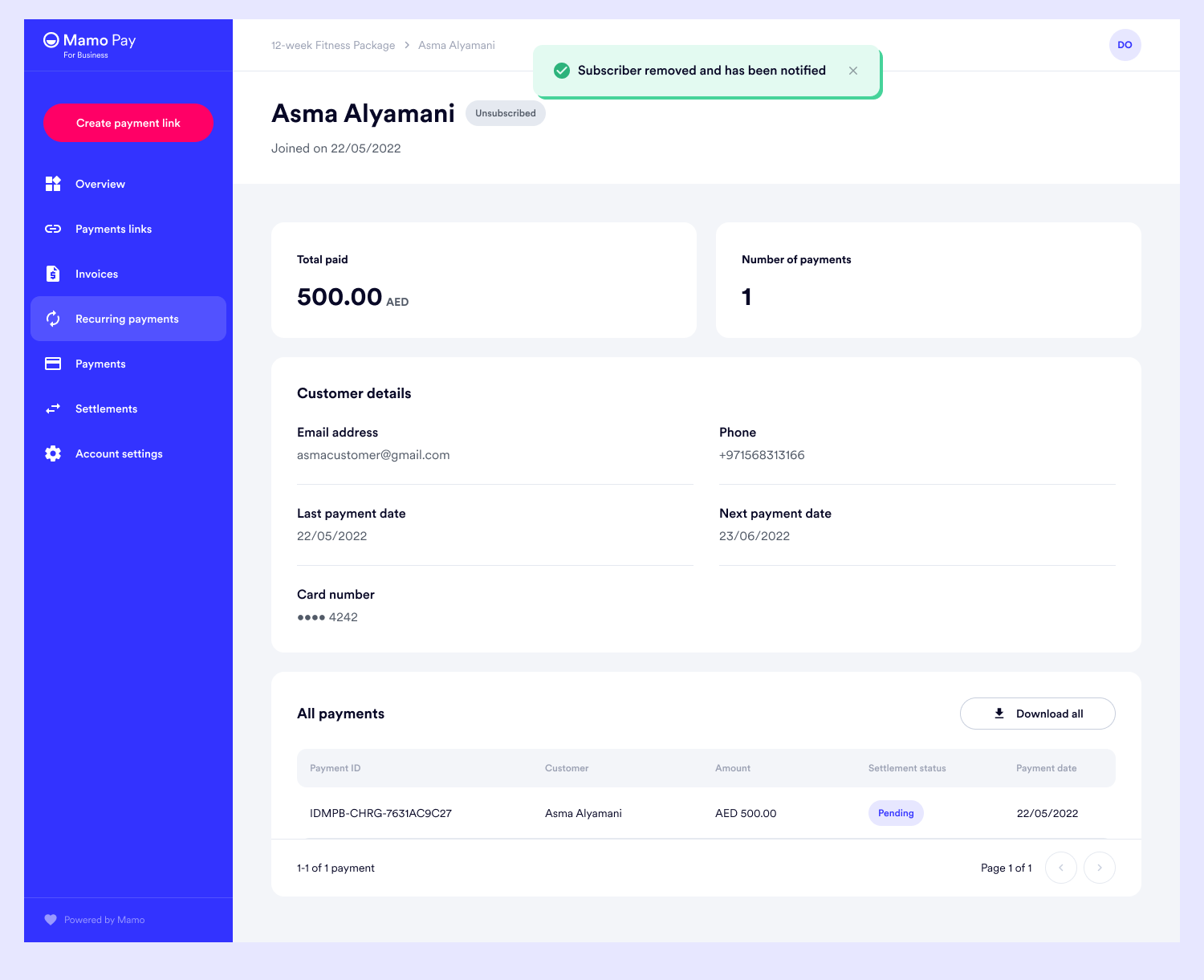
When the subscriber is clicked, the total amount paid by the customer, the list of all the payments made so far, and the personal details of the customer can be seen.
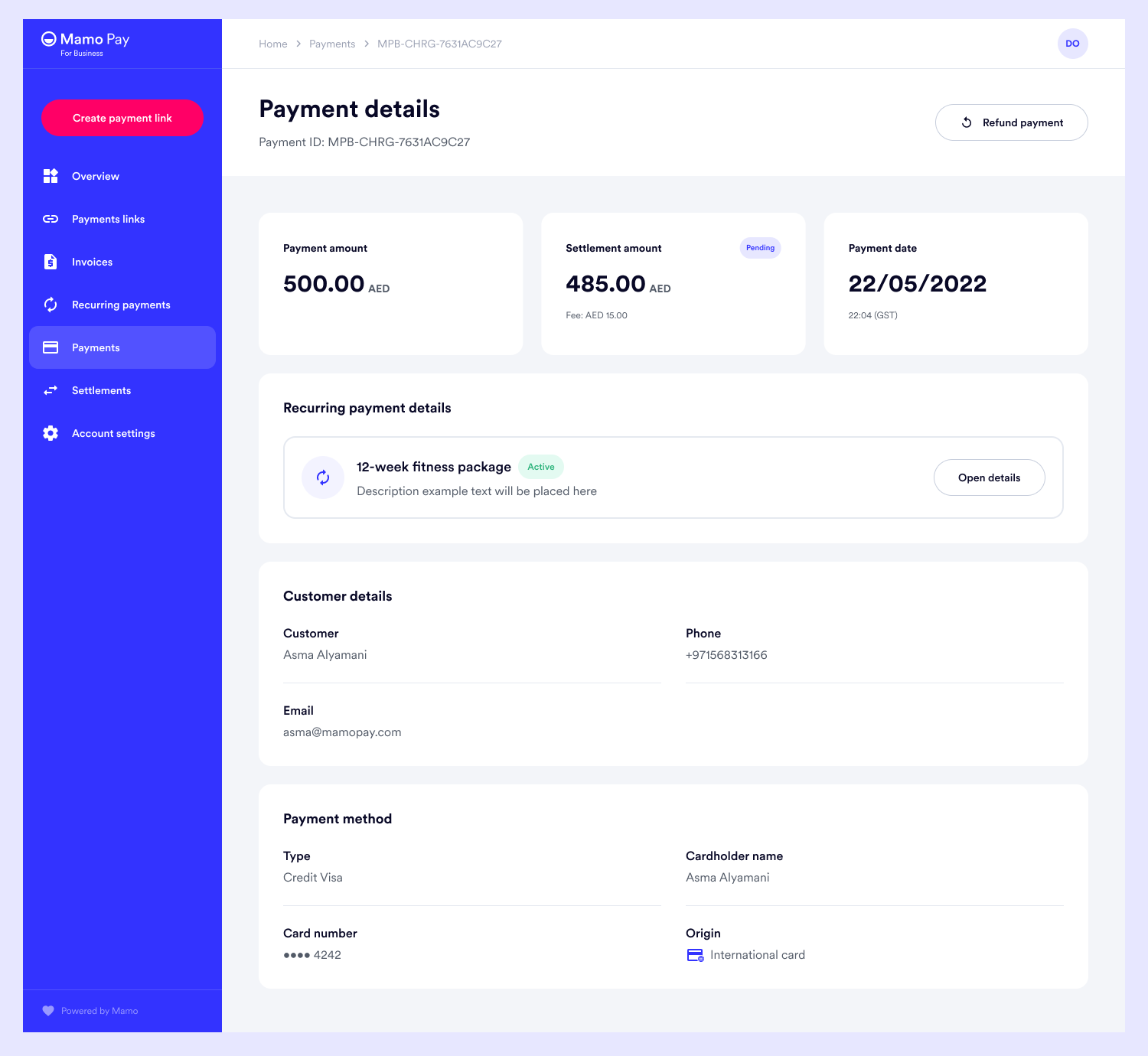
The details of each payment can be seen by simply clicking on the payment record.

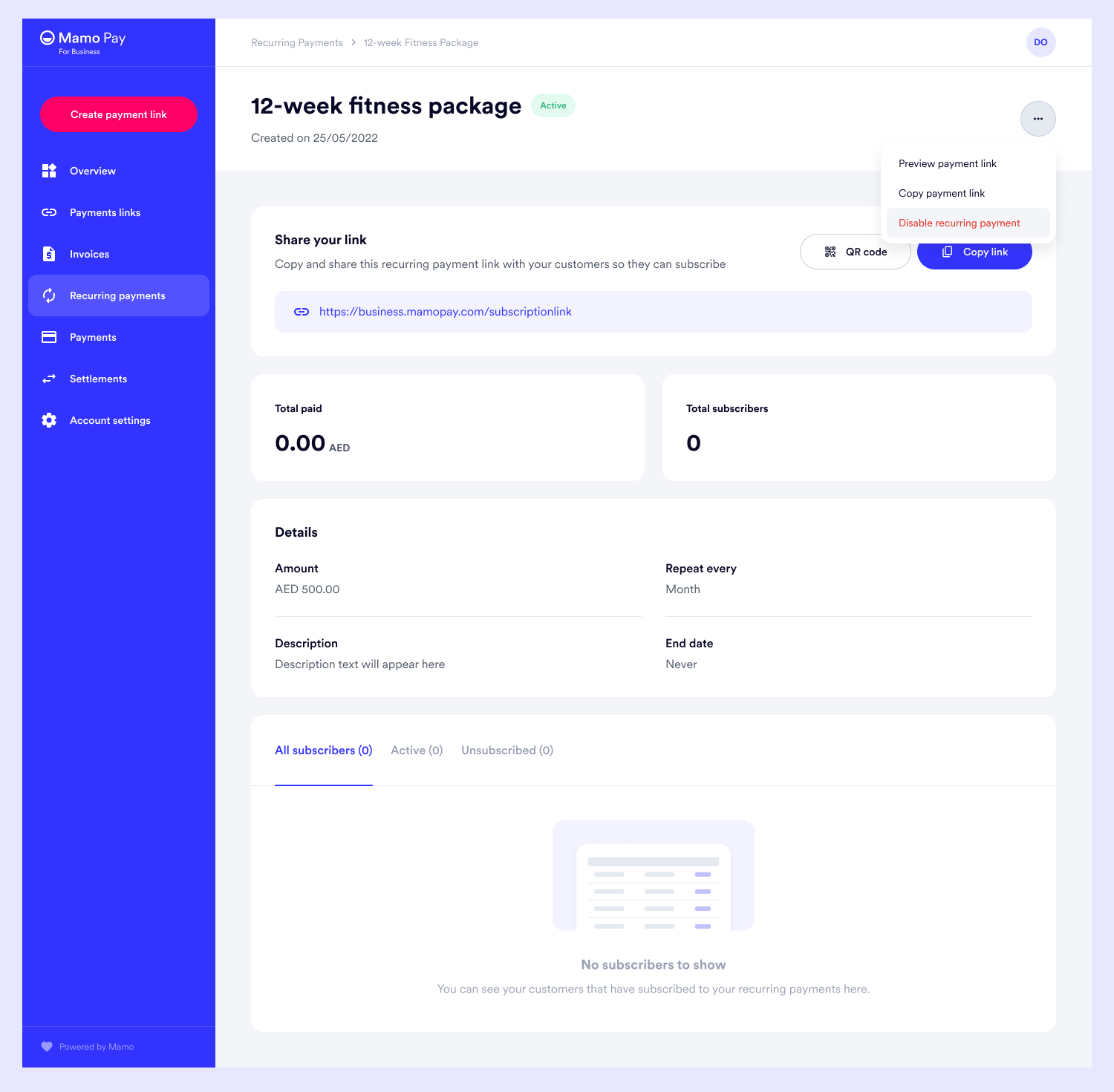
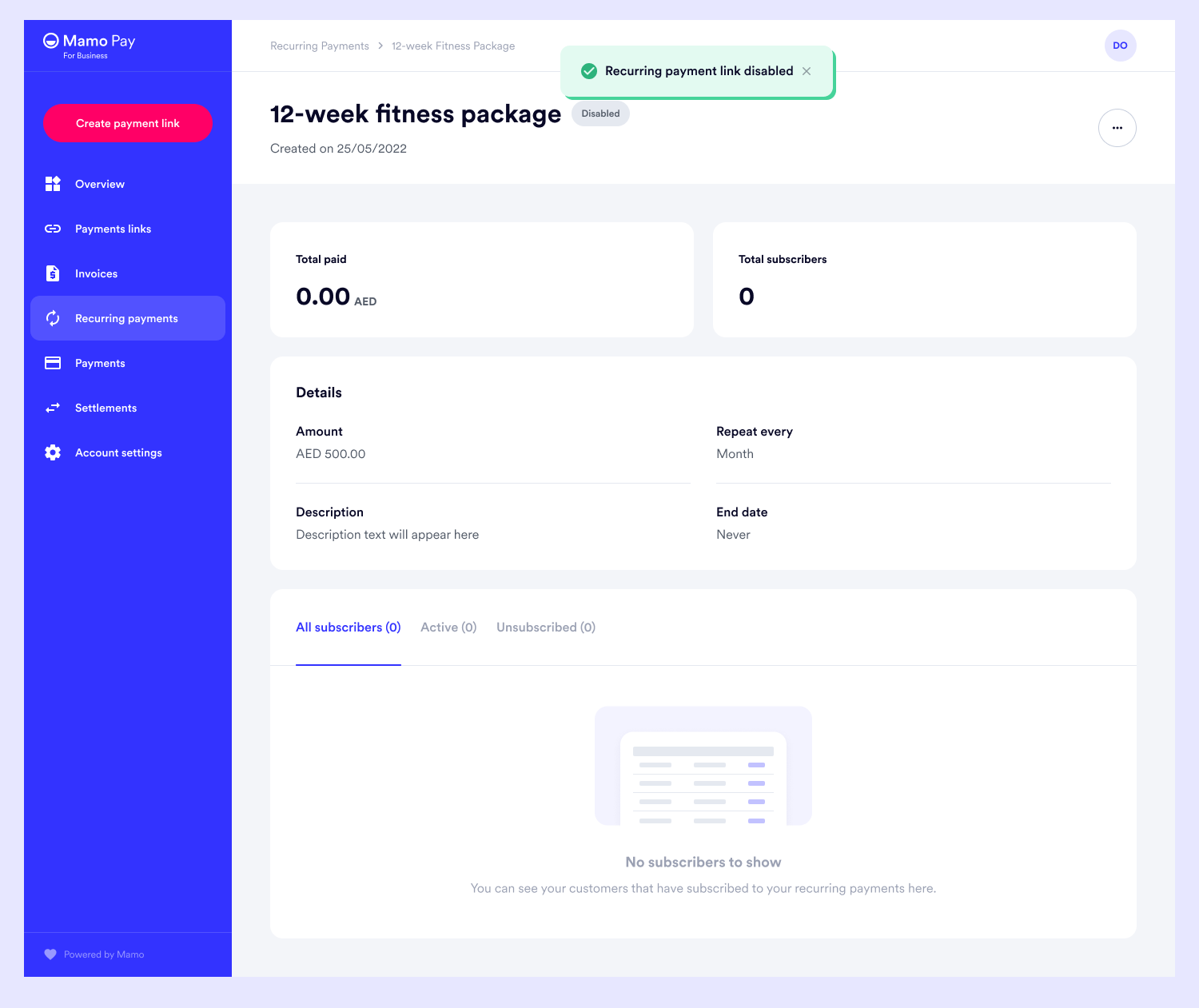
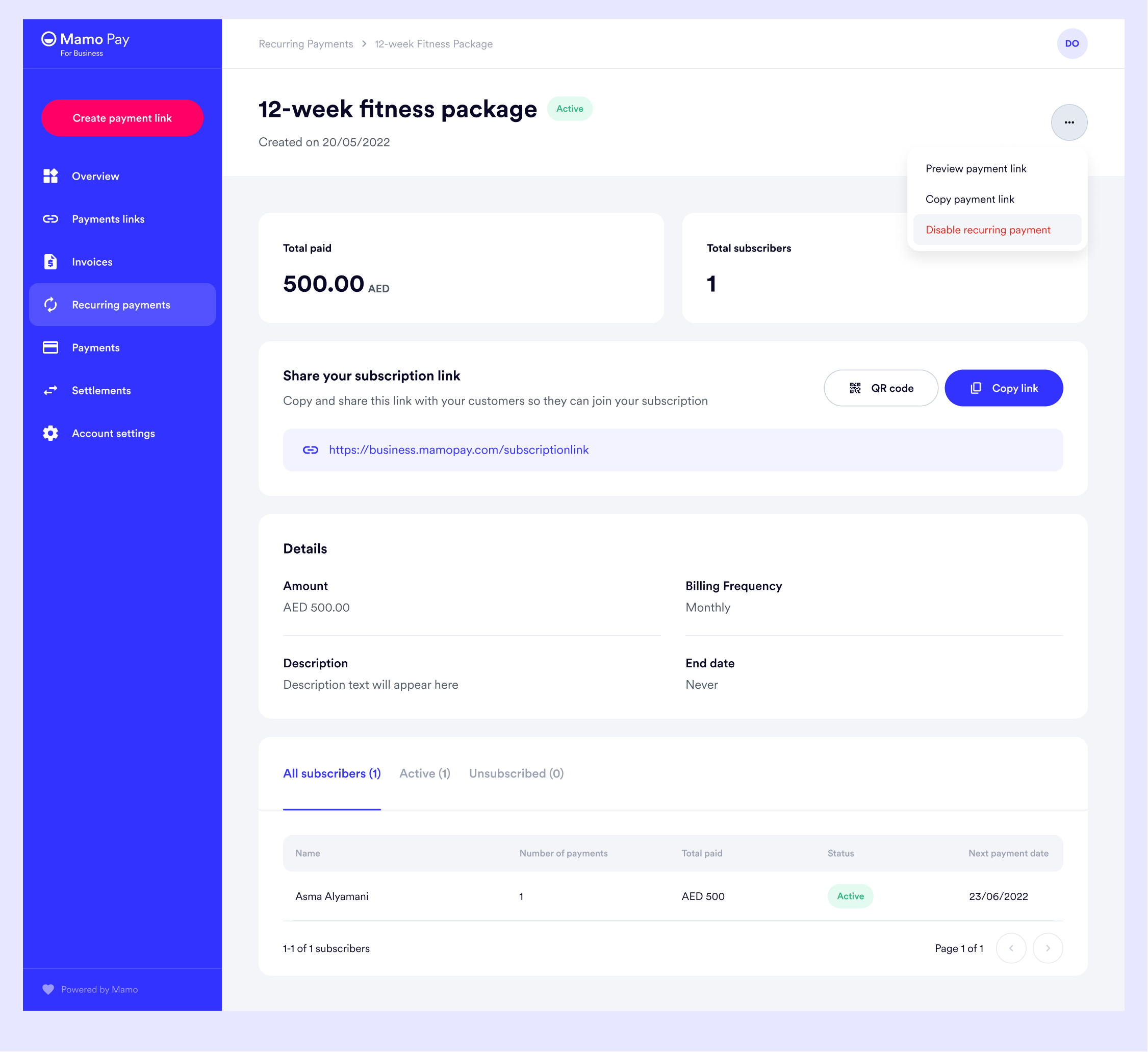
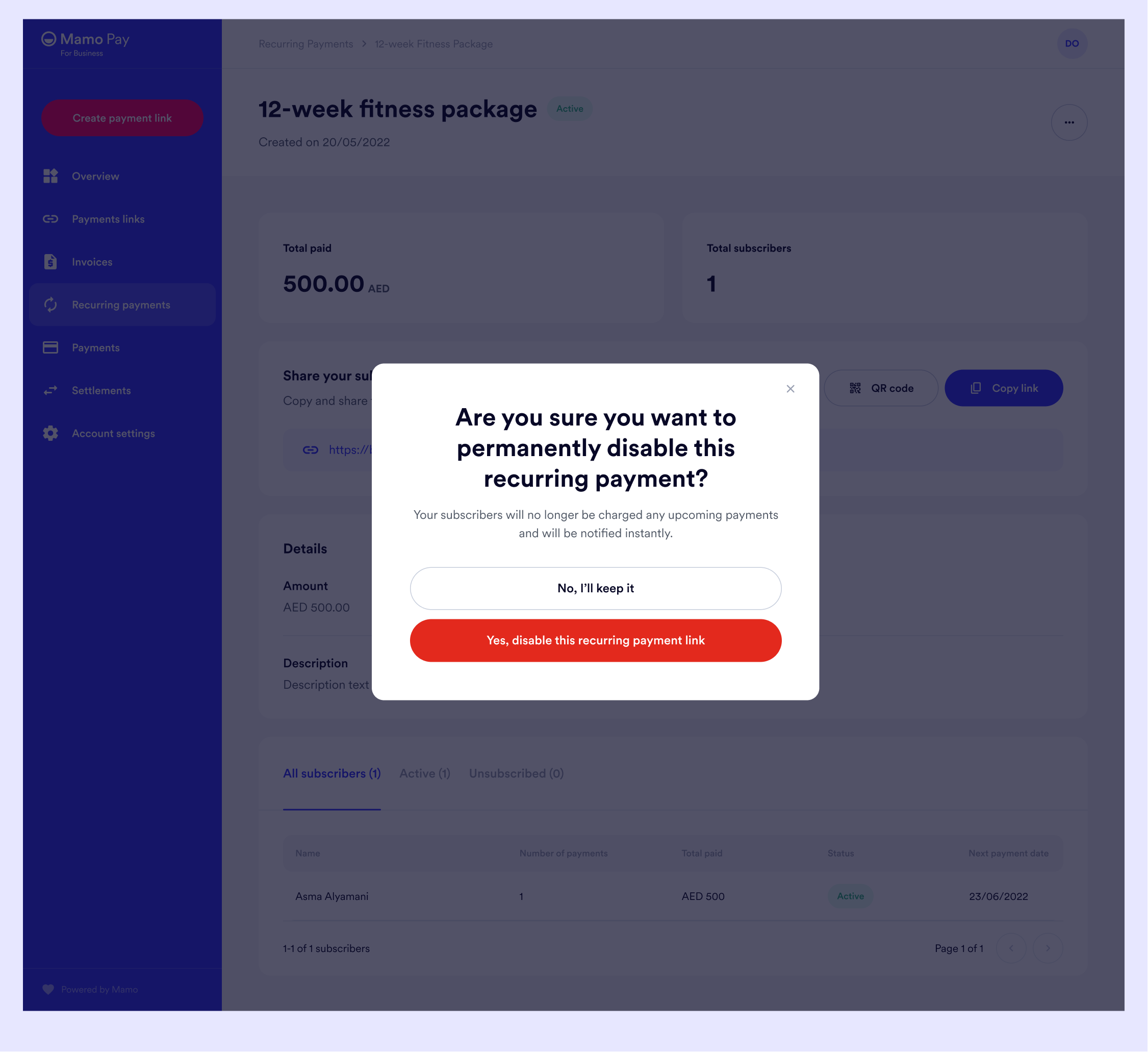
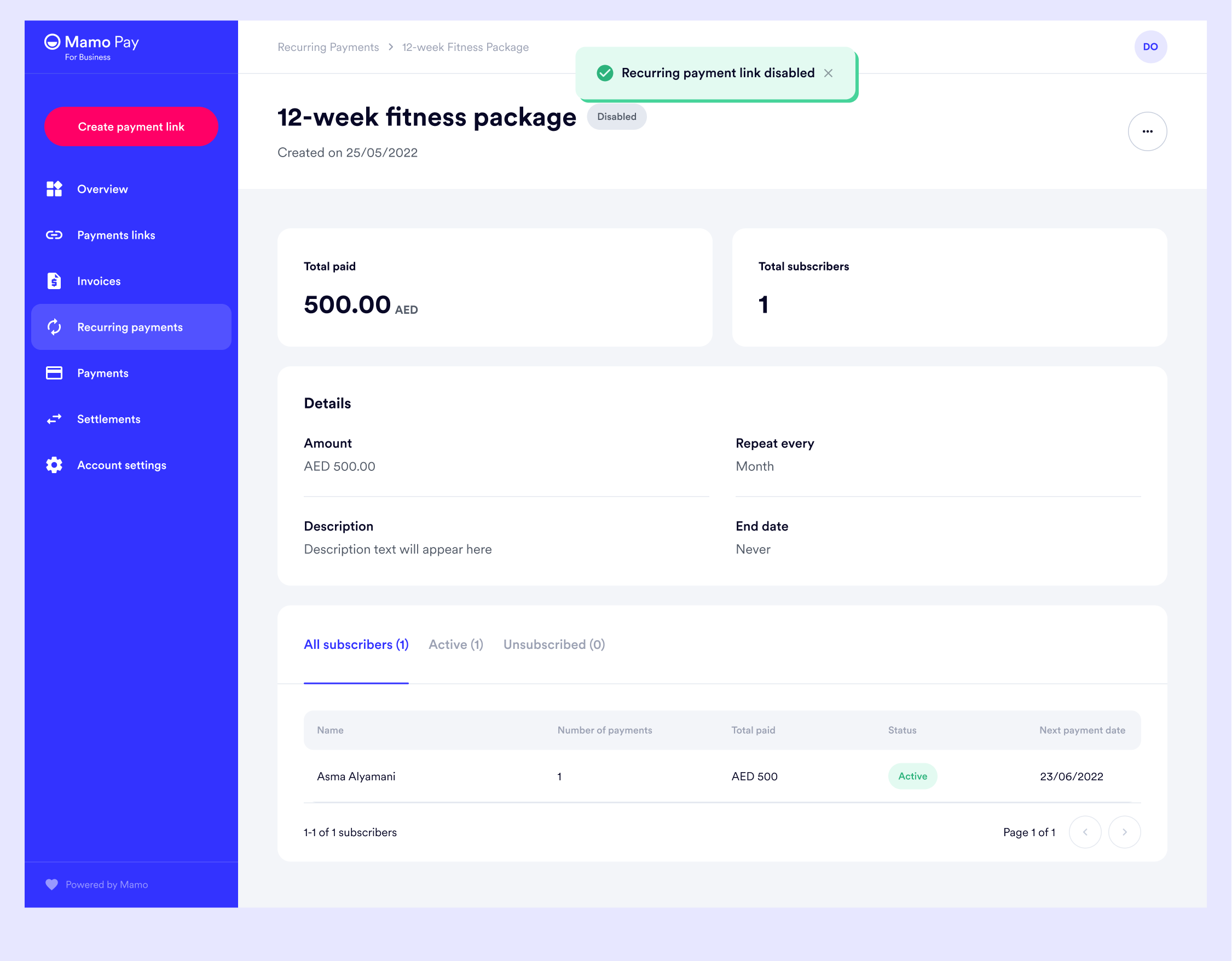
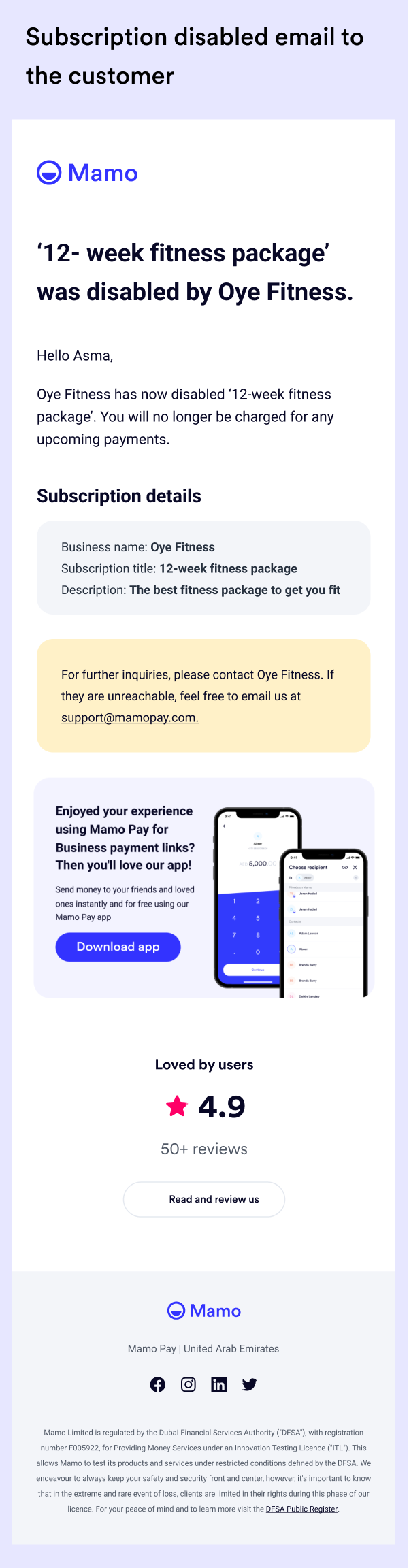
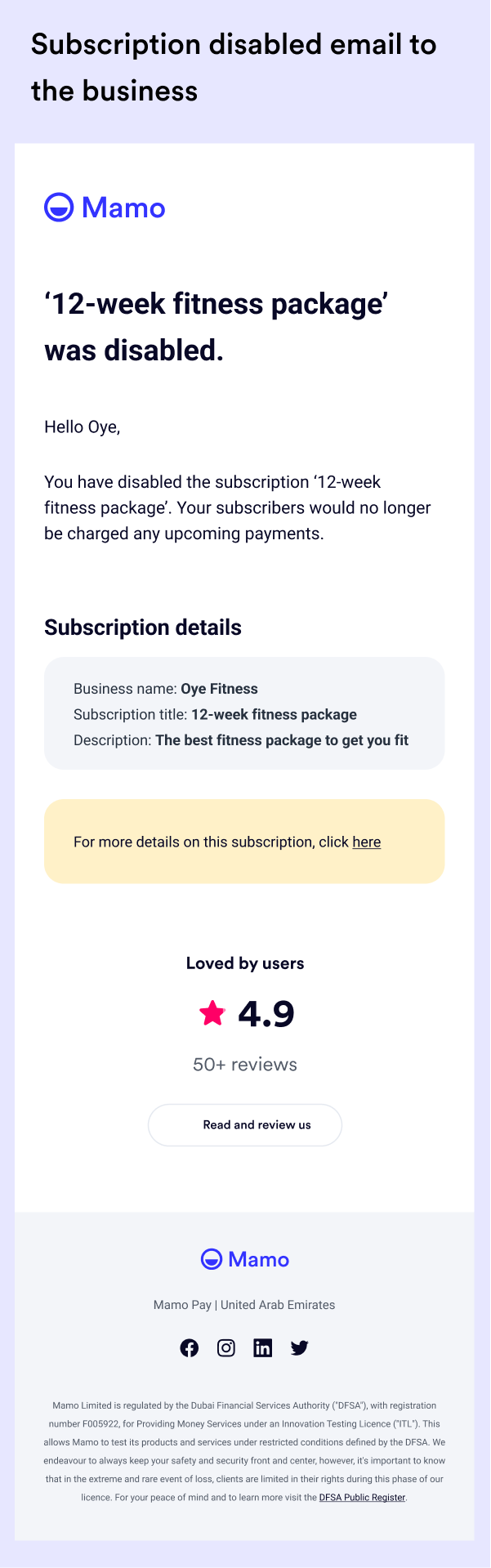
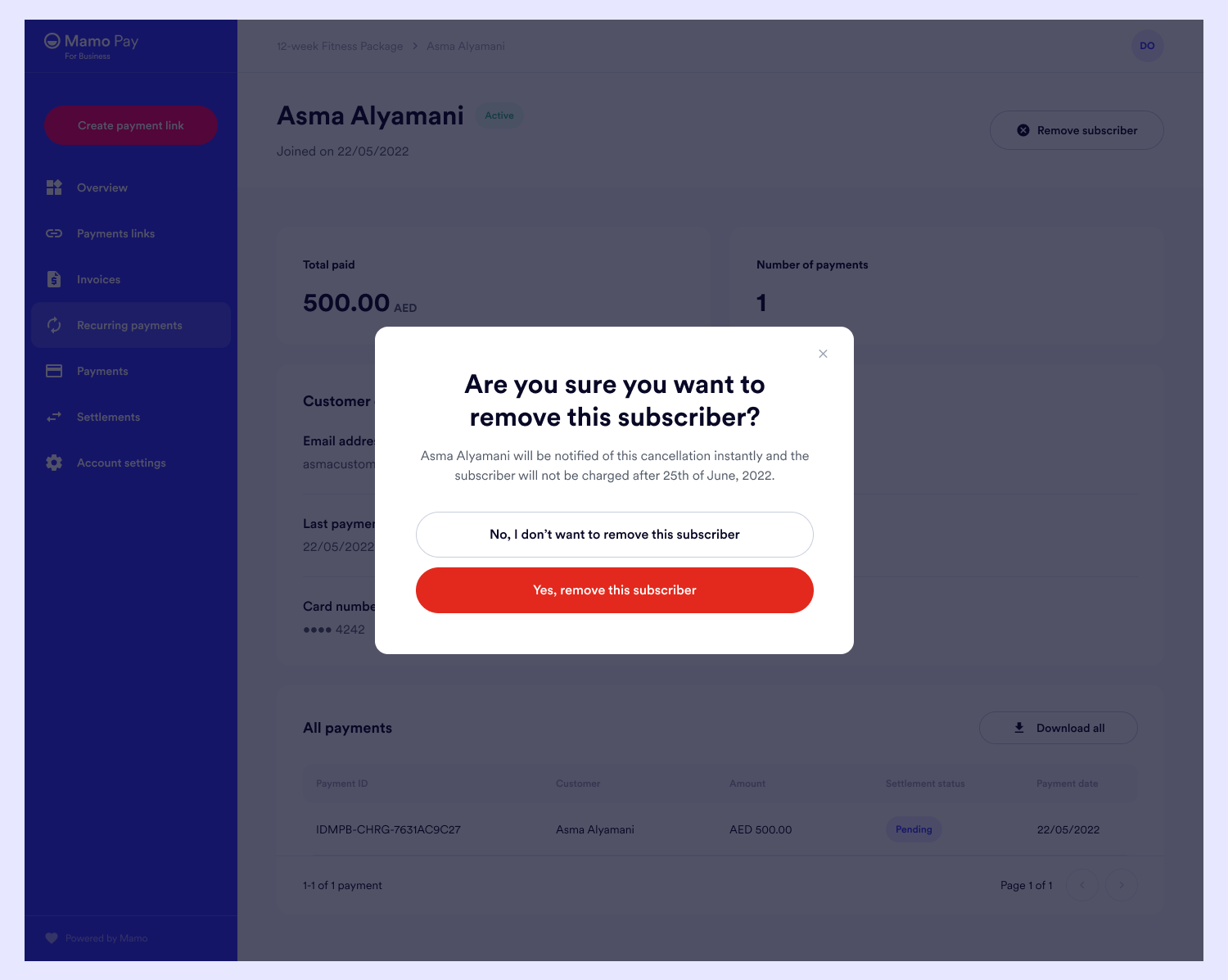
If a subscriber reaches out to the business to unsubscribe, the business can trigger this from their subscribers' dashboard.
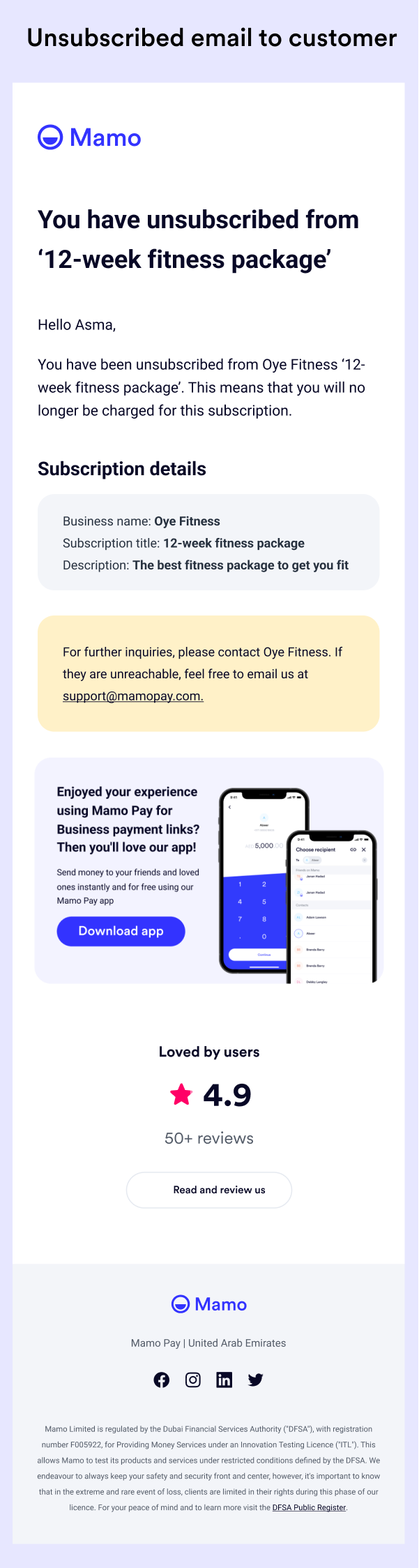
When the business removes a subscriber, the subscriber is notified through email.
Since launch, subscription payments have been adopted by 20% of Mamo’s users and now contribute to 10% of total GMV, establishing recurring payments as a core revenue stream.
Getting constant feedback as the design progressed and testing allowed me to iterate faster and work productively.
Also, simpler and friendlier user experience especially for B2B products makes a lot of difference.