.svg)
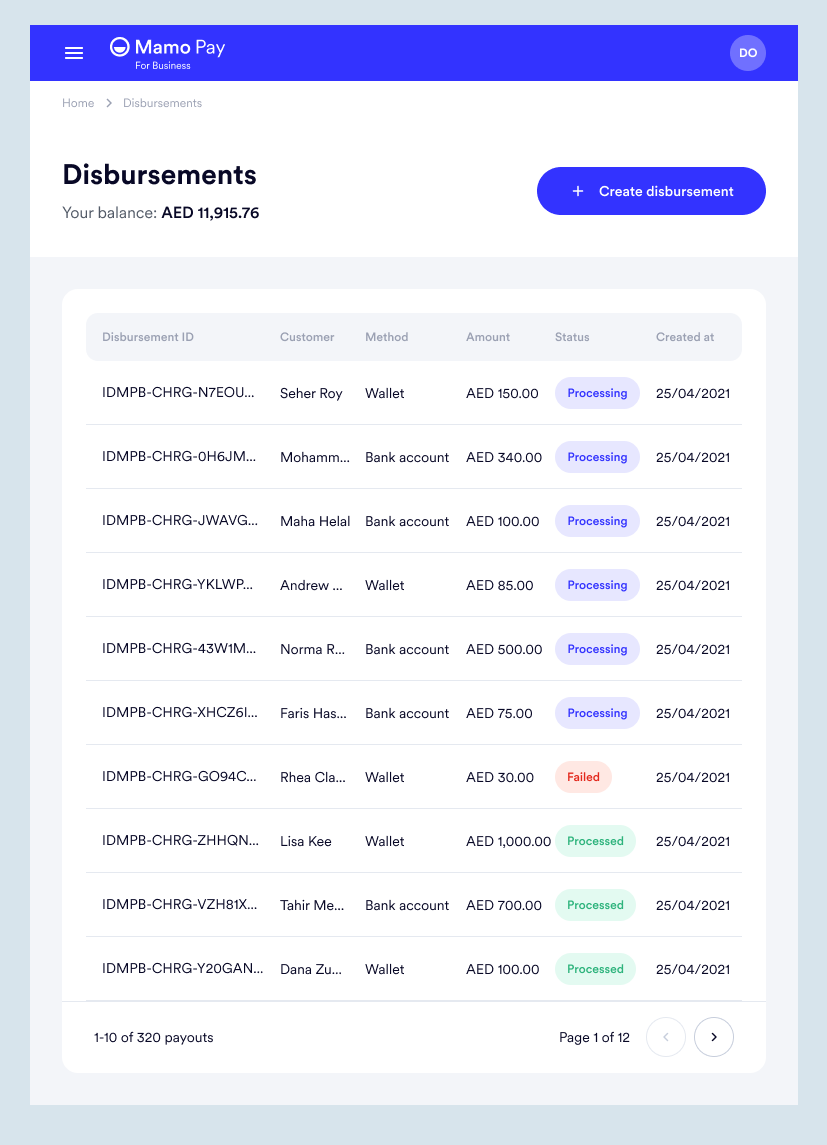
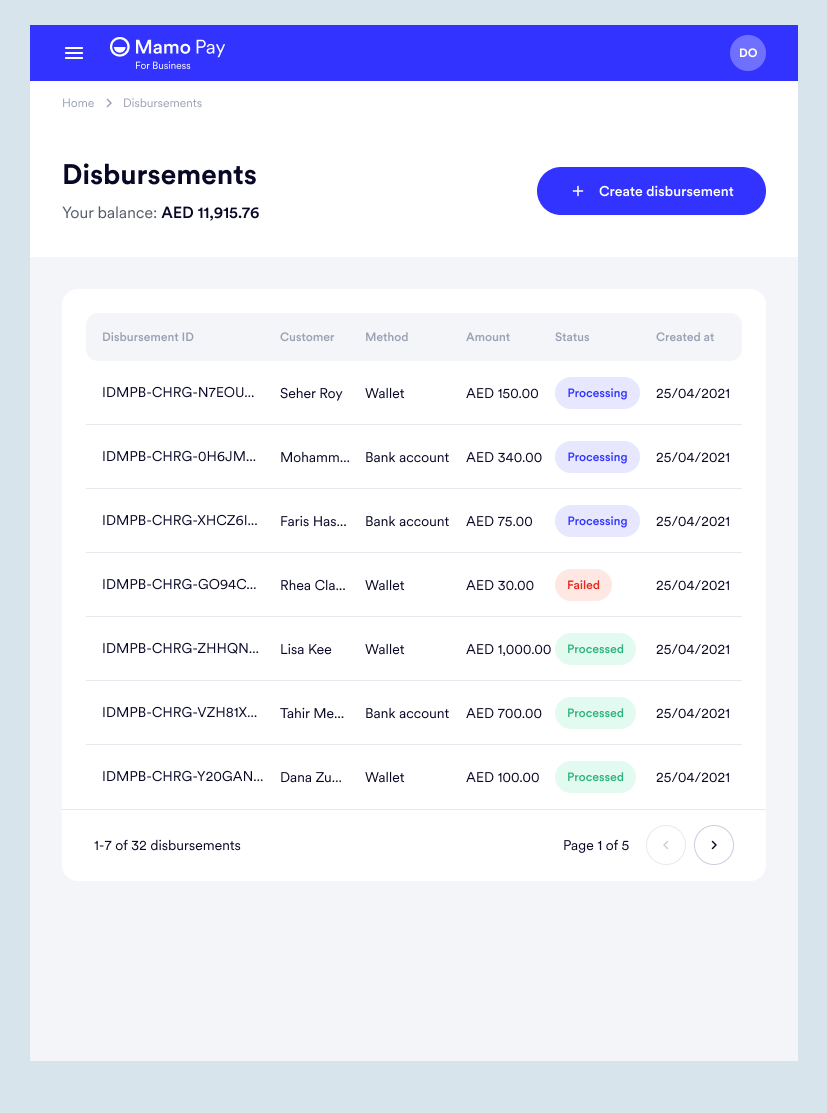
With the Disbursement feature, businesses can spend their revenue on expenses directly from their Mamo business account, streamlining their financial operations.

Mamo's initial spend management offering for businesses was the Disbursement feature.
With this functionality, businesses are able to utilize the funds they receive from customers via Mamo to make payments directly for a variety of expenses, such as vendor invoices, employee salaries, or miscellaneous transactions.
This feature allows businesses to efficiently manage their finances and streamline their payment processes using funds directly from their Mamo account.
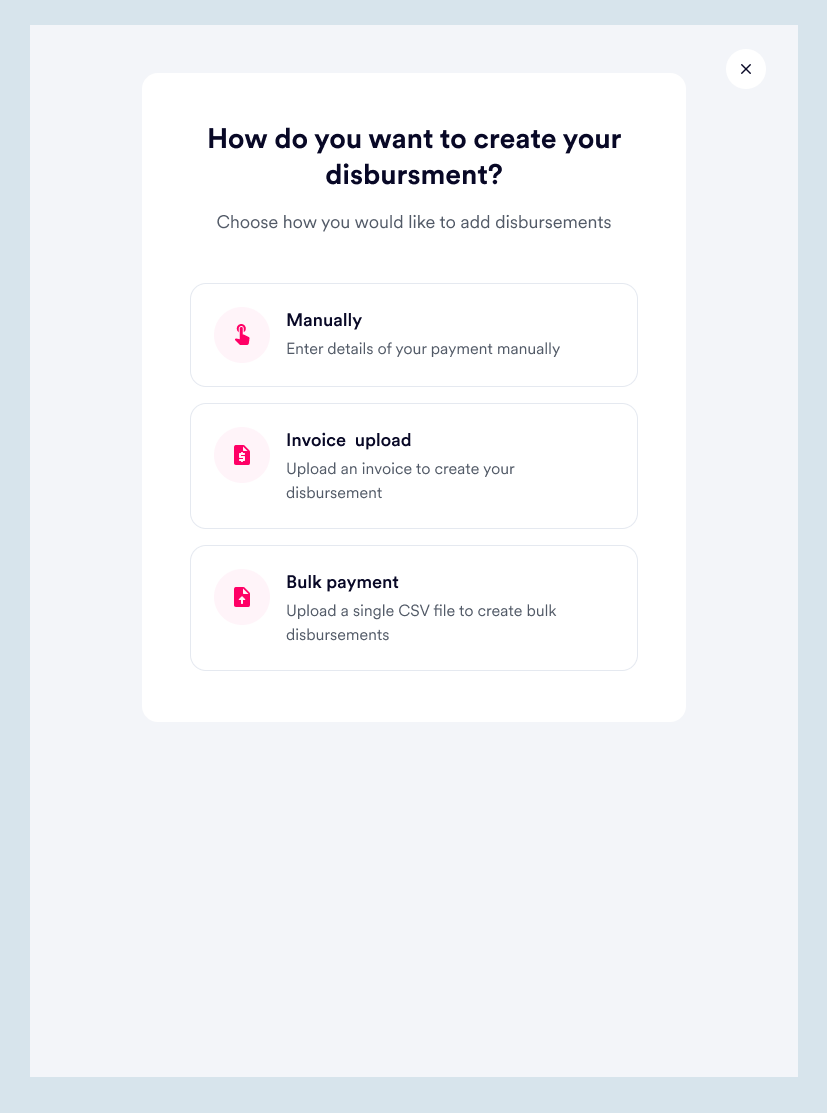
Initially, the Disbursement feature functioned solely by processing payments in bulk via CSV upload. Businesses could compile their expense details in a single spreadsheet, upload it through the Disbursement feature, and Mamo would process the payments using the available balance in their business account, thereby facilitating the payment process.
Recognizing that many businesses regularly receive invoices from vendors that need to be paid, as well as occasional one-off transactions, the process of compiling and uploading the information into a spreadsheet for processing was deemed inefficient. To address this, we developed the ability for businesses to manually create disbursements, as well as the option to upload invoices directly into the Disbursement feature. These enhancements provide businesses with increased flexibility and a more streamlined approach to managing their payments.
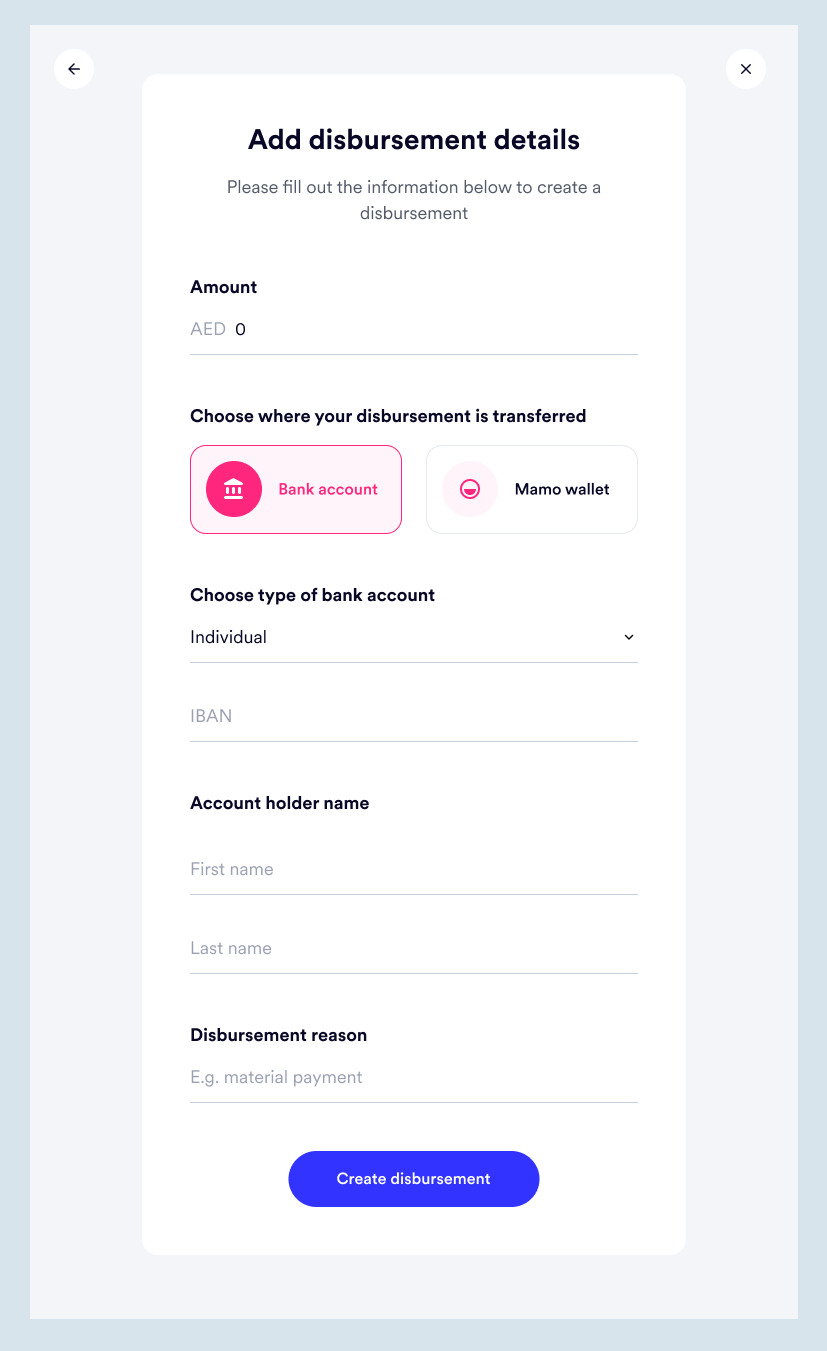
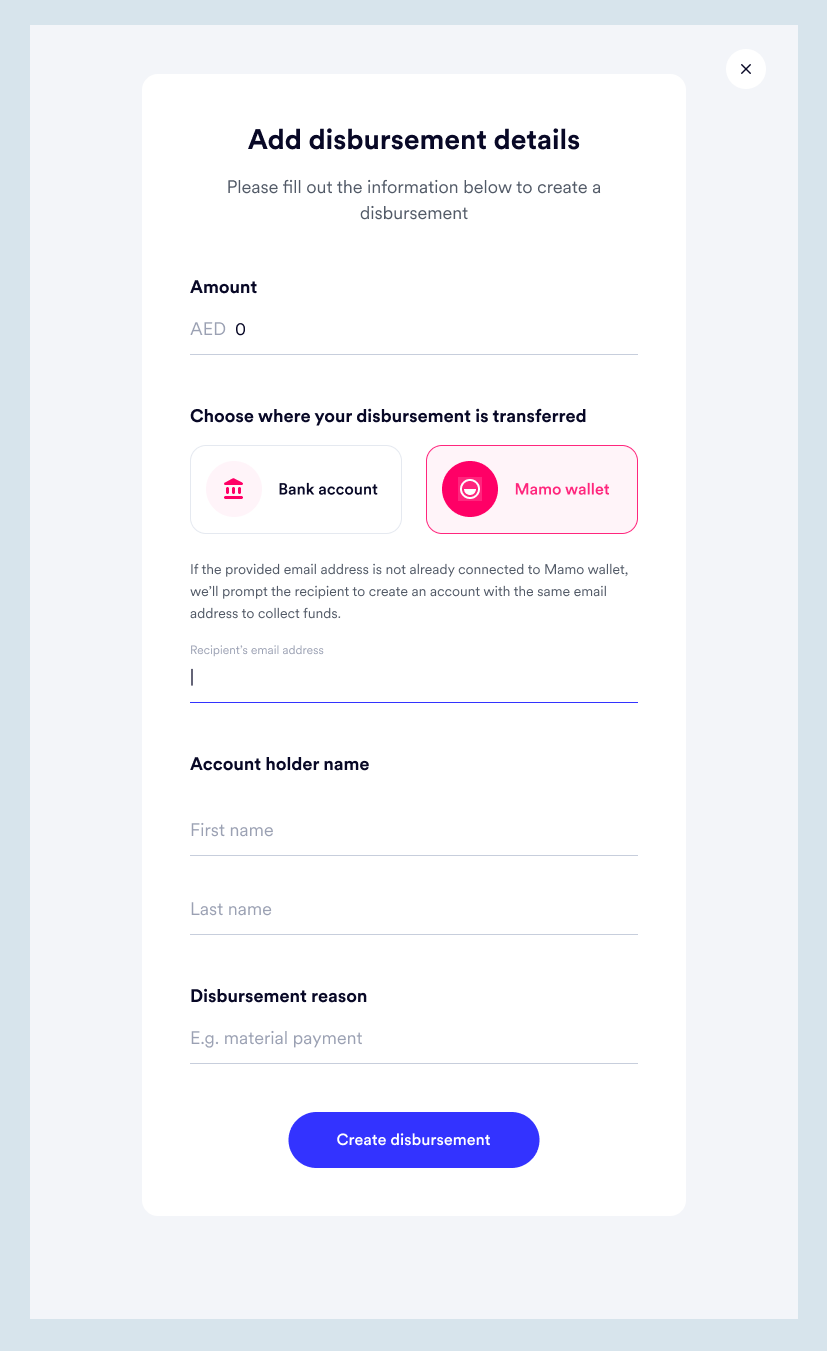
To process a disbursement, as with regular bank transfers, the essential information needed includes:
The only addition is the possibility of a business needing to make payments to someone that uses the Mamo app (consumer product). Therefore, the ability to pay from a Mamo business account to a Mamo consumer account is necessary.
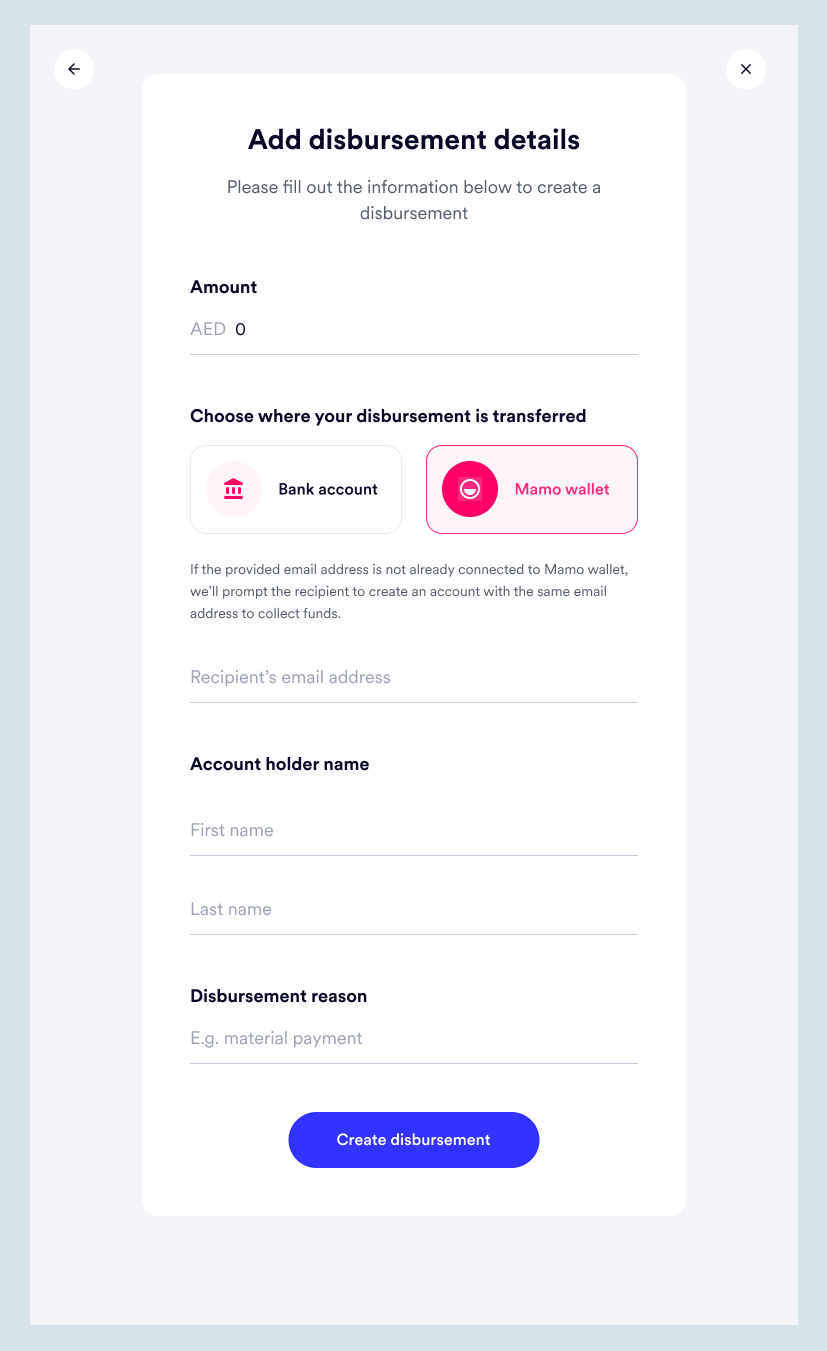
For disbursements to a bank account, IBAN is required and for Mamo account user, email address is what's needed.
At Mamo, we make responsive designs, so I’d be showing the tablet screens for this feature.
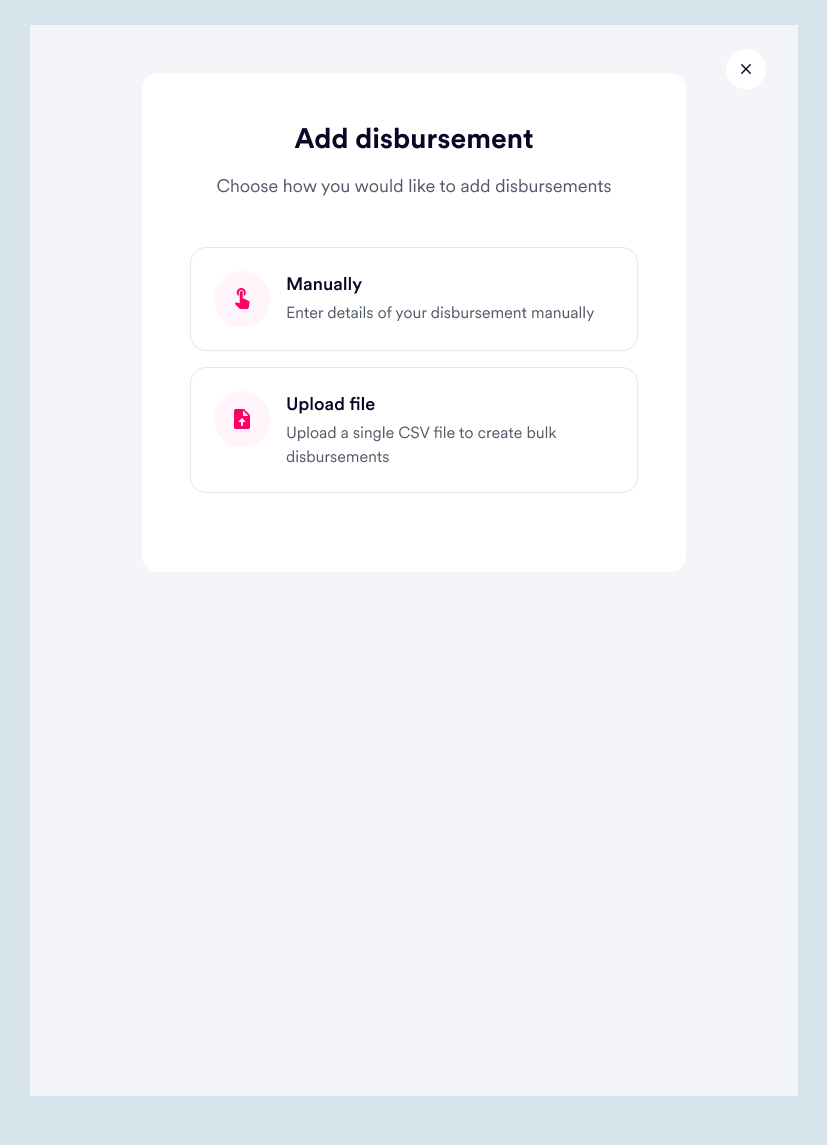
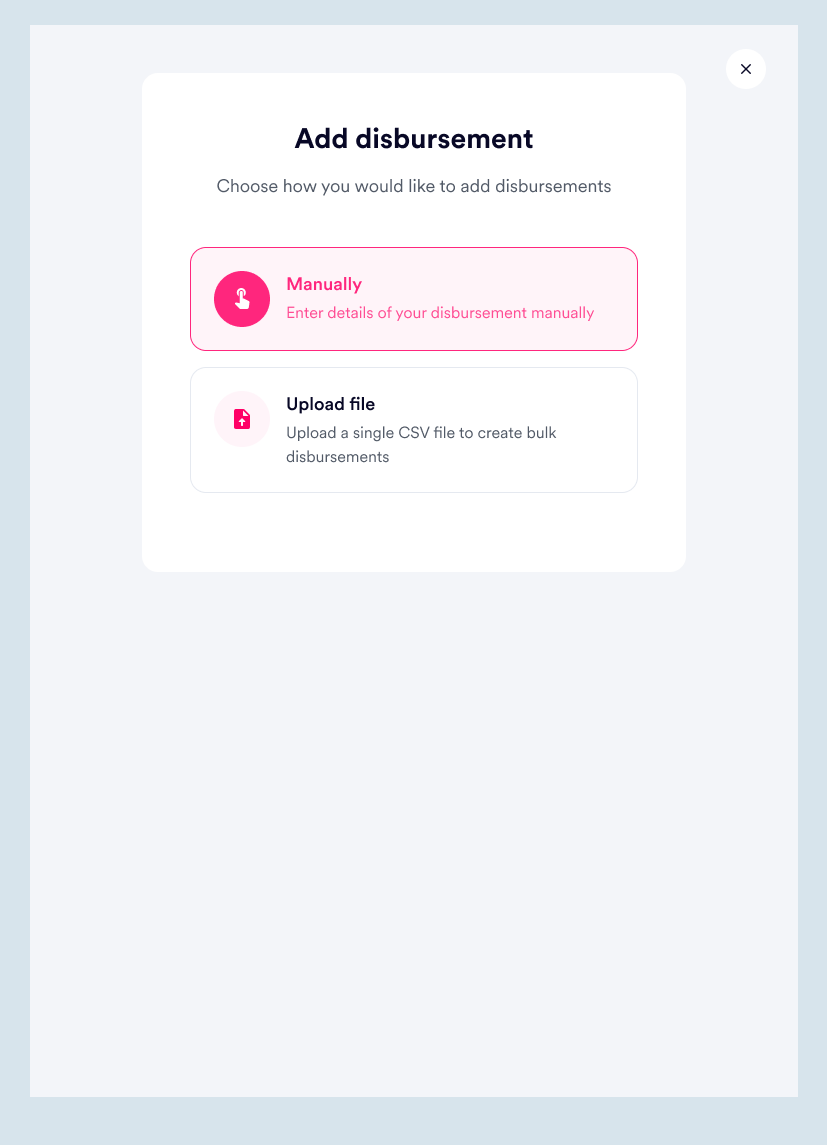
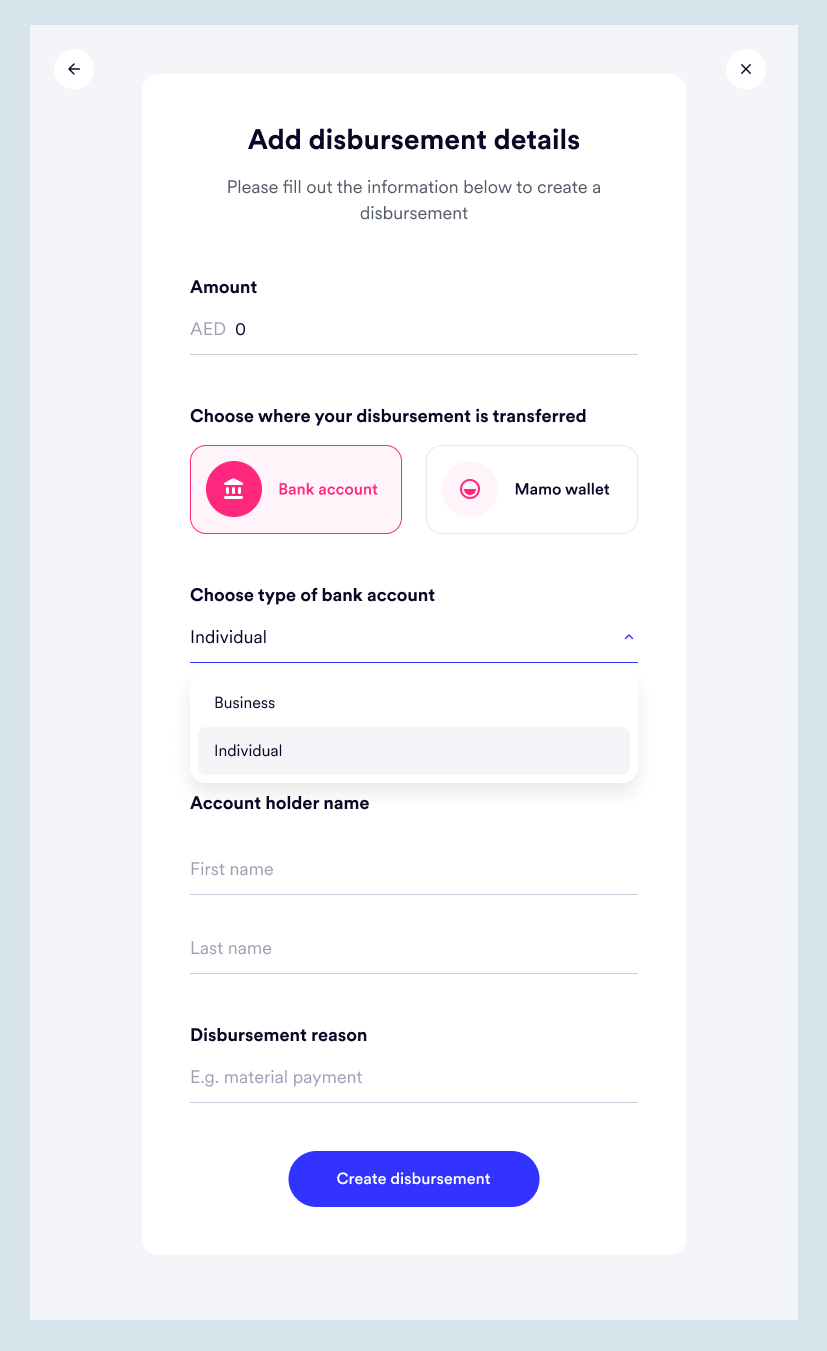
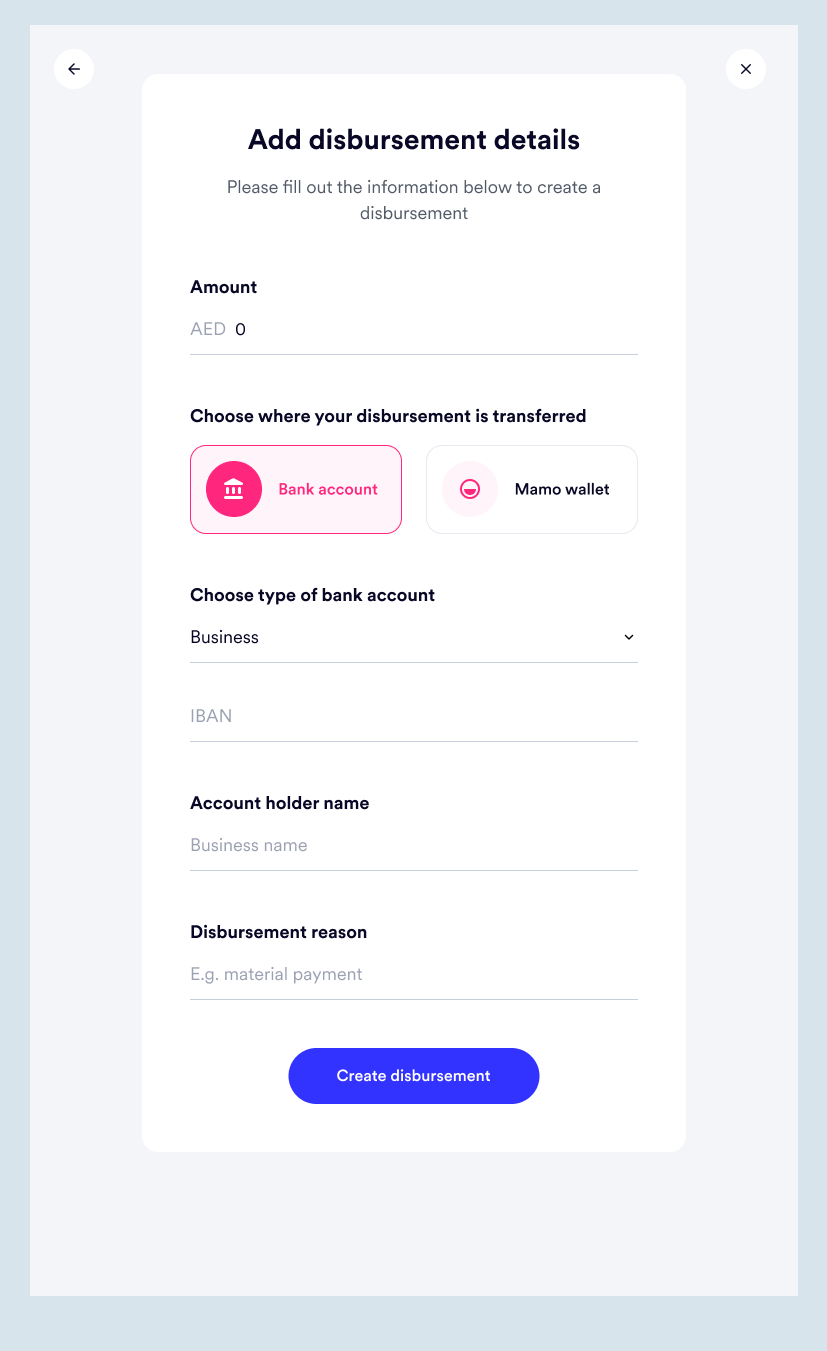
Considering it’s possible that the bank account transactions the business is trying to make could be to an individual or another business, the option to choose which is provided.
The difference this makes is in the account holder’s name. For individuals, it’s first and last names; for business, it’s simply the business name. A business does not supposedly have a first and last name so the input field needs to be clear and specific.
And if the transfer is to be made into a Mamo wallet (The Mamo Pay app), only the recipient’s email address is required.
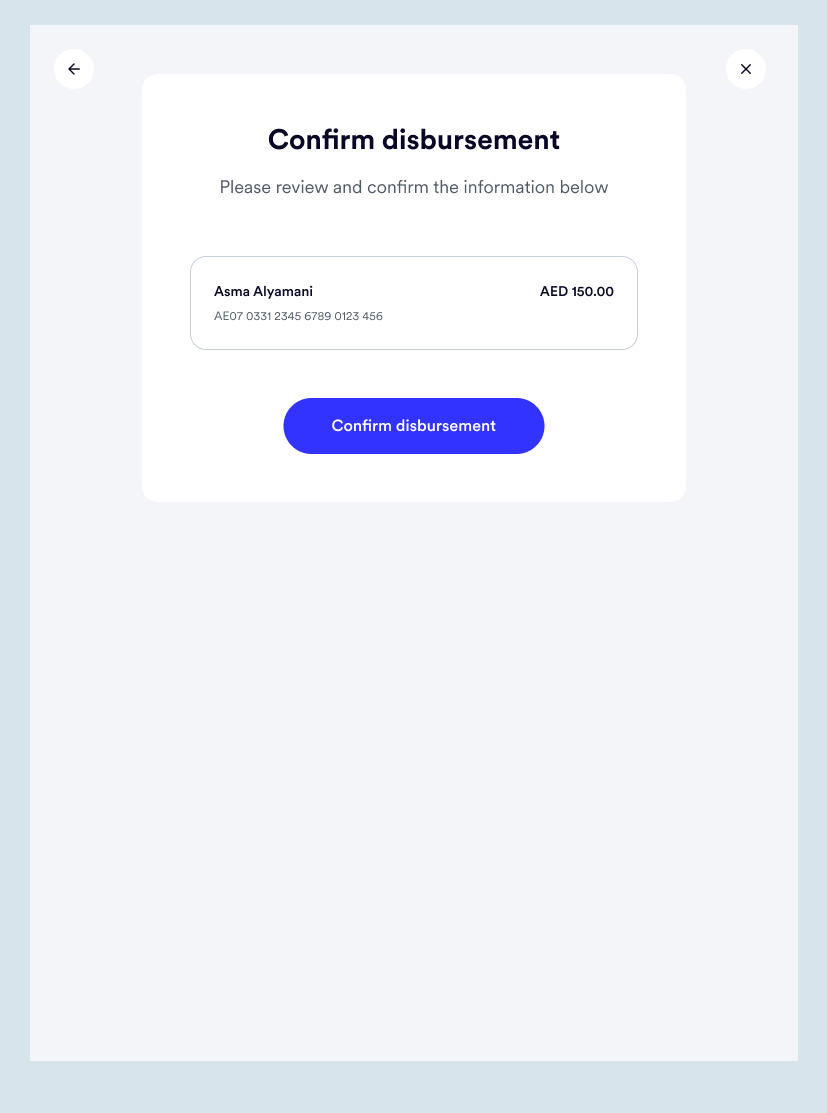
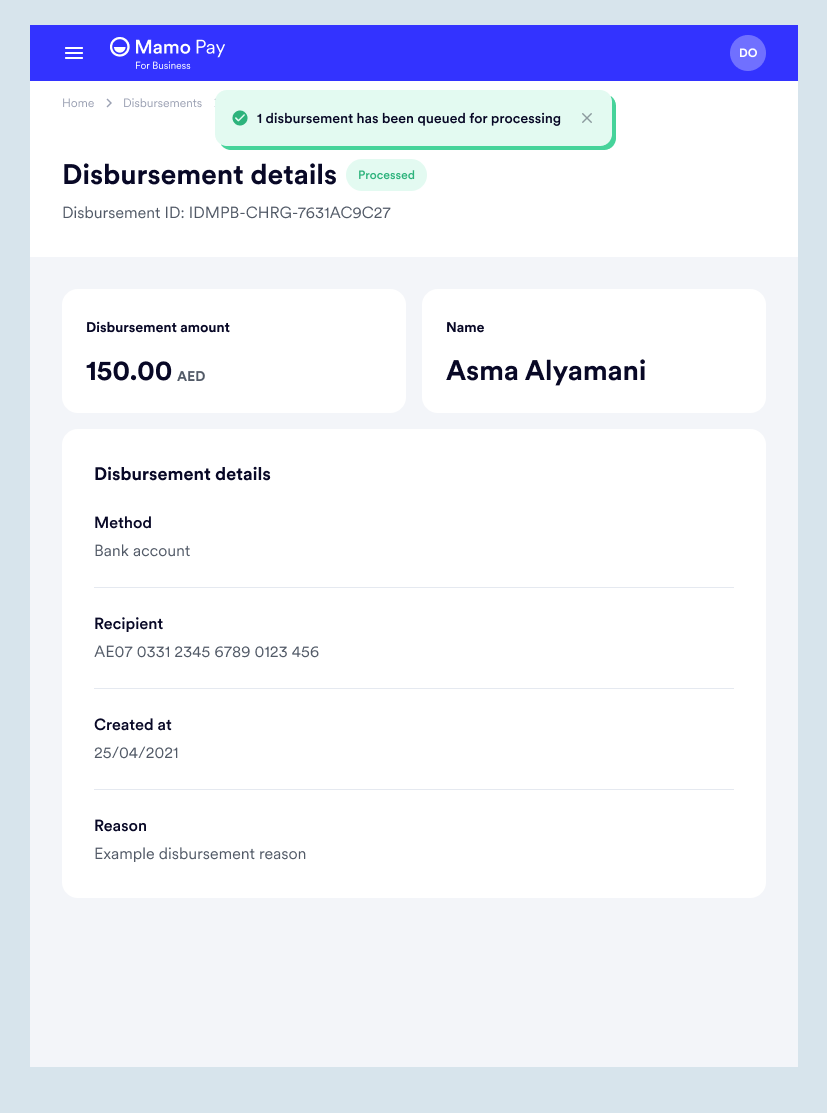
After the details are entered, there is a preview of the details entered before the disbursement is confirmed.
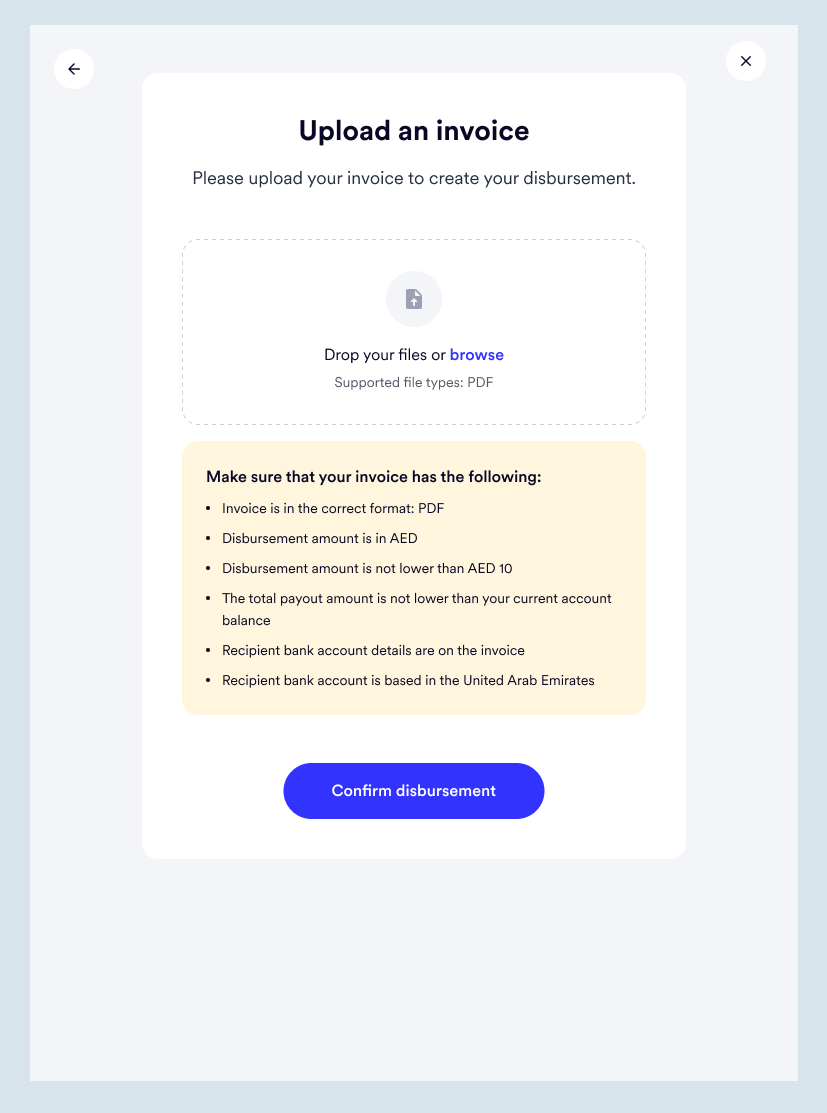
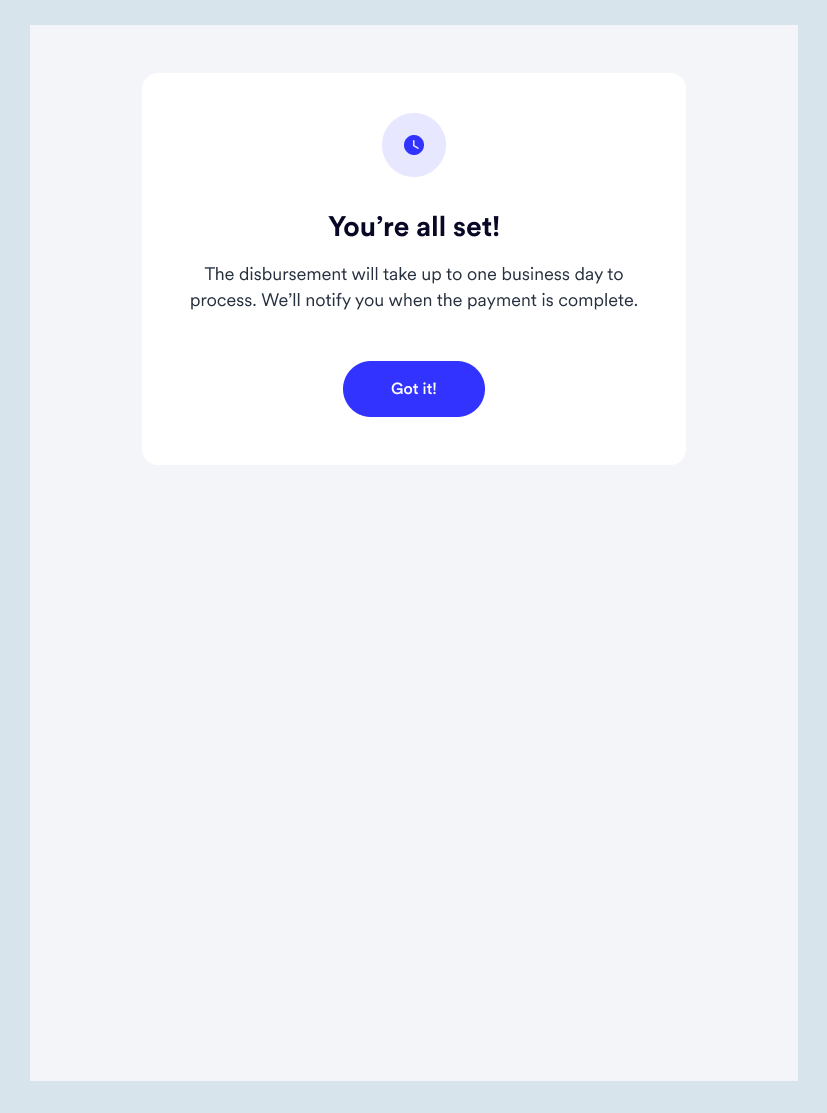
This works very similarly to the first type of disbursement, where a CSV file is uploaded to make bulk payments. However, an invoice is uploaded to process a single payment in this case.
This is to allow our users the ability to simply upload the invoice from their vendors and get it paid directly from their Mamo account.